When Apple introduced App Tracking Transparency in iOS 14.5, it changed the economics of mobile advertising and, less visibly, the mechanics of deferred deep linking. Many teams didn't feel the full impact immediately, but two years in, ATT's effects on link attribution are well understood and the workarounds are settled.
This guide explains what ATT actually restricts, how it affects the deferred link matching process, what you can and cannot do within the rules, and how to design a linking strategy that works well under the current constraints. For a technical overview of how deferred linking works end to end, see Deferred Deep Linking: How It Works.
What ATT Actually Restricts
A lot of confusion about ATT comes from misreading the scope. ATT does not restrict all data collection. It restricts a specific thing: linking data about a user or device across apps or websites owned by different companies for advertising purposes.
The technical definition from Apple is in the ATT framework documentation:
"Tracking refers to the act of linking user or device data collected from your app with user or device data collected from other companies' apps, websites, or offline properties for targeted advertising or advertising measurement purposes."
What requires ATT permission:
- Using the IDFA (Identifier for Advertisers) to link a user across apps or ad networks
- Sharing device-level identifiers with a third-party attribution provider to match installs to ad clicks
What does NOT require ATT permission:
- Collecting analytics for your own app's performance
- Attributing installs to your own first-party links (clicks from your website to your app)
- Using aggregated, non-user-linked analytics (like SKAdNetwork)
- Matching a user to a link they clicked in your own marketing email
This distinction matters for deferred deep linking because not all deferred links involve cross-app tracking. A link in your own email newsletter that carries personalized parameters for your own app is first-party. You don't need ATT permission for that. The attribution is purely within your own product.
The cases that require ATT permission are primarily paid advertising: when a click happens on a third-party ad network and the attribution provider needs to link that click to the install using a device identifier.
How ATT Affects Deferred Link Matching
For deferred deep linking specifically, ATT creates a fork in the matching process:
When ATT is granted: The SDK can read the IDFA. The attribution service records the IDFA at click time and matches it to the IDFA sent at first launch. Matching is deterministic and accurate.
When ATT is denied or not requested: The IDFA returns all zeros. The SDK falls back to probabilistic fingerprinting using IP address, user agent, device type, and timing signals. Matching is statistical, with accuracy in the 70-90% range for installs that happen within a few hours of the click.
When ATT status is undetermined (not yet prompted): The IDFA also returns all zeros. This is an important edge case: if your app hasn't shown the ATT prompt yet, you're in the same position as a denial. Any attribution that happens before the prompt fires will be probabilistic.
This means the placement of your ATT prompt affects attribution quality. If you show the prompt after the first launch (a common UX choice, to give users context before asking for permission), you may already have processed the deferred link match before the user responds. The match happens on first launch, prompt or not.
Apple's human interface guidelines on ATT recommend being transparent about why you're requesting permission. Apps that show a purpose string explaining the benefit (e.g., "This helps us show you relevant content") consistently see higher opt-in rates than apps that show the default dialog without context.
The Fingerprinting Question
Apple has been explicit that fingerprinting designed to circumvent ATT is not allowed. The App Store Review Guidelines section 5.1.2 states:
"Collecting data about the user in order to derive a unique identifier… to track the user across apps, websites, or offline properties owned by other companies is considered tracking."
The practical implication: probabilistic attribution used as a fallback when no identifier is available is different from probabilistic attribution used as a technique to avoid prompting for ATT at all. The former is acceptable; the latter is a policy violation.
The distinction Apple draws is intent and scope. Using IP + user agent to make a best-effort match when IDFA is unavailable, for the purpose of attributing a click to an install within your own product, is in a different category from building a persistent cross-app profile by fingerprinting.
When implementing deferred linking, do not store fingerprint data as a persistent user identifier. Use it only for the initial match on first launch, and discard it after the attribution is resolved.
Working Within the Rules: A Practical Approach
Given the ATT landscape, here's a practical architecture for deferred deep linking that maximizes accuracy while staying compliant.
First-Party Links: No ATT Needed
For links in your own emails, push notifications, SMS campaigns, or your own website, you're operating in a first-party context. You don't need ATT permission to attribute these correctly.
Use your own user identifier (if the user is logged in) or a click-scoped session token to carry parameters through the install. When the user launches the app, retrieve the token from the server. This approach is deterministic and requires no device identifier at all.
Tolinku supports first-party link attribution natively. See the deferred deep linking documentation for how session tokens work in this flow.
Paid Campaigns: ATT Optional but Helpful
For links in paid ads on third-party networks, IDFA is necessary for exact match attribution. You can still get good coverage without it using probabilistic attribution, but you'll have a meaningful percentage of unattributed or misattributed installs.
The practical advice: prompt for ATT, use the IDFA when available, fall back to probabilistic matching when it's not. Tolinku's SDK handles this automatically.
ATT prompt timing best practices:
- Show the prompt after the user has engaged with the app for a moment (completing the first onboarding step, viewing a piece of content). This improves opt-in rates by giving context.
- Use a pre-permission screen to explain what you're asking and why before showing the system dialog. The system dialog can only be shown once; the pre-screen can set expectations.
- Don't show the prompt on the very first screen. Apple's own guidelines say this leads to lower consent rates.
SKAdNetwork: Campaign-Level Attribution Without IDFA
SKAdNetwork is Apple's privacy-preserving attribution framework. It provides aggregated, delayed install attribution directly from Apple, without exposing user-level data to third parties.
SKAdNetwork works well for measuring which ad campaigns drive installs at a campaign level. It does not provide per-user parameters, so it cannot power deferred deep linking for individual users. Use it alongside your SDK-based attribution, not instead of it. For a thorough walkthrough of SKAdNetwork's capabilities and limitations, see the SKAdNetwork (SKAN 5) Guide.
Apple updates SKAdNetwork regularly. As of SKAdNetwork 4.0, it supports coarse-grained conversion values and crowd anonymity thresholds. The SKAdNetwork documentation covers the current version.
The Consent Flow and Deferred Links Together
One practical problem: the deferred link match happens at first launch, but ATT is also a first-launch event. If you wait to fire the match until after ATT consent, you add complexity. If you fire the match before the prompt, you may not have IDFA available.
The typical solution is to fire the deferred link match request at first launch with whatever signals are available, then update the attribution record once ATT consent is resolved (if IDFA becomes available). This means the attribution may initially be probabilistic and later upgraded to deterministic if the user grants permission.
Most SDKs handle this upgrade path automatically. Verify that your SDK supports it, and that the deferred link parameters are delivered regardless of ATT state (you don't want to gate UX on whether the user accepts tracking).
For the link destination routing, don't wait for ATT. Deliver the deferred link destination on first launch. The attribution record can be updated later. The user experience should never depend on tracking consent.
GDPR and Other Privacy Regulations
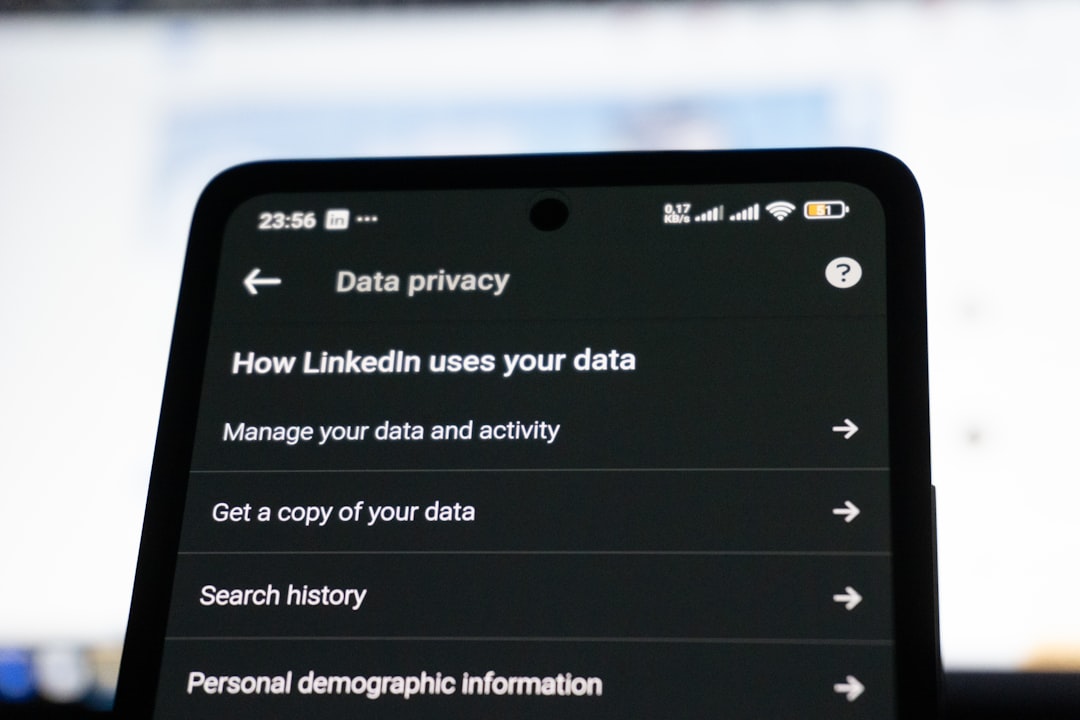
ATT is iOS-specific, but if your users are in Europe, GDPR applies on both platforms. Under GDPR, attribution data collected from EU users requires a lawful basis. For cross-app tracking, the relevant basis is typically consent.
GDPR consent requirements are stricter than ATT in some ways: consent must be freely given, specific, informed, and unambiguous. Pre-ticked boxes don't count. Bundling tracking consent into general terms of service doesn't count.
France's CNIL has published guidance on mobile tracking that specifically covers SDKs and attribution providers. If you have French users, review this guidance.
Practical implications:
- Your privacy policy must disclose attribution data collection and name your attribution provider.
- EU users must be able to opt out of attribution tracking. Your SDK initialization should be gated on consent status for EU users.
- Attribution data should not be retained longer than necessary. Set a retention policy and configure it in your attribution service.
Tolinku provides consent-gating in the SDK initialization. The SDK can be initialized in a "no-tracking" mode until consent is collected, and then re-initialized with full tracking once the user consents.
Alternative Approaches: What You Can Do Without IDFA
If ATT opt-in rates are low for your app category and probabilistic accuracy isn't sufficient, a few alternative approaches exist.
Referral codes: Instead of relying on device-level attribution, put a unique code in each link. The code travels through the install and the user enters or applies it in the app. Accurate, privacy-compliant, but adds UX friction.
Email click attribution: If the link is in an email to an identified user, attribute the install to the email campaign using the user's email address, not a device identifier. Accurate for known users, doesn't work for acquisition.
QR codes with location context: QR codes printed in physical locations (retail stores, events) can be attributed to the location without device tracking. The QR code carries a campaign identifier, and you track installs from that campaign. No user-level data required.
Authenticated deep links: For apps where users are logged in before clicking a link (web-to-app flows for existing users), attribute via the authenticated session. This is the most accurate approach for re-engagement, and ATT doesn't apply because you're linking within your own product.
Summary
ATT doesn't break deferred deep linking. It narrows the conditions under which exact-match attribution is available and requires a fallback strategy for the rest. The key points:
- First-party links don't require ATT permission. Handle these with session tokens and first-party matching.
- For paid campaigns, prompt for ATT with appropriate context, and use deterministic attribution when available.
- Use probabilistic attribution as a fallback, not as a way to avoid requesting permission.
- Deliver the deferred link destination independently of ATT consent status.
- Layer SKAdNetwork for campaign-level reporting alongside per-user attribution.
The teams that handle this well build better user experiences and more accurate attribution than those who either ignore the constraints or over-restrict their data collection in response to them. For a broader perspective on how privacy regulations are reshaping the deep linking landscape, see Privacy Changes and Deep Linking.
Get deep linking tips in your inbox
One email per week. No spam.