Should you build deep linking in-house or use a third-party platform? The answer depends on your team size, engineering capacity, how critical deep linking is to your product, and whether you need features beyond basic Universal Links and App Links.
This guide provides an honest assessment of both approaches. For cost analysis, see total cost of ownership for deep linking. For the broader comparison, see deep linking platform comparison.
What "Build" Actually Means
Building deep linking in-house means implementing:
Must Build (Core)
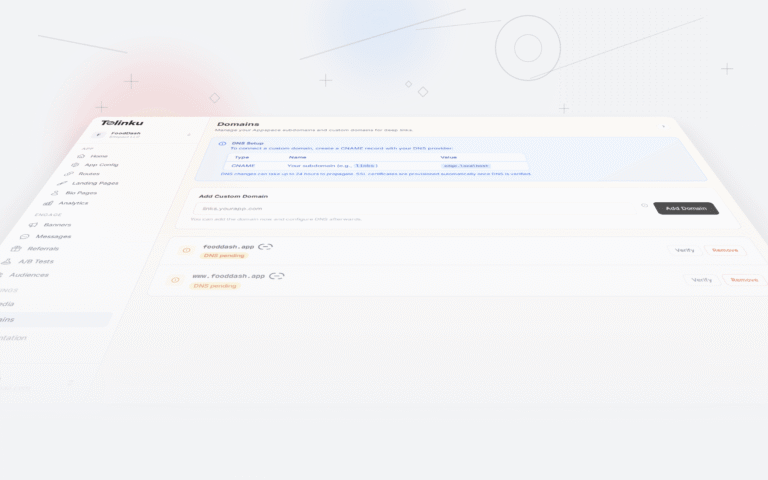
Verification file hosting. Serve
apple-app-site-associationandassetlinks.jsonfrom your domain with correct content types, no redirects, and proper caching headers.URL routing. Parse incoming URLs and route users to the correct screen in your app. Handle path parameters, query strings, and edge cases.
Web fallback pages. Build web pages for users who do not have your app. These pages need platform detection, app store links, and ideally a preview of the content.
iOS integration. Handle
NSUserActivityinSceneDelegatefor Universal Links. HandleURLfor custom schemes (fallback). Test across iOS versions.Android integration. Handle intents with
ACTION_VIEWfor App Links. Configure intent filters in the manifest. Test across Android versions and OEMs.Should Build (Expected)
Deferred deep linking. Store link data before install, retrieve it after install. Android: Play Install Referrer API. iOS: clipboard token or server-side matching.
Smart banners. JavaScript banner on your website that promotes your app with a deep link to the current page.
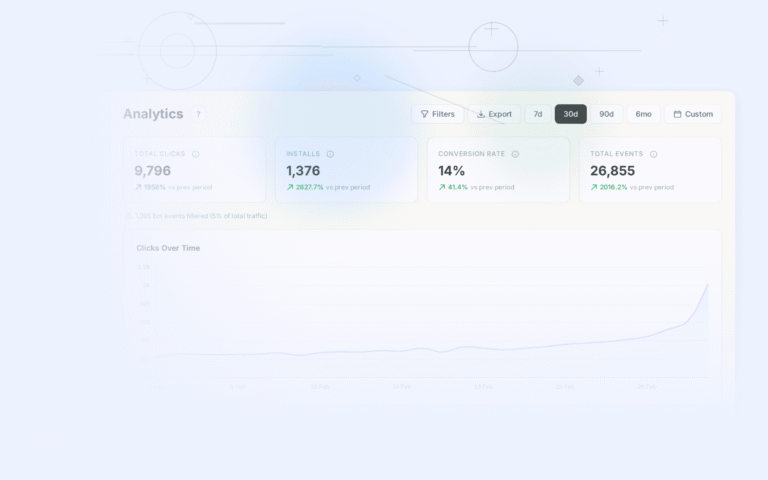
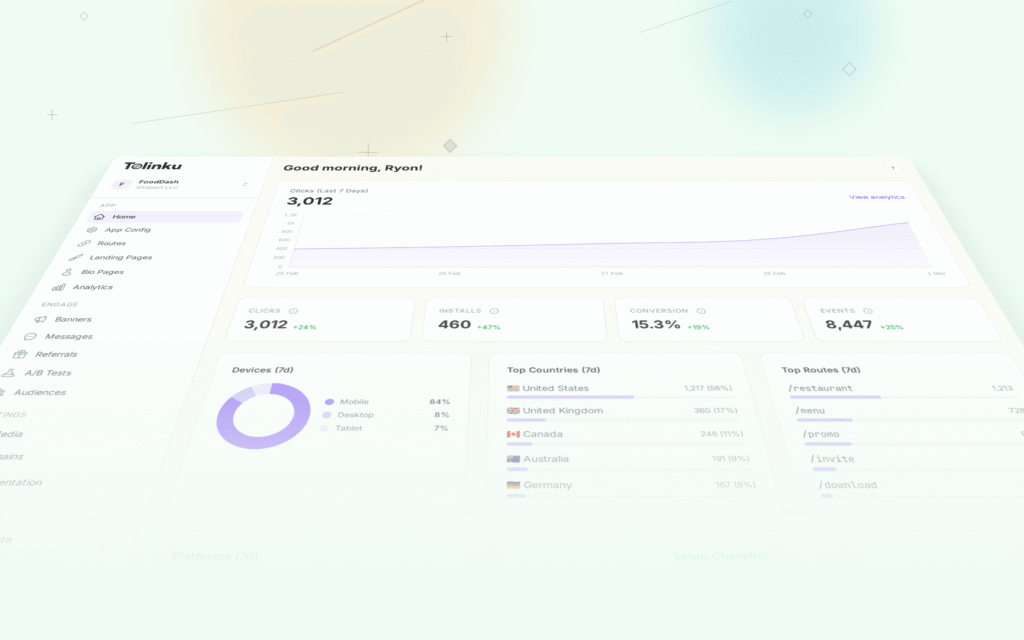
Analytics. Track link clicks, app opens, and conversion rates. Build a dashboard or integrate with your analytics tool.
QR code generation. Generate QR codes for your deep links with your branding.
Often Overlooked
In-app browser handling. Instagram, Facebook, Twitter/X, LinkedIn, and other apps open links in their in-app browsers. Universal Links behave differently in these contexts. You need platform-specific workarounds.
Email client handling. Gmail, Outlook, and Apple Mail handle links differently. Some strip Universal Link behavior. Some rewrite URLs through tracking proxies.
Edge cases. Private browsing mode, VPN users, older OS versions, devices with restrictive settings, custom ROMs on Android.
What "Buy" Actually Means
Using a platform means:
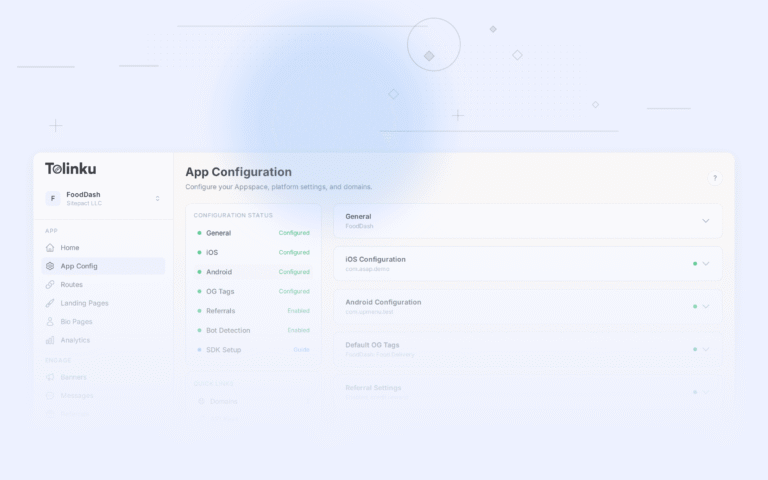
- Create an account and configure your app settings.
- Set up your custom domain (the platform serves verification files).
- Define routes for your deep link patterns.
- Add the SDK to your app.
- Handle incoming URLs in your app code (route to the correct screen).
The platform handles verification file hosting, web fallback pages, deferred deep linking, smart banners, analytics, and edge cases.
Honest Comparison
Development Time
Component Build (Hours) Buy (Hours) Verification file hosting 4-8 0 (platform handles) URL routing in app 8-16 4-8 Web fallback pages 16-40 0 (platform generates) Deferred deep linking 40-80 0 (SDK handles) Smart banners 16-32 0.5 (add script tag) Analytics 16-40 0 (built in) QR codes 4-8 0 (built in) Edge case handling 20-40 0 (platform handles) Testing 16-24 4-8 Total 140-288 hours 8-16 hours At $150/hour for a senior developer, building in-house costs $21,000-$43,200 in initial development. Buying a platform costs $1,200-$2,400 in integration time.
Maintenance (Annual)
Task Build (Hours/Year) Buy (Hours/Year) OS update compatibility 20-40 0 New edge case fixes 10-20 0 Infrastructure maintenance 8-16 0 Feature enhancements 20-40 0 SDK/platform updates 0 2-4 Total 58-116 hours 2-4 hours Annual maintenance for in-house deep linking costs $8,700-$17,400. A platform subscription costs $468-$1,788/year plus 2-4 hours of update time.
When to Build
Building makes sense when:
1. You Need Minimal Deep Linking
If you only need basic Universal Links / App Links (one or two link patterns, no deferred deep linking, no smart banners), the build is small enough to justify.
2. You Have Strict Data Requirements
If your compliance requirements prohibit sending any data through a third-party service (some government, healthcare, or financial apps), you must build in-house.
3. You Have Unique Routing Requirements
If your deep link routing is tightly integrated with complex app state (multi-step flows, authentication dependencies, real-time data), a custom implementation gives you full control.
4. You Have Available Engineering Capacity
If your team has mobile engineers with deep linking experience and available capacity, the build cost is lower than the estimates above.
When to Buy
Buying makes sense when:
1. Deep Linking is Not Your Core Product
If you are building a food delivery app, your engineering time should go toward food delivery features, not deep linking infrastructure. Buy the infrastructure and focus on your product.
2. You Need Deferred Deep Linking
Deferred deep linking is the hardest part of deep linking to implement correctly. Platform SDKs handle this with tested, maintained code. Building it yourself takes 40-80 hours and requires ongoing maintenance.
3. You Need Smart Banners
Smart banners seem simple but require handling: dismissal memory, platform detection, deep link context passing, A/B testing, and analytics. A platform provides this out of the box.
4. You Want Fast Time-to-Market
A platform integration takes hours. An in-house build takes weeks. If you need deep linking for a campaign launching next week, buy.
5. You Do Not Have Deep Linking Expertise
Deep linking has many edge cases across platforms, browsers, email clients, and social apps. If your team has not built deep linking before, the learning curve adds weeks to the project.
The Hybrid Approach
Some teams take a middle path:
- Use a platform for infrastructure. Let the platform handle verification files, web fallback pages, and deferred deep linking.
- Build custom routing in-app. Handle URL parsing and screen navigation with your own code.
- Build custom analytics integration. Feed deep link events into your existing analytics pipeline via webhooks.
This gives you the reliability of managed infrastructure with the flexibility of custom app logic.
Decision Framework
Answer these questions:
- Do you need deferred deep linking? If yes, strongly consider buying. Deferred deep linking is complex to build and maintain.
- How many engineering hours can you allocate? If less than 40 hours, buy. You cannot build a production-quality in-house solution in less than 40 hours.
- Do you have data residency restrictions? If your data cannot pass through any third party, build.
- Will you maintain it? In-house deep linking requires ongoing maintenance. If you build it and never update it, it will break when OS versions change.
- What is your timeline? If you need deep linking in less than 2 weeks, buy.
Tolinku for "Buy"
Tolinku is designed for teams that choose to buy. Fast integration (hours, not weeks), lightweight SDK, transparent pricing, and managed infrastructure that eliminates maintenance. Start with the free tier and upgrade when your app grows.
For MMP comparison, see MMP vs in-house attribution. For total cost analysis, see total cost of ownership for deep linking.
Get deep linking tips in your inbox
One email per week. No spam.