A deep link that opens the app is useful. A deep link that opens the app, navigates to the right product, applies a discount code, and attributes the visit to the right campaign is powerful. The difference is parameters: data encoded in the URL that the app reads on arrival.
This guide covers how to pass and handle parameters in deep links. For routing, see deep link routing: how to route users to the right screen. For contextual deep linking, see contextual deep linking: pass data through the install.
 The route creation form with basics, behavior, and advanced settings sections.
Parameter Types
Path Parameters
Data embedded in the URL path:
https://app.example.com/products/abc123
                                 ^^^^^^
                                 Path parameter: productId = "abc123"

https://app.example.com/users/jane/posts/42
                              ^^^^       ^^
                              userId     postId
Path parameters are best for resource identification: which product, which user, which post.
Query Parameters
Data after the ? in the URL:
https://app.example.com/products/abc123?ref=email&campaign=summer&discount=SAVE20
                                        ^^^       ^^^^^^^^        ^^^^^^^^
                                        source    campaign        promo code
Query parameters are best for metadata: tracking, configuration, and optional modifiers.
Fragment Parameters
Data after the #:
https://app.example.com/docs/guide#section-3
                                   ^^^^^^^^^
                                   Scroll to section
Fragments are rarely used in deep links because they are not sent to the server. Use them only for client-side navigation within a page.
Parsing Parameters
iOS (Swift)
func parseDeepLink(_ url: URL) -> DeepLinkData? {
    guard let components = URLComponents(url: url, resolvingAgainstBaseURL: false) else {
        return nil
    }

    // Path parameters
    let pathComponents = components.path
        .split(separator: "/")
        .map(String.init)

    // Query parameters
    let queryItems = components.queryItems ?? []
    let queryDict = Dictionary(
        uniqueKeysWithValues: queryItems.compactMap { item in
            item.value.map { (item.name, $0) }
        }
    )

    // Example: /products/abc123?ref=email
    if pathComponents.first == "products", let productId = pathComponents.dropFirst().first {
        return DeepLinkData(
            screen: .product(id: String(productId)),
            source: queryDict["ref"],
            campaign: queryDict["campaign"],
            discountCode: queryDict["discount"]
        )
    }

    return nil
}
Android (Kotlin)
fun parseDeepLink(uri: Uri): DeepLinkData? {
    // Path parameters
    val pathSegments = uri.pathSegments

    // Query parameters
    val ref = uri.getQueryParameter("ref")
    val campaign = uri.getQueryParameter("campaign")
    val discount = uri.getQueryParameter("discount")

    // Example: /products/abc123?ref=email
    if (pathSegments.firstOrNull() == "products" && pathSegments.size >= 2) {
        val productId = pathSegments[1]
        return DeepLinkData(
            screen = Screen.Product(productId),
            source = ref,
            campaign = campaign,
            discountCode = discount
        )
    }

    return null
}
TypeScript (Server-Side)
function parseDeepLink(url: string): DeepLinkData | null {
  const parsed = new URL(url);
  const segments = parsed.pathname.split('/').filter(Boolean);

  // Path parameter extraction with pattern matching
  const routes: RoutePattern[] = [
    { pattern: ['products', ':productId'], screen: 'ProductDetail' },
    { pattern: ['users', ':userId', 'posts', ':postId'], screen: 'Post' },
    { pattern: ['offers', ':offerId'], screen: 'Offer' },
    { pattern: ['referral', ':referrerId'], screen: 'Referral' },
  ];

  for (const route of routes) {
    const params = matchRoute(segments, route.pattern);
    if (params) {
      return {
        screen: route.screen,
        pathParams: params,
        queryParams: Object.fromEntries(parsed.searchParams),
      };
    }
  }

  return null;
}

function matchRoute(
  segments: string[],
  pattern: string[]
): Record<string, string> | null {
  if (segments.length !== pattern.length) return null;

  const params: Record<string, string> = {};
  for (let i = 0; i < pattern.length; i++) {
    if (pattern[i].startsWith(':')) {
      params[pattern[i].substring(1)] = segments[i];
    } else if (pattern[i] !== segments[i]) {
      return null;
    }
  }
  return params;
}
Common Parameter Patterns
Campaign Tracking (UTM)
Use UTM parameters for campaign attribution:
https://app.example.com/offers/summer?utm_source=email&utm_medium=newsletter&utm_campaign=july-promo&utm_content=hero-banner
| Parameter | Purpose | Example |
|---|---|---|
utm_source |
Traffic source | email, facebook, push |
utm_medium |
Marketing medium | newsletter, paid, social |
utm_campaign |
Campaign name | july-promo, back-to-school |
utm_content |
Content variant | hero-banner, footer-link |
utm_term |
Paid search keyword | deep linking tutorial |
Referral Parameters
https://app.example.com/referral?ref=user123&reward=both
| Parameter | Purpose |
|---|---|
ref |
Referrer's user ID or code |
reward |
Reward type (referrer, referee, both) |
channel |
How the referral was shared (sms, whatsapp, copy) |
Promotional Parameters
https://app.example.com/products/summer-sale?promo=SAVE20&expires=2026-08-01
| Parameter | Purpose |
|---|---|
promo |
Discount/promo code to auto-apply |
expires |
When the offer expires |
min_order |
Minimum order value |
Personalization Parameters
https://app.example.com/home?locale=de&theme=dark&onboarding=skip
| Parameter | Purpose |
|---|---|
locale |
Language/region for localized content |
theme |
UI theme preference |
onboarding |
Whether to show onboarding flow |
Encoding and Security
URL Encoding
Parameters must be properly URL-encoded:
// Encoding parameters
const productName = "Summer Sale & 20% Off!";
const encoded = encodeURIComponent(productName);
// Result: "Summer%20Sale%20%26%2020%25%20Off!"

const url = `https://app.example.com/search?q=${encoded}`;
Characters that must be encoded:
| Character | Encoded |
|---|---|
| Space | %20 or + |
& |
%26 |
= |
%3D |
? |
%3F |
# |
%23 |
/ |
%2F |
% |
%25 |
Input Validation
Never trust parameters from deep links. Validate everything:
function validateParams(params: Record<string, string>): Record<string, string> {
  const validated: Record<string, string> = {};

  // Whitelist allowed parameter names
  const allowed = ['ref', 'campaign', 'promo', 'locale', 'q'];

  for (const [key, value] of Object.entries(params)) {
    if (!allowed.includes(key)) continue;

    // Limit value length
    if (value.length > 256) continue;

    // Strip HTML/script tags
    const sanitized = value.replace(/<[^>]*>/g, '');

    validated[key] = sanitized;
  }

  return validated;
}
Sensitive Data
Never put sensitive information in URL parameters:
// BAD: Token in URL (visible in logs, analytics, referrer headers)
https://app.example.com/login?token=eyJhbGciOiJI...

// BETTER: Short-lived reference that resolves server-side
https://app.example.com/auth/callback?code=abc123
// The app exchanges the code for a token via a secure API call
AASA and Query Parameters
The modern AASA format supports query parameter matching:
{
  "applinks": {
    "details": [
      {
        "appIDs": ["TEAMID.com.example.app"],
        "components": [
          {
            "/": "/products/*",
            "comment": "All product pages"
          },
          {
            "/": "/offers/*",
            "?": { "source": "app" },
            "comment": "Only offers with source=app open in the app"
          }
        ]
      }
    ]
  }
}
With this configuration, https://app.example.com/offers/summer?source=app opens the app, but https://app.example.com/offers/summer?source=web does not.
Dynamic Routes with Parameters
Server-Side Parameter Resolution
For dynamic routes, the server resolves the path parameter to content:
app.get('/products/:productId', async (req, res) => {
  const { productId } = req.params;
  const product = await db.getProduct(productId);

  if (!product) {
    // Unknown product: show 404 or redirect to products listing
    return res.redirect('/products');
  }

  // Mobile: redirect to app
  if (isMobile(req)) {
    return res.redirect(`myapp://products/${productId}`);
  }

  // Desktop: show web page
  res.render('product', { product });
});
Client-Side Parameter Handling
// iOS: Handle the product ID from the deep link
func showProduct(from url: URL) {
    let data = parseDeepLink(url)
    guard let productId = data?.pathParams["productId"] else {
        showHomeScreen()
        return
    }

    // Apply query parameters
    if let promoCode = data?.queryParams["promo"] {
        applyPromoCode(promoCode)
    }

    // Navigate
    navigationController.pushViewController(
        ProductViewController(productId: productId),
        animated: true
    )
}
Tolinku for Deep Link Parameters
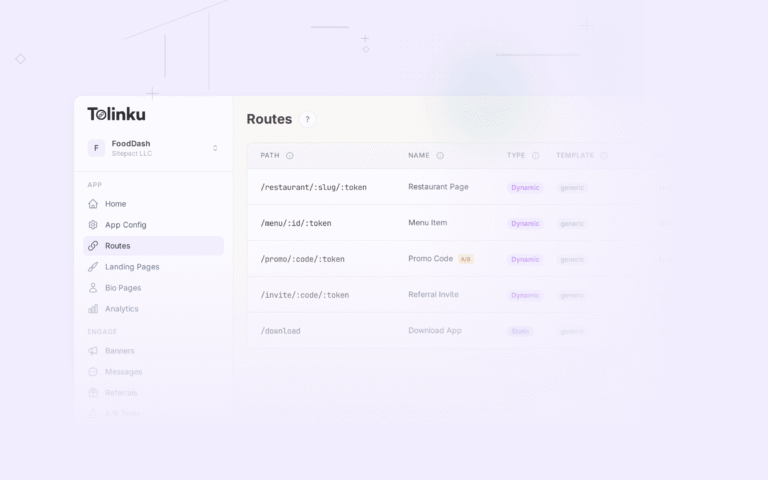
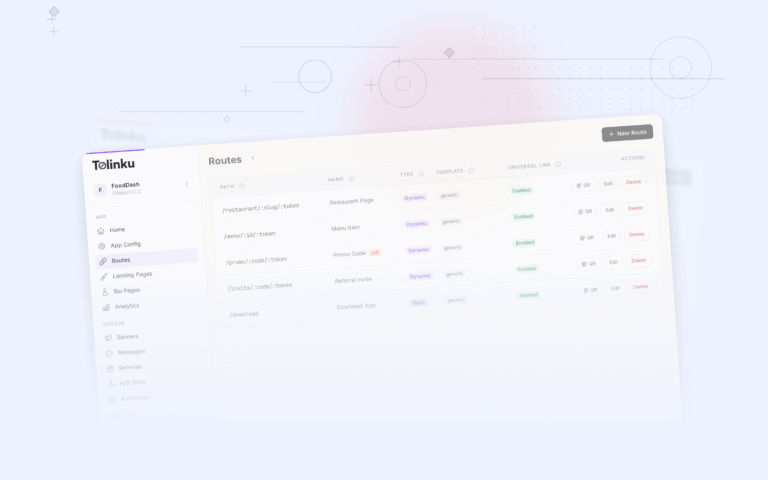
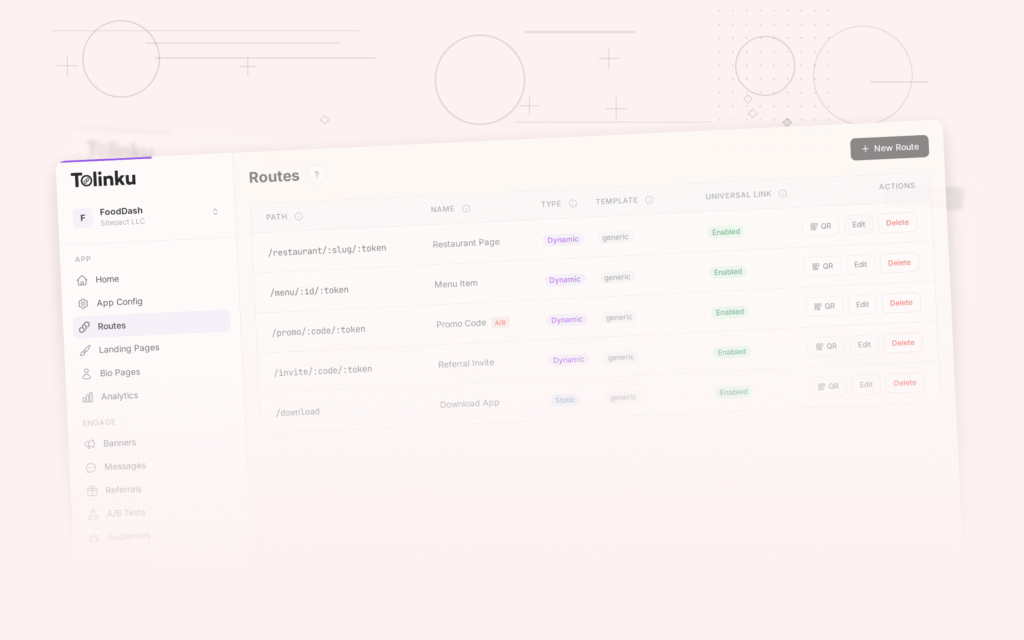
Tolinku's routes support both path parameters and query parameters. Configure dynamic routes with parameter patterns like /products/:id to pass data through deep links automatically.
For routing, see deep link routing: how to route users to the right screen. For the full guide, see the complete guide to deep linking in 2026.
Get deep linking tips in your inbox
One email per week. No spam.