Migrating your deep linking platform is straightforward if you have a checklist. Miss a step and you discover broken links in production. This checklist covers every phase of a deep link migration, from initial audit to post-migration monitoring.
For detailed migration guides by platform, see Migrating to Tolinku from Branch, Firebase, and AppsFlyer.
Phase 1: Pre-Migration Audit (Steps 1-10)
- 1. Export all link configurations from your current platform (paths, parameters, redirects, OG tags)
- 2. Document all deep link paths your app handles (e.g.,
/product/:id,/invite/:code,/promo/:slug) - 3. List all custom parameters passed through links (referral codes, campaign IDs, UTM tags, custom data)
- 4. Identify where links are used externally: email templates, social posts, QR codes, print materials, partner integrations, ad campaigns
- 5. Check custom domain configuration: document DNS records, SSL certificates, and domain ownership
- 6. Audit SDK usage in your app: deep link handling, link creation, event tracking, referral tracking
- 7. Export historical analytics from your current platform (click data, conversion data, attribution reports)
- 8. Identify integrations: which ad networks, ESPs, analytics tools, and partners connect to your current platform?
- 9. Document your Universal Links / App Links configuration: Associated Domains entitlement (iOS), intent filters (Android), AASA file, assetlinks.json
- 10. Assess traffic volume: how many clicks/month do your links handle? This determines your Tolinku plan tier
Phase 2: New Platform Setup (Steps 11-17)
- 11. Create your Appspace on the new platform with iOS and Android app configuration
- 12. Set up your branded domain: DNS CNAME record, SSL provisioning, domain verification
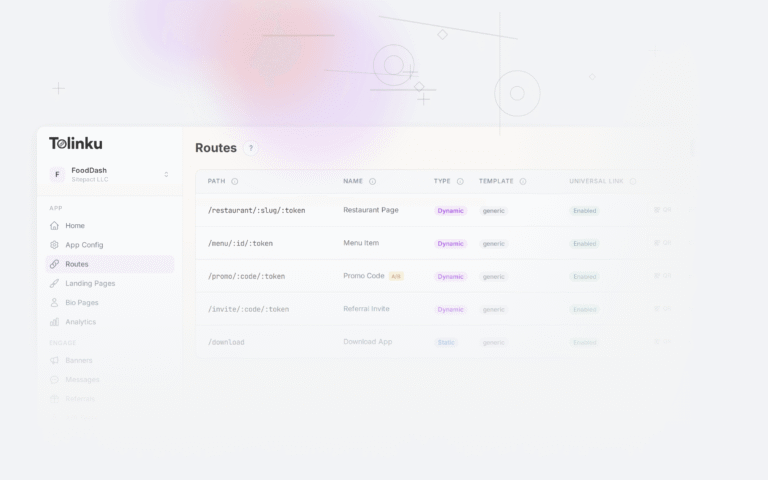
- 13. Create routes matching all your existing deep link paths (same paths and parameters)
- 14. Configure OG metadata for each route (title, description, image) to match your current link previews
- 15. Set up web fallback URLs for each route (where users go if the app isn’t installed and they don’t install)
- 16. Configure analytics: UTM parameter mapping, custom event definitions, conversion tracking
- 17. Set up any additional features: referral program, smart banners, A/B tests
Phase 3: SDK Integration (Steps 18-22)
- 18. Remove the old SDK from your iOS and Android projects (dependencies, initialization, callbacks)
- 19. Add the new SDK and configure Universal Links (iOS Associated Domains) and App Links (Android intent filters)
- 20. Implement deep link handling: URL parsing, route matching, screen navigation
- 21. Implement deferred deep linking: first-open handling for new installs that clicked a link before installing
- 22. Update link creation code (if your app generates links): replace old API calls with new platform’s API
Phase 4: Testing (Steps 23-26)
- 23. Test direct deep linking: tap a link with the app installed, verify correct screen opens on both iOS and Android
- 24. Test deferred deep linking: uninstall app, tap a link, install from store, verify correct screen opens on first launch
- 25. Test web fallback: tap a link without the app on a device that won’t install, verify redirect to correct web URL
- 26. Test OG previews: share a link on Facebook, Twitter, iMessage, and WhatsApp; verify preview card renders correctly
Phase 5: Cutover (Steps 27-30)
- 27. Begin parallel running: use new platform for all new links while old links continue through old platform
- 28. Update high-priority external links: email templates, website buttons, social profiles, active ad campaigns
- 29. DNS cutover (if transferring custom domain): lower TTL, update CNAME, verify SSL, test all routes
- 30. Monitor for 2 weeks: watch analytics for click/conversion drops, check user reports, verify link performance matches pre-migration baseline
Post-Migration Monitoring
After completing the checklist, monitor these metrics for 2-4 weeks:
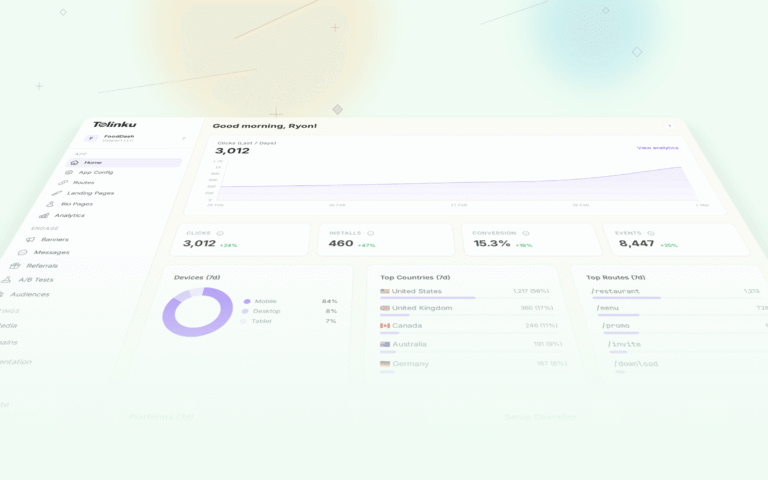
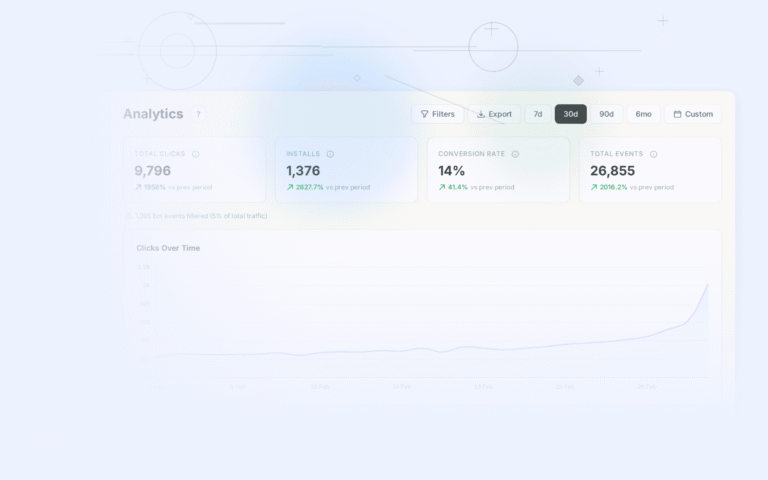
- Click volume: Compare daily clicks before and after migration. Any significant drop indicates broken links.
- Conversion rate: Click-to-install and click-to-open rates should be stable or improved.
- Deep link success rate: What percentage of deep links successfully route to the correct screen?
- Deferred deep link match rate: What percentage of new installs from links correctly receive their deep link data?
- User reports: Watch app reviews and support channels for link-related issues.
Things People Forget
Smart banners: If your old platform provided web-to-app banners, don't forget to set up replacements on the new platform.
QR codes: Static QR codes (printed on packaging, marketing materials, signage) can't be updated remotely. If they point to your old platform's domain, they'll break after the old platform is deactivated.
Email templates: ESP templates often have links deeply embedded in the HTML. Audit all templates, not just the ones you've sent recently.
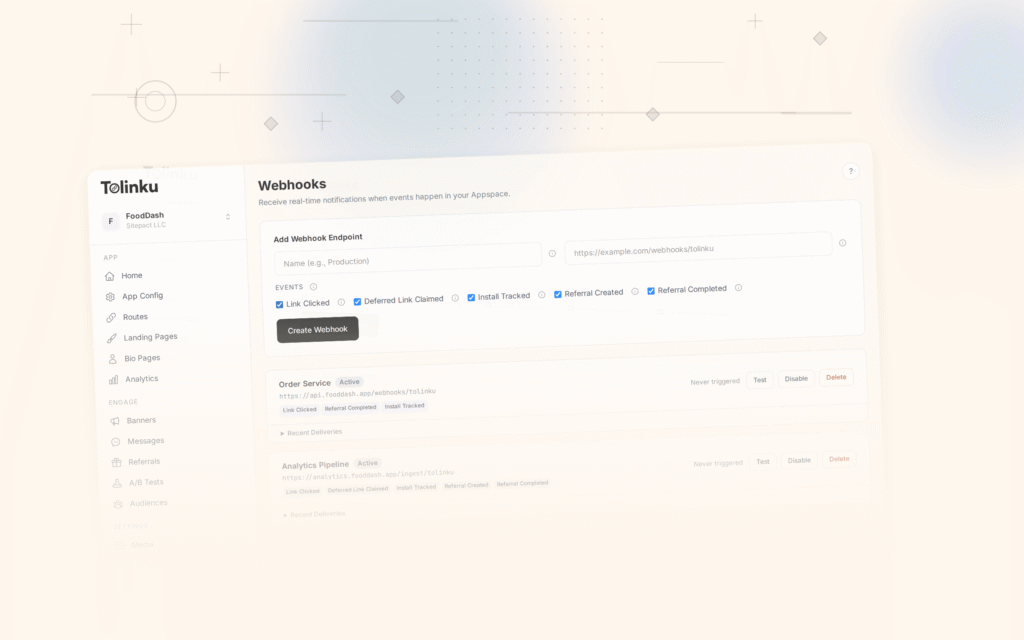
Webhook integrations: If you have webhooks configured on your old platform (sending click or install events to your server), recreate them on the new platform.
Bot/crawler handling: If your old platform handled bots differently (serving OG tags without redirecting), verify the new platform does the same.
Rate limiting and caching: If you create links programmatically at high volume, verify the new platform's API can handle your throughput.
For zero-downtime migration strategies, see the link redirect guide in our migration series. For the general migration guide, see Migrating to Tolinku from Branch, Firebase, and AppsFlyer.
Get deep linking tips in your inbox
One email per week. No spam.