Choosing a deferred deep linking SDK is one of those decisions that looks simple on the surface but has a long tail of consequences. The wrong choice means re-integrations, data loss, and attribution gaps that cost you real money when you're running paid campaigns or referral programs.
This comparison breaks down the most important dimensions to evaluate: integration effort, attribution accuracy, platform coverage, privacy compliance, and pricing structure.
What to Look for in a Deferred Deep Linking SDK
Before comparing specific products, it helps to understand what a deferred deep linking SDK actually needs to do well.
Deferred deep linking routes a user to a specific in-app destination even when they install the app fresh from the App Store or Google Play. The SDK must:
- Capture intent before the install (via a fingerprint or device signal)
- Survive the install process and app launch
- Match the post-install session back to the pre-install click
- Deliver the correct destination and any attached parameters
Where SDKs diverge is in how they do each of these steps, and what happens when conditions aren't ideal (no IDFA, privacy restrictions, slow networks, multiple devices).
For a deeper background on how the matching process works, see Tolinku's deferred deep linking concept guide.
Integration Complexity
Integration time is a practical concern. It affects how quickly you can ship, and how many engineering hours you spend on maintenance.
iOS integration typically involves three steps regardless of SDK: adding the package dependency (Swift Package Manager, CocoaPods, or Carthage), configuring Associated Domains in your entitlement file, and calling the SDK at app launch. The variance between SDKs comes from:
- Whether the SDK auto-handles Universal Link callbacks or requires manual wiring
- How much configuration lives in a dashboard vs. in code
- Whether you need a separate SDK for attribution vs. one that handles both deep linking and attribution
Android integration follows a similar pattern: add the dependency via Gradle, declare intent filters in AndroidManifest.xml for App Links, and initialize the SDK. Android adds the complexity of App Links verification, which requires hosting a assetlinks.json file at /.well-known/assetlinks.json on your domain. SDKs that manage this file for you significantly reduce setup friction.
React Native and Flutter are where integration complexity gaps widen considerably. Some SDKs have well-maintained cross-platform packages with full feature parity. Others treat these platforms as second-class citizens, shipping wrappers that lag behind the native SDKs by weeks or months. If your app is built with React Native or Flutter, verify that the SDK's cross-platform package handles deferred linking natively and not through a JavaScript workaround.
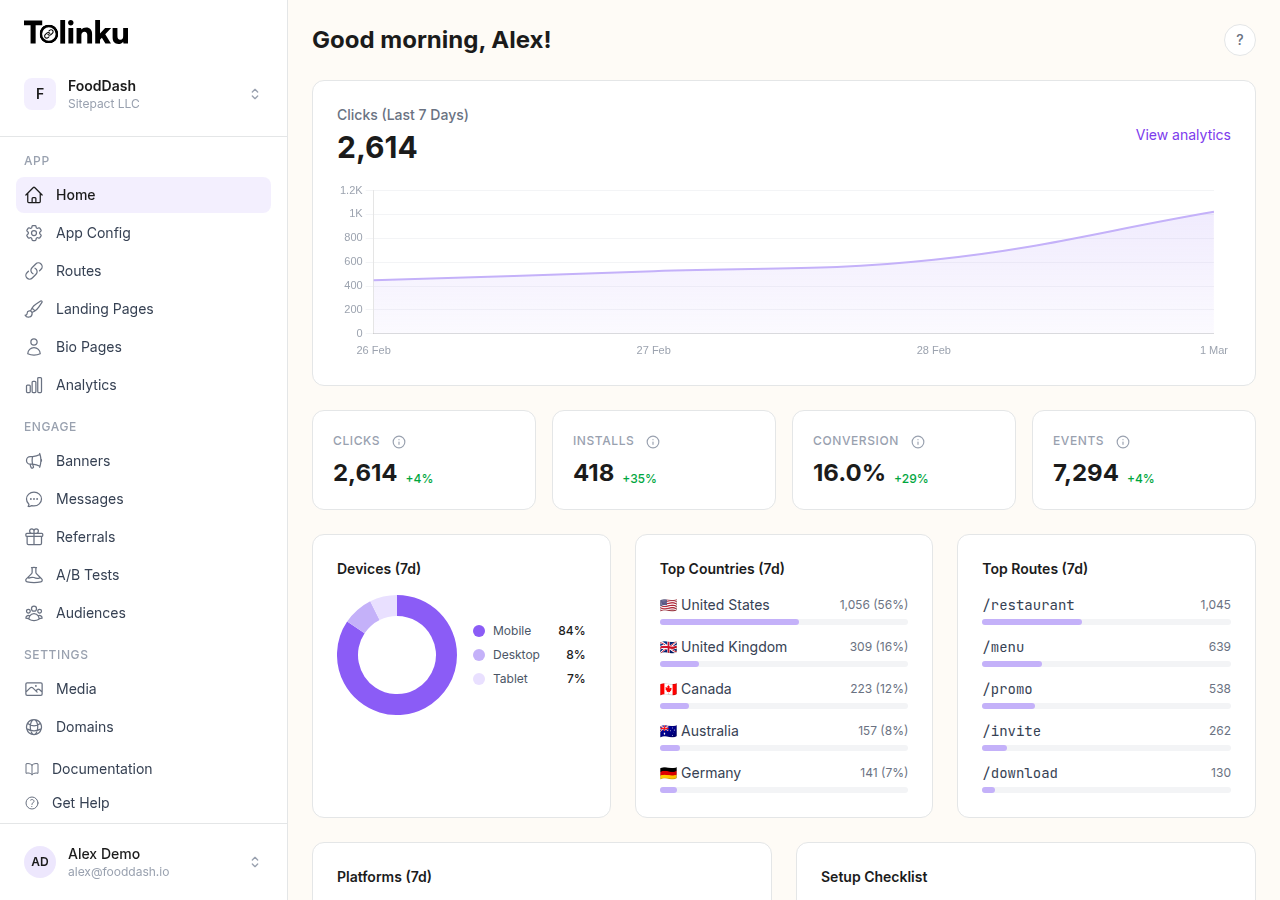
Tolinku's SDK is designed from the ground up to support iOS, Android, React Native, and Flutter with a single API surface. See the SDK documentation for integration guides on each platform.
Attribution Accuracy
Attribution accuracy determines whether you know which campaign, channel, or referral link brought a user to install your app. Two main approaches exist: deterministic and probabilistic.
Deterministic attribution relies on a device identifier, most commonly the IDFA (iOS) or GAID (Android), that allows an exact match between a click and an install. When the identifier is available, accuracy approaches 100%. The problem is availability: on iOS, IDFA requires explicit ATT consent, and opt-in rates vary significantly by app category. Apple reports ATT opt-in rates across apps but rates commonly fall between 20% and 40% for general consumer apps.
Probabilistic attribution uses a combination of signals (IP address, user agent, device type, screen resolution, timestamp) to make a statistical match when identifiers aren't available. Accuracy drops to 70-90% depending on traffic patterns and time-to-install. The shorter the window between click and install, the more accurate the fingerprint.
SDKs handle this split in different ways:
- Some lead with deterministic and fall back to probabilistic automatically
- Others require you to configure fallback behavior explicitly
- A few only support one method and leave the other gap in your data
Claimed accuracy numbers are almost always marketing. The real question is: what percentage of your expected traffic will have IDFA available, and how does the SDK handle the rest? For a technical breakdown, see Tolinku's attribution concepts guide.
Platform and Channel Support
A deferred deep link is triggered from somewhere: an email, a paid ad, a social post, a QR code, an SMS. Evaluate whether the SDK handles each channel you care about.
| Channel | What to check |
|---|---|
| Does the SDK's link wrapper work with major ESPs (Mailchimp, Klaviyo, etc.)? | |
| Paid ads | Are click ID parameters (gclid, fbclid, ttclid) captured and forwarded? |
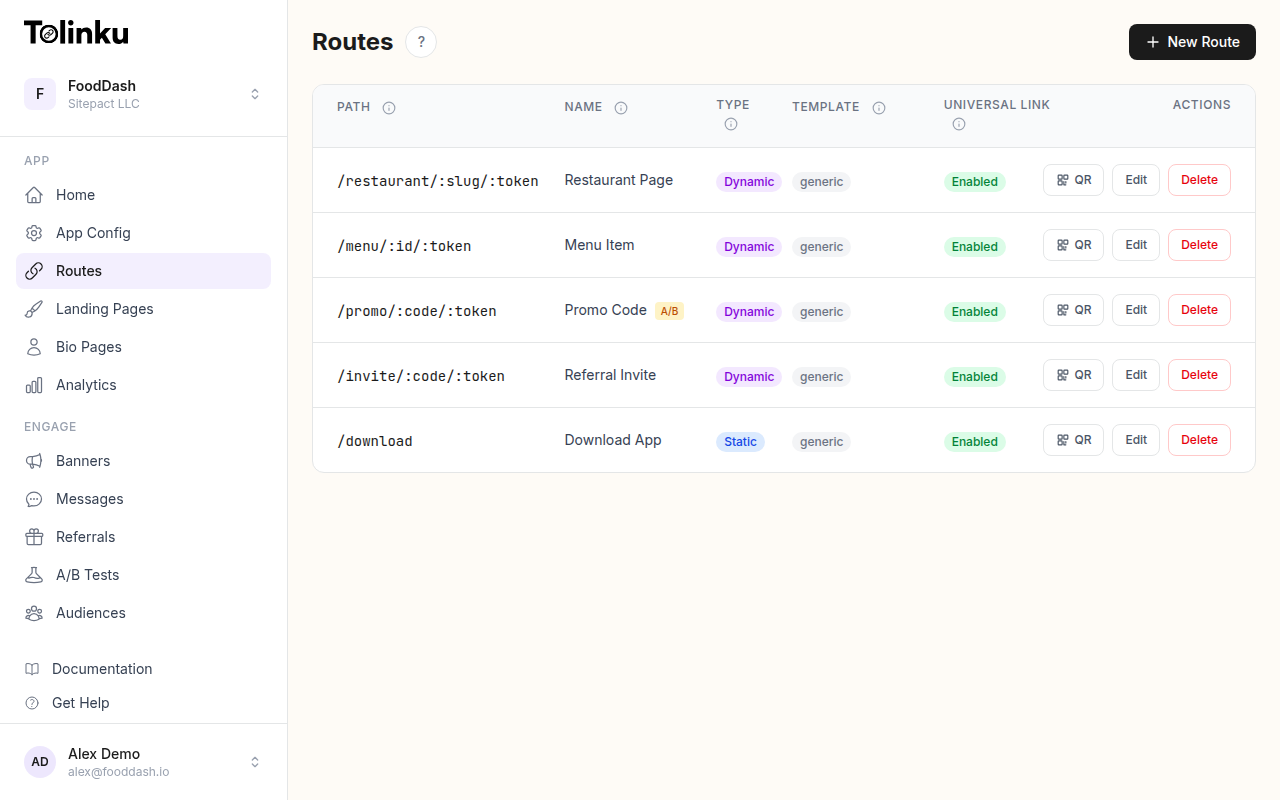
| QR codes | Can QR codes be generated from the dashboard or API? |
| SMS / WhatsApp | Are link previews handled to avoid double-click attribution? |
| Social | Does the SDK handle in-app browsers (Instagram, TikTok) correctly? |
In-app browsers are a particular pain point. When a user clicks a link inside the Instagram or TikTok app, the link opens in an embedded browser, not Safari or Chrome. This breaks Universal Links and App Links entirely, because those mechanisms require the OS-level browser to trigger the handoff to the app. Good SDKs work around this with a redirect chain or a fallback that detects the in-app browser and adjusts accordingly.
Privacy Compliance
Privacy regulations affect what data your SDK can collect and how long it can retain it.
On iOS, App Tracking Transparency (ATT) restricts cross-app tracking. Any fingerprinting that uses the device's IP address in combination with other signals to create a persistent identifier falls into a gray area that Apple has been increasingly explicit about. SDKs that do aggressive device fingerprinting may create App Store review or policy risk.
On both platforms, GDPR and CCPA require that you handle personal data lawfully. Attribution data tied to a device ID counts as personal data under GDPR. Check whether your SDK provides:
- A way to delay initialization until consent is collected
- Data deletion endpoints (right to erasure requests)
- Data residency options if your users are in the EU
SDKs that were built before 2021 often tacked on privacy features as an afterthought. Newer SDKs tend to have consent-gating and data controls built into the initialization API.
Pricing Models
Pricing in the deferred deep linking space varies widely, and the differences matter at scale.
Flat seat pricing charges a fixed monthly or annual fee regardless of link volume. This is predictable and works well for apps with steady, high-volume traffic.
Per-click or per-conversion pricing is common with MMP (Mobile Measurement Partner) tools. You pay based on attributed events. This looks affordable at low volume but scales aggressively as your campaigns grow.
Free tiers with limits let you get started without a credit card but cap clicks, routes, or features. The important thing to check is what happens when you exceed the cap: does linking break, or do you just lose attribution data?
Tolinku uses per-Appspace pricing starting at $39/month, which covers deep linking, attribution, analytics, and smart banners in one product. There's a free tier that covers 1,200 clicks per month and five routes, which is enough for testing and small-scale use.
Developer Experience
Beyond the technical checklist, developer experience determines whether integration is a one-day task or a two-week project.
Good indicators of developer experience:
- Typed SDKs: Native Swift/Kotlin SDKs with full type definitions, and TypeScript types for the React Native package
- Local testing support: Can you test deferred linking without publishing a TestFlight build or an internal Play Store track?
- Clear error messages: When a link doesn't open the right destination, does the SDK log what went wrong?
- Webhook support: Can you receive attribution events server-side, not just in the app?
Poor indicators:
- SDKs that require you to contact sales to see documentation
- Dashboard-only configuration with no API
- Attribution reports that can't be exported
Recommendation Framework
When evaluating deferred deep linking SDKs, use this sequence:
- Define your channels first. If you're running email campaigns, paid ads, and QR codes, make sure the SDK handles all three before looking at price.
- Check platform parity. If you're cross-platform (React Native, Flutter), test the wrapper, not just the native SDK.
- Audit privacy features. Run through your ATT consent flow and verify the SDK doesn't collect data before consent is granted.
- Test attribution accuracy under realistic conditions. Disable your IDFA in your test device and verify the probabilistic fallback works.
- Compare total cost at your expected volume. A cheaper per-click model can be more expensive than flat pricing once campaigns scale.
Tolinku is built to satisfy all of these requirements in a single product. The comparison pages cover how it stacks up against specific alternatives on price and feature set. For a broader market overview, see the deep linking platform comparison.
Summary
The best deferred deep linking SDK for your app depends on your platform mix, traffic volume, privacy requirements, and budget. Integration complexity and attribution accuracy are the two dimensions that matter most in practice, followed by pricing at scale.
Start with what your engineers actually have to build. A five-minute integration that covers 90% of your traffic is more valuable than a theoretically perfect solution that takes three weeks to ship.
Get deep linking tips in your inbox
One email per week. No spam.