Install attribution answers a deceptively simple question: which click caused this install? The answer requires coordinating data across at least three independent systems (your ad platform, the app store, and your app), with no shared identifier that persists across all three by default.
This guide walks through the full attribution flow, step by step, explaining what happens at each stage, where data can be lost, and how the matching actually works.
Stage 1: The Click
Everything starts with a click. A user sees an ad, a social post, an email, or a link in another app, and taps it.
When that click hits a Tolinku tracking link, several things happen before the user is redirected:
Click data is recorded. The server logs the timestamp, the link parameters (source, medium, campaign, content, any custom parameters), and the referring context (what app or browser the click came from).
Device signals are captured. The request headers carry the user agent, which encodes the device type, OS version, and browser. The request IP address is recorded. These signals are stored with the click record and will be compared against signals captured at first open if deterministic matching is unavailable.
A unique click ID is generated. This ID ties together everything recorded at click time. On Android, it travels through the Play Store as part of the referrer string. On iOS, there is no native passthrough mechanism, so the click ID is used server-side for fingerprint matching.
The user is redirected. On Android, the redirect goes to https://play.google.com/store/apps/details?id=your.package&referrer=... with the click ID and UTM parameters encoded in the referrer. On iOS, the redirect goes to the App Store product page. On desktop or unsupported platforms, the redirect can go to a web fallback.
Stage 2: The App Store
The user is now in the app store. This stage is entirely outside your control.
Android (Google Play). When the Play Store URL contains a referrer parameter, Google records it server-side and associates it with the install if the user completes it. The referrer string is preserved exactly as provided, up to a length limit (4096 characters as of current Play Store policy).
iOS (App Store). The App Store does not provide a mechanism to pass arbitrary parameters through to the installing app. The only official post-install attribution Apple supports is SKAdNetwork, which is aggregated and delayed. Individual-level click data cannot be passed through the App Store natively.
This asymmetry is the fundamental reason iOS deferred deep linking is harder than Android. Android has a first-party referrer mechanism. iOS does not.
Stage 3: Install
The user completes the install. At this point:
- Google Play (Android) has the referrer string on record.
- Apple (iOS) has logged the install event for SKAdNetwork purposes.
- Your attribution system knows a click happened but does not yet know an install happened.
There is no real-time install notification sent to third-party attribution systems from the app stores. The install is detected in the next stage, at first open.
Stage 4: First Open
The user opens the app for the first time. This is the moment when the attribution gap is bridged.
Android first open. Your app calls the Play Install Referrer API. The API returns the referrer string that Google stored during the install. Your app (or the Tolinku SDK) extracts the click ID from the referrer string and sends it to Tolinku's attribution server, which looks up the click record and returns the deep link data and attribution metadata.
The referrer is available immediately after install in most cases. The Tolinku SDK handles the connection to the Play Store service and retries if the service is temporarily unavailable.
iOS first open. Your app (via the Tolinku SDK) collects device signals: IP address, OS version, device model, screen size, time zone, language, carrier. These are sent to Tolinku's server, which searches recent click records for a match within a configurable time window (default 24 hours, configurable down to 30 minutes).
If the user granted App Tracking Transparency permission, the IDFA is also sent, enabling deterministic matching. If a clipboard token was written at click time and the user's clipboard has not changed, the token is read and sent for exact matching.
Stage 5: Data Matching
The matching logic differs by method:
Referrer-based (Android). The click ID in the referrer string is looked up directly. This is a database lookup, not a statistical comparison. Either the click ID exists and maps to a click record, or it does not. There is no probability involved.
IDFA-based (iOS, ATT granted). The IDFA sent by the app is compared against IDFAs captured at click time within the match window. An exact match returns the click record.
Fingerprinting (iOS, ATT declined; fallback on Android). The signal bundle from the first open is scored against signal bundles from clicks within the match window. The scoring weights signals differently based on their discriminating power. IP address is the strongest signal. Device model and OS version add specificity. Time proximity within the window increases the score. The highest-scoring match above a confidence threshold is selected.
If no match clears the threshold, the install is marked as organic (no attributable click found).
Match window configuration. Shorter windows reduce false matches but may miss installs where users took longer to open the app. For paid UA campaigns where you want clean data, a 1-4 hour fingerprint window is appropriate. For organic campaigns or referral programs where users may install days later, a longer window (24-48 hours) captures more true matches.
Stage 6: The First-Open Callback
Once matching completes, the attribution server returns a response to your app. This response includes:
- The deep link path and parameters from the original click
- Attribution metadata: source, medium, campaign, content, term
- The click ID and timestamp
- The referral code, if one was embedded in the link
- The match method used (referrer, IDFA, fingerprint, or organic)
Your app uses the deep link path and parameters to route the user to the appropriate screen. A referral code triggers the referral flow. A promo parameter activates an offer. A campaign parameter might display a custom onboarding message.
This is the core value of deferred deep linking: the user's first experience in the app reflects the context of how they arrived, even though the app was not installed at the time of the original tap.
For implementation details on the iOS side, see the iOS implementation guide. For Android, see the Android implementation guide.
Stage 7: Attribution Reporting
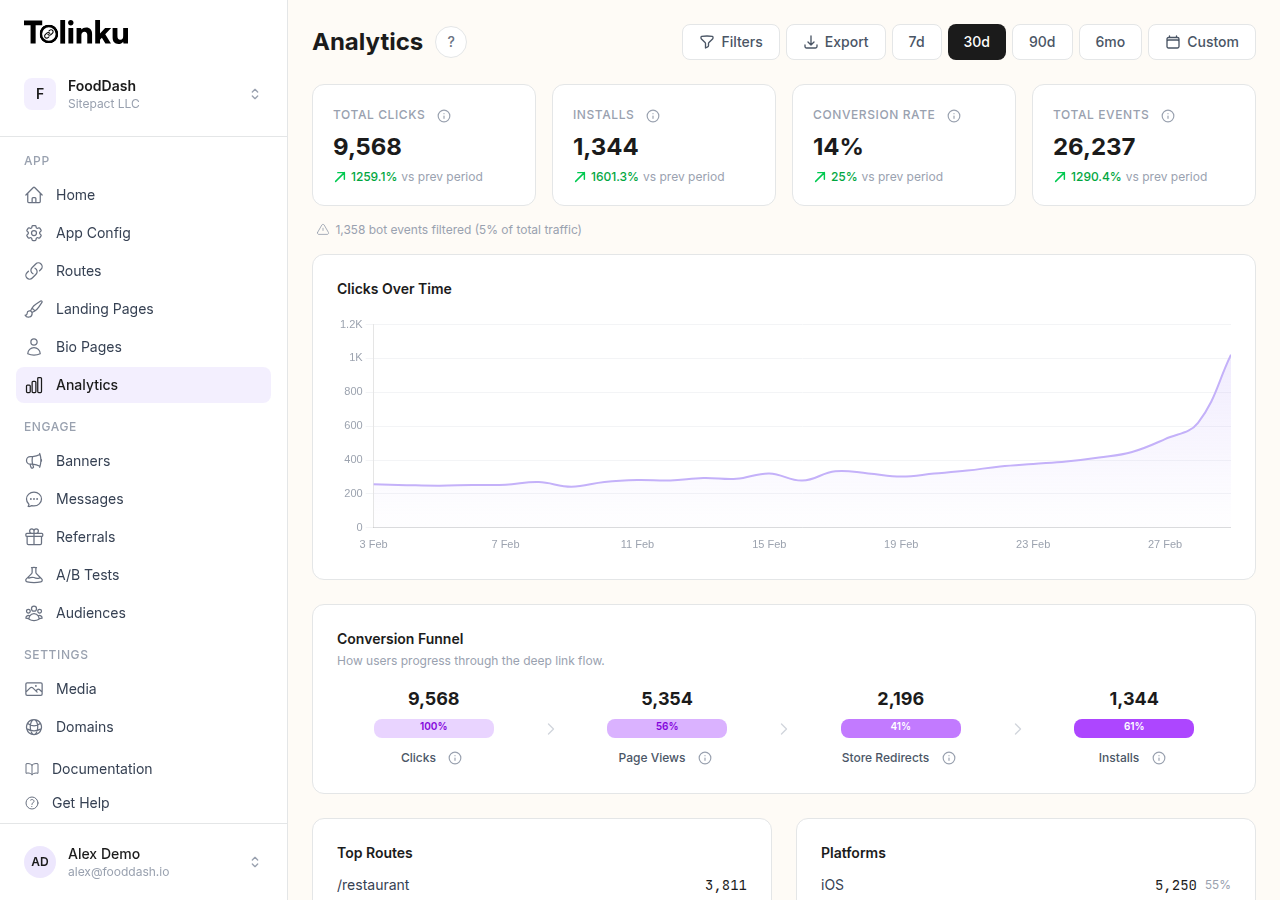
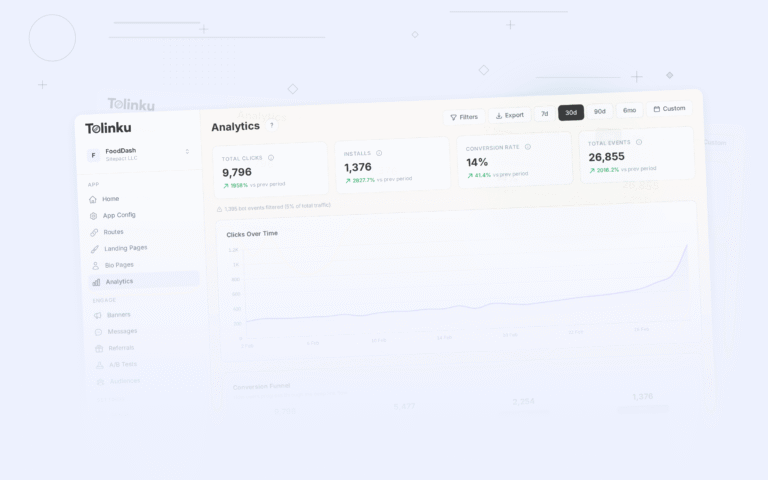
The install event is recorded in Tolinku's analytics system with the full attribution context. You can query:
- Installs by source, medium, and campaign
- Click-to-install rates by link and channel
- Time from click to first open
- Match method breakdown (referrer vs. IDFA vs. fingerprint vs. organic)
- Revenue and engagement metrics segmented by acquisition source
The analytics dashboard surfaces these as pre-built reports. For custom queries or integration with your data warehouse, the attribution data is also available via webhook events and the reporting API.
Where Attribution Breaks Down
Several failure modes can corrupt the attribution flow:
Referrer stripping. Some Android OEM browsers and app redirect flows strip the referrer parameter before reaching the Play Store. This causes the install to be attributed via fingerprinting instead of referrer, which is less accurate.
Cross-device journeys. A user clicks on their laptop and installs on their phone. Fingerprinting signals will not match (different IP, different device), and if there is no IDFA available, the install looks organic. This is genuinely hard to solve without user-authenticated state.
VPNs and proxies. A user who clicks on a mobile network and then installs on a different network (or vice versa) will have mismatched IP addresses. Fingerprinting will not match. The Tolinku SDK handles this by weighting other signals more heavily when IP addresses differ between click and install.
Long install delays. A user clicks a link, decides to install later, and opens the app three days after clicking. If the match window is 24 hours, that install appears organic. You can extend the window, but longer windows also increase false-positive rates.
Multiple installs on shared devices. Tablets and phones shared by multiple household members can produce false attribution. One person clicks a link; a different person installs and opens the app.
Understanding these failure modes helps set realistic expectations for attribution accuracy and informs match window configuration.
Reading Attribution Data in Your App
The full attribution context is available through the Tolinku SDK after first-open resolution. See the attribution documentation for the complete data model and available fields.
For a deeper look at the two matching methods, see the fingerprinting vs. deterministic matching guide.
Get deep linking tips in your inbox
One email per week. No spam.