Marketplace apps connect buyers and sellers, which means deep links serve two distinct audiences. A link shared by a seller to promote their storefront is different from a link sent by the platform to re-engage a buyer. This article covers how to design deep link architectures for two-sided marketplaces, handling seller pages, product listings, search results, and buyer-specific experiences.
For Shopify-specific deep linking, see deep linking for Shopify mobile apps. For the complete e-commerce guide, see deep linking for e-commerce apps.
The Two-Sided Challenge
Marketplaces need deep links for both sides:
Buyer-Side Deep Links
| Destination | Use Case | Example URL |
|---|---|---|
| Product listing | Marketing campaigns, social sharing | /listing/vintage-leather-jacket-12345 |
| Seller store | Seller promotion, repeat purchases | /store/urban-vintage-co |
| Category browse | Campaign targeting | /browse/mens-jackets |
| Search results | Re-engagement with saved searches | /search?q=leather+jacket&sort=newest |
| Order status | Transactional notifications | /order/ORD-789/status |
| Cart | Abandoned cart recovery | /cart?restore=session-abc |
Seller-Side Deep Links
| Destination | Use Case | Example URL |
|---|---|---|
| Seller dashboard | Platform notifications | /seller/dashboard |
| Listing editor | "Complete your listing" prompts | /seller/listing/12345/edit |
| Order management | New order notifications | /seller/orders/ORD-789 |
| Analytics | Performance reports | /seller/analytics |
| Payout details | Payment notifications | /seller/payouts |
A single marketplace app needs to handle both sets of deep links, routing to the appropriate experience based on the URL path and the user's role.
Route Architecture
Recommended URL Pattern
/listing/:id          → Product listing page (buyer view)
/store/:handle        → Seller storefront (buyer view)
/browse/:category     → Category browse (buyer view)
/search               → Search results (buyer view)
/order/:id            → Order details (role-dependent view)
/seller/dashboard     → Seller dashboard
/seller/listing/:id   → Listing management (seller view)
/seller/orders/:id    → Order fulfillment (seller view)
The /seller/ prefix clearly separates seller-side routes from buyer-side routes.
Role-Based Routing
Some deep links need to render differently based on the user's role:
| Deep Link | Buyer View | Seller View |
|---|---|---|
/order/ORD-789 |
Order tracking, delivery status | Order fulfillment, shipping labels |
/listing/12345 |
Product page with "Buy" button | Listing stats with "Edit" button |
When the app receives a deep link to /order/ORD-789, it checks the user's role and renders the appropriate view.
Seller-Shared Links
Sellers are your distribution force. Make it easy for them to share product links:
Share Mechanics for Sellers
Give sellers one-tap sharing from their listing management screen:
"Share this listing" → Generates deep link:
https://marketplace.com/listing/vintage-leather-jacket-12345?seller=urban-vintage-co
The seller parameter attributes traffic to the seller's promotion efforts. This data can feed into seller analytics ("Your shared links generated 250 views and 12 sales this month").
Seller Storefront Links
Each seller should have a memorable, shareable storefront URL:
https://marketplace.com/store/urban-vintage-co
This link opens the seller's store page in the app, showing their listings, ratings, and profile. Sellers use this link on their social media profiles, business cards, and other marketing materials.
For new users who do not have the app, deferred deep linking ensures they land on the seller's store page after installation, not the marketplace home screen.
Use Cases
Abandoned Cart Recovery
Marketplace abandoned cart emails include a deep link that restores the user's cart:
https://marketplace.com/cart?restore=session-abc123
The deep link:
- Opens the app.
- Restores the user's cart contents.
- Displays the cart with a "Complete Purchase" prompt.
Include the seller name and product thumbnail in the email for context.
New Listing Notifications
When a user follows a seller or subscribes to a category, send push notifications for new listings:
"Urban Vintage Co just listed 5 new items"
→ Deep link: /store/urban-vintage-co?filter=newest
The deep link opens the seller's store filtered to show the newest items.
Seller Onboarding
Guide new sellers through the listing process with deep links in onboarding emails:
"Complete your first listing"
→ Deep link: /seller/listing/new

"Add photos to your listing"
→ Deep link: /seller/listing/draft-123/edit?section=photos

"Set your shipping rates"
→ Deep link: /seller/settings/shipping
Each email in the onboarding sequence links to the specific step the seller needs to complete.
Review Requests
After a purchase is delivered, prompt the buyer to leave a review:
"How was your purchase from Urban Vintage Co?"
→ Deep link: /order/ORD-789/review
The deep link opens the review form for that specific order, pre-filled with the seller and product information.
Attribution for Marketplace Growth
Multi-Touch Attribution
In a marketplace, the user journey often involves multiple touchpoints:
- User sees a seller's Instagram post (seller-shared link).
- User browses the marketplace app.
- User receives a "price drop" notification (platform notification).
- User purchases.
Track all touchpoints with deep link parameters:
| Touchpoint | Parameter | Example |
|---|---|---|
| Seller social media | ref=seller-instagram |
/listing/12345?ref=seller-instagram |
| Platform email | ref=email-price-drop |
/listing/12345?ref=email-price-drop |
| Platform push | ref=push-new-listing |
/store/urban-vintage?ref=push-new-listing |
| Paid ad | ref=meta-retarget |
/browse/jackets?ref=meta-retarget |
Seller Performance Analytics
Provide sellers with metrics on their shared links:
| Metric | Purpose |
|---|---|
| Link clicks | How many people saw the seller's promotion |
| Store visits | How many reached the seller's storefront |
| Listing views | Which products attracted the most interest |
| Conversion rate | What percentage of visitors purchased |
| Revenue from shared links | Direct attribution of seller promotion to sales |
Common Mistakes
| Mistake | Impact | Fix |
|---|---|---|
| Same deep link structure for buyers and sellers | Confusing routing, wrong view rendered | Use /seller/ prefix for seller-side routes |
| No seller attribution on shared links | Sellers cannot see the impact of their promotion | Include seller parameter in shared links |
| No deferred deep linking | New users from seller shares land on home screen | Implement deferred deep linking |
| Order links not role-aware | Buyers see fulfillment tools, sellers see tracking | Check user role before rendering order views |
| Expired listing links show errors | Bad UX for users clicking old links | Show "This listing is no longer available" with similar items |
Tolinku for Marketplace Apps
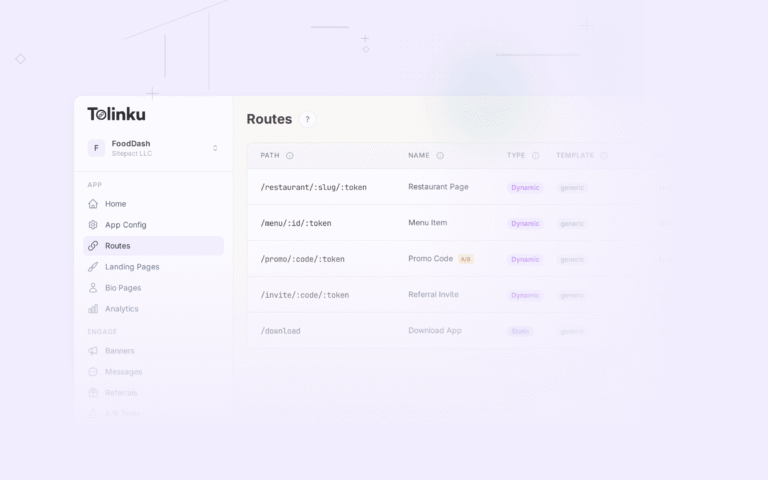
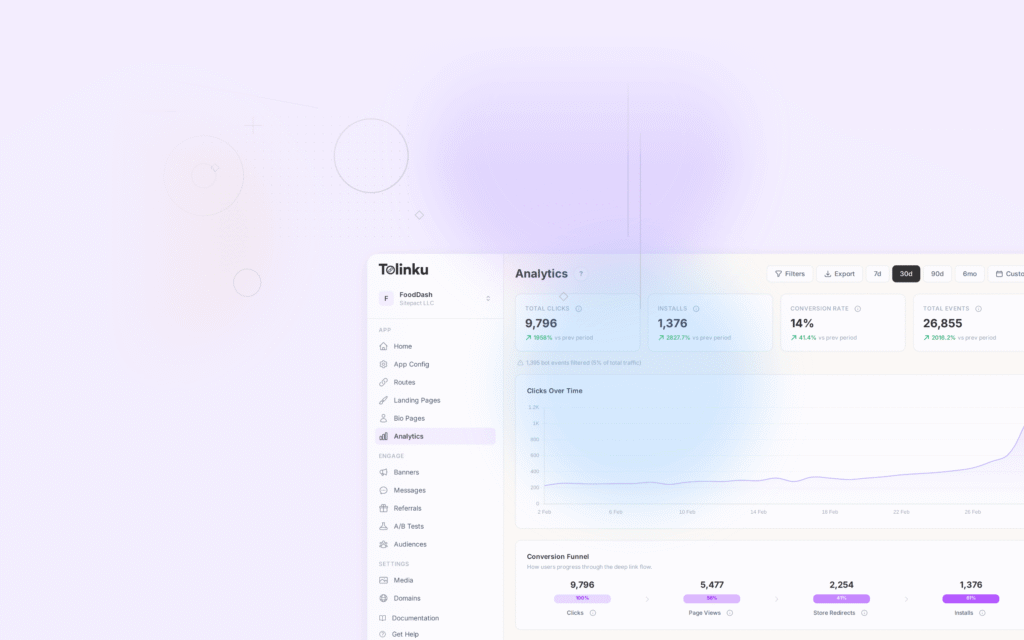
Tolinku supports the route patterns marketplace apps need: /listing/:id, /store/:handle, /seller/orders/:id. Each route handles platform detection, deferred deep linking, and tracking. Analytics show clicks and conversions per route, which you can feed into seller dashboards to show them how their shared links perform.
For product page deep links, see product page deep links: drive direct conversions. For the complete e-commerce guide, see deep linking for e-commerce apps.
Get deep linking tips in your inbox
One email per week. No spam.