Organic growth is great, but it's slow and unpredictable. Paid user acquisition (UA) lets you control the flow of new users by paying for installs across advertising channels. When done well, paid UA is the fastest way to scale your user base. When done poorly, it burns through budget with little to show for it.
This guide covers the fundamentals of mobile paid UA: which channels to use, how to budget, what creative formats work, and how to set up attribution so you know what's actually working.
The Core Economics
Paid UA is fundamentally an investment equation: you spend money to acquire users, and those users need to generate more revenue than they cost. The key metrics:
Cost Per Install (CPI): How much you pay for each app install. Varies wildly by market, platform, and category.
| Category | Typical CPI (US) |
|---|---|
| Gaming (casual) | $1.50-$4.00 |
| Gaming (midcore/hardcore) | $3.00-$8.00 |
| E-commerce | $2.00-$5.00 |
| Finance/Fintech | $5.00-$15.00 |
| Health & Fitness | $2.00-$6.00 |
| Social/Dating | $3.00-$7.00 |
| Utility/Productivity | $1.00-$3.00 |
Lifetime Value (LTV): The total revenue a user generates over their lifetime. This must exceed CPI for the math to work.
Return on Ad Spend (ROAS): Revenue generated / ad spend. A ROAS of 1.0 means you broke even. Target varies by business model, but most apps aim for 1.5x or higher within 30-90 days.
Payback Period: How long it takes for a user's revenue to cover their acquisition cost. Shorter is better, as it frees up budget for more acquisition.
Choosing Your Channels
Meta Ads (Facebook/Instagram)
The largest mobile ad platform by volume. Strong targeting capabilities based on user behavior, interests, demographics, and lookalike audiences.
Best for: Consumer apps, e-commerce, gaming, social apps. Ad formats: Video ads (Reels, Stories), carousel ads, playable ads (gaming). Strengths: Massive scale, sophisticated targeting, strong optimization algorithms. Challenges: Rising CPIs, privacy changes (ATT) have reduced targeting precision on iOS, creative fatigue requires constant iteration.
Getting started: Create a campaign with "App Installs" as the objective. Upload your app to Meta's SDK or partner MMP for attribution. Start with broad targeting and let Meta's algorithm find your best users.
Google Ads (UAC/App Campaigns)
Google's Universal App Campaigns run across Search, Display, YouTube, and Google Play simultaneously. You provide text, images, and video; Google's algorithm decides where and how to show them.
Best for: All app categories, especially those with search intent. Ad formats: Text, image, video, HTML5 (auto-formatted by Google). Strengths: Access to Google Search (high-intent users), YouTube (massive reach), Google Play (in-store ads). Challenges: Less granular control than Meta (Google's algorithm handles most optimization), limited creative testing options.
Getting started: Link your app from the Play Store or App Store, set a target CPI, provide creative assets, and launch. Google handles placement optimization.
Apple Search Ads
Ads that appear at the top of App Store search results. High intent because users are actively searching for apps.
Best for: iOS apps in any category. Ad formats: Search result ads (looks like an organic result with a blue "Ad" badge). Strengths: Extremely high intent (users are already in the store searching), strong conversion rates, no creative production needed (uses your existing store listing). Challenges: iOS only, limited scale (only reaches users who search), can be expensive for competitive keywords.
Getting started: Use Search Ads Basic (simple, automated) or Search Ads Advanced (keyword-level control). Start with your brand terms and competitor terms, then expand to category keywords.
TikTok Ads
TikTok's ad platform offers video-first app install campaigns targeting a younger demographic.
Best for: Consumer apps targeting Gen Z and millennials, entertainment, social, lifestyle. Ad formats: In-feed video ads, TopView, branded effects. Strengths: Highly engaged audience, video-native format, strong virality potential. Challenges: Younger skewing audience (may not fit all apps), creative needs to feel native (polished ads perform poorly).
Other Channels
- Snapchat Ads: Good for younger demographics, strong AR/playable ad formats
- Reddit Ads: Interest-based targeting, good for niche communities
- Twitter/X Ads: App install cards, good for tech-savvy audiences
- Programmatic/DSPs: Broad reach across thousands of apps and websites, best for scale at lower CPIs
- Influencer marketing: Not strictly "paid ads" but increasingly important for app UA, especially on TikTok and YouTube
Budgeting
Starting Budget
For a meaningful test, allocate enough budget to generate statistically significant results. As a rule of thumb:
- Minimum viable test: $1,000-$3,000 per channel, per week, for 2-3 weeks
- Learning phase: Most ad platforms need 50-100 conversions per week to optimize effectively
- At $3 CPI: $150-$300/day to clear the learning phase
Starting too small means the algorithm can't learn, and you won't have enough data to make decisions.
Budget Allocation
When running multiple channels, allocate based on performance:
- Test phase (weeks 1-3): Split budget roughly evenly across 2-3 channels
- Optimize phase (weeks 4-8): Shift budget toward the best-performing channels
- Scale phase (ongoing): Increase spend on winners, continue testing new channels with a smaller "exploration" budget (10-20% of total)
Daily vs. Lifetime Budgets
Daily budgets give you consistent daily spend and easier day-to-day monitoring. Lifetime budgets give the algorithm more flexibility to spend more on high-performing days and less on slow days.
For testing, use daily budgets for predictability. For scaling, lifetime budgets often deliver better results.
Creative Strategy
Creative is the single biggest lever in paid UA. The same targeting with different creative can produce CPIs that vary by 3-5x.
Video Ads
Video is the dominant format across all major platforms. Effective app install videos:
- Hook in the first 3 seconds: Show the core value proposition immediately
- Show the app in use: Screen recordings with zoom-ins, annotations, and smooth transitions
- Keep it short: 15-30 seconds for most platforms (6-10 seconds for Stories/Reels)
- Design for sound-off: Use text overlays and captions
- End with a clear CTA: "Download free" or "Try it now"
Iteration and Testing
Plan to produce 5-10 creative variants per campaign, not one. Test different:
- Hooks: Different opening shots or value propositions
- Use cases: Different features or user scenarios
- Formats: UGC-style vs. polished, short vs. long, portrait vs. landscape
- CTAs: "Get started free" vs. "Download now" vs. "Try the app"
Creative fatigue sets in after 2-4 weeks of heavy spend. Have new variants ready before performance drops.
Attribution Setup
Without attribution, you can't know which channel, campaign, or creative drove each install. This is the foundation of UA optimization.
How Attribution Works
When a user clicks an ad and installs your app:
- The ad network records the click (with a click ID)
- The user installs and opens the app
- Your attribution platform matches the install back to the click
- The install is credited to the campaign, ad set, and creative
Setting Up Attribution
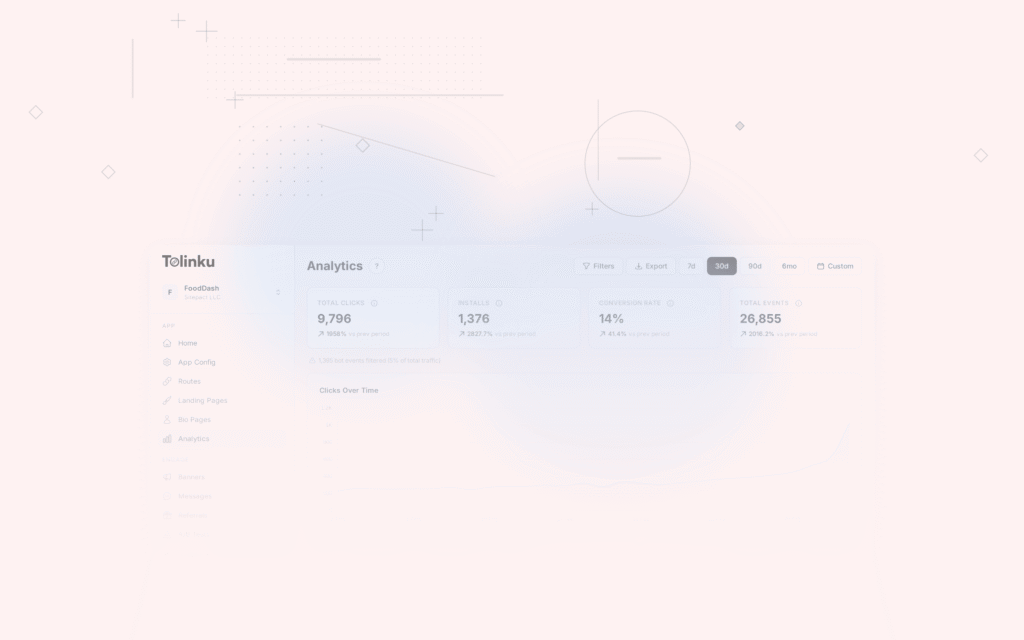
Use Tolinku's analytics to track click-to-install conversion funnels from your deep links. For paid UA specifically, you'll typically use a combination of:
- Ad network SDKs: Meta SDK, Google SDK, etc. for in-network attribution
- Deep linking: For campaigns where users click a link before reaching the store
- Postback URLs: Server-to-server callbacks that inform ad networks about installs and downstream events
Post-Install Event Tracking
Attribution doesn't stop at install. Track post-install events (registration, purchase, subscription) and pass them back to ad networks for optimization. This lets the algorithms optimize for valuable users, not just installs.
Configure "optimize for" events in each ad platform:
- Meta: Optimize for "purchase" instead of "app install"
- Google: Set value-based bidding with in-app event values
- Apple: Pass post-install events via the AdServices framework
For a thorough guide on attribution, see Mobile Attribution: A Developer's Guide.
Avoiding Common Mistakes
Optimizing for installs instead of value: Cheap installs are useless if users don't engage. Always look at downstream metrics (D7 retention, revenue, LTV) alongside CPI.
Not tracking post-install events: Without event tracking, ad networks optimize blindly. Pass at least 2-3 key events (registration, first action, purchase) back to the ad platform.
Creative stagnation: Running the same ad for months guarantees declining performance. Plan for regular creative refreshes.
Ignoring the landing experience: A user who clicks an ad and lands on your app's home screen (instead of the content from the ad) is confused and more likely to churn. Use deep linking to match the post-install experience to the ad creative.
Not accounting for organic cannibalization: Some paid installs would have happened organically. Factor this into your true CPI calculations.
Spending before product-market fit: If your app has low retention (D1 < 30%, D7 < 15%), fix the product before scaling paid UA. You're paying to send users into a leaky bucket.
Getting Started Checklist
- Set up attribution (deep linking + ad network SDKs)
- Define your target CPI and ROAS goals based on LTV
- Choose 2 channels to test (Meta + one other)
- Produce 5+ creative variants
- Launch with $1,000-$3,000/week per channel
- Monitor daily for 2-3 weeks
- Shift budget toward the winning channel and creatives
- Scale gradually (increase budget by 20-30% at a time, not 3x overnight)
For a broader view of growth strategies beyond paid UA, see Mobile App Growth: 25 Strategies That Work.
Get deep linking tips in your inbox
One email per week. No spam.