Adding a smart banner to your site is a straightforward way to grow your app's install base. Doing it carelessly is an equally straightforward way to degrade your search rankings.
The interactions between banners and SEO run deeper than most people expect. It is not just about Google's interstitial policy (though that matters). Banners can cause layout shifts that hurt Core Web Vitals scores, add JavaScript weight that slows first contentful paint, and interact poorly with mobile-first indexing if you are not careful about how they render.
This guide covers the specific SEO risks that come with smart banner implementations and the practices that eliminate them.
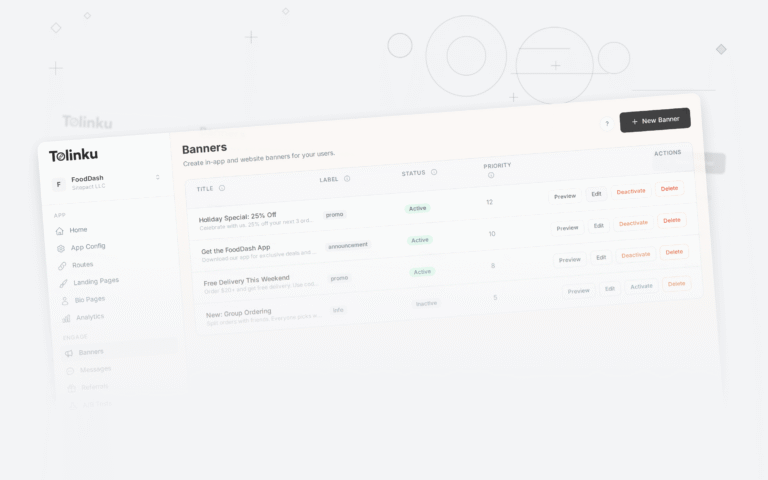
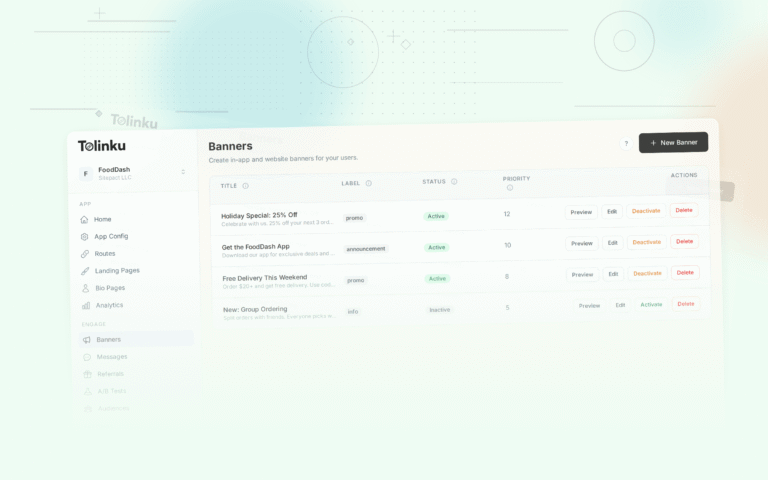
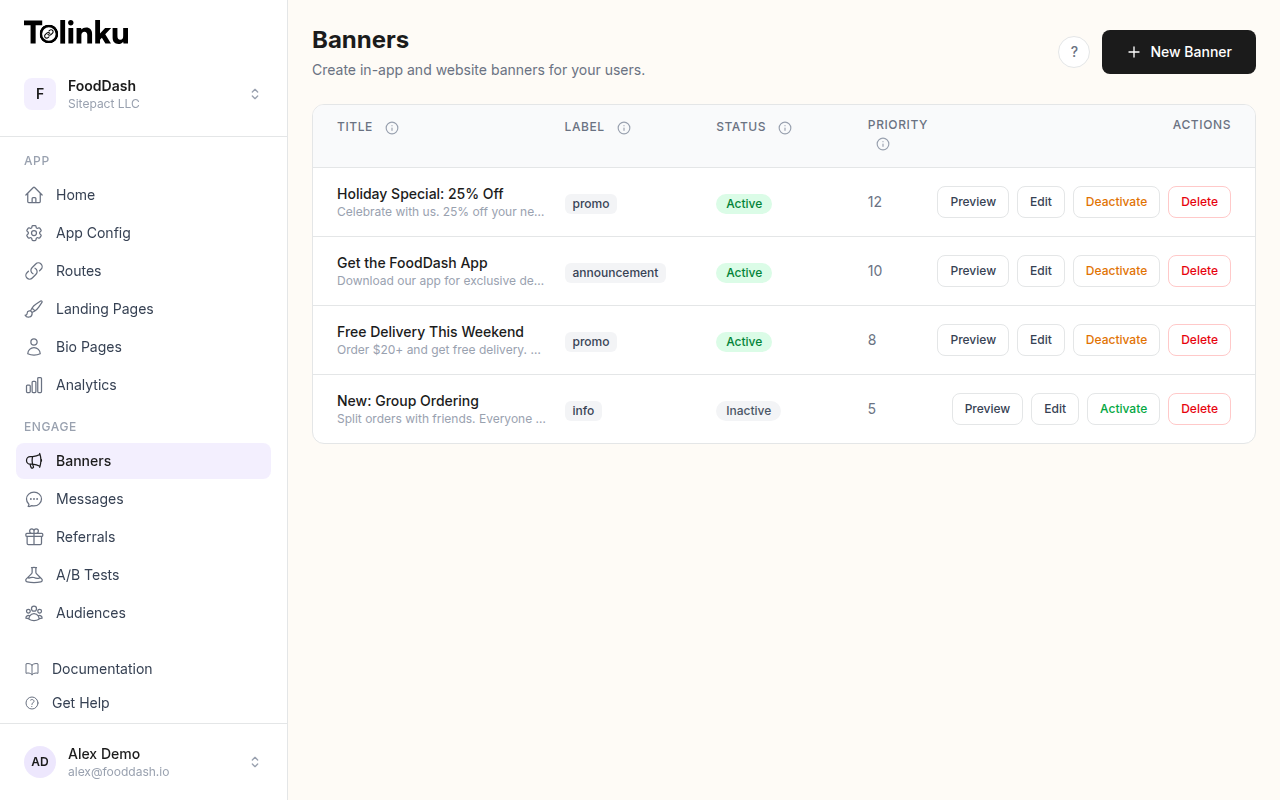 The banners list page showing all configured smart banners with status toggles.
Cumulative Layout Shift: The Invisible Penalty
Cumulative Layout Shift (CLS) measures how much visible content moves around during page load. It became a Google ranking factor in 2021 as part of Core Web Vitals. A good CLS score is below 0.1; scores above 0.25 are considered poor and will negatively affect rankings.
Smart banners are one of the most common causes of high CLS scores, and the problem is usually not the banner itself but how it is inserted into the page.
The layout shift scenario
Here is the typical failure mode: A page loads and the user starts reading. The content appears at the top of the viewport. Then, 500-800 milliseconds later, a JavaScript file finishes loading, the banner is injected at the top of the document flow, and all the page content is pushed down by 80-100px. The text the user was reading jumps down the screen. CLS score takes a hit.
Google's crawler experiences this the same way a user does. If Chrome's rendering of your page shows content jumping around, that will be reflected in your CLS score in Search Console.
How to prevent banner-caused CLS
There are three approaches that work:
Reserve space at page load. Add a placeholder element to the top of the page that is the same height as the banner before the banner JavaScript loads. When the banner replaces the placeholder, there is no layout shift because the space was already reserved. This is the most reliable approach and is recommended by the Web.dev layout shift documentation.
/* Reserve banner space before JS loads */
.banner-placeholder {
  height: 80px;
  width: 100%;
}
Use fixed or sticky positioning. A banner that is positioned with position: fixed or position: sticky does not occupy space in the document flow. It overlays the content rather than pushing it down. This prevents CLS entirely, but it does mean the banner covers content, which has its own trade-offs (see the Google interstitial guidelines covered in this article).
Render the banner server-side. If the banner HTML is included in the initial server response rather than injected by JavaScript, the browser knows the banner's dimensions from the first render and no layout shift occurs. This requires your server to make the decision about whether to show a banner before sending the HTML, which adds complexity but produces the cleanest user experience.
The Tolinku Web SDK uses a placeholder approach by default, reserving space before the banner JavaScript loads to prevent CLS.
Page Speed Considerations
Every script tag added to a page is a potential load time delay. How your banner script is loaded matters for both user experience and search rankings.
Script loading strategies
Async loading. Adding async to your banner script tag means the browser does not block HTML parsing while the script downloads. This is the minimum you should do for any third-party script.
<script async src="https://cdn.tolinku.com/banner.js"></script>
Defer loading. The defer attribute is similar to async but guarantees the script executes after the HTML document is parsed. For banners that do not need to run before the page is interactive, defer is often the better choice because it ensures the primary content is fully rendered before the banner logic runs.
Self-hosting the script. Third-party script domains require a separate DNS lookup and TCP connection. Loading the banner script from your own domain (or a domain that shares the same origin) eliminates this overhead. However, self-hosted scripts lose the benefit of CDN caching if the CDN is the third-party domain.
Script size. A banner script that loads 50KB of minified JavaScript is meaningfully different from one that loads 5KB. For mobile users on slower connections, this matters. Ask your banner provider what the gzipped size of the banner script is.
Largest Contentful Paint interactions
Largest Contentful Paint (LCP) measures how long it takes for the largest visible content element to render. This is typically a hero image, a large heading, or a main product image.
If your banner contains an image (a logo, an app icon, or a promotional graphic), and it is large enough to be the LCP element, the banner image loading time directly affects your LCP score. This is unusual but worth checking in Chrome DevTools or PageSpeed Insights.
More commonly, the banner script delays the rendering of other LCP elements by consuming parser time. Using async or defer prevents this.
Banner Size Best Practices
Banner size affects both SEO (through the Google interstitial policy and CLS) and user experience. The two constraints that should guide your size decisions:
Height constraint. Stay at or below 90-100px on mobile. This keeps the banner within Google's "reasonable amount of screen space" guideline and limits CLS impact when using the reserved-space approach.
Content visibility above the fold. Regardless of banner height, the page's actual content must be visible above the fold without any user action. If a user who arrives from a search result sees only a banner and navigation with no article or product content visible, that is the scenario Google's policy is specifically designed to penalize.
A practical test: load your page on a mobile device (or in Chrome DevTools in mobile simulation mode, at 375x812px viewport which represents an iPhone 14). Is any meaningful content visible above the fold alongside the banner? If the banner + navigation consumes the entire visible area and content requires scrolling, you have a problem.
The Google Search documentation on mobile-friendly content emphasizes that content should be "immediately accessible." That standard should guide your above-the-fold decisions.
Lazy Loading and Banners
Lazy loading images and non-critical resources is a standard performance optimization. For banners, the interaction with lazy loading needs careful thought.
Banner images should not be lazy loaded. If your banner contains an image (an app icon, for example), that image should load with the banner, not be deferred. A banner that appears with a broken or empty image slot looks broken and produces a poor user experience.
Banner script can be lazy loaded (with caveats). If your banner is triggered by scroll depth or a time delay, you could defer loading the banner script entirely until the trigger condition is met using the Intersection Observer API or setTimeout. This reduces initial page load weight because the banner script is never loaded for users who leave quickly. The trade-off is slightly higher time-to-banner for users who do trigger the condition.
For most implementations, async or defer on the banner script tag is sufficient. Full lazy loading of the banner script is a micro-optimization worth considering for sites with very tight performance budgets.
Avoiding Content Shift with Fixed-Position Banners
If you choose the fixed-position approach (banner overlays content rather than pushing it down), there are a few additional considerations:
Scroll padding. If your page has a fixed header and a fixed banner below it, anchor links and in-page navigation may scroll to positions where content is hidden behind the banner. The CSS scroll-padding-top property lets you account for fixed elements:
html {
  scroll-padding-top: 80px; /* banner height */
}
Focus management. Users navigating with keyboard or screen readers may have focus jump to content behind the banner. Ensure your banner is positioned in the DOM after the main content or uses appropriate z-index and accessibility attributes.
Print styles. Fixed-position banners often appear on printed pages because they are rendered as part of the page. Add a print media query to hide the banner when printing:
@media print {
  .tolk-banner {
    display: none;
  }
}
The Interaction Between Banners and Core Web Vitals
Core Web Vitals (CLS, LCP, and Interaction to Next Paint) are measured by both Google's crawler (via Chrome's rendering pipeline) and by real-user data collected through the Chrome User Experience Report (CrUX). Your site's Core Web Vitals scores in Search Console reflect real-world performance, not just lab measurements.
This means that even if your banner implementation passes a PageSpeed Insights check, if real users are experiencing CLS or INP issues caused by your banner (perhaps on slower devices or slower connections), those issues will eventually appear in your field data and affect rankings.
The most common banner-related Core Web Vitals issues in field data:
CLS from delayed injection. Covered above. Use reserved space or fixed positioning.
INP from heavy banner JavaScript. If your banner script executes complex logic on the main thread (parsing large configuration objects, running feature detection loops), it can delay the browser's ability to respond to user interactions. Banner scripts should be lightweight and should not block the main thread during execution.
LCP delay from render-blocking. A banner script loaded without async or defer can block HTML parsing and delay LCP. Always use async or defer.
A Compliance Checklist
Before launching banners on any page that receives organic search traffic, check these items:
- Banner height is 90-100px or less on mobile
- Meaningful page content is visible above the fold alongside the banner
- Banner has a visible, tappable dismiss button
- Banner script is loaded with
asyncordefer - Reserved space or fixed positioning is used to prevent CLS
- Banner is not shown immediately on pages accessed from search (optional but lower-risk)
- Fixed-position banner does not obscure content accessed via anchor links
- Core Web Vitals scores are checked in Search Console after banner launch
The Tolinku smart banners documentation covers configuration options that satisfy these requirements out of the box. If you are customizing banner appearance with the designing guide, the size and positioning constraints described above should be treated as hard limits, not suggestions.
For the regulatory side of the story, see Google's Interstitial Guidelines and Smart Banners. For the full smart banner feature overview, visit the Tolinku smart banners page.
Get deep linking tips in your inbox
One email per week. No spam.