Not every shopping journey starts with a specific product. Many users want to browse a category, compare options, and discover new items. Category page deep links send users directly to a curated collection within your app, skipping the home screen and search step entirely. This creates a shorter path from marketing touchpoint to purchase.
For product-level deep linking, see product page deep links: drive direct conversions. For the complete e-commerce deep linking guide, see deep linking for e-commerce apps.
Why Category Deep Links Matter
When a marketing email says "New spring collection is here" and the link opens the app's home screen, the user has to navigate to the spring collection manually. Most will not bother. A category deep link eliminates that friction:
| Link Destination | Steps to Browse | Conversion Rate Impact |
|---|---|---|
| Home screen | 3-5 taps to find category | Baseline |
| Category page | 0 taps (lands directly on category) | 2-3x higher engagement |
Category deep links are particularly effective for:
- Seasonal campaigns: "Shop our summer sale" links directly to the summer sale category.
- Email newsletters: "Trending in Electronics" opens the electronics category with trending items.
- Push notifications: "New arrivals in your favorite category" opens that specific category.
- Social media ads: "Shop Women's Running Shoes" links directly to the filtered category.
URL Structure
Design your category deep links with a consistent, readable structure:
https://yourstore.com/category/womens-running-shoes
https://yourstore.com/collection/summer-sale-2026
https://yourstore.com/browse/electronics/headphones
Passing Filters and Sort Order
Category deep links can include parameters that pre-apply filters:
https://yourstore.com/category/shoes?sort=price-low&size=10&color=black
| Parameter | Purpose | Example |
|---|---|---|
sort |
Pre-sort results | price-low, newest, best-selling |
size |
Pre-filter by size | 10, M, XL |
color |
Pre-filter by color | black, red |
priceRange |
Pre-filter by price | 50-100 |
brand |
Pre-filter by brand | nike, adidas |
ref |
Attribution source | email-spring-campaign |
Pre-applied filters reduce the effort the user needs to find what they want. An ad for "Black Nike running shoes under $100" should land on a category page with all three filters already applied.
Implementation
Route Configuration
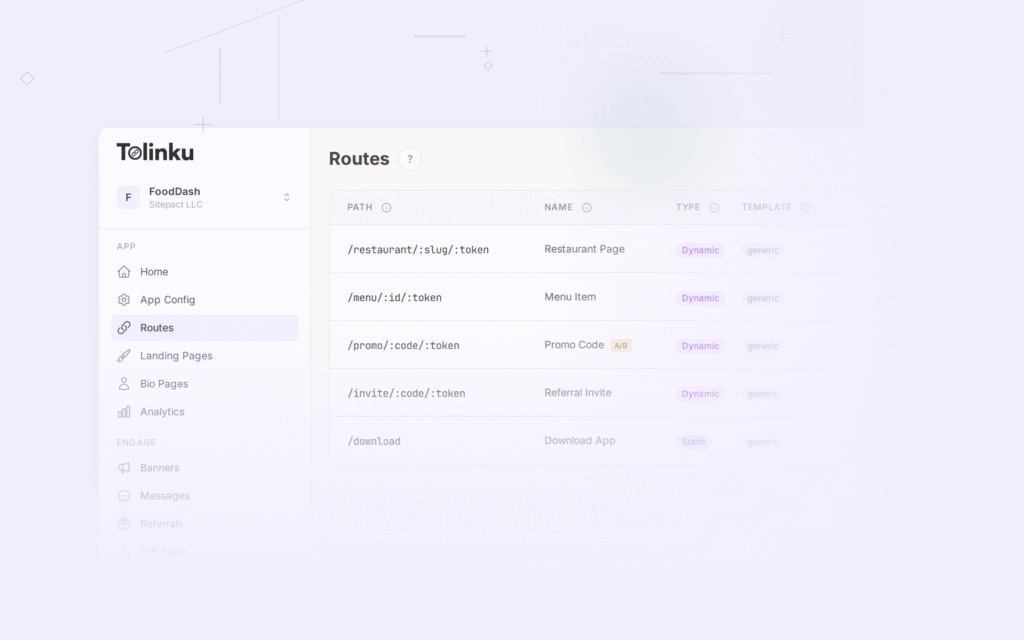
Set up a route for category pages using a dynamic path:
/category/:slug
This single route handles all category deep links. The :slug parameter maps to the category identifier in your app.
For subcategories:
/category/:parent/:child
Example: /category/electronics/headphones opens the headphones subcategory within electronics.
Handling the Deep Link in Your App
When your app receives the deep link, it should:
- Parse the category slug from the URL path.
- Look up the category in your product catalog.
- Apply any query parameters (sort, filters).
- Navigate to the category screen with the appropriate state.
- Handle errors gracefully: If the category no longer exists, show a "Category not found" screen with a link to the home page or search, not a crash or blank screen.
Deferred Deep Linking for New Users
When a user without your app taps a category link:
- The link shows a preview page with category information.
- The user is redirected to the App Store or Google Play.
- After installation, the app opens directly to the category page.
This flow requires deferred deep linking, which preserves the category destination through the app installation process.
Use Cases
Seasonal and Thematic Collections
Create deep links for curated collections that align with marketing campaigns:
| Campaign | Deep Link | Category Page Content |
|---|---|---|
| "Valentine's Day Gifts" | /collection/valentines-2026 |
Curated gift items |
| "Back to School Essentials" | /collection/back-to-school |
Backpacks, supplies, tech |
| "Black Friday Deals" | /collection/black-friday |
Discounted items across categories |
| "Staff Picks" | /collection/staff-picks |
Editorially curated favorites |
These are time-bound collections, so plan for expiration handling. When the collection ends, the deep link should redirect to a relevant alternative (e.g., the general sale page) rather than showing an empty category.
Personalized Category Recommendations
Use deep link parameters to personalize the category experience:
https://yourstore.com/category/recommended?userId=abc123
The app fetches personalized product recommendations for that user and displays them as a category page. This works well in email campaigns where you know the user's preferences.
Multi-Category Landing Pages
Some campaigns promote multiple categories at once. Create a deep link to a curated landing page within the app:
https://yourstore.com/browse/summer-essentials
This opens a themed in-app page with links to multiple categories (swimwear, sunglasses, outdoor furniture), rather than a single category list.
Measuring Category Deep Link Performance
Track these metrics for each category deep link:
| Metric | What It Tells You |
|---|---|
| Click-through rate | How compelling is the campaign message |
| Category page views | How many users reached the category |
| Browse depth | How many products users viewed within the category |
| Add-to-cart rate | How many users added items from the category to cart |
| Purchase conversion | How many users completed a purchase from the category |
| Revenue per link click | Total revenue attributed to the category deep link |
Compare category deep link performance against generic home screen links. The delta demonstrates the value of targeted deep linking.
Common Mistakes
| Mistake | Impact | Fix |
|---|---|---|
| Linking to home screen instead of category | Users do not navigate to the intended category | Use deep links with category slug |
| No fallback for expired collections | Users see an empty or error page | Redirect to a relevant alternative |
| Ignoring query parameters | Users must manually apply filters advertised in the campaign | Parse and apply filters from URL parameters |
| No deferred deep linking | New users land on home screen after installation | Implement deferred deep linking |
| Not tracking per-category performance | Cannot optimize campaigns per category | Track metrics per category deep link |
Tolinku for Category Deep Links
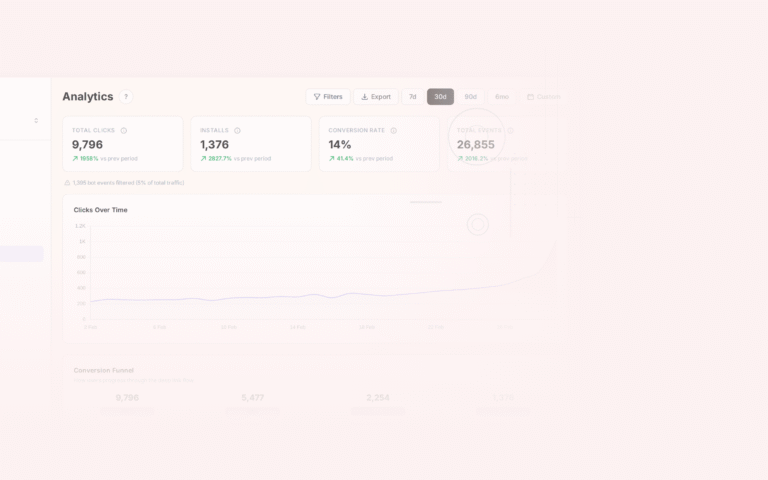
Tolinku lets you set up a single route (/category/:slug) that handles all category deep links. The platform handles platform detection (iOS/Android/web), deferred deep linking for new users, and provides analytics showing clicks and conversions per category link. For e-commerce-specific use cases, see the e-commerce deep linking guide.
For product-level deep links, see product page deep links: drive direct conversions. For the complete e-commerce guide, see deep linking for e-commerce apps.
Get deep linking tips in your inbox
One email per week. No spam.