Universal Links and App Clips both connect web URLs to native iOS experiences. They solve different problems, but the overlap can cause confusion when deciding which to implement. Some apps benefit from one, some from both.
This article compares the two technologies, explains when each is appropriate, and shows how they interact when used together.
For Universal Links fundamentals, see universal links: everything you need to know. For custom URL schemes as a third option, see universal links vs custom URL schemes.
What Universal Links Do
Universal Links connect a standard HTTPS URL to your installed app. When a user taps a Universal Link and your app is installed, iOS opens the app and passes the URL. If the app is not installed, the URL loads in Safari as a regular web page.
The key characteristics:
- Requires the full app to be installed. Universal Links only open your app if it is already on the device.
- No user prompt. The transition from URL to app is seamless.
- Falls back to the web. If the app is not installed, the user gets the web page.
- Works across iOS. Available since iOS 9.
Universal Links rely on an Apple App Site Association (AASA) file hosted on your domain and the Associated Domains entitlement in your app.
What App Clips Do
App Clips (introduced in iOS 14) let users access a focused piece of your app without installing it. An App Clip is a lightweight version of your app (under 15MB on iOS 16+, previously 10MB) that launches instantly from a URL, QR code, NFC tag, or Maps listing.
The key characteristics:
- Does not require installation. The App Clip downloads and runs on demand.
- Limited in scope. App Clips are designed for specific tasks (ordering food, renting a scooter, paying for parking).
- Temporary by default. iOS removes unused App Clips after a period of inactivity.
- Prompts the user. An App Clip card appears, and the user taps "Open" to launch it.
- Requires iOS 14+. Not available on older devices.
Apple's documentation on App Clips: Creating an App Clip.
Side-by-Side Comparison
| Feature | Universal Links | App Clips |
|---|---|---|
| Requires app installation | Yes | No |
| Maximum size | Full app | 15MB (iOS 16+) |
| User prompt before opening | No | Yes (App Clip card) |
| Falls back to web | Yes | Yes (if no App Clip configured) |
| Persistent on device | Yes | No (removed after inactivity) |
| Access to full app capabilities | Yes | Limited (no background tasks, etc.) |
| Minimum iOS version | iOS 9 | iOS 14 |
| Invocation sources | Links, Safari, other apps | Links, QR codes, NFC, Maps, Safari |
| AASA file required | Yes | Yes |
| Associated Domains required | Yes | Yes |
When to Use Universal Links
Universal Links are the right choice when:
Your app is likely already installed. If your user base primarily consists of people who have your app, Universal Links provide the smoothest transition from web to app with no prompt and no delay.
You need the full app experience. Universal Links open your complete app with all its capabilities. There is no size limit and no restriction on background processes, notifications, or other system features.
You want web fallback for non-users. If the app is not installed, the URL loads as a web page. This makes Universal Links safe to use in email, social media, and marketing materials.
Deep linking to specific content. Universal Links excel at routing users to specific screens (product pages, articles, user profiles) within an installed app.
For deep linking strategies, see when to use deep linking.
When to Use App Clips
App Clips are the right choice when:
The user does not have your app. App Clips are specifically designed for first-time interactions. A user scanning a QR code at a parking meter should not need to download a 200MB app to pay for two hours of parking.
The task is focused and transactional. Ordering food, checking in, making a payment, previewing a product. App Clips work best when the user needs to do one thing and move on.
Physical-world triggers. NFC tags, QR codes on physical objects, and Apple Maps listings are natural entry points for App Clips. These contexts favor immediate, lightweight interactions.
Conversion to full app. App Clips can prompt users to download the full app after they have had a positive experience. This is a natural acquisition funnel.
Using Both Together
Universal Links and App Clips are not mutually exclusive. In fact, they complement each other well. Here is how the decision tree works at runtime:
- User taps a URL associated with your domain.
- iOS checks the AASA file.
- If the full app is installed: iOS opens the app via Universal Links.
- If the full app is NOT installed but an App Clip is configured for that URL: iOS shows the App Clip card.
- If neither is available: the URL opens in Safari.
This means you can configure the same URL to work with both technologies. Users with the app get the full experience. Users without the app get the App Clip. Users without iOS 14+ or without either get the web page.
AASA Configuration for Both
The AASA file supports both applinks (for Universal Links) and appclips (for App Clips):
{
  "applinks": {
    "details": [
      {
        "appIDs": ["TEAMID.com.example.app"],
        "components": [
          { "/": "/product/*", "comment": "Product pages" }
        ]
      }
    ]
  },
  "appclips": {
    "apps": ["TEAMID.com.example.app.Clip"]
  }
}
Note that the App Clip uses a separate bundle identifier (typically your app's bundle ID with .Clip appended).
For AASA file configuration, see AASA file setup guide.
App Clip Limitations to Consider
Before building an App Clip, understand the restrictions:
- Size limit. 15MB on iOS 16+, 10MB on iOS 14-15. This constrains what frameworks and assets you can include.
- No background execution. App Clips cannot run background tasks, fetch in the background, or use background location.
- No push notifications (initially). App Clips can request ephemeral notification permission for up to 8 hours after launch.
- Limited data persistence. App Clips can store data, but iOS may delete it at any time.
- No access to certain APIs. HealthKit, CallKit, and some other frameworks are unavailable.
- Requires Xcode App Clip target. You need to create a separate target in your Xcode project, which adds build complexity.
Apple's full list of limitations: App Clip Experiences.
Implementation Effort Comparison
| Aspect | Universal Links | App Clips |
|---|---|---|
| AASA file setup | Required | Required |
| Associated Domains | Required | Required |
| Xcode target | Main app target | Separate App Clip target |
| Code sharing | N/A | Shared with main app via frameworks |
| App Store review | Part of main app review | Separate review for App Clip |
| Size optimization | Not needed | Critical (15MB limit) |
| Testing | Standard testing | Requires App Clip invocation testing |
Universal Links are significantly simpler to implement. You configure the AASA file, add the entitlement, and handle the incoming URL in your app delegate or scene delegate. App Clips require creating a separate target, managing shared code, optimizing for size, and testing the invocation flow.
Decision Framework
Use this framework to decide:
- Is the user likely to have your app installed? If yes, Universal Links. If no, consider App Clips.
- Is the interaction transactional and short? If yes, App Clips work well. If the user needs the full app, Universal Links.
- Are there physical-world entry points? NFC tags and QR codes at physical locations favor App Clips.
- Is iOS 14+ acceptable as a minimum? If you need to support older devices, Universal Links are the only option.
- Do you have engineering capacity for a separate target? App Clips add build and review complexity.
For most apps, starting with Universal Links and adding App Clips later for specific use cases is the pragmatic path.
Tolinku and Universal Links
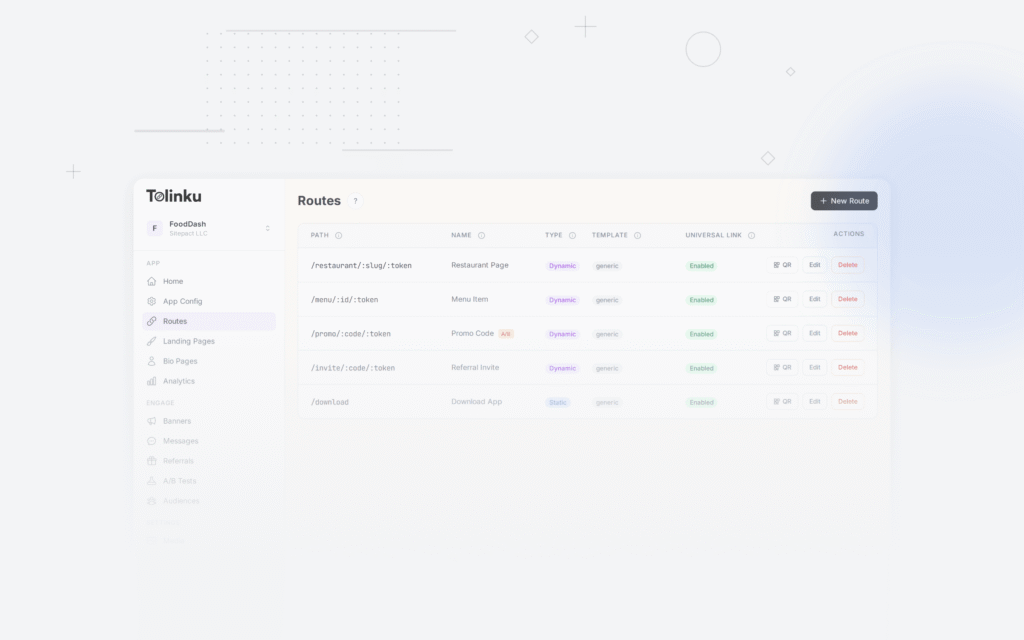
Tolinku manages your AASA file and deep link routing configuration. When a user taps a Tolinku-managed link and your app is installed, Universal Links open the app and your routing logic determines which screen to show. For users without the app, Tolinku can redirect to the App Store, a web fallback, or a custom landing page. See the Universal Links developer guide for setup details.
For the complete Universal Links guide, see universal links: everything you need to know.
Get deep linking tips in your inbox
One email per week. No spam.