A referral program only works if you can reliably answer two questions: who referred this new user, and did that new user actually complete the required action (install, sign up, first purchase)? Without those answers, you cannot trigger rewards accurately.
Deferred deep links solve the first question for mobile apps. They carry the referrer's identity through the install, even when the referred user does not have your app installed at the moment they tap the invite link. This guide covers the full flow from link generation to reward triggering.
Why Regular Links Are Not Enough
Suppose User A shares a simple link to your app: https://myapp.com. User B taps the link on their phone, lands on the App Store, installs the app, and opens it.
When the app opens, there is no way to know User B came from User A's link. The App Store stripped all context. The app sees a cold open. No referral is recorded. No reward is triggered.
A regular App Store link cannot carry the referral code through the install. That is the gap that deferred deep links fill.
The Complete Referral Link Flow
Here is how the flow works with Tolinku:
- User A (the referrer) generates or receives a unique referral link, for example:
https://tolinku.link/ref/ABC123 - User A shares this link via text, social media, or in-app sharing.
- User B (the invited friend) taps the link. Tolinku records the click, including the referral code
ABC123, the timestamp, and device signals. - User B is redirected to the App Store (or Google Play). On Android, the referral code travels through the Play Install Referrer. On iOS, it is stored server-side for fingerprint matching.
- User B installs and opens the app for the first time.
- On first open, Tolinku's SDK matches the install to the click and returns the deep link data, including the referral code.
- Your app reads the referral code, attributes the install to User A, and triggers the reward logic.
The referral code survives the app store gap because it is stored in Tolinku's system at click time and retrieved at first-open time. It never needs to pass through the App Store itself.
Setting Up Referral Links in Tolinku
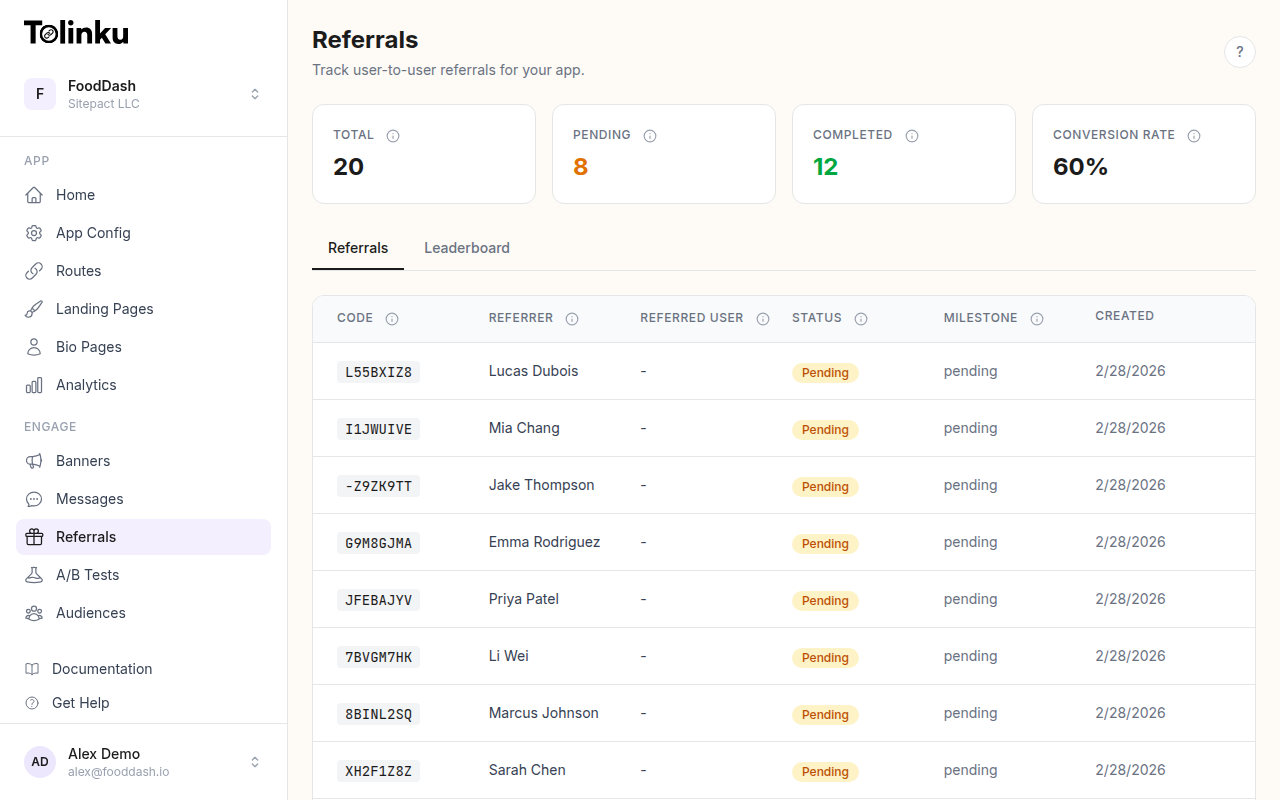
You can create referral links through the API or the dashboard.
Via API
curl -X POST https://api.tolinku.com/v1/links \
  -H "Authorization: Bearer tolk_sec_your_key" \
  -H "Content-Type: application/json" \
  -d '{
    "path": "/referral/ABC123",
    "appspaceId": "your_appspace_id",
    "params": {
      "referral_code": "ABC123",
      "referrer_user_id": "user_42",
      "utm_source": "referral",
      "utm_medium": "in-app-share"
    },
    "fallbackUrl": "https://yourapp.com/invite/ABC123"
  }'
The fallbackUrl is where users land on desktop or unsupported platforms. A web landing page that explains the referral and links to the App Store/Play Store is typical.
For programmatic link generation at scale (one link per user, potentially millions of users), use the API documentation for batch link creation patterns.
Generating Links Per User
Most referral programs generate one unique link per referrer. This is preferable to reusing a single referral code, because it gives each referrer a distinct share link, which is cleaner for UX and easier to attribute.
In your backend, generate the link when the user first visits the referral or share screen:
// Server-side Node.js example
async function getOrCreateReferralLink(userId) {
  const existing = await db.referralLinks.findOne({ userId });
  if (existing) return existing.url;

  const code = generateReferralCode(); // e.g., first 6 chars of hashed userId

  const response = await fetch("https://api.tolinku.com/v1/links", {
    method: "POST",
    headers: {
      "Authorization": `Bearer ${process.env.TOLINKU_SECRET_KEY}`,
      "Content-Type": "application/json"
    },
    body: JSON.stringify({
      path: `/referral/${code}`,
      appspaceId: process.env.TOLINKU_APPSPACE_ID,
      params: {
        referral_code: code,
        referrer_user_id: userId,
        utm_source: "referral",
        utm_medium: "in-app-share"
      },
      fallbackUrl: `https://yourapp.com/invite/${code}`
    })
  });

  const link = await response.json();
  await db.referralLinks.create({ userId, code, url: link.shortUrl });
  return link.shortUrl;
}
Return the short URL to the client for sharing.
Handling the Referral on First Open
In your mobile app, after Tolinku's SDK resolves the deferred link, check for a referral code:
iOS (Swift)
Tolinku.shared.resolveDeferred { result in
    DispatchQueue.main.async {
        InstallState.hasResolvedFirstOpen = true
        switch result {
        case .success(let deepLink):
            if let code = deepLink.referralCode {
                self.attributeReferral(code: code)
            }
            self.route(to: deepLink)
        case .failure:
            self.showDefaultOnboarding()
        }
    }
}

func attributeReferral(code: String) {
    // Call your backend to record the referral
    API.recordReferral(code: code, newUserId: currentUser.id) { result in
        // Handle success or failure
    }
}
Android (Kotlin)
Tolinku.shared.resolveDeferred(this) { result ->
    runOnUiThread {
        InstallState.markFirstOpenResolved(this)
        result.onSuccess { deepLink ->
            deepLink.referralCode?.let { code ->
                attributeReferral(code)
            }
            routeTo(deepLink)
        }.onFailure {
            showDefaultOnboarding()
        }
    }
}

fun attributeReferral(code: String) {
    // Call your backend to record the referral
    api.recordReferral(code, currentUser.id) { result ->
        // Handle success or failure
    }
}
Reward Triggering
Rewards are typically triggered on the server side, not the client side, to prevent manipulation. The flow:
- The new user's app sends the referral code and the new user ID to your backend.
- Your backend looks up the referrer by referral code.
- Your backend records the referral (referrer user ID + referred user ID + timestamp + status: pending).
- A webhook or background job fires when the referred user completes the required action (email verification, first purchase, subscription start).
- The reward is granted to the referrer and optionally the referred user.
Separate the attribution step (recording the referral) from the reward step (granting the reward). This separation lets you:
- Apply qualifying conditions (the referred user must complete some action)
- Prevent double rewards (idempotent reward grants)
- Handle referral fraud detection before issuing rewards
See the referrals documentation for Tolinku's built-in referral tracking, which automates much of this flow.
Deep Linking the Referred User Into the Right Screen
The referral link can carry more than just a referral code. Use the path and parameters to route the new user to the most appropriate first experience.
For a referral with a specific offer:
/referral/ABC123?promo=friend25
On first open, your app routes to a custom welcome screen:
if deepLink.path.hasPrefix("/referral") {
    let vc = ReferralWelcomeViewController(
        referralCode: deepLink.referralCode,
        promoCode: deepLink.params["promo"]
    )
    navigationController.setViewControllers([vc], animated: false)
}
The welcome screen can:
- Display the name of the person who referred them (look up by code after attributing)
- Show the welcome offer or discount
- Pre-fill sign-up fields if the referrer shared their contact
- Skip generic onboarding steps and go directly to the value
This kind of contextual first experience increases conversion from install to registration. Users who see a personalized welcome screen convert at higher rates than users dropped into a generic app store.
Measuring Your Referral Program
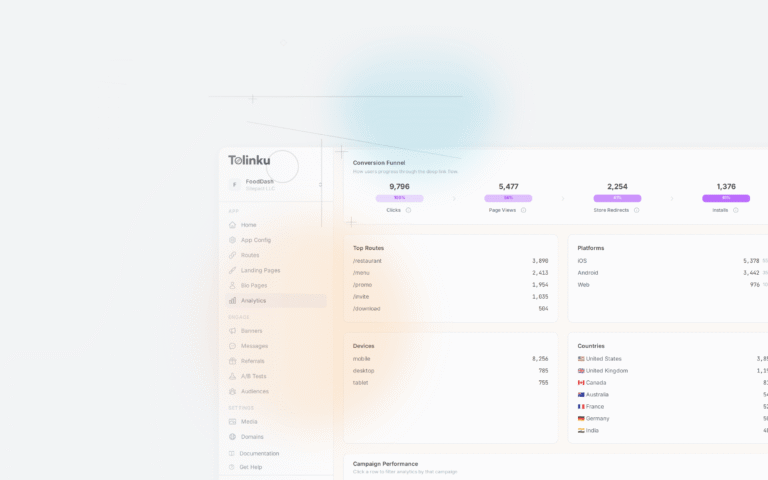
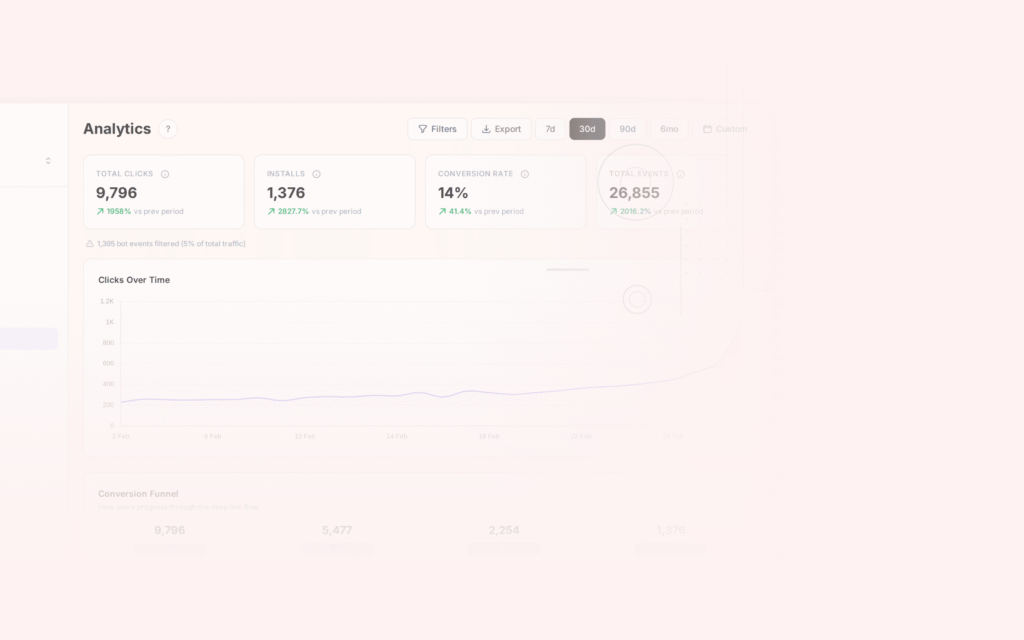
Attribution data flows into Tolinku's analytics with the referral parameters intact. You can measure:
- Referral link clicks: how many times each link was tapped
- Click-to-install rate: what percentage of clicks resulted in installs
- Install-to-registration rate: how many installs completed sign-up
- Referral chain depth: if referred users also refer others
- Revenue per referred user: lifetime value compared to other acquisition channels
The analytics features include campaign-level breakdowns that work with referral links out of the box, since the UTM parameters (utm_source=referral) flow through the attribution chain.
For a broader look at building referral programs, see Building Referral Programs That Work.
Common Pitfalls
Generating links too late. If you generate the referral link at the moment of sharing (when the user taps "Share"), there may be a noticeable delay while the API call completes. Pre-generate links when the user first opens the referral screen and cache them.
Not handling the case where no referral is found. Always have a default path for organic installs. Your deferred link resolution may return an error for users who installed without clicking a referral link. Route them to standard onboarding.
Not idempotency-checking rewards. If a user reinstalls the app, the first-open logic will fire again. If you do not guard against this (by checking whether a referral has already been attributed for this user ID), you may trigger double rewards. Check whether the user ID has already been attributed a referral before recording a new one.
Referral code reuse. Using the same code for multiple referrers (e.g., a generic FRIEND code shared widely) makes attribution impossible. Each user should have a unique code.
Related Resources
Get deep linking tips in your inbox
One email per week. No spam.