Apple introduced the smart app banner meta tag in iOS 6 and it has barely changed since. Drop a single line of HTML into your page's <head> and Safari renders a standardized banner inviting users to open or install your app. No JavaScript required, no hosting required, no configuration beyond the meta tag itself.
It is genuinely easy to set up. It is also genuinely limited in ways that matter if you are trying to grow app installs and measure that growth.
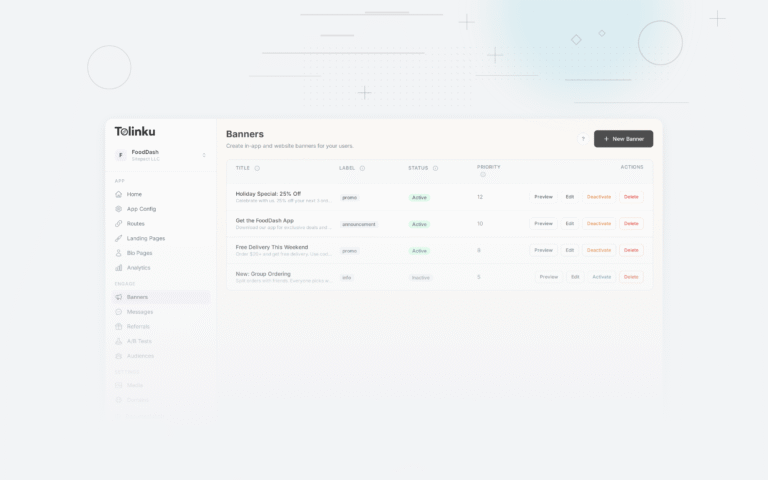
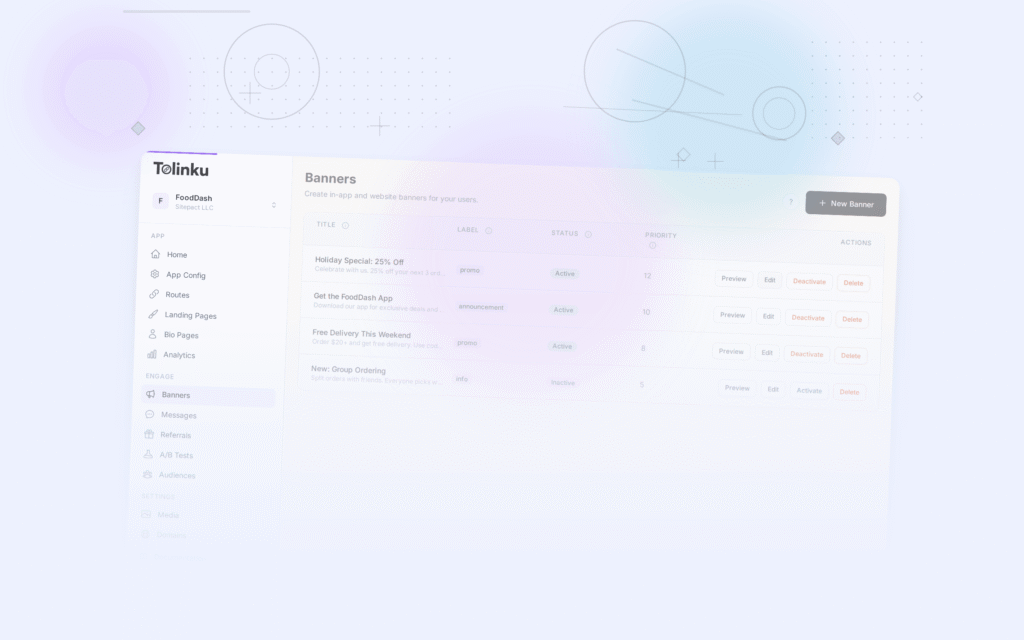
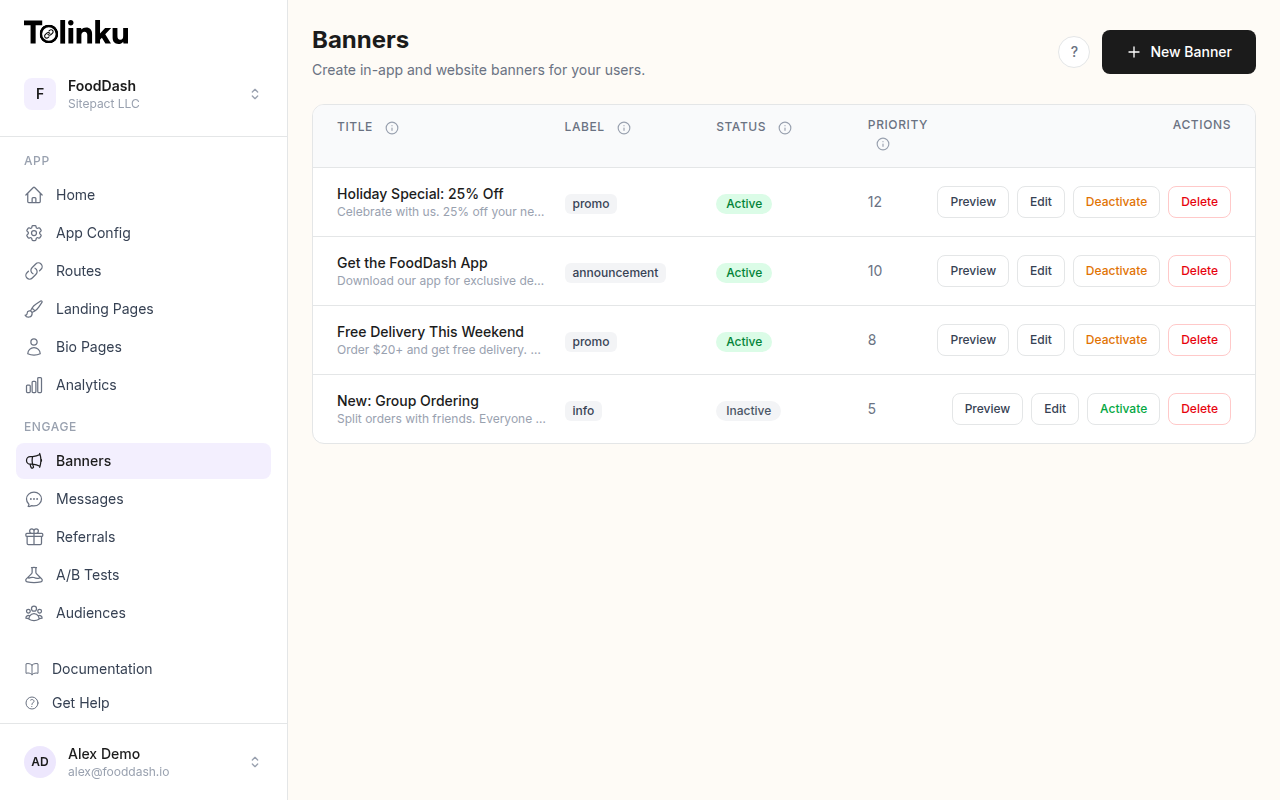 The banners list page showing all configured smart banners with status toggles.
How the Native Meta Tag Works
The Apple smart banner is activated by adding this tag to your HTML:
<meta name="apple-itunes-app" content="app-id=YOUR_APP_ID">
You can optionally include a deep link argument:
<meta name="apple-itunes-app" content="app-id=YOUR_APP_ID, app-argument=https://yourapp.com/path">
When Safari on iOS detects this tag, it renders a standardized banner at the top of the page. The banner shows your app icon (pulled from the App Store), your app name and category, your app's rating, and a button that reads either "Open" (if the app is installed) or the app's price (or "Get" for free apps).
That is all it can do. The design, placement, copy, behavior, and attribution are fixed.
Apple's developer documentation describes the full parameter syntax, which has not expanded meaningfully in years.
Limitation 1: No Analytics
The most significant limitation is that Apple's native banner generates zero analytics data. You have no way to know:
- How many users saw the banner
- How many users tapped "Get" or "Open"
- What percentage of taps resulted in installs
- Which pages produced the most banner interactions
- Whether iOS users are engaging with the banner at all
Without impression and click data, you cannot calculate click-through rate, cannot compare banner performance across different pages, cannot measure the revenue impact of the banner, and cannot make data-driven decisions about whether to invest more in the web-to-app experience.
The only signal you get is the aggregate install count from App Store Connect, and that does not break down by acquisition channel. You cannot tell whether an install came from the smart banner, a paid ad, word of mouth, or App Store search.
Limitation 2: No Customization
The native banner has a fixed visual design. You cannot change:
- The banner background color
- The CTA button text (it is always "Get" or your app's price from the App Store)
- The font, spacing, or icon size
- The banner position (it always appears at the top, above the page content)
- The banner size
This matters because the fixed design may not match your brand. A dark-themed app whose website uses a dark color scheme has a white banner that clashes with the page. A retail app running a sale promotion cannot add "20% off in-app today" to the banner. A subscription app cannot communicate the value of the subscription in the banner copy.
The CTA button text limitation is particularly constraining. "Get" is a generic prompt with no benefit statement. Every app using the native banner has the same CTA, regardless of what the app actually does or what the user gains by installing it.
Limitation 3: No Targeting
The native banner appears for all iOS Safari users who visit a page where the meta tag is present. There is no way to:
- Show a different banner to new visitors versus returning visitors
- Target users based on their geographic location
- Show the banner only on certain pages or sections
- Suppress the banner for users who already have the app open in the background
- Show the banner based on time of day or day of week
- Target users based on traffic source (organic search vs. direct vs. paid campaign)
The banner is always-on for every eligible user. This means users who dismissed the banner yesterday see it again tomorrow on a different page. Users who already have the app installed (and would prefer an "open in app" experience) see the same "Get" prompt as users who have never heard of your app.
Apple's Human Interface Guidelines emphasize not interrupting users with irrelevant prompts. The native banner cannot implement this principle because it has no context about who the user is.
Limitation 4: No A/B Testing
Because the banner design and copy are fixed, there is nothing to test. You cannot run an experiment to determine whether a different value proposition would increase install rates, because you cannot change the value proposition.
A/B testing is how you convert a banner from a guess into a known performer. Without it, you never know whether the native banner's "Get" CTA is close to optimal or dramatically underperforming. You cannot test whether the banner converts better when positioned at the bottom of the screen. You cannot test whether showing the banner after a scroll threshold performs better than showing it immediately.
The native banner is a static asset that you set once and leave running. Whatever conversion rate it achieves is the conversion rate it will always achieve.
Limitation 5: iOS Only
The native meta tag is a Safari/WebKit feature. It does nothing on:
- Android (any browser)
- Chrome on iOS
- Firefox on iOS
- Any third-party browser on iOS (Instagram in-app browser, TikTok browser, etc.)
If your web audience is a mix of iOS and Android users, the native banner covers only the fraction of that audience using Safari on iOS. Android users, who represent the majority of global smartphone users according to StatCounter's global market share data, see nothing.
A native banner strategy is therefore not a web-to-app strategy for your full mobile audience. It is a web-to-app strategy for one segment of your iOS audience.
Limitation 6: No Dismiss Persistence Control
When a user dismisses the native Apple smart banner, the banner does not reappear for a period determined by Apple's internal logic, not by your app's needs. You cannot configure how long the banner stays dismissed, when it should reappear, or whether it should reappear at all.
This is problematic in both directions. For a casual dismissal (the user wanted to read the page and will consider installing later), the native banner may not reappear for too long. For a user who has firmly decided not to install, the native banner may reappear too frequently.
Custom banner implementations let you configure the dismiss window precisely, matching it to your app's typical consideration cycle.
Limitation 7: No Deep Link Context Passing
The app-argument parameter lets you pass a single URL string to the app. This works for basic deep linking: if the user is on a product page, you can pass the product URL to the app, which can then open the right screen.
However, you cannot pass:
- Campaign tracking parameters (UTM source, medium, campaign)
- Attribution data linking the install to your web banner impression
- User segment data that would help the app personalize the first session
- Custom data beyond a single URL string
Without campaign tracking through the install, you lose the attribution chain. You cannot tell your analytics system that this install came from the smart banner on the homepage, from a specific campaign, or from a user who had visited the site five times before installing.
What Custom Banners and Tolinku Add
Custom banners built with HTML, CSS, and JavaScript, connected to a platform like Tolinku, address each of these limitations:
Analytics: Impression tracking, click tracking, install attribution, and downstream revenue attribution. Full funnel visibility from first banner view to retained user.
Design flexibility: Full control over colors, typography, copy, icon size, button style, position, and animation. Match your brand exactly.
CTA copy: Write any CTA that reflects your app's actual value. "Track your order," "See exclusive deals," "Resume your game" instead of "Get."
Targeting: Show different banners to iOS and Android users. Target by geography, traffic source, visitor frequency, or custom user attributes. Suppress the banner for users who already have the app.
A/B testing: Run controlled experiments on copy, color, timing, and placement. Ship winning variants automatically.
Cross-platform: The same banner system works for iOS Safari, Chrome on Android, and other mobile browsers. One implementation covers your full mobile audience.
Attribution: Pass campaign parameters, click IDs, and user context through the install process so you can attribute installs to the correct banner, page, and campaign.
The Tolinku smart banners documentation covers how to configure each of these capabilities, and the smart banners feature overview shows what a fully configured banner setup looks like.
Should You Keep the Native Meta Tag?
The native meta tag is harmless to keep in place. It costs nothing, requires no maintenance, and covers a scenario that custom banners cannot replicate exactly: the system-level integration with Safari on iOS, where the banner appears above the browser chrome rather than inside the page.
If you are running a custom banner alongside the native meta tag, you should suppress the custom banner for Safari users to avoid showing two banners simultaneously. Detect Safari and skip your custom JavaScript in that context, or use the native banner only as a fallback for Safari and rely on your custom implementation everywhere else.
For all practical purposes, though, the native meta tag should be the floor, not the ceiling, of your web-to-app conversion strategy. The pillar guide to smart app banners explains how to build a comprehensive strategy that goes well beyond what the meta tag can provide.
Get deep linking tips in your inbox
One email per week. No spam.