A deep link that nobody clicks is worthless. Click-through rate (CTR) determines how many people who see your link actually engage with it. Small improvements in CTR compound across every campaign, email, and social post where you use links.
This guide covers the practical levers for increasing click-through rates on your deep links across different channels.
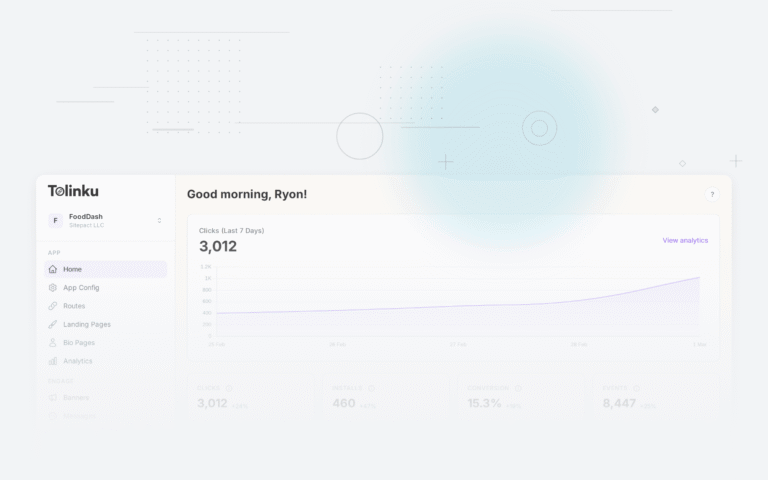
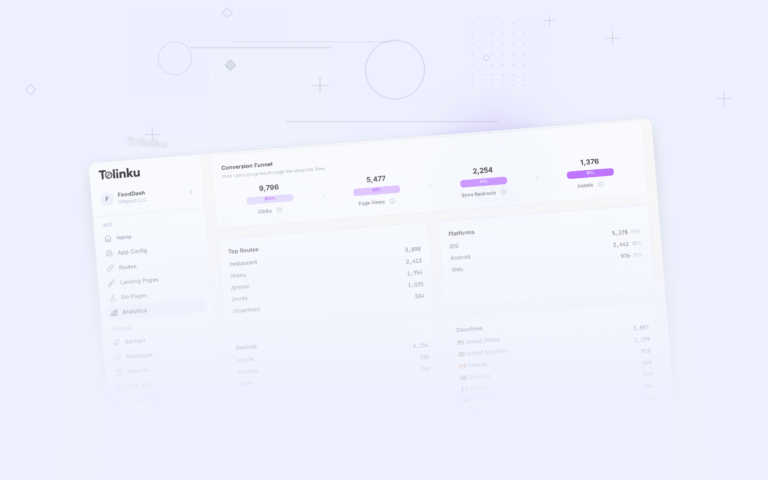
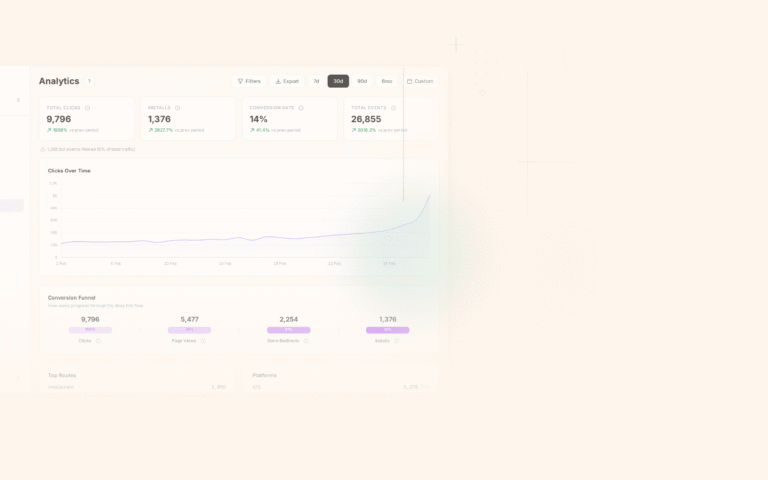
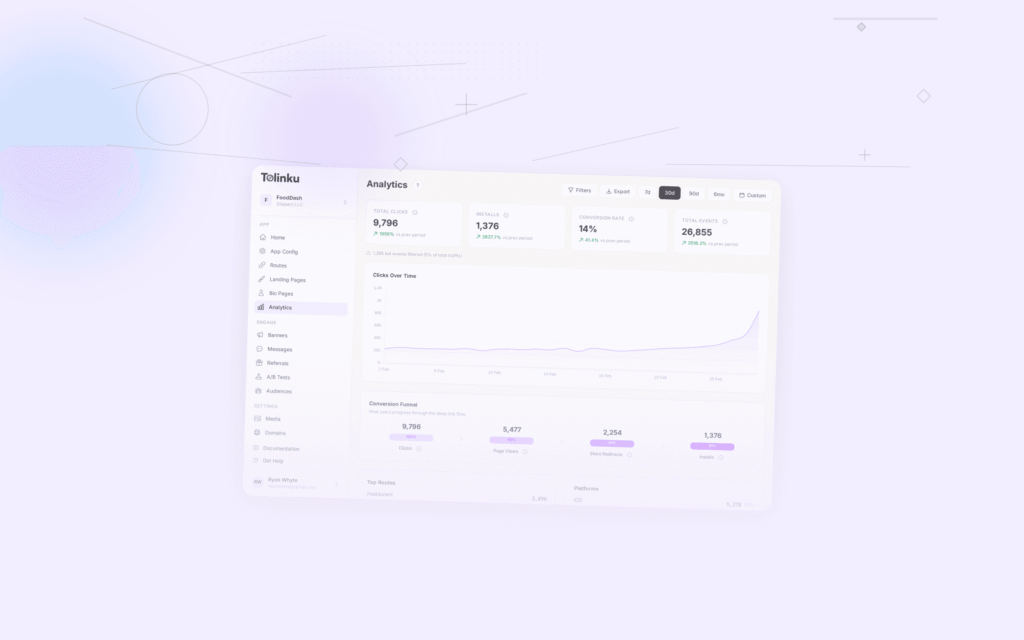
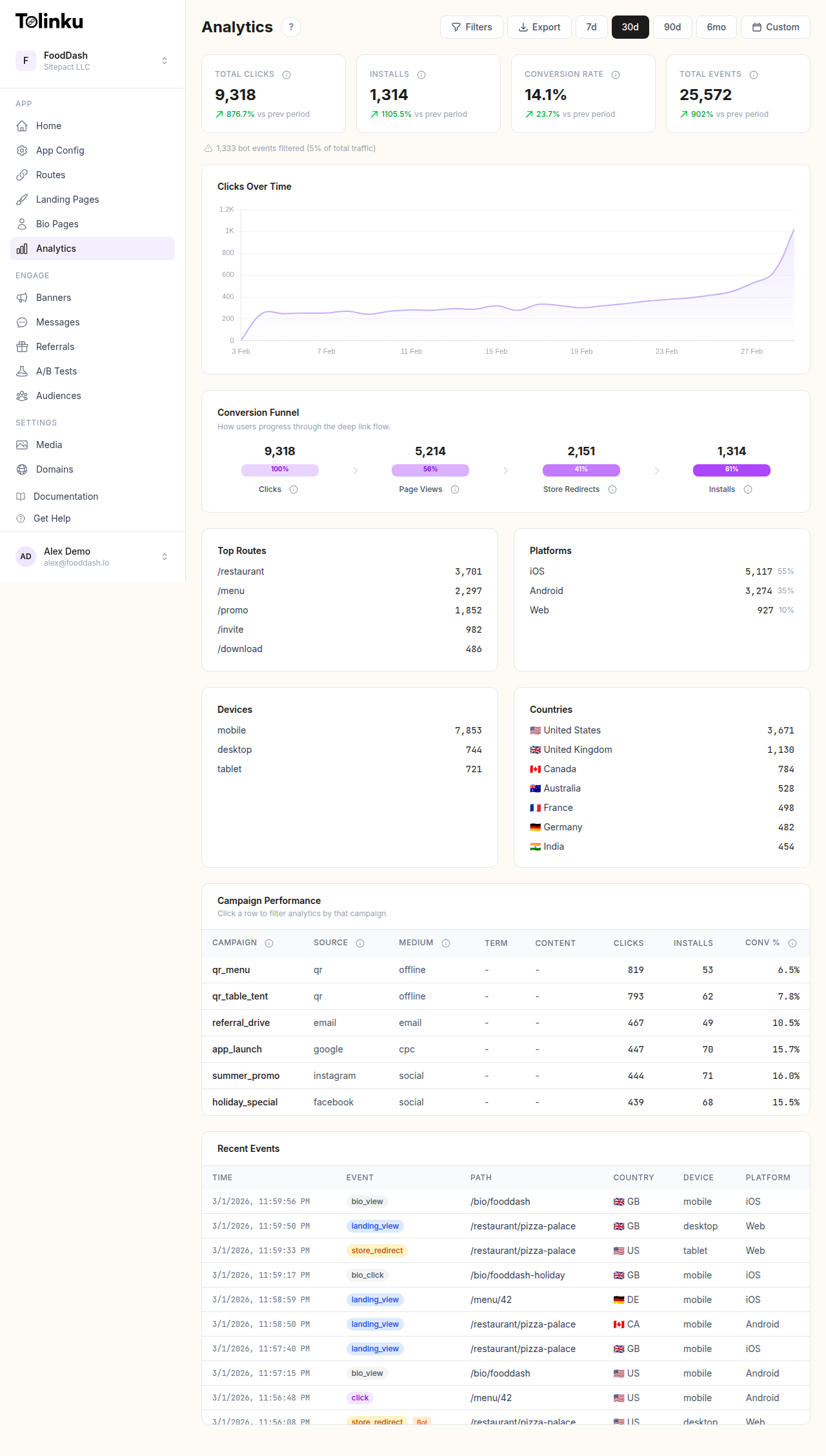 The analytics dashboard with date range selector, filters, charts, and breakdowns.
What Determines CTR
CTR is influenced by three factors:
- Context: Where the link appears and what surrounds it
- Preview: How the link looks when rendered (social cards, email previews, messaging apps)
- Copy: The text accompanying the link (CTA, description, surrounding content)
Optimizing all three together produces the biggest gains.
Optimizing Link Previews
When you share a link on social media, in a messaging app, or in an email, the platform typically generates a preview card using Open Graph (OG) metadata. This preview is often the first (and only) thing a user sees before deciding to click.
Open Graph Tags
Configure these for every deep link route in your route settings:
og:title: The headline of the preview card. Keep it under 60 characters. Make it specific and action-oriented.
- Weak: "Check this out"
- Strong: "Save 30% on Running Shoes This Weekend"
og:description: The supporting text below the title. 1-2 sentences, under 155 characters. Expand on the title with a benefit or detail.
- Weak: "Click here to see our latest deals"
- Strong: "Nike, Adidas, and Brooks running shoes at the lowest prices of the season. Free shipping on orders over $50."
og:image: The preview image. This is the single biggest CTR lever. Links with images get 2-3x more clicks than links without.
- Use 1200×630 pixels (optimal for most platforms)
- Include text overlay on the image that reinforces the message
- Use high-contrast, eye-catching visuals
- Avoid generic stock photos (product shots, screenshots, and branded graphics outperform)
Platform-Specific Previews
Different platforms render previews differently:
Twitter/X: Shows a "card" with image, title, and description. Large image cards (summary_large_image) perform significantly better than small card formats.
Facebook/Instagram: Shows the OG image prominently with title and description below. Image quality matters: blurry or low-resolution images reduce trust.
LinkedIn: Similar to Facebook. Professional-looking images and clear value propositions perform best.
iMessage/WhatsApp/Telegram: Show compact previews with image, title, and a URL preview. The domain name is visible, so branded domains (go.yourapp.com) build more trust than generic short link domains.
Email clients: Most email clients don't auto-render OG previews. The link text, surrounding copy, and any inline images you include in the email body matter more.
Testing Previews
Before launching a campaign, test how your link renders on each target platform. Share the link in a private message or use platform-specific debugging tools:
Fix any issues with missing images, truncated titles, or incorrect descriptions before the link goes live.
Optimizing CTAs
The call-to-action (CTA) is the text that accompanies your link and tells users what to do and what they'll get.
CTA Best Practices
Be specific about the outcome:
- Weak: "Click here"
- Strong: "Start your free trial"
- Stronger: "Start your 14-day free trial (no card required)"
Create urgency when appropriate:
- "Sale ends Sunday"
- "Only 3 spots left"
- "Early access ends tonight"
Reduce perceived risk:
- "Free to try"
- "No credit card required"
- "Cancel anytime"
- "Takes 30 seconds"
Match the CTA to the channel:
- Email: Longer CTAs work ("See your personalized recommendations for this week")
- Social media: Shorter CTAs work ("Try it free")
- Push notifications: Action-oriented ("Open your weekly summary")
- SMS: Very short ("Tap to save 20%")
CTA Placement
In longer content (blog posts, emails, articles), link placement affects CTR:
- Above the fold: Links placed early in the content get more clicks because more people see them
- After value delivery: A link placed after explaining the benefit gets fewer clicks in total but higher-quality clicks (the reader understands what they're clicking)
- Multiple placements: In long emails or articles, include the same link 2-3 times (top, middle, bottom) with different CTA text
Channel-Specific Optimization
Email CTR depends heavily on subject line (which determines open rate) and link design:
- Button vs text link: HTML buttons with contrasting colors outperform text links by 20-30%
- Single CTA focus: Emails with one primary CTA outperform emails with multiple competing CTAs
- Deep link destination: Link to specific content, not your home screen. An email about new products should deep link to the product page, not the app's main feed
Social Media
- Native content > links alone: Posts with valuable content plus a link outperform posts that are just a link. Provide context before asking for the click.
- Video with link: Posts combining a short video with a link in the caption often see higher engagement
- Hashtags: Relevant hashtags expand reach on Instagram and TikTok, but don't overdo it (3-5 is optimal)
SMS / Messaging
- Keep it short: SMS messages have limited space. The link and CTA should fit in 2-3 lines.
- Branded domains: A link from
go.yourapp.comis more trustworthy than one fromrandom-shortener.io/xK7r - Personalization: "Hi Sarah, your order is ready" with a deep link to order tracking gets significantly higher CTR than generic messages
Push Notifications
- Rich notifications: Include an image in the notification (supported on both iOS and Android). Notifications with images get 56% higher CTR.
- Action buttons: Add custom action buttons ("View" / "Dismiss") instead of relying on the default tap behavior
- Timing: Notifications sent at optimal times for the user get higher engagement. See your analytics for per-user activity patterns.
A/B Testing for CTR
What to Test
Test one variable at a time:
- OG image variations: Different images, with vs. without text overlay, product shots vs. lifestyle photos
- Title variations: Different headlines, with vs. without numbers, questions vs. statements
- CTA text: Different phrasing, button color, placement
- Link format: Branded domain vs. generic, with vs. without UTM parameters visible
- Timing: Same message sent at different times of day or days of the week
How to Test
For email campaigns, most email platforms support built-in A/B testing. Split your audience 50/50 and measure CTR per variant.
For social media, post variants at different times or to different audience segments and compare engagement.
For deep links, use analytics to track CTR per link variant and compare performance across campaigns.
Statistical Significance
Don't declare a winner too early. A common mistake is seeing one variant ahead after 100 clicks and calling it. You need enough data for the result to be reliable. As a rough guide, aim for at least 200-300 clicks per variant before drawing conclusions.
Measuring and Tracking CTR
Baseline Metrics
Track CTR by channel and link type so you know where you stand:
- Email CTR: Industry average is 2-5%. Good is 5-10%. Excellent is 10%+.
- Social media CTR: Organic posts average 1-3%. Paid ads average 0.5-2%.
- Push notification CTR: Average is 5-15%. Well-targeted notifications can exceed 20%.
- SMS CTR: Average is 10-20%. Personalized messages can exceed 30%.
Attribution
Track not just clicks, but what happens after the click. A link with 10% CTR that converts 50% of clickers is more valuable than a link with 20% CTR that converts 5%.
Use deep link analytics to track the full funnel from click to conversion, not just the click event.
For a broader view of deep linking benefits that includes CTR optimization, see 10 Benefits of Deep Linking for Mobile Apps.
Get deep linking tips in your inbox
One email per week. No spam.