Connected TV (CTV) apps (Apple TV, Roku, Fire TV, Android TV, smart TV platforms) do not have browsers, cannot open URLs, and cannot click deep links. Yet users constantly navigate between their phones, tablets, and TVs. A user discovers a movie on their phone and wants to play it on the TV. A TV ad shows a QR code that links to a mobile app. A smart TV app needs to authenticate via a phone.
Deep linking for CTV is about bridging these devices. This guide covers the patterns. For QR code strategies, see QR codes and short links for mobile apps. For cross-device attribution, see cross-device attribution.
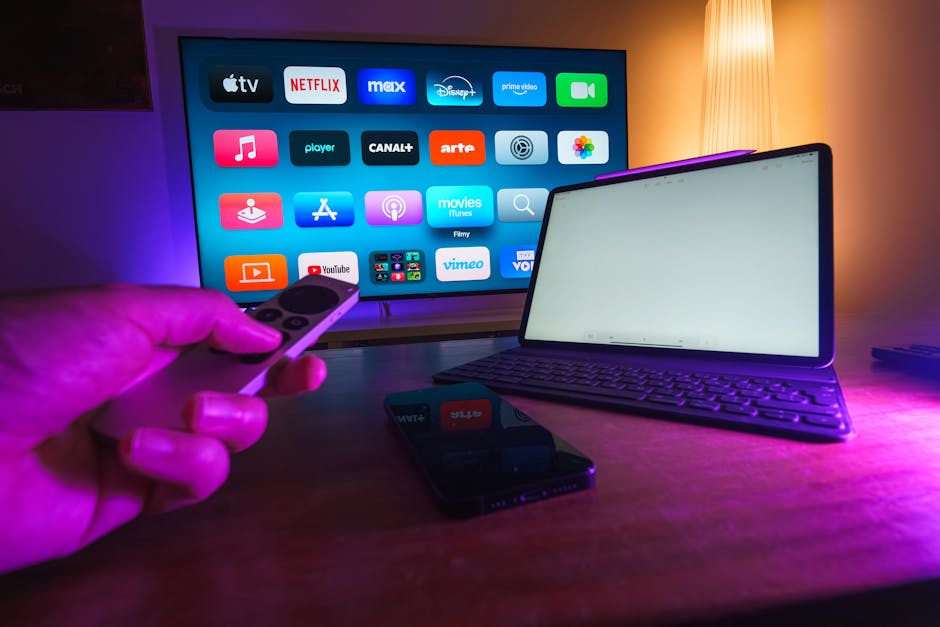 Photo by Jakub Zerdzicki on Pexels
CTV Deep Link Patterns
Phone-to-TV (Cast/AirPlay)
The most common CTV deep link pattern: a user taps a deep link on their phone, and the content plays on the TV.
// iOS: deep link opens content, user casts to Apple TV
func handleDeepLink(_ url: URL) {
    let contentId = url.lastPathComponent

    // Load the content
    let player = AVPlayer(url: streamURL(for: contentId))

    // If an AirPlay device is connected, it plays there automatically
    player.allowsExternalPlayback = true
    player.play()
}
On Android, use the Cast SDK:
fun handleDeepLink(uri: Uri) {
    val contentId = uri.lastPathSegment ?: return

    // Check if a Cast device is available
    val castSession = CastContext.getSharedInstance(this)
        .sessionManager.currentCastSession

    if (castSession != null) {
        // Cast to connected TV
        val mediaInfo = MediaInfo.Builder(contentId)
            .setStreamType(MediaInfo.STREAM_TYPE_BUFFERED)
            .setContentUrl(getStreamUrl(contentId))
            .build()
        castSession.remoteMediaClient?.load(MediaLoadRequestData.Builder().setMediaInfo(mediaInfo).build())
    } else {
        // Play locally
        playLocally(contentId)
    }
}
TV-to-Phone (QR Codes)
TVs display QR codes that users scan with their phones. This is a deep link from the TV to the phone:
TV displays QR code → https://links.yourapp.com/watch/movie-123?from=tv&device=living-room
  → User scans with phone
    → Phone app opens (or web fallback)
      → User authenticates or takes action on phone
        → TV receives confirmation via websocket/API
Use cases:
- Authentication: TV shows a QR code; phone scans and logs in (OAuth device flow).
- Content exploration: TV shows QR for "learn more"; phone opens a product page.
- Purchase: TV shows QR for a product; phone opens the purchase flow.
- Social interaction: TV shows QR during a live event; phone opens a chat or poll.
TV-to-TV (Universal Search)
Platforms like Apple TV and Android TV have universal search that can deep link into specific apps:
// tvOS: register for universal search results
let searchableItem = CSSearchableItem(
    uniqueIdentifier: "movie-123",
    domainIdentifier: "com.yourapp.movies",
    attributeSet: {
        let attrs = CSSearchableItemAttributeSet(contentType: .movie)
        attrs.title = "The Great Movie"
        attrs.contentDescription = "A compelling drama about..."
        attrs.genre = "Drama"
        attrs.contentURL = URL(string: "https://yourapp.com/watch/movie-123")
        return attrs
    }()
)
CSSearchableIndex.default().indexSearchableItems([searchableItem])
Device Authentication via Deep Links
OAuth Device Code Flow
The OAuth 2.0 Device Authorization Grant (RFC 8628) is the standard for authenticating TV apps:
1. TV app requests a device code from your auth server
2. TV displays: "Go to https://yourapp.com/activate and enter code: ABCD-1234"
3. TV also displays a QR code encoding: https://yourapp.com/activate?code=ABCD-1234
4. User scans QR code with phone → deep link opens the activation page
5. User logs in on phone and approves the device
6. TV polls the auth server and receives an access token
// TV app: start device auth flow
async function startDeviceAuth() {
  const response = await fetch('https://api.yourapp.com/device/authorize', {
    method: 'POST',
    body: JSON.stringify({ client_id: 'tv-app' })
  });

  const { device_code, user_code, verification_uri, interval } = await response.json();

  // Display QR code and user code on TV
  displayQRCode(`${verification_uri}?code=${user_code}`);
  displayUserCode(user_code);

  // Poll for authorization
  pollForToken(device_code, interval);
}
The QR code URL is a deep link to your mobile app's activation screen, pre-filled with the device code.
Content Deep Links for CTV
URL Structure
CTV content deep links should follow the same URL structure as your mobile and web apps:
/watch/{content-id}           → play specific content
/series/{series-id}           → series detail page
/series/{series-id}/s{n}/e{m} → specific episode
/live/{channel-id}            → live channel
/search?q={query}             → search results
/profile/{profile-id}         → user profile/watchlist
Handling Deep Links on tvOS
// tvOS AppDelegate
func application(_ application: UIApplication,
                 continue userActivity: NSUserActivity,
                 restorationHandler: @escaping ([UIUserActivityRestoring]?) -> Void) -> Bool {
    guard let url = userActivity.webpageURL else { return false }

    let path = url.pathComponents

    if path.contains("watch"), let contentId = path.last {
        playContent(contentId)
        return true
    }

    if path.contains("series"), path.count >= 3 {
        let seriesId = path[2]
        showSeriesDetail(seriesId)
        return true
    }

    return false
}
Handling Deep Links on Android TV
class TVMainActivity : FragmentActivity() {
    override fun onCreate(savedInstanceState: Bundle?) {
        super.onCreate(savedInstanceState)

        val uri = intent.data
        if (uri != null) {
            when {
                uri.path?.startsWith("/watch/") == true -> {
                    val contentId = uri.lastPathSegment
                    playContent(contentId)
                }
                uri.path?.startsWith("/series/") == true -> {
                    val seriesId = uri.pathSegments.getOrNull(1)
                    showSeriesDetail(seriesId)
                }
            }
        }
    }
}
Second Screen Experiences
Companion App Integration
A companion app on the phone provides a second screen experience synced with TV content:
// Phone companion app: sync with TV playback
class CompanionSync {
  constructor(tvSessionId) {
    this.ws = new WebSocket(`wss://api.yourapp.com/companion/${tvSessionId}`);

    this.ws.onmessage = (event) => {
      const data = JSON.parse(event.data);
      switch (data.type) {
        case 'playback_update':
          this.showContextualContent(data.contentId, data.timestamp);
          break;
        case 'scene_change':
          this.showSceneInfo(data.sceneData);
          break;
        case 'interactive_moment':
          this.showPoll(data.pollData);
          break;
      }
    };
  }
}
The deep link to start a companion session:
https://links.yourapp.com/companion?session=abc123&content=movie-456
Push Notifications to Phone
When something interesting happens on TV, send a deep link notification to the phone:
// Server: send companion notification
async function notifyCompanion(userId, contentId, action) {
  await pushService.send(userId, {
    title: "Now Playing: The Great Movie",
    body: "Tap to see behind-the-scenes content",
    data: {
      deepLink: `https://links.yourapp.com/companion/${contentId}?action=${action}`
    }
  });
}
Tolinku for CTV Deep Links
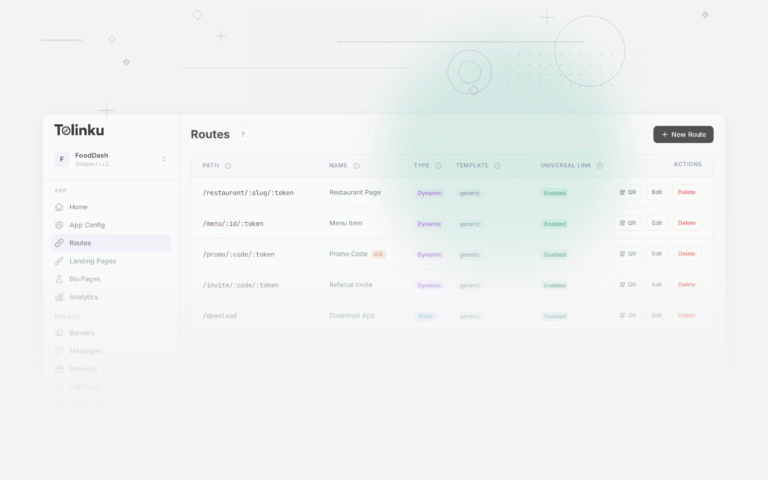
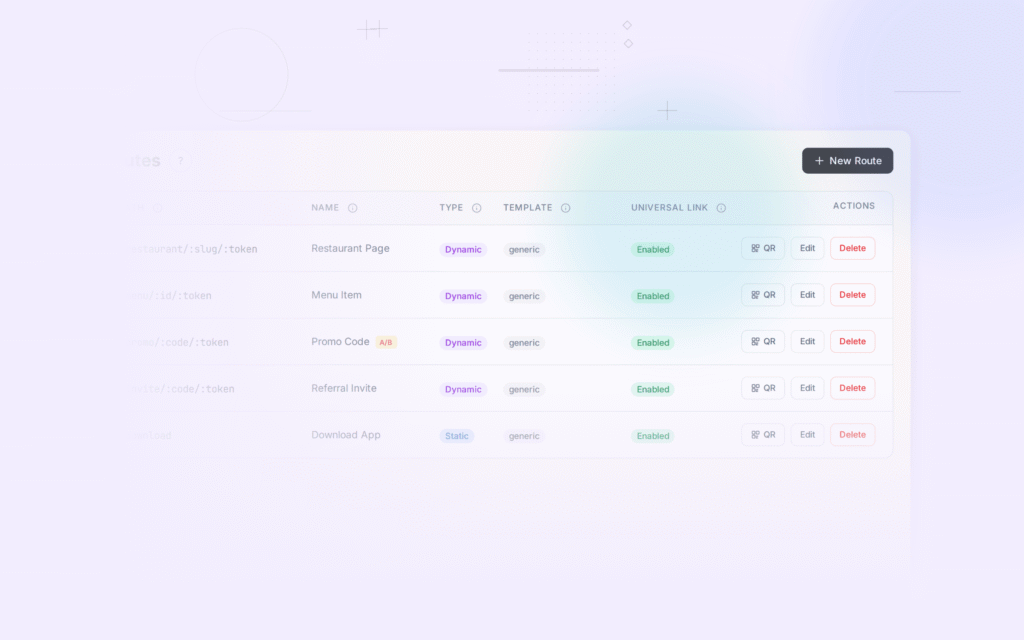
Tolinku manages the mobile-side deep link routing for CTV experiences. When a TV displays a QR code linking to a Tolinku-managed URL, the scanned link routes to the mobile app (if installed) or web fallback. Configure your routes in the Tolinku dashboard.
For QR code strategies, see QR codes and short links for mobile apps. For the broader industry trends, see the future of mobile deep linking.
Get deep linking tips in your inbox
One email per week. No spam.