Super apps (WeChat, Grab, Gojek, Line, KakaoTalk) contain entire ecosystems of mini programs and services within a single app. Deep linking in these ecosystems works differently from traditional Universal Links and App Links. Instead of linking between separate apps, you are linking between mini programs, webviews, and native screens within one host app.
This guide covers how deep linking works in super app ecosystems and how to integrate your app's content with these platforms. For cross-app navigation patterns, see cross-app deep linking. For cross-platform link handling, see cross-platform link handling patterns.
How Super Apps Handle Deep Links
The Super App Architecture
A super app is a platform app that hosts third-party services:
Super App (e.g., WeChat)
  ├── Native features (chat, contacts, wallet)
  ├── Mini Programs (third-party apps running inside WeChat)
  ├── In-app browser (WebView for external links)
  └── Official accounts (business pages with content)
Deep links in this context have three meanings:
- Into the super app: Opening a specific mini program or page from outside.
- Within the super app: Navigating between mini programs, native features, and web content.
- Out of the super app: Opening an external app or website from inside.
Link Handling in In-App Browsers
Super apps typically open external links in their own in-app browser (WebView), not in the system browser. This has significant implications:
- Universal Links do not work in most in-app browsers. The WebView does not trigger iOS Universal Link handling.
- App Links may not work in some super app WebViews on Android.
- Custom URL schemes are often blocked for security reasons.
- JavaScript-based fallbacks are needed to detect the environment and offer alternative paths.
WeChat Mini Programs
Mini Program Deep Links
WeChat provides several ways to deep link into mini programs:
1. URL Scheme (WeChat-specific):
weixin://dl/business/?appid=wx1234567890&path=/pages/product/detail&query=id=123
2. URL Link (web-compatible): WeChat's URL Link API generates standard HTTPS URLs that open mini programs:
// Server-side: generate a URL Link
const urlLink = await wechatApi.generateUrlLink({
  path: '/pages/product/detail',
  query: 'id=123&source=web',
  expireType: 1,
  expireInterval: 30 // days
});
// Returns: https://wxaurl.cn/abc123
3. QR Code: Mini program QR codes can encode specific paths and parameters:
const qrCode = await wechatApi.createWXAQRCode({
  path: '/pages/product/detail?id=123',
  width: 430
});
Handling Deep Links in Mini Programs
// app.js - Mini Program entry point
App({
  onLaunch(options) {
    // options.path = '/pages/product/detail'
    // options.query = { id: '123', source: 'web' }
    // options.scene = 1007 (from QR code), 1011 (from URL), etc.

    if (options.path) {
      this.globalData.initialRoute = {
        path: options.path,
        query: options.query,
        scene: options.scene
      };
    }
  },

  globalData: {
    initialRoute: null
  }
});

// pages/product/detail.js - Product page
Page({
  onLoad(options) {
    const productId = options.id;
    this.loadProduct(productId);

    // Track the deep link source
    wx.reportAnalytics('deep_link', {
      product_id: productId,
      source: options.source || 'direct',
      scene: this.getApp().globalData.initialRoute?.scene
    });
  }
});
Line and KakaoTalk
Line Mini Apps
Line Mini Apps are web-based applications that run inside Line:
// Open a Line Mini App with a specific path
liff.openWindow({
  url: 'https://miniapp.line.me/your-app/products/shoes?ref=chat',
  external: false
});
Deep links into Line Mini Apps use standard HTTPS URLs with the Line Mini App domain. The Line app intercepts these URLs and opens the mini app.
KakaoTalk Channels
KakaoTalk supports app linking from chat messages:
Kakao.Link.sendCustom({
  templateId: 12345,
  templateArgs: {
    productName: 'Running Shoes',
    productUrl: 'https://yourapp.com/products/shoes'
  }
});
The template can include a button that opens either the external app (via deep link) or a web page.
Handling In-App Browser Limitations
Detecting the Environment
Detect whether your page is loading in a super app's WebView:
function detectEnvironment() {
  const ua = navigator.userAgent.toLowerCase();

  if (ua.includes('micromessenger')) return 'wechat';
  if (ua.includes('line')) return 'line';
  if (ua.includes('kakaotalk')) return 'kakaotalk';
  if (ua.includes('grab')) return 'grab';
  if (ua.includes('gojek')) return 'gojek';

  return 'browser';
}
Fallback Strategy for In-App Browsers
Since Universal Links and App Links often do not work in super app WebViews, provide alternative paths:
function handleDeepLink(targetUrl, appStoreUrl) {
  const env = detectEnvironment();

  switch (env) {
    case 'wechat':
      // WeChat blocks external app opening
      // Show a prompt: "Tap ··· → Open in Browser"
      showOpenInBrowserPrompt();
      break;

    case 'line':
      // Line supports external URL opening
      if (window.liff) {
        liff.openWindow({ url: targetUrl, external: true });
      }
      break;

    case 'browser':
    default:
      // Standard Universal Link / App Link handling
      window.location.href = targetUrl;
      break;
  }
}
The "Open in Browser" Pattern
Many super apps block direct app-to-app navigation. The standard workaround:
- Detect the in-app browser environment.
- Show a guide telling the user to tap the menu button and select "Open in Browser."
- Once in the system browser, Universal Links and App Links work normally.
<div class="open-in-browser-guide" id="browserGuide" style="display:none;">
  <p>To open this in our app:</p>
  <ol>
    <li>Tap the <strong>···</strong> menu in the top right</li>
    <li>Select <strong>"Open in Browser"</strong></li>
  </ol>
  <p>The link will open automatically in our app.</p>
</div>

<script>
if (detectEnvironment() === 'wechat') {
  document.getElementById('browserGuide').style.display = 'block';
}
</script>
Building for Multiple Super App Platforms
Shared Deep Link Handler
Create a routing layer that handles different super app environments:
class SuperAppRouter {
  constructor(config) {
    this.config = config;
    this.env = detectEnvironment();
  }

  navigateTo(path, params) {
    const url = this.buildUrl(path, params);

    switch (this.env) {
      case 'wechat':
        return this.handleWeChat(path, params);
      case 'line':
        return this.handleLine(url);
      case 'kakaotalk':
        return this.handleKakao(url);
      default:
        return this.handleStandard(url);
    }
  }

  handleWeChat(path, params) {
    // Navigate within WeChat ecosystem
    if (this.config.wechatMiniAppId) {
      wx.navigateToMiniProgram({
        appId: this.config.wechatMiniAppId,
        path: path + '?' + new URLSearchParams(params).toString()
      });
    }
  }

  handleStandard(url) {
    window.location.href = url;
  }
}
Tolinku and Super App Integration
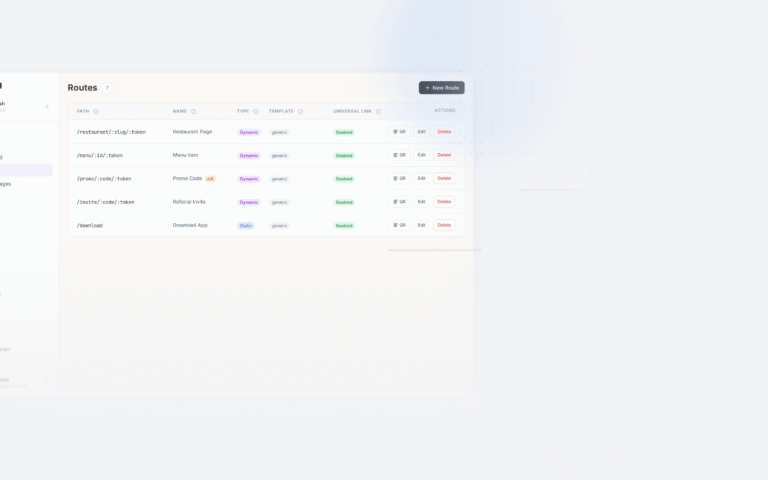
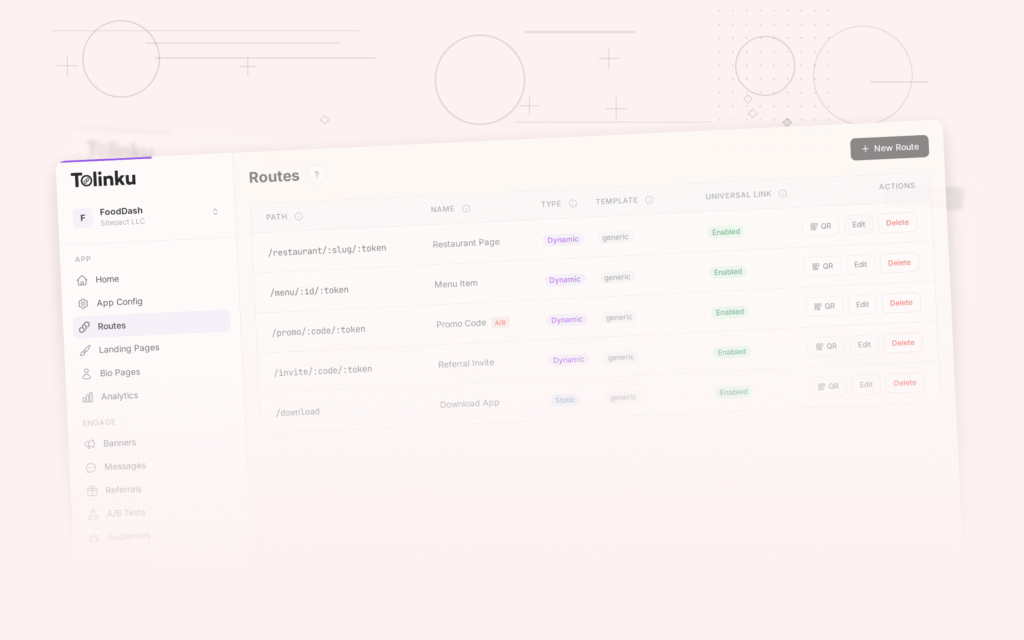
Tolinku handles the web-side routing for deep links that users access from within super apps. When a link is opened in a super app's in-app browser, Tolinku detects the environment and serves the appropriate fallback: a web page with content, an "Open in Browser" guide, or a redirect to the super app's mini program equivalent.
Configure your routes in the Tolinku dashboard. For cross-app navigation patterns, see cross-app deep linking.
Get deep linking tips in your inbox
One email per week. No spam.