An e-commerce user clicks a link to a specific product, but does not have your app installed. They are redirected to the app store, install the app, and open it for the first time. Without deferred deep linking, they land on the home screen and have to search for the product themselves. Most will not bother. With deferred deep linking, they land directly on the product page they originally clicked, ready to buy.
This difference in user experience translates directly to revenue. Users who land on a specific product page after install convert at significantly higher rates than users who land on the home screen. This guide covers how to implement deferred deep linking for e-commerce apps, with specific patterns for product links, cart recovery, promotional campaigns, and referral programs. For the technical foundations, see how deferred deep linking works.
Why Deferred Linking Matters for E-Commerce
The Product Link Problem
E-commerce marketing depends on product-specific links. Every ad, email, social post, and affiliate link points to a specific product or category. When these links reach users who do not have the app installed, the context is lost at the app store:
Without deferred linking:
Ad: "Nike Air Max 90 - $120" → App Store → Install → App opens to home screen → User searches → Maybe finds product → Maybe buys

With deferred linking:
Ad: "Nike Air Max 90 - $120" → App Store → Install → App opens to product page → User sees product → Higher chance of purchase
The fewer steps between intent and purchase, the higher the conversion rate. Every additional navigation step loses approximately 20-30% of users.
Revenue Impact
Deferred deep linking affects several e-commerce metrics:
- Conversion rate: Users who land on a product page convert 2-3x higher than users who land on the home screen.
- Time to first purchase: Deferred link users make their first purchase faster because they skip the discovery phase.
- Average order value: Users arriving with specific intent (from a product link) tend to have higher order values than users who browse.
- Return on ad spend (ROAS): Ad campaigns that use deferred deep linking see better ROAS because more installs convert to purchases.
Implementation Patterns
Pattern 1: Product Page Deep Links
The most common pattern. A link to a specific product resolves to the product detail page in the app after install.
Deferred link context:
{
  "type": "product",
  "id": "sku-12345",
  "path": "/products/nike-air-max-90",
  "source": "instagram_ad",
  "campaign": "summer_sale_2026"
}
App-side routing:
fun handleDeferredLink(context: DeferredLinkContext) {
    when (context.type) {
        "product" -> {
            val productId = context.id
            // Navigate directly to the product detail page
            val intent = ProductDetailActivity.intent(this, productId)
            intent.putExtra("isFirstOpen", true)
            intent.putExtra("campaign", context.campaign)
            startActivity(intent)
        }
    }
}
First-open product page considerations:
- Show the product immediately without requiring login.
- Add the product to a guest cart if the user taps "Add to Cart" before creating an account.
- Show a non-blocking sign-up prompt ("Create an account to save your cart and get free shipping").
- Track the attribution: this purchase came from the Instagram ad campaign.
Pattern 2: Cart Recovery Links
When a user abandons a cart on your website, send them an email with a link that reconstructs their cart in the app:
Deferred link context:
{
  "type": "cart",
  "items": [
    {"sku": "12345", "qty": 1},
    {"sku": "67890", "qty": 2}
  ],
  "discount": "WELCOME10",
  "path": "/cart"
}
App-side handling:
func handleCartRecoveryLink(_ context: DeferredLinkContext) {
    // Reconstruct the cart
    let cart = CartManager.shared
    for item in context.items {
        cart.addItem(sku: item.sku, quantity: item.qty)
    }

    // Apply discount code
    if let discount = context.discount {
        cart.applyDiscount(discount)
    }

    // Navigate to cart
    navigationController?.pushViewController(CartViewController(), animated: true)
}
Cart recovery links are effective because they reduce friction: the user does not have to re-find and re-add items. The discount code provides additional motivation to complete the purchase.
Pattern 3: Category / Collection Links
For broader campaigns that promote a category or collection rather than a specific product:
Deferred link context:
{
  "type": "category",
  "path": "/collections/summer-sale",
  "filters": {"category": "shoes", "sort": "price_asc"},
  "campaign": "summer_sale_email"
}
The app opens to the category page with the correct filters applied, matching the context the user expected from the link.
Pattern 4: Promotional Offer Links
Promotional campaigns with discount codes or special offers:
Deferred link context:
{
  "type": "promo",
  "code": "NEWUSER25",
  "discount": "25% off first order",
  "expires": "2026-07-01",
  "path": "/shop"
}
App-side handling:
fun handlePromoLink(context: DeferredLinkContext) {
    // Auto-apply the discount
    CartManager.applyDiscount(context.code)

    // Show a banner confirming the discount
    showPromoBanner("${context.discount} applied! Code: ${context.code}")

    // Navigate to shop
    navigateTo("/shop")
}
The discount is applied automatically. The user does not need to remember or type a code. This alone can increase conversion significantly for promotional campaigns.
Pattern 5: Referral Program Links
Referral links in e-commerce typically offer a reward to both the referrer and the new user:
Deferred link context:
{
  "type": "referral",
  "referrerId": "user_abc",
  "referrerName": "Sarah",
  "reward": "$15 off",
  "path": "/shop"
}
First-open experience:
- Show a welcome screen: "Sarah invited you! You both get $15 off."
- Auto-apply the referral discount.
- Navigate to the shop.
- After the new user's first purchase, credit both accounts.
Landing Page Optimization
The landing page between the link click and the app store is critical for e-commerce deferred linking:
Show the Product on the Landing Page
Do not just show an "Install our app" page. Show the actual product with its image, price, and description:
<!-- Landing page for product deep link -->
<div class="product-preview">
  <img src="/products/nike-air-max-90.jpg" alt="Nike Air Max 90" />
  <h1>Nike Air Max 90</h1>
  <p class="price">$120.00</p>
  <p class="description">Classic style meets modern comfort...</p>

  <a href="https://apps.apple.com/..." class="install-cta">
    Get the App to Purchase
  </a>

  <p class="web-fallback">
    Or <a href="/products/nike-air-max-90">continue shopping on the web</a>
  </p>
</div>
Users who see the product they wanted are more likely to install the app to complete the purchase.
Offer a Web Fallback
Not every user wants to install an app. Always provide a web fallback that lets them complete the purchase on your website. The deferred link is for users who choose to install; the web fallback is for everyone else.
Attribution and Analytics
Tracking the Full Funnel
For each deferred link, track:
- Link click (with campaign, channel, and product context)
- App Store visit (via the referrer or landing page redirect)
- App install (via Install Referrer or match)
- First open + deferred link resolution (match success/failure)
- First purchase (with order value, products, and time-to-purchase)
This gives you a complete picture of ROAS by channel and campaign.
Connecting Ad Spend to Revenue
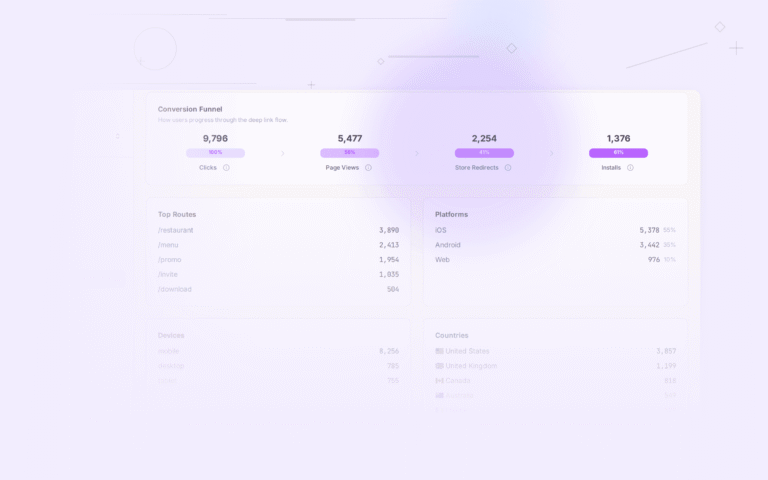
With deferred deep linking attribution, you can connect specific ad campaigns to in-app revenue:
Campaign: "Summer Shoes - Instagram"
  Clicks: 10,000
  Installs: 800 (8% click-to-install)
  Deferred link matches: 680 (85% match rate)
  First purchases: 102 (15% purchase rate)
  Revenue: $12,240
  Ad spend: $3,000
  ROAS: 4.08x
Without deferred linking, those 680 users would have landed on the home screen. With a typical organic conversion rate of 5-8% instead of 15%, the revenue would be roughly half.
Common Pitfalls
Pitfall 1: Requiring Login Before Showing the Product
Do not block the deferred link destination behind a login wall. Let users see the product as guests. Require login only when they try to purchase.
Pitfall 2: Expired Products
If the deferred link points to a product that is no longer available, show a relevant fallback:
- Similar products ("You might also like…")
- The product category page
- A search results page for the product name
Never show a "Product not found" error to a first-time user. See deferred link expiration for handling expired content.
Pitfall 3: Ignoring the Web Experience
If your deferred link fails (match fails, user denies paste permission, etc.), the user lands on the home screen. But if your web experience is good, they can still complete the purchase on the web. Invest in your mobile web experience as a fallback for failed deferred links.
Pitfall 4: Not Tracking Attribution
Without attribution tracking, you cannot measure the ROI of deferred deep linking. Ensure every deferred link carries campaign and source metadata that flows through to your analytics.
Tolinku for E-Commerce
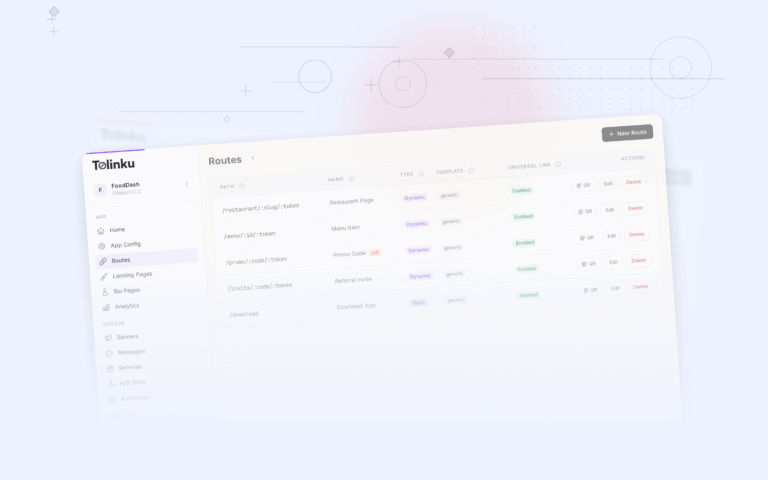
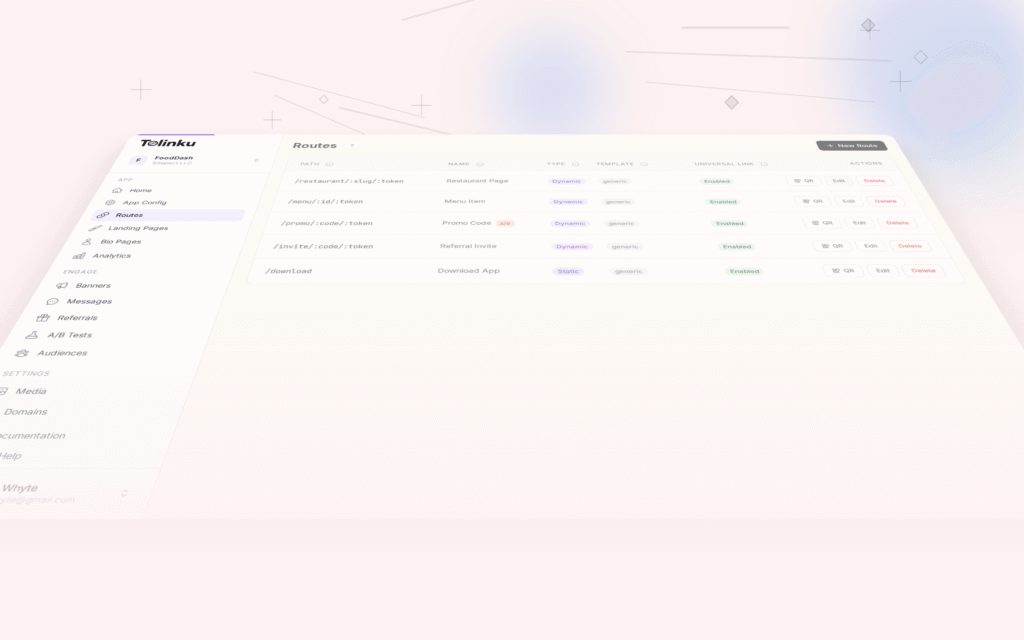
Tolinku's deep linking platform handles the full deferred linking flow for e-commerce: from link click to product page landing. Configure product deep links in the Tolinku dashboard, and the platform handles the redirect chain, matching, and fallback logic.
For conversion tracking, see deferred linking conversion rates. For the first-open experience design, see designing the first-open experience. For the full deferred linking setup, see how deferred deep linking works.
Get deep linking tips in your inbox
One email per week. No spam.