Most users who would share your app never do. Not because they do not want to, but because the right moment passes without a prompt. They complete a purchase, feel good about the experience, close the app, and move on. The next time they think about recommending your app, they cannot remember how to find the referral link.
In-app referral prompts solve this problem by meeting users at the exact moment when they are most likely to share. Get the timing right and share rates climb. Get it wrong and the prompt feels annoying, intrusive, or confusing, which is sometimes worse than no prompt at all.
This guide covers the mechanics: when to ask, how to design the ask, how to avoid asking too much, and how to measure whether you have got it right.
Why Timing Is Everything
Behavioral research on sharing behavior consistently shows that people are most likely to share when they are experiencing a positive emotion. The technical term from the psychology literature is "emotional valence": sharing behavior spikes when valence is positive and falls sharply when valence is neutral or negative.
For app referral prompts, this means the trigger moment matters enormously. A prompt that appears right after a user completes something meaningful gets a fundamentally different response than the same prompt appearing on the home screen at random.
BJ Fogg's Behavior Model describes this dynamic precisely: behavior happens when motivation, ability, and a prompt converge at the same time. For referral sharing, motivation is highest right after a positive experience. The prompt needs to arrive in that window or the opportunity passes.
High-Converting Trigger Moments
After purchase or order completion
For e-commerce and marketplace apps, the order confirmation screen is the single highest-converting moment for a referral prompt. The user has just committed real money to something they want. Their satisfaction is at a peak. They are still in the app, not distracted by something else.
The framing that works best here ties the referral directly to the purchase they just made: "Share this with a friend and you both get [reward] on your next order." The product context makes the share feel natural rather than like a cold marketing pitch.
After completing a significant achievement
For apps with progression systems (fitness trackers, language learning apps, games, productivity tools), hitting a milestone is a reliable high-motivation moment. The user just did something they can be proud of, and the social impulse to share achievements is well-documented in the psychology of motivation.
Examples of milestone triggers: completing a workout goal, hitting a streak (7 days in a row), finishing a level, reaching a financial savings target, completing a course.
The referral prompt at this moment can be framed as an invitation to share the achievement itself, with the referral embedded: "You hit your 30-day streak! Invite a friend to start their streak with $10 off their first month."
After a positive app store review or in-app satisfaction response
If you are already asking users how satisfied they are (through an NPS survey, a star rating prompt, or a similar mechanism), users who respond positively are pre-qualified referral candidates. They have just explicitly stated that they like the experience.
The sequence: show the satisfaction prompt, and if the user responds positively (4-5 stars, or a positive NPS response), follow immediately with the referral prompt. This two-step flow consistently outperforms showing the referral prompt cold because the satisfaction response primes the user's thinking in a positive direction.
Do not show the referral prompt to users who respond neutrally or negatively. Route negative responses to a feedback form instead.
After a key feature is first used
Some apps have specific features that represent high engagement and high satisfaction. When a user activates one of these features for the first time, it can be a trigger moment for a referral prompt.
To identify which features correlate with referral sharing behavior, look at your existing data: what did users do in the session before they shared? Which features appear most often in the 5 minutes before a successful referral? This analysis tells you which feature completions are the most reliable signals of share-ready users.
After a positive customer support interaction
Users who contact support and get their issue resolved quickly tend to spike in satisfaction. A post-resolution prompt ("Glad we could help. Know someone who might love [App Name]?") can capture this moment effectively. This trigger is lower volume than post-purchase, but conversion rates can be high because of the trust relationship that just got reinforced.
Designing the Prompt
The design of the referral prompt determines whether users act on the good timing you have created. A poorly designed prompt at the right moment still underperforms.
Show the value immediately
Users decide within about 2 seconds whether to engage with a prompt or dismiss it. The reward needs to be visible within that window, not hidden below the fold or in small text.
Bad: "Want to invite your friends?"
Better: "Give your friends $15 off. You earn $15 too."
The best prompts make the value proposition concrete and bidirectional. Users are more likely to share when they can see what their friend gets, not just what they get themselves.
One primary action
The referral prompt should have one primary action: share. Do not clutter it with options like "Share," "Copy Link," "Email," and "Learn More" all at the same level of visual hierarchy. Pick the one action you want users to take (usually the native share sheet) and make everything else secondary.
A "Copy Link" option is worth including as a secondary action, but in smaller text below the primary button. Some users want to manually paste the link into a specific message, and blocking that path costs you conversions.
Make the link visible (but not overwhelming)
Showing the actual referral link URL in the prompt serves multiple purposes: it makes the experience feel less like a pop-up ad and more like a tool, it gives technically-minded users direct access to the link, and it subconsciously signals that the link is a real, personal thing that belongs to the user.
But a raw URL that is 80 characters long looks messy. Use a short, clean link format (referral.yourapp.com/abc123 style) or show a display URL with the full link behind the share button.
Keep the copy grounded
Avoid superlatives and vague promises. "You'll love this" or "Share the joy" performs worse than "Your friend gets $10 off their first order." Specificity builds trust, and trust drives action.
Modal vs. inline vs. bottom sheet
For the UI pattern:
- Modal: High visual interruption. Good for post-purchase or post-achievement moments when the interruption is justified. Harder to justify on home screen or nav bar.
- Bottom sheet: Lower interruption. Works well as a persistent "Refer a Friend" option triggered from a menu item.
- Inline card: Embedded within existing UI (like an order confirmation page). Feels less like an interruption and more like part of the page. Works well for post-purchase placements.
The pattern you choose should match the context. An achievment celebration screen can support a full-screen modal. A home screen card should be dismissible inline.
Frequency Capping
Showing the referral prompt too often is damaging. Users who dismiss a prompt once and see it again the next session, and the session after that, learn to dismiss it reflexively. Over time, the prompt becomes invisible noise.
A reasonable frequency cap structure:
- Do not show the referral prompt to new users in their first 3 days. Give them time to experience the product's value.
- After the first show, wait at least 14 days before showing a context-independent prompt again (home screen card, etc.).
- Context-triggered prompts (post-purchase, post-achievement) can repeat more often because each trigger is a fresh high-motivation moment. But still cap at 1-2 shows per trigger type per month.
- If a user has already shared (or copied their link), they are engaged with the program. You can show them progress updates ("2 of your friends have joined!") instead of acquisition prompts.
Store these frequency cap states in persistent app storage so they survive app restarts. If your cap logic is in-memory only, it resets on every app launch and your caps effectively do nothing.
Personalization
Referral prompt conversion improves when the prompt references something specific to the user. The most impactful form of personalization for referral prompts is tying the prompt to what the user just did.
"You just bought the [product name]. Your friends can get 15% off theirs." outperforms "Share with a friend and get 15% off" for users who just completed a purchase.
You can also personalize based on the user's referral history: "You've already referred 2 friends. Refer one more this month and get a bonus $20."
Personalization does not require sophisticated ML. Simple rule-based logic that inserts the relevant product name or referral count into the prompt copy goes a long way.
A/B Testing Referral Prompts
Referral prompts are high-leverage A/B test candidates because small changes in conversion rate compound significantly over time. A prompt that converts at 12% instead of 8% generates 50% more referral shares from the same number of impressions.
What to test, in priority order:
1. Reward amount and framing. Does "Give $15, get $15" outperform "Get $15 when a friend joins"? Does a higher reward amount increase share rate enough to justify the margin cost? This test has the highest potential impact.
2. Trigger moment. Post-purchase vs. post-achievement vs. day-3 nudge. Which moment produces the highest conversion with the most volume?
3. Prompt format. Modal vs. bottom sheet vs. inline card. Does the interruption level of a modal hurt engagement more than it helps visibility?
4. CTA copy. "Share with a friend" vs. "Invite a friend" vs. "Give friends $15 off." Small copy changes sometimes produce meaningfully different results.
5. Visual design. Does including the OG image of the product the user bought increase share rate? Does color or illustration style matter?
Run tests for long enough to be statistically significant. With referral shares as the conversion event, you need enough impressions for the test to be meaningful. A sample size calculator (like the one from Evan Miller) helps you set appropriate test duration before starting.
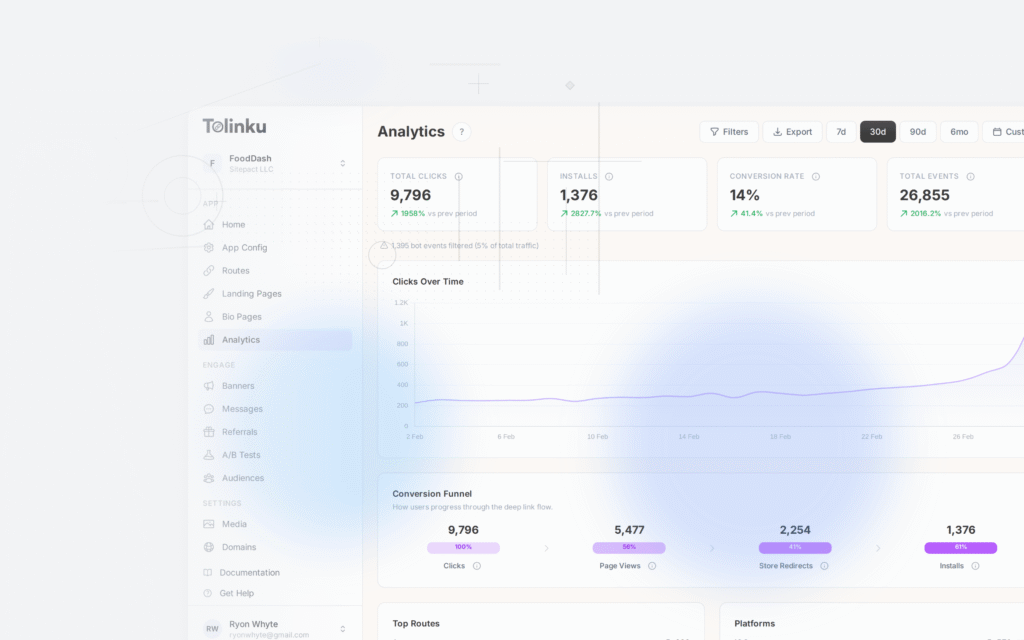
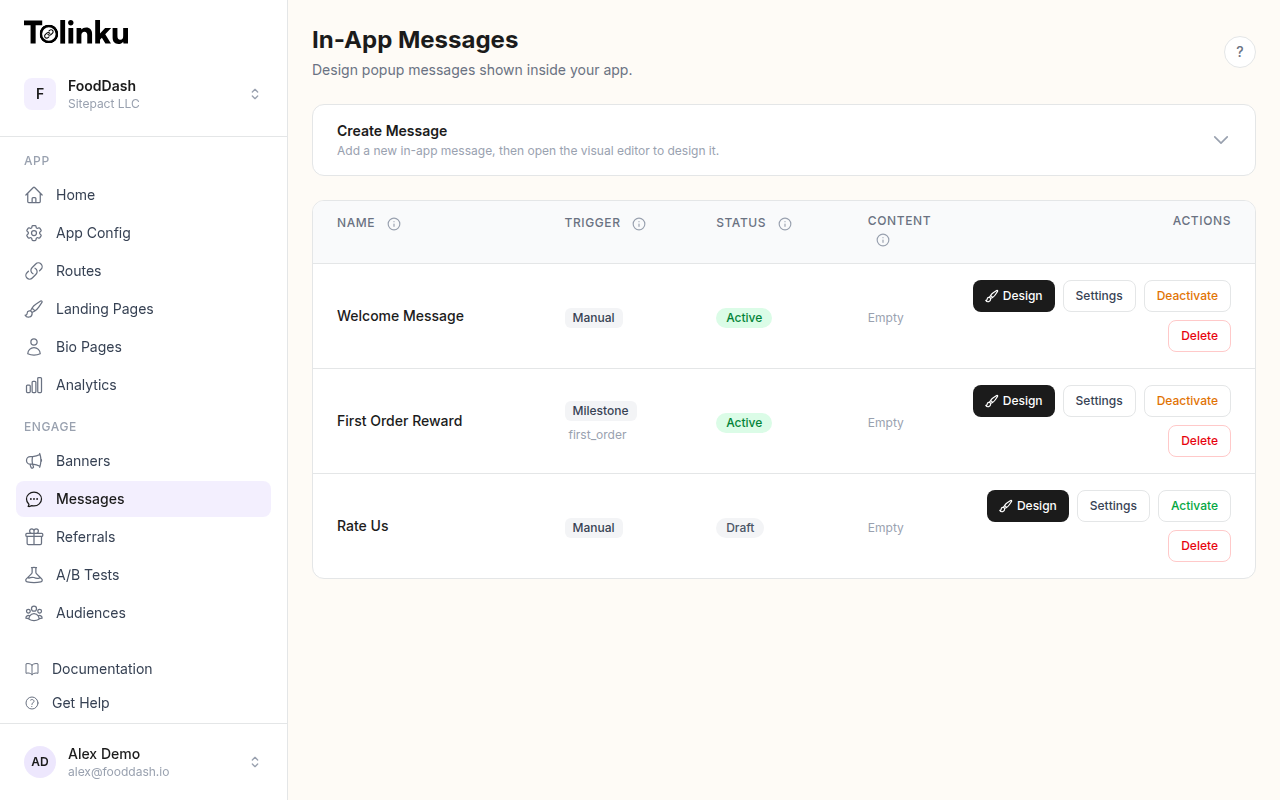
Tolinku's analytics give you click-through and conversion data per referral link, which you can use to track the downstream performance of each prompt variant. See the analytics documentation and the referrals feature overview for what is trackable.
Measuring Prompt Performance
The key metrics for referral prompt performance:
- Impression rate: What percentage of eligible users (users who meet the trigger criteria) actually see the prompt? A low rate means your trigger is too restrictive or the placement is hard to find.
- Engagement rate: Of users who see the prompt, what percentage tap the primary CTA? This is the core measure of prompt effectiveness.
- Share completion rate: Of users who tap the CTA, what percentage complete a share through the share sheet? Drop-off here suggests the share sheet flow has friction.
- Attribution rate: Of completed shares, what percentage result in a tracked referral link click? This measures how shareable the link actually is in the channels users choose.
Track these metrics by trigger type and placement so you can compare which contexts produce the best results. Post-purchase prompts and post-achievement prompts will have very different conversion profiles.
For the full picture of how referral prompts connect to referral program performance and attribution, start with the Tolinku referrals documentation and the referral program use case guide.
Get deep linking tips in your inbox
One email per week. No spam.