Integration complexity is one of the most underrated factors when choosing a deep linking platform. A platform with impressive features is useless if it takes weeks to integrate and the documentation is confusing. The developer experience during integration predicts the ongoing experience of maintaining and debugging deep links.
This comparison evaluates integration complexity across platform categories. For SDK size details, see SDK size comparison. For the full feature comparison, see deep linking feature comparison matrix.
Integration Steps Compared
Focused Deep Linking Platform (Tolinku)
Steps to get deep linking working:
- Create account and Appspace (5 minutes). Self-serve signup, no sales call.
- Configure app settings (10 minutes). Add bundle ID, package name, Team ID, SHA-256 fingerprint in the dashboard.
- Set up custom domain (15 minutes). Add CNAME record, verify domain.
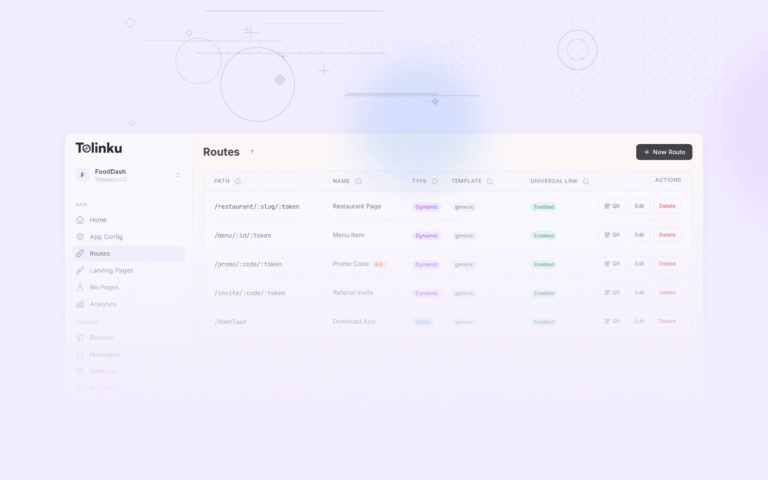
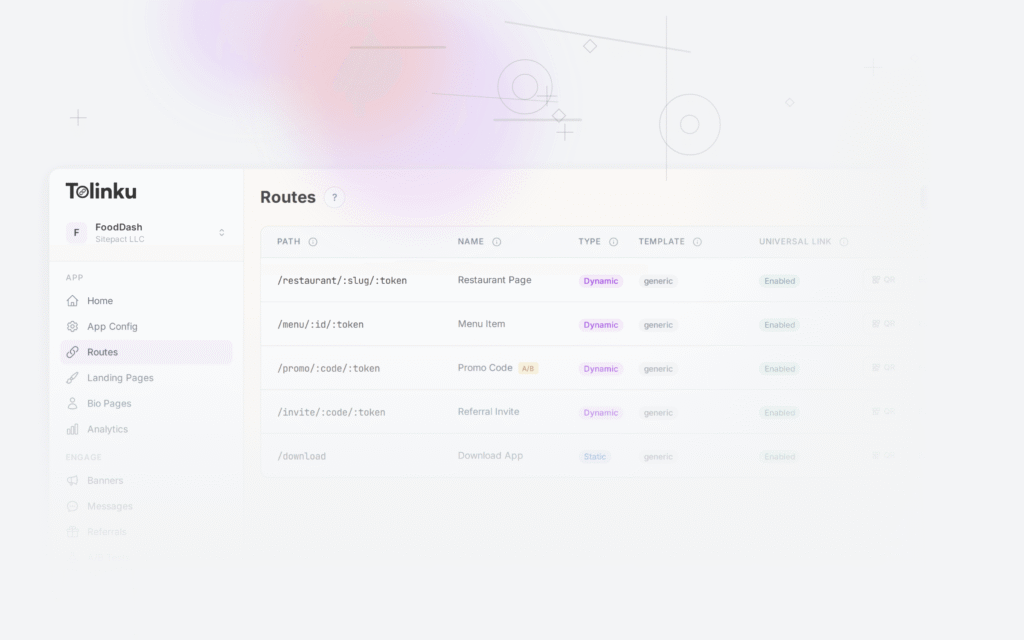
- Define routes (10 minutes). Create route patterns like
/products/:id. - Add SDK (15 minutes). SPM for iOS, Gradle for Android.
- Handle deep links in app (30-60 minutes). Implement route handling for each pattern.
- Test (30 minutes). Verify Universal Links and App Links work.
Total: 2-4 hours.
MMP Platform (Branch, AppsFlyer, Adjust)
Steps to get deep linking working:
- Create account (5-30 minutes). May require sales conversation for paid tiers.
- Configure app settings (15 minutes). Bundle ID, package name, keys.
- Set up link domain (20 minutes). Configure branded domain or use platform's domain.
- Add SDK (20 minutes). CocoaPods/SPM for iOS, Gradle for Android.
- Initialize SDK with configuration (30 minutes). API keys, debug modes, consent settings.
- Set up attribution event tracking (60-120 minutes). Even if you only want deep linking, the SDK expects event tracking configuration.
- Configure deep link handling (60 minutes). Map link parameters to app screens.
- Configure link templates (30 minutes). Set up link structures in the dashboard.
- Test attribution and deep linking (60 minutes). Verify both systems work together.
- Configure privacy consent (30-60 minutes). ATT integration, GDPR consent flow.
Total: 1-3 days.
DIY (Native Universal Links + App Links)
Steps to get deep linking working:
- Set up web server for verification files (60 minutes). Host AASA and assetlinks.json.
- Configure AASA file (30 minutes). Define app IDs and URL patterns.
- Configure assetlinks.json (30 minutes). Define package name and certificate fingerprints.
- Implement iOS deep link handling (120 minutes). SceneDelegate, URL routing, error handling.
- Implement Android deep link handling (120 minutes). Intent filters, Activity handling, routing.
- Build web fallback pages (240-480 minutes). Platform detection, store links, content preview.
- Implement deferred deep linking (480-960 minutes). Install Referrer, clipboard, server-side matching.
- Test across devices and contexts (240 minutes). Email clients, social apps, messaging apps, QR scanners.
Total: 2-6 weeks.
Documentation Quality
Documentation quality directly affects integration speed. Poor documentation means more time reading source code, searching forums, and filing support tickets.
What Good Documentation Includes
- Quick start guide. Get a minimal integration working in under 30 minutes.
- Platform-specific guides. Separate guides for iOS (Swift/Objective-C), Android (Kotlin/Java), React Native, Flutter.
- Code samples. Copy-paste examples for common scenarios.
- API reference. Complete reference for all SDK methods and REST API endpoints.
- Troubleshooting guide. Common issues and their solutions.
- Migration guides. How to switch from other platforms.
Documentation Red Flags
- Documentation references features that do not exist in the current SDK version.
- Code samples use deprecated APIs.
- No platform-specific guides (just generic "add the SDK" instructions).
- No troubleshooting section.
- Documentation is behind a login wall.
Common Integration Pain Points
1. AASA and assetlinks.json Issues
The most common integration problem is verification file configuration:
- AASA not served correctly. Must be served from
/.well-known/apple-app-site-associationwithContent-Type: application/jsonand no redirects. - assetlinks.json SHA-256 mismatch. The fingerprint must match your signing certificate, not the debug certificate.
- CDN caching. Changes to verification files may take hours or days to propagate because Apple and Google cache them.
Managed platforms handle this automatically. DIY requires you to manage it.
2. In-App Browser Handling
Deep links behave differently in in-app browsers (Instagram, Facebook, Twitter/X, LinkedIn):
- Some in-app browsers strip Universal Link behavior.
- Some require JavaScript-based fallback detection.
- Behavior changes between app versions.
Managed platforms typically handle these edge cases. DIY requires you to discover and handle each one.
3. Deferred Deep Linking Complexity
Deferred deep linking (routing after install) is the hardest part of deep linking to implement:
- Android Install Referrer requires the Play Install Referrer library and proper handling of the async response.
- iOS clipboard approach requires paste permission handling and a reliable token format.
- Server-side matching requires building a matching service.
Managed platforms provide this through their SDK. DIY requires significant engineering effort.
Developer Experience Metrics
| Metric | Tolinku | Branch | AppsFlyer | DIY |
|---|---|---|---|---|
| Time to first working link | 2-4 hours | 1-2 days | 1-2 days | 1-2 weeks |
| Lines of code (basic integration) | ~30 | ~60 | ~50 | ~500+ |
| Configuration files to modify | 2-3 | 3-5 | 3-5 | 5-10 |
| Dashboard complexity | Low | High | High | N/A |
| Debug tools | Console logs + dashboard | Debug mode + dashboard | Debug mode + dashboard | Custom logging |
Maintenance Complexity
Integration is one-time. Maintenance is ongoing.
| Task | Tolinku | MMP | DIY |
|---|---|---|---|
| SDK updates | Update dependency version | Update + test attribution | N/A |
| OS update handling | Platform handles | Platform handles | You handle |
| New edge cases | Platform handles | Platform handles | You handle |
| Route changes | Dashboard update | Dashboard update | Code + deploy |
| Debug broken links | Dashboard + console | Dashboard + console | Custom tooling |
The ongoing maintenance burden is lowest with managed platforms because they handle OS changes, edge cases, and infrastructure. DIY requires continuous investment.
Tolinku Integration
Tolinku is designed for fast integration. The focused feature set means less configuration. The lightweight SDK means less code to include. The visual dashboard means less time in configuration files. Get deep linking working in hours, not days.
For the full platform comparison, see deep linking platform comparison. For SDK details, see SDK size comparison.
Get deep linking tips in your inbox
One email per week. No spam.