Not everything in your app belongs in Google's index. Indexing the wrong content wastes crawl budget, dilutes your search presence, and can create a poor user experience when someone clicks a search result and lands on a page that only works in the app.
The decision is straightforward in principle: index content that provides value to searchers on the web, and noindex content that only makes sense inside the app. In practice, the line is blurry. This guide helps you draw it. For the general app indexing setup, see app indexing and SEO for mobile apps. For canonical URL strategy, see canonical URLs for app content.
The Indexing Decision Framework
Index This Content
Content should be indexed when it meets all three criteria:
- Standalone value: The content is useful to someone who does not have your app installed.
- Web representation: You have (or can build) a web page that adequately presents the content.
- Search demand: People actually search for this type of content.
Examples:
| Content Type | Why Index |
|---|---|
| Product listings | Users search for products by name, price, features |
| Articles and guides | Informational content with high search volume |
| Restaurant menus | Users search for "[restaurant] menu" |
| Event listings | Users search for events by name, date, location |
| Public profiles | Users search for people or businesses by name |
Noindex This Content
Content should be noindexed when any of these apply:
- Personalized: The content is specific to a logged-in user (dashboard, settings, feed).
- Transient: The content expires quickly and has no lasting search value (live chat, temporary promotions).
- No web equivalent: The content requires the native app to function (AR features, camera-based interactions).
- Duplicate or thin: The content is too similar to other indexed pages or has too little substance.
- Gated: The content requires authentication and cannot be shown to Googlebot.
Examples:
| Content Type | Why Noindex |
|---|---|
| User dashboards | Personalized, requires authentication |
| In-app messages | Transient, no search value |
| Shopping cart | Personalized, ephemeral |
| App settings | No search demand, app-only functionality |
| Push notification history | User-specific, no web value |
| AR/camera features | No web equivalent |
How to Implement Noindex
Meta Robots Tag
The most common approach. Add to the <head> of web pages that should not be indexed:
<head>
  <meta name="robots" content="noindex, follow">
</head>
The noindex directive prevents indexing. The follow directive tells Google to still follow links on the page, which preserves link equity flow to other pages.
X-Robots-Tag HTTP Header
For pages where you cannot modify the HTML (API responses, PDFs, images), use the HTTP header:
HTTP/1.1 200 OK
X-Robots-Tag: noindex, follow
Robots.txt vs. Noindex
These are different tools:
- robots.txt blocks crawling. Google cannot see the page at all, which means it cannot see the
noindextag. - noindex allows crawling but prevents indexing. Google sees the page, reads the noindex tag, and removes it from the index.
If you block a page in robots.txt AND it has inbound links, Google may still index the URL (without content) based on the anchor text of those links. Use noindex instead of robots.txt when you want to guarantee a page stays out of the index.
# robots.txt - blocks crawling (not the same as noindex)
User-agent: *
Disallow: /app/settings/
Disallow: /app/dashboard/
Disallow: /app/notifications/
Content Categories: Detailed Analysis
User-Generated Content
User-generated content (reviews, comments, forum posts) requires case-by-case evaluation:
Index: Reviews and forum posts that:
- Are publicly visible (no login required to read).
- Contain substantive text (not just a star rating).
- Target long-tail keywords (specific questions, product opinions).
Noindex: User content that:
- Is mostly duplicate (short comments like "great product").
- Requires authentication to view.
- Contains personal information.
- Is moderated and may be removed.
Paywalled Content
Google supports paywalled content indexing with structured data. If your app has premium content behind a paywall:
<script type="application/ld+json">
{
  "@context": "https://schema.org",
  "@type": "Article",
  "headline": "Premium Travel Guide: Hidden Beaches in Portugal",
  "isAccessibleForFree": false,
  "hasPart": {
    "@type": "WebPageElement",
    "isAccessibleForFree": false,
    "cssSelector": ".premium-content"
  }
}
</script>
Show a preview (first few paragraphs) on the web with a prompt to read more in the app. This gives Google enough content to index while driving installs.
Search Results Pages
Internal search results pages (e.g., /search?q=hotels+in+paris) should almost always be noindexed:
- They duplicate your main content pages.
- They create an infinite number of indexable URLs.
- They waste crawl budget.
- Google has its own search results and does not want to index yours.
<!-- On internal search result pages -->
<meta name="robots" content="noindex, follow">
Paginated Content
For paginated lists (page 2, 3, 4… of hotel listings):
- Page 1: Index (this is the canonical entry point).
- Pages 2+: Noindex, or use
rel="canonical"pointing to page 1 if the pages are very similar.
<!-- Page 2 of hotel listings -->
<meta name="robots" content="noindex, follow">
<link rel="prev" href="/hotels/barcelona?page=1">
<link rel="next" href="/hotels/barcelona?page=3">
Crawl Budget Considerations
Why Crawl Budget Matters for Apps
Apps often generate many more URLs than traditional websites. A travel app with 100,000 hotels across 50 cities, each with multiple room types and date combinations, could generate millions of URLs. Google allocates a limited crawl budget to each domain.
If Google spends its crawl budget on low-value pages (settings, empty search results, expired listings), it may not crawl your high-value pages frequently enough.
Crawl Budget Optimization
- Noindex low-value pages so Google stops recrawling them.
- Block truly private pages in robots.txt (user settings, admin panels).
- Return HTTP 410 (Gone) for expired content so Google removes it quickly.
- Use sitemaps to signal which pages are important and fresh.
- Fix soft 404s (pages that return HTTP 200 but show "content not found").
Monitoring Your Noindex Strategy
Search Console Coverage Report
Check the Coverage report regularly:
- "Excluded by noindex tag": These are pages where your noindex is working correctly.
- "Crawled, currently not indexed": Google crawled the page but chose not to index it (may indicate thin content).
- "Discovered, currently not indexed": Google knows about the page but has not crawled it yet.
Common Mistakes
- Noindexing pages that should be indexed: Check that your noindex rules are not accidentally catching valuable content pages.
- Not noindexing pages that should be noindexed: Look for indexed pages with zero impressions, these may be candidates for noindex.
- Using robots.txt instead of noindex: As discussed above, these are different tools with different effects.
- Forgetting to remove noindex after launch: Staging or pre-launch noindex tags that are left in production.
Tolinku and Content Indexing
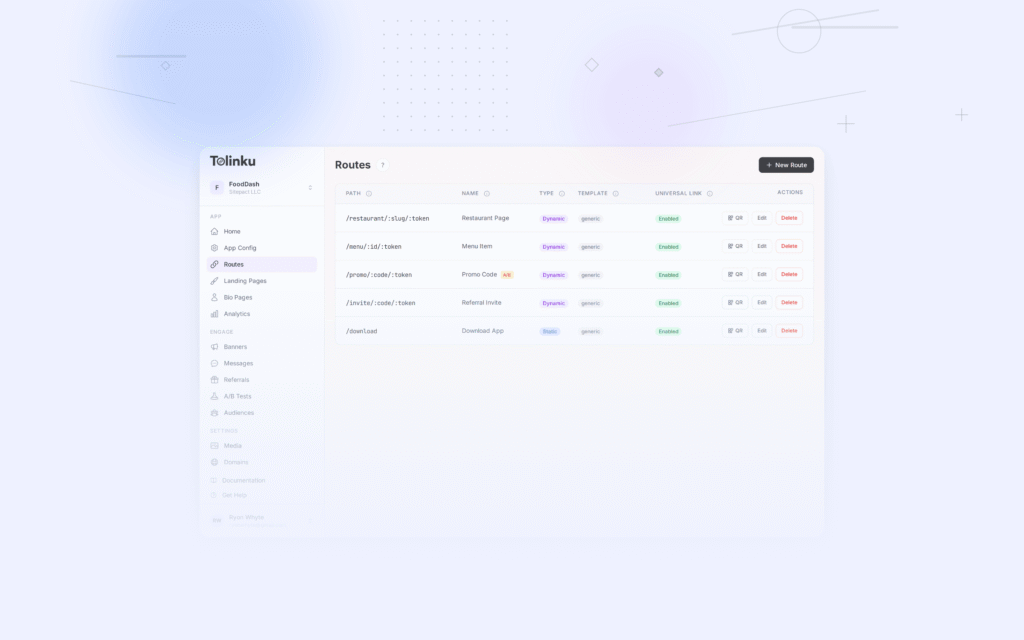
Tolinku routes deep links to both app and web content. When you configure routes in the Tolinku dashboard, the web fallback pages are what Google indexes. For routes that point to app-only content, configure the web fallback to either show a meaningful preview with an "Open in App" prompt, or use noindex if the content has no web value.
For getting app content into search results, see app content in search results. For the broader app indexing strategy, see app indexing and SEO for mobile apps.
Get deep linking tips in your inbox
One email per week. No spam.