Re-engagement attribution measures whether a campaign brought back a lapsed user. Unlike install attribution (which tracks new users), re-engagement attribution tracks returning users who were inactive and then resumed using the app after exposure to a retargeting ad, push notification, or email campaign.
This guide covers how re-engagement attribution works. For attribution models, see last-click vs multi-touch attribution. For deep link analytics, see deep link analytics: measuring what matters.
What Counts as Re-Engagement
A re-engagement event occurs when:
- An existing user has been inactive for a defined period (the inactivity window).
- The user is exposed to a re-engagement campaign (ad, push notification, email, SMS).
- The user returns to the app.
- The return is attributed to the campaign.
Defining "Inactive"
The inactivity window varies by app category:
| App Category | Typical Inactivity Window |
|---|---|
| Social media | 7 days |
| E-commerce | 14 days |
| Gaming | 7 days |
| Fintech/Banking | 30 days |
| News/Media | 14 days |
| Health/Fitness | 7 days |
| Travel | 30 days |
A fintech app might define a user as "lapsed" after 30 days of no app opens. A gaming app might use 7 days. Choose a window that reflects normal usage patterns for your app.
Re-Engagement Attribution Models
Click-Through Re-Engagement
The user taps a retargeting ad or deep link, which opens the app:
1. User is inactive for 30 days
2. User sees retargeting ad on Facebook
3. User taps the ad → deep link opens the app
4. Re-engagement attributed to Facebook retargeting campaign
This is the strongest signal because the user took a deliberate action.
View-Through Re-Engagement
The user sees a retargeting ad but does not tap it. Later, they open the app on their own:
1. User is inactive for 14 days
2. User sees retargeting display ad (does not tap)
3. 6 hours later, user opens the app from the home screen
4. Re-engagement attributed to display retargeting (view-through)
This is a weaker signal. The user may have returned independently.
Push Notification Re-Engagement
The user taps a push notification that deep links to the app:
1. User is inactive for 7 days
2. App sends push notification: "New items added to your wishlist"
3. User taps notification → deep link opens wishlist screen
4. Re-engagement attributed to push notification campaign
Email Re-Engagement
The user taps a link in a re-engagement email:
1. User is inactive for 21 days
2. User receives email: "We miss you! Here's 20% off"
3. User taps email link → deep link opens the app
4. Re-engagement attributed to email campaign
Re-Engagement Windows
The re-engagement attribution window defines how long after a campaign interaction the return is attributed to that campaign:
| Channel | Typical Click Window | Typical View Window |
|---|---|---|
| Retargeting ads | 7 days | 24 hours |
| Push notifications | 24 hours | N/A |
| 7 days | N/A | |
| SMS | 48 hours | N/A |
If a user taps a retargeting ad today and opens the app in 3 days, the re-engagement is attributed to the ad (within the 7-day window). If they open the app in 10 days, it is counted as organic return.
Implementation
Tracking Re-Engagement Events
func trackAppOpen() {
    let lastActive = UserDefaults.standard.object(forKey: "last_active") as? Date
    let now = Date()

    // Update last active
    UserDefaults.standard.set(now, forKey: "last_active")

    guard let lastActive = lastActive else {
        // First open ever, this is an install not a re-engagement
        analytics.track("install")
        return
    }

    let inactiveDays = Calendar.current.dateComponents([.day], from: lastActive, to: now).day ?? 0

    if inactiveDays >= 7 {
        // User was inactive, this is a re-engagement
        let source = determineReEngagementSource()
        analytics.track("re_engagement", properties: [
            "inactive_days": inactiveDays,
            "source": source.channel,
            "campaign": source.campaignId ?? "unknown",
            "deep_link": source.deepLink ?? "none"
        ])
    } else {
        // Regular app open
        analytics.track("app_open")
    }
}

func determineReEngagementSource() -> ReEngagementSource {
    // Check if the app was opened via a deep link
    if let pendingDeepLink = deepLinkManager.pendingDeepLink {
        let params = URLComponents(url: pendingDeepLink, resolvingAgainstBaseURL: false)?.queryItems
        let campaign = params?.first(where: { $0.name == "utm_campaign" })?.value
        let source = params?.first(where: { $0.name == "utm_source" })?.value

        return ReEngagementSource(
            channel: source ?? "deep_link",
            campaignId: campaign,
            deepLink: pendingDeepLink.absoluteString
        )
    }

    // Check if opened from a push notification
    if let notificationData = notificationManager.lastTappedNotification {
        return ReEngagementSource(
            channel: "push",
            campaignId: notificationData["campaign_id"] as? String,
            deepLink: notificationData["deep_link"] as? String
        )
    }

    // Organic return
    return ReEngagementSource(channel: "organic", campaignId: nil, deepLink: nil)
}
Deep Link Attribution for Re-Engagement
When a re-engagement deep link is clicked, capture attribution data:
func handleReEngagementDeepLink(_ url: URL) {
    let params = URLComponents(url: url, resolvingAgainstBaseURL: false)?.queryItems

    let attributionData = ReEngagementAttribution(
        channel: params?.first(where: { $0.name == "utm_source" })?.value ?? "unknown",
        campaign: params?.first(where: { $0.name == "utm_campaign" })?.value,
        medium: params?.first(where: { $0.name == "utm_medium" })?.value,
        content: params?.first(where: { $0.name == "utm_content" })?.value,
        deepLink: url.absoluteString,
        timestamp: Date()
    )

    // Store for server-side processing
    analytics.trackReEngagement(attributionData)

    // Route to the deep linked screen
    routeDeepLink(url)
}
Measuring Re-Engagement Effectiveness
Key Metrics
| Metric | Description |
|---|---|
| Re-engagement rate | Lapsed users who returned / total lapsed users targeted |
| Cost per re-engagement (CPRE) | Campaign spend / re-engaged users |
| Retention after re-engagement | % of re-engaged users still active after 7/30 days |
| Revenue per re-engaged user | Revenue from re-engaged users in the 30 days after return |
| Incremental re-engagement | Re-engagements attributable to the campaign vs. organic returns |
Incrementality
Not all re-engaged users would have stayed inactive without the campaign. Some would have returned on their own. To measure incremental re-engagement:
- Split lapsed users into a test group (receives campaign) and a control group (does not).
- Measure return rates for both groups.
- The difference is the incremental lift.
Example:
- Test group return rate: 12%
- Control group return rate: 5%
- Incremental lift: 7 percentage points
- True incremental re-engagement rate: 7%
- Of the 12% who returned in the test group, only 58% (7/12) were truly influenced by the campaign.
Common Pitfalls
Over-Attributing to Push Notifications
Push notifications have high tap rates, so they appear to be the most effective re-engagement channel. But many users would have opened the app anyway; the push notification just happened to be the trigger. Use holdout groups to measure true incrementality.
Ignoring Organic Returns
If your re-engagement campaign reaches 100,000 lapsed users and 8,000 return, it is tempting to credit all 8,000 to the campaign. But if 3,000 would have returned organically, the campaign only drove 5,000 incremental re-engagements.
Short Attribution Windows
Using a 1-hour re-engagement window for email campaigns misses users who open the email, decide to return, but do not do so until the next day. Match the attribution window to the channel's natural response time.
Tolinku for Re-Engagement
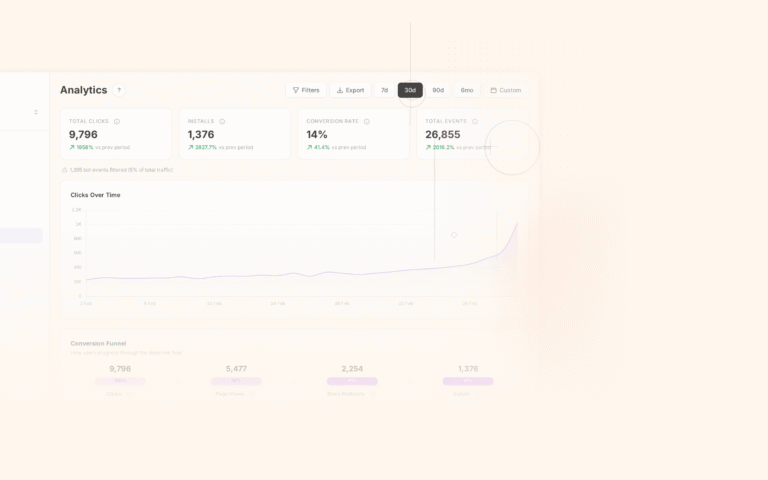
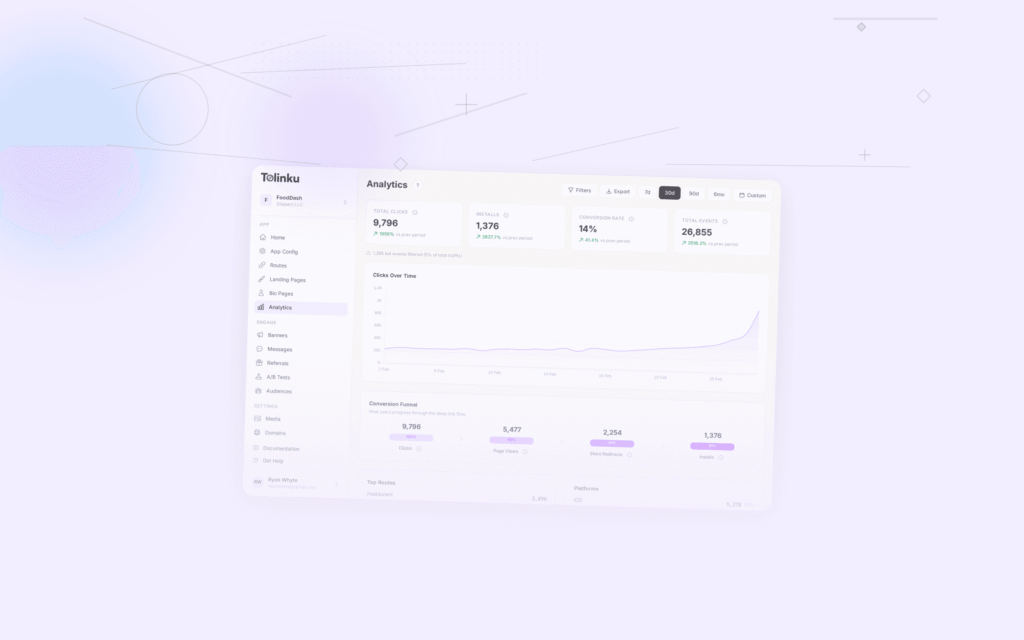
Tolinku's analytics track deep link clicks and attribute re-engagement events. When a lapsed user taps a Tolinku deep link in a re-engagement email or ad, the click and subsequent app open are tracked and attributed. Configure re-engagement tracking in the Tolinku dashboard.
For mobile attribution, see mobile attribution: a developer's guide. For attribution models, see last-click vs multi-touch attribution.
Get deep linking tips in your inbox
One email per week. No spam.