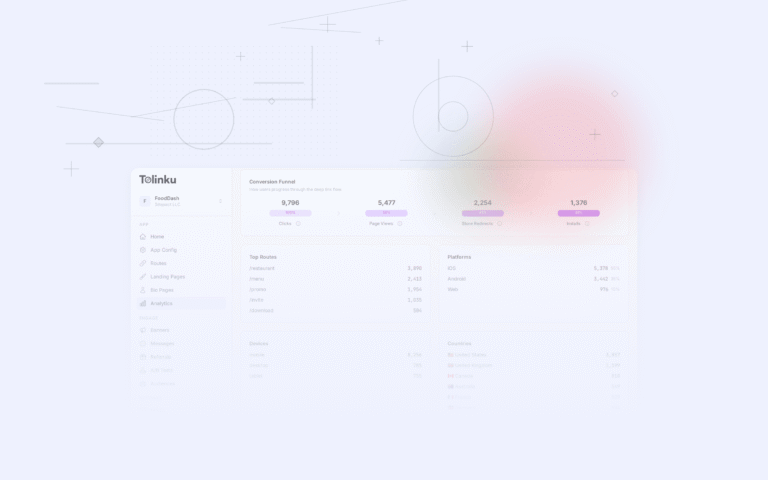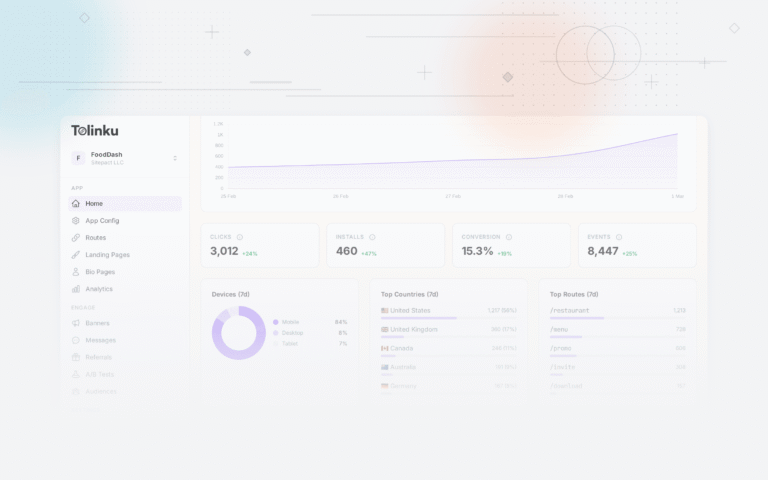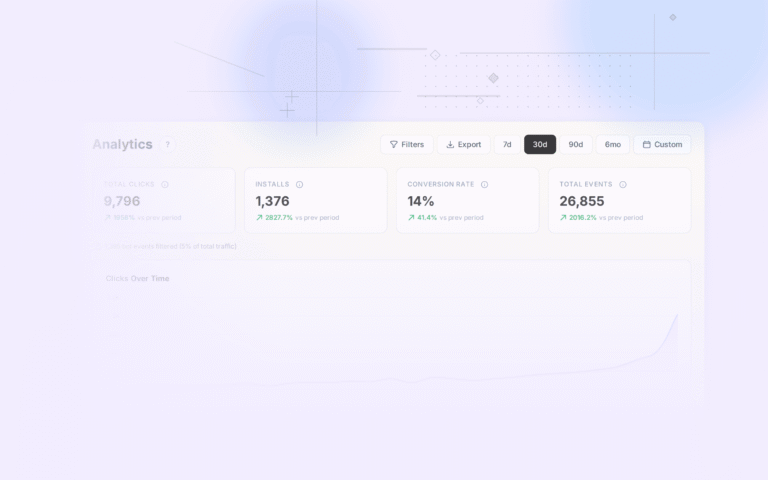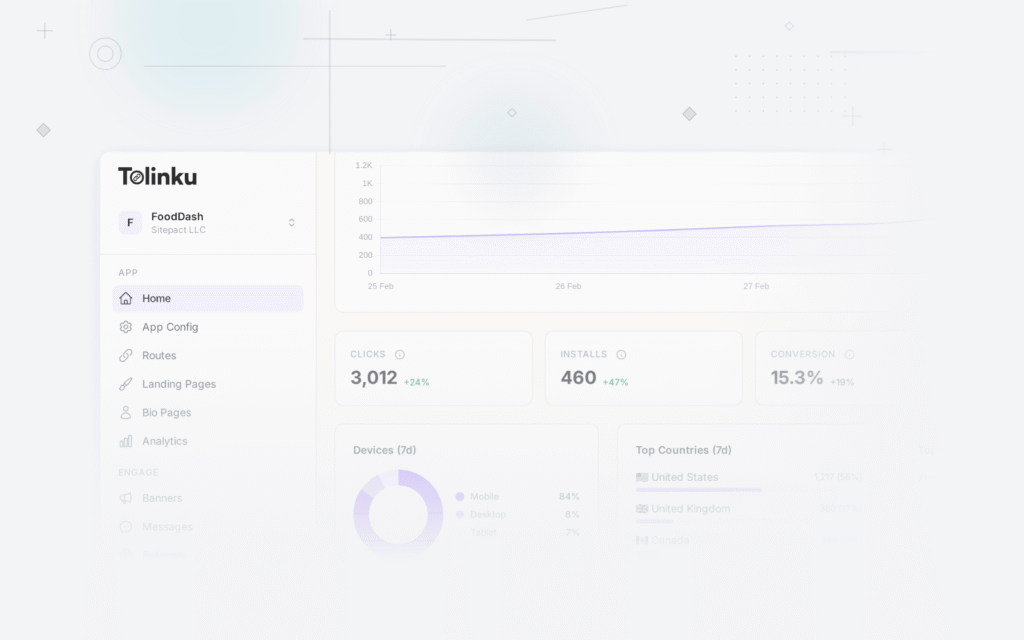
Real-time attribution gives you install and conversion data within seconds of an event occurring. Instead of waiting for daily or hourly batch reports, you see every install, every in-app event, and every conversion as it happens. This matters most during campaign launches, flash sales, and fraud monitoring where delayed data means delayed decisions.
This guide covers real-time attribution architecture and use cases. For attribution dashboards, see building attribution dashboards. For postback URLs, see postback URLs for mobile attribution.
When Real-Time Attribution Matters
Campaign Launch Monitoring
When you launch a new campaign, you need to know within minutes whether:
- Installs are coming in at the expected rate.
- CPI is within the target range.
- The correct creative and targeting are being served.
- There are no technical issues (broken tracking links, SDK errors).
Waiting for a daily report means burning budget on a broken campaign for 24 hours.
Fraud Detection
Fraud patterns are easier to detect in real-time:
- A sudden spike in installs from a single source (click flooding).
- Installs with abnormally short click-to-install times (click injection).
- Geographic anomalies (installs from unexpected countries).
By the time a daily batch report reveals fraud, the damage is done.
Flash Sales and Time-Limited Campaigns
An e-commerce flash sale runs for 4 hours. You need to know within those 4 hours which channels are driving conversions and which are not.
Budget Pacing
If your daily budget is $5,000 and you have spent $3,000 by noon, real-time data tells you whether to slow down or increase the budget.
Architecture
Event Streaming Pipeline
App SDK → Event Collector → Message Queue → Stream Processor → Dashboard/Alerts
                                              ↓
                                        Postback Sender
                                              ↓
                                        Ad Network APIs
Components
Event Collector. Receives events from the app SDK (installs, in-app events). Must handle high throughput with low latency.
Message Queue. Buffers events for processing. Apache Kafka, AWS Kinesis, or Google Pub/Sub. Provides durability and ordering.
Stream Processor. Matches clicks to installs in real-time. Runs attribution logic (last-click, deduplication, fraud checks).
Dashboard. Displays live metrics. WebSocket or SSE connection for push updates.
Postback Sender. Sends attribution results to ad networks immediately after attribution is determined.
Implementation
// Event collector endpoint
app.post('/v1/events', async (req, res) => {
  const event = validateEvent(req.body);

  // Publish to message queue immediately
  await kafka.produce('attribution-events', {
    key: event.deviceId,
    value: JSON.stringify(event),
    timestamp: Date.now()
  });

  res.status(202).send({ status: 'accepted' });
});

// Stream processor (Kafka consumer)
async function processEvent(event: AttributionEvent) {
  if (event.type === 'install') {
    // Look up recent clicks for this device
    const clicks = await clickStore.getRecentClicks(
      event.deviceId,
      { within: '7d' }
    );

    if (clicks.length === 0) {
      // Organic install
      await attributeOrganic(event);
    } else {
      // Find the best matching click (last-click model)
      const bestClick = clicks.sort((a, b) => b.timestamp - a.timestamp)[0];

      // Run fraud checks
      const fraudResult = checkFraud(event, bestClick);
      if (fraudResult.isFraud) {
        await rejectInstall(event, bestClick, fraudResult.reason);
      } else {
        await attributeInstall(event, bestClick);
      }
    }

    // Send postback to ad network
    await sendPostback(event, bestClick);

    // Update real-time dashboard
    await dashboardStream.publish('install', {
      campaign: bestClick?.campaignId,
      network: bestClick?.networkId,
      country: event.country,
      timestamp: event.timestamp
    });
  }
}
Real-Time Click Store
Attribution requires matching installs to clicks. For real-time attribution, the click store must be fast:
// Redis-based click store for sub-millisecond lookups
class ClickStore {
  async recordClick(click: Click): Promise<void> {
    const key = `clicks:${click.deviceId}`;

    await redis.zadd(key, click.timestamp, JSON.stringify(click));

    // Expire clicks after the attribution window (7 days)
    await redis.expire(key, 7 * 24 * 3600);
  }

  async getRecentClicks(deviceId: string, options: { within: string }): Promise<Click[]> {
    const key = `clicks:${deviceId}`;
    const windowMs = parseDuration(options.within);
    const minTimestamp = Date.now() - windowMs;

    const results = await redis.zrangebyscore(key, minTimestamp, '+inf');
    return results.map(r => JSON.parse(r));
  }
}
Real-Time Dashboards
WebSocket Updates
Push attribution events to the dashboard in real-time:
// Server: Push events via WebSocket
wss.on('connection', (ws) => {
  const subscription = dashboardStream.subscribe('install', (data) => {
    ws.send(JSON.stringify({
      type: 'install',
      data: {
        campaign: data.campaign,
        network: data.network,
        country: data.country,
        timestamp: data.timestamp
      }
    }));
  });

  ws.on('close', () => subscription.unsubscribe());
});
Live Counters
Display rolling counters for key metrics:
// Rolling window counters (last 1 hour, last 24 hours)
class RollingCounter {
  async increment(metric: string, dimensions: Record<string, string>): Promise<void> {
    const key1h = `counter:1h:${metric}:${this.dimensionKey(dimensions)}`;
    const key24h = `counter:24h:${metric}:${this.dimensionKey(dimensions)}`;

    await redis.incr(key1h);
    await redis.expire(key1h, 3600);

    await redis.incr(key24h);
    await redis.expire(key24h, 86400);
  }

  async get(metric: string, window: '1h' | '24h', dimensions: Record<string, string>): Promise<number> {
    const key = `counter:${window}:${metric}:${this.dimensionKey(dimensions)}`;
    return parseInt(await redis.get(key) || '0');
  }
}
Real-Time Alerting
Set up alerts for anomalies:
interface AlertRule {
  metric: string;
  condition: 'above' | 'below' | 'change';
  threshold: number;
  window: string;
  channels: ('slack' | 'email' | 'pagerduty')[];
}

const alertRules: AlertRule[] = [
  {
    // CPI spike
    metric: 'cpi',
    condition: 'above',
    threshold: 10.00,
    window: '1h',
    channels: ['slack']
  },
  {
    // Install volume drop
    metric: 'installs',
    condition: 'below',
    threshold: 50, // Less than 50 installs in 1 hour
    window: '1h',
    channels: ['slack', 'email']
  },
  {
    // Fraud spike
    metric: 'rejected_installs_rate',
    condition: 'above',
    threshold: 0.20, // More than 20% rejection rate
    window: '1h',
    channels: ['slack', 'pagerduty']
  }
];
Real-Time vs Batch Trade-Offs
Aspect Real-Time Batch Latency Seconds Hours Accuracy May include duplicates, late-arriving data can change results Final, reconciled Cost Higher (streaming infrastructure) Lower (scheduled queries) Complexity Higher (stream processing, state management) Lower (SQL queries) Use case Monitoring, fraud, launches Reporting, analysis, billing Most teams need both: real-time for monitoring and batch for reporting. The batch system serves as the source of truth; the real-time system is an early warning layer.
Privacy Considerations
Real-time attribution must comply with the same privacy regulations as batch attribution:
- ATT: Real-time attribution on iOS is limited by ATT opt-in rates. SKAdNetwork postbacks arrive with a delay (24-48 hours), so true real-time attribution is only possible for ATT-consented users.
- GDPR: Real-time event streams that contain user identifiers must be processed in compliance with GDPR. Data minimization applies.
- Data retention: Real-time data stored in Redis or streaming logs must follow your data retention policies.
Tolinku for Real-Time Analytics
Tolinku's analytics provide near-real-time deep link click and conversion tracking. View click events as they happen in the Tolinku dashboard. For event-driven workflows, configure webhooks to receive real-time notifications when deep link events occur.
For attribution dashboards, see building attribution dashboards. For mobile attribution, see mobile attribution: a developer's guide.
Get deep linking tips in your inbox
One email per week. No spam.