View-through attribution (VTA) credits a conversion to an ad that the user saw but did not click. The user views a banner ad for a food delivery app on Monday, does not tap it, then installs the app on Wednesday from an organic search. Should the banner ad get credit? That is the question VTA tries to answer.
This guide explains how view-through attribution works, when it adds value, and how to configure it. For click-based attribution models, see last-click vs multi-touch attribution. For attribution windows, see attribution windows: how to set the right lookback period.
How View-Through Attribution Works
- An ad network serves an ad impression to a user.
- The ad network records the impression with a device identifier (IDFA, GAID, or a probabilistic fingerprint).
- The user does not tap the ad.
- Later, the user installs the app (from any source).
- The attribution provider checks if the user saw any ad impressions within the VTA window.
- If a matching impression is found, the install is attributed to that ad campaign.
The key difference from click-through attribution (CTA) is that VTA does not require user interaction with the ad. The user only needs to have been exposed to it.
VTA vs CTA
| Aspect | Click-Through (CTA) | View-Through (VTA) |
|---|---|---|
| User action required | Tap/click on ad | None (impression only) |
| Signal strength | Strong (deliberate action) | Weak (passive exposure) |
| Typical window | 7-30 days | 1-24 hours |
| Fraud risk | Moderate (click flooding) | Higher (impression stuffing) |
| Incrementality | Usually high | Often low |
| Ad formats | All | Display, video, native |
| Cost model | CPC, CPI | CPM |
CTA is the stronger signal. A user who tapped an ad demonstrated intent. VTA is a weaker signal because the user may not have actually noticed the ad.
When View-Through Attribution Adds Value
Video Ads
Video ads (especially 15-30 second non-skippable ads) create awareness even without a click. A user who watches a 30-second video ad for a travel app is likely aware of the app, even if they do not tap the ad. VTA captures this influence.
Brand Campaigns
Brand awareness campaigns are measured by reach and impressions, not clicks. VTA connects these impressions to downstream installs and conversions.
Connected TV (CTV)
CTV ads (streaming TV) cannot be clicked. The only way to attribute installs to CTV ads is through view-through attribution using cross-device matching.
Retargeting Display
Display retargeting ads (banners shown to users who visited your website) often influence behavior without being clicked. VTA captures the retargeting effect.
When VTA Over-Credits
VTA can over-credit ad networks by attributing organic installs to impressions that had no real influence:
High-Impression, Low-Intent Formats
A small banner ad at the bottom of a game that the user never actually looked at should not get credit for an install that happened 24 hours later. But VTA would attribute it.
Impression Stuffing
Fraudulent ad networks serve hidden or pixel-sized ad impressions to inflate their attribution numbers. The user never sees the ad, but the impression is recorded and can claim credit for organic installs.
Last-View Bias
When multiple networks serve impressions, the last impression before the install gets credit (in a last-touch model). Networks can game this by increasing impression frequency near the expected install time.
Configuring VTA Windows
The VTA window is the time period after an impression during which an install can be attributed to that impression. Shorter windows reduce false attribution:
| Window | Use Case |
|---|---|
| 1 hour | Conservative. High-intent formats only (interactive, playable) |
| 6 hours | Moderate. Video ads, native ads |
| 24 hours | Standard. Most display campaigns |
| 48 hours | Aggressive. Brand campaigns, CTV |
| 7 days | Very aggressive. Rarely justified |
Most attribution providers default to 24 hours. Consider shortening to 1-6 hours for display campaigns and lengthening to 24-48 hours for video/CTV campaigns.
Configuring in Your Attribution Setup
{
  "attribution_config": {
    "click_through_window": "7d",
    "view_through_window": "24h",
    "view_through_priority": "lower_than_click",
    "minimum_viewability": {
      "display": "50% of pixels for 1 second",
      "video": "50% of pixels for 2 seconds"
    }
  }
}
Viewability Standards
Not all impressions are equal. The IAB and MRC define viewability standards:
| Format | Viewable Impression |
|---|---|
| Display ads | 50% of pixels in view for 1 continuous second (MRC standard) |
| Video ads | 50% of pixels in view for 2 continuous seconds |
| Large display (242,500+ pixels) | 30% of pixels in view for 1 second |
VTA should only count viewable impressions. If the ad was never actually visible on screen (loaded below the fold, in a background tab, or in a hidden iframe), it should not receive attribution credit.
Incrementality Testing for VTA
The best way to determine if VTA is adding value or just claiming organic installs is incrementality testing:
- Split your target audience into two groups.
- Test group: Sees your ads (impressions served).
- Control group: Does not see your ads (or sees a PSA/placeholder ad).
- Measure the install rate difference between the two groups.
- The difference is the incremental lift attributable to impressions.
If the control group installs at 2.0% and the test group installs at 2.3%, the incremental lift from view-through is 0.3 percentage points, meaning only 13% of VTA-claimed installs are truly incremental.
For more on incrementality testing, see incrementality testing for mobile.
VTA and Privacy
With ATT on iOS and the deprecation of third-party cookies, VTA is becoming harder:
- iOS (post-ATT): Without IDFA, deterministic matching for VTA is not possible for users who opt out of tracking. SKAdNetwork does support view-through attribution with its own privacy-preserving mechanism.
- Android (Privacy Sandbox): The Attribution Reporting API supports view-through conversions with aggregate reporting.
- Probabilistic matching: Some providers use probabilistic fingerprinting for VTA, but this is increasingly restricted by platform policies.
Best Practices
- Use shorter VTA windows. 24 hours is the maximum for most campaigns. 1-6 hours is better for display.
- Require viewability. Only count viewable impressions per MRC standards.
- Prioritize clicks over views. If a user clicked an ad from Network A and viewed an ad from Network B, the click should win.
- Run incrementality tests. Verify that VTA is measuring real influence, not claiming organic installs.
- Monitor for fraud. Watch for impression stuffing (abnormally high impression volumes from a single source).
- Separate VTA reporting. Report VTA and CTA separately so you can evaluate each channel's true contribution.
Tolinku for Attribution
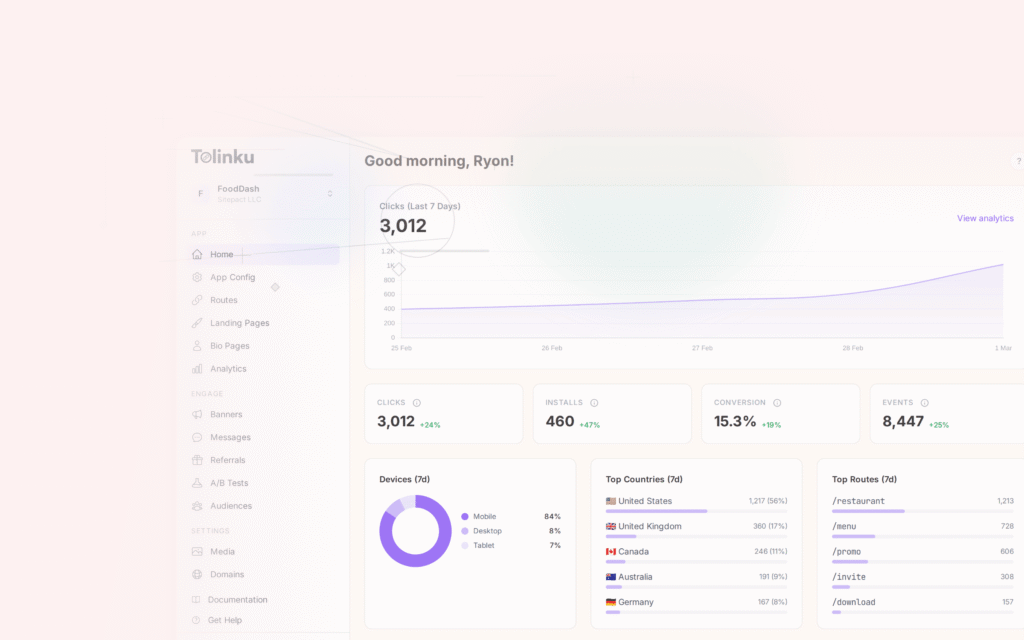
Tolinku's analytics track deep link clicks and conversions. While Tolinku focuses on click-based deep link attribution rather than impression-based VTA, the click and conversion data from Tolinku can be combined with your VTA data to build a complete attribution picture.
For mobile attribution broadly, see mobile attribution: a developer's guide. For attribution windows, see attribution windows: how to set the right lookback period.
Get deep linking tips in your inbox
One email per week. No spam.