Smart banners are the bridge between your mobile website and your app. They sit at the top or bottom of the page, nudging users to open the app. Small changes to banner copy, design, placement, and timing can produce 20-50% improvements in tap-through rates. A/B testing is how you find those improvements.
For banner design fundamentals, see App Banner Design Best Practices That Convert. For conversion-focused banner testing, see A/B Testing Smart Banners for Higher Conversions.
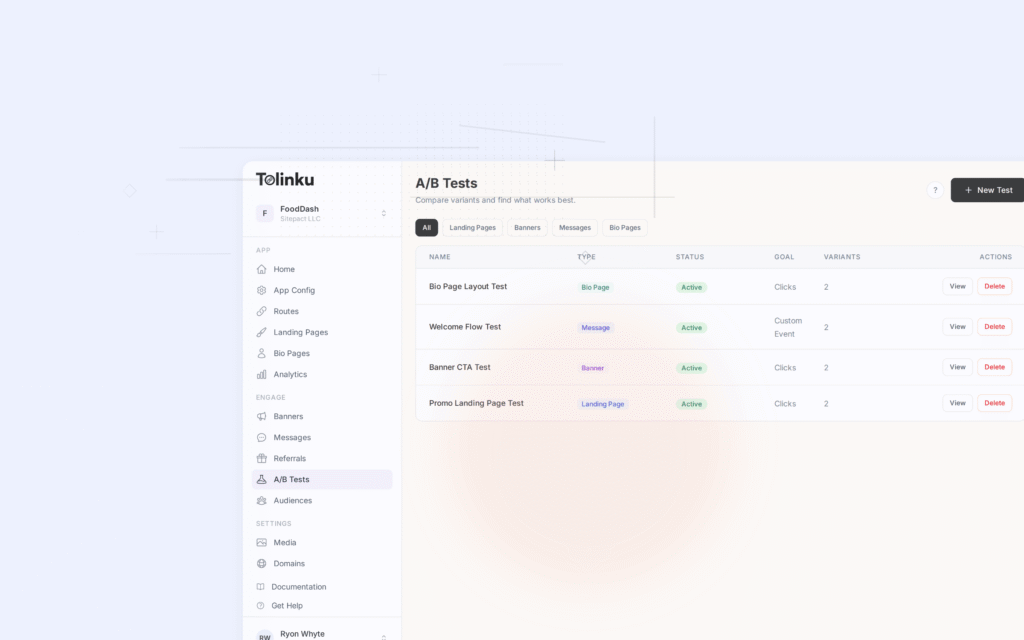
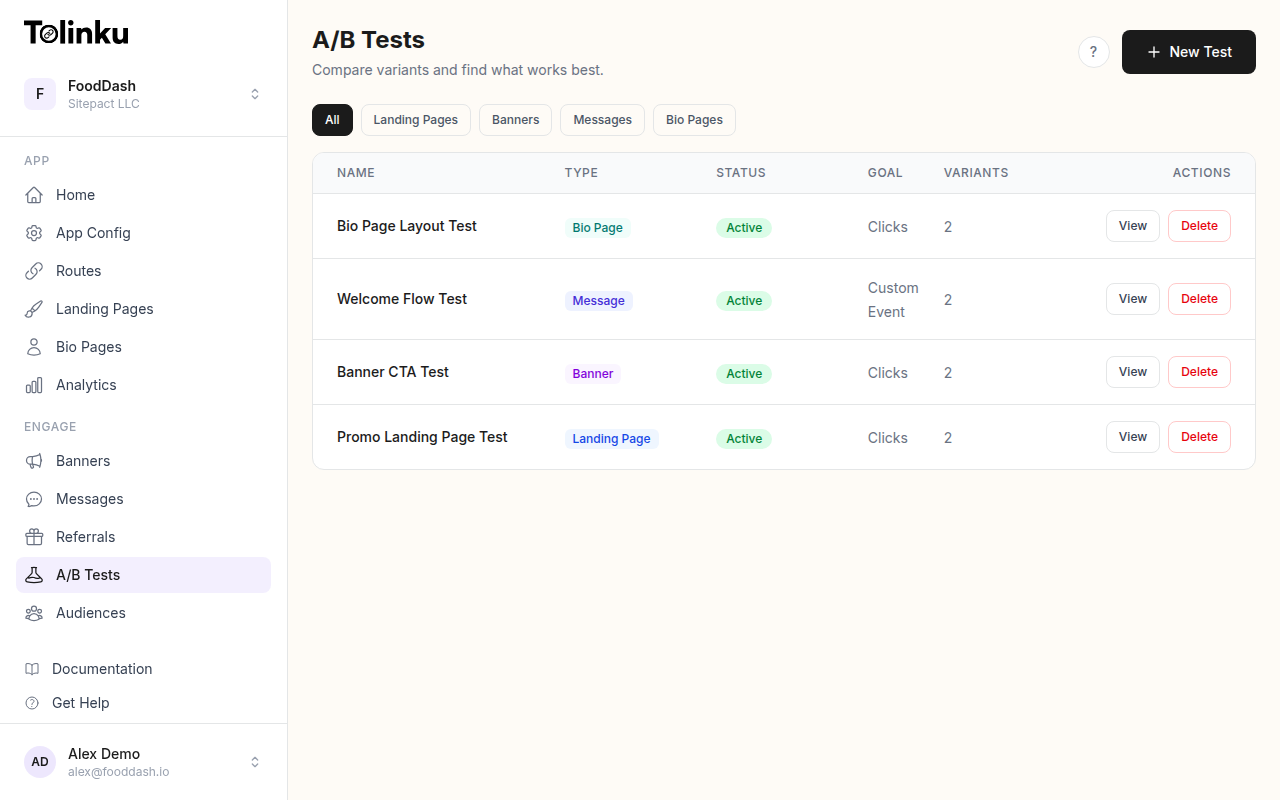 The A/B tests list page showing test names, status, types, and variant counts.
What to Test
High-Impact Variables
| Variable | Impact | Testing Effort |
|---|---|---|
| Banner copy (title + subtitle) | High (15-30% lift) | Easy |
| CTA button text | High (10-25% lift) | Easy |
| Display timing | High (10-30% lift) | Easy |
| Banner position (top vs. bottom) | Medium (5-15% lift) | Easy |
| Banner style (compact vs. expanded) | Medium (10-20% lift) | Medium |
| Dismiss behavior | Medium (5-15% lift) | Easy |
| Targeting rules | High (20-40% lift) | Medium |
| Device-specific variants | Medium (10-20% lift) | Medium |
Test Priority Order
- Copy and CTA text: Highest ROI, easiest to implement
- Display timing: When the banner appears dramatically affects engagement
- Targeting rules: Show different banners to different audiences
- Visual design: Color, size, layout refinements
- Dismiss behavior: What happens after dismissal affects re-engagement
Banner Copy Testing
Title Variants
The banner title is the first thing users read. Test these approaches:
const bannerCopyExperiment = {
  id: 'banner_copy_v3',
  variants: [
    {
      id: 'benefit',
      weight: 25,
      config: {
        title: 'Save 20% in the app',
        subtitle: 'Exclusive app-only deals',
        ctaText: 'Open',
      },
    },
    {
      id: 'social_proof',
      weight: 25,
      config: {
        title: 'Join 2M+ app users',
        subtitle: 'A better experience awaits',
        ctaText: 'Get',
      },
    },
    {
      id: 'feature',
      weight: 25,
      config: {
        title: 'Faster checkout in the app',
        subtitle: 'Plus real-time order tracking',
        ctaText: 'Open',
      },
    },
    {
      id: 'direct',
      weight: 25,
      config: {
        title: 'Continue in the app',
        subtitle: 'Pick up where you left off',
        ctaText: 'Open',
      },
    },
  ],
  primaryMetric: 'banner_tap',
  secondaryMetrics: ['app_install', 'app_open'],
};
Typical results by app category:
| App Type | Winning Copy Style | Why |
|---|---|---|
| E-commerce | Benefit ("Save 20%") | Concrete value proposition |
| Social | Social proof ("Join 2M+") | Community appeal |
| Productivity | Feature ("Faster checkout") | Utility-focused users |
| Content | Direct ("Continue in app") | Users want to finish what they started |
CTA Button Text
Smart banner CTAs are limited to 1-2 words. Test these options:
| CTA | Best For | Typical CTR |
|---|---|---|
| "Open" | Users who have the app | Highest for existing users |
| "Get" | iOS users (matches App Store) | High for new installs |
| "Install" | Android users (matches Play Store) | High for new installs |
| "View" | Content and product deep links | Medium |
| "Try" | Free apps, subscription trials | Medium-high |
| "Free" | Free apps (emphasizes cost) | High when price is a concern |
Display Timing Tests
When to Show the Banner
const timingExperiment = {
  id: 'banner_timing_v2',
  variants: [
    {
      id: 'immediate',
      weight: 25,
      config: { delay: 0, trigger: 'page_load' },
    },
    {
      id: 'delayed_3s',
      weight: 25,
      config: { delay: 3000, trigger: 'page_load' },
    },
    {
      id: 'after_scroll',
      weight: 25,
      config: { delay: 0, trigger: 'scroll_25_percent' },
    },
    {
      id: 'after_engagement',
      weight: 25,
      config: { delay: 0, trigger: 'second_page_view' },
    },
  ],
  primaryMetric: 'banner_tap',
};
Typical results:
| Timing | Tap Rate | Dismissal Rate | Notes |
|---|---|---|---|
| Immediate | Medium | High | Users dismiss before reading |
| 3-second delay | Medium-high | Medium | Users have context |
| After 25% scroll | High | Low | User is engaged |
| Second page view | Highest | Lowest | User has shown interest |
The second-page-view trigger consistently outperforms immediate display, but it reaches fewer users since many bounce after one page.
Dismiss and Re-show Logic
const dismissExperiment = {
  id: 'dismiss_behavior_v1',
  variants: [
    {
      id: 'hide_session',
      weight: 33,
      config: {
        onDismiss: 'hide_for_session',
        reshowAfter: null,
      },
    },
    {
      id: 'hide_then_reshow',
      weight: 33,
      config: {
        onDismiss: 'hide_temporarily',
        reshowAfter: 300000, // 5 minutes
      },
    },
    {
      id: 'minimize',
      weight: 34,
      config: {
        onDismiss: 'minimize_to_icon',
        reshowAfter: null,
      },
    },
  ],
  primaryMetric: 'banner_tap',
  secondaryMetrics: ['user_annoyance_signal'], // rage clicks, page exit after dismiss
};
Position and Layout Tests
Top vs. Bottom
const positionExperiment = {
  id: 'banner_position_v1',
  variants: [
    {
      id: 'top',
      weight: 50,
      config: { position: 'top', sticky: true },
    },
    {
      id: 'bottom',
      weight: 50,
      config: { position: 'bottom', sticky: true },
    },
  ],
  primaryMetric: 'banner_tap',
};
| Position | Pros | Cons |
|---|---|---|
| Top (sticky) | Mimics native iOS/Safari smart banners | Can feel intrusive, hides content |
| Bottom (sticky) | Doesn't block content, thumb-friendly | Can be confused with cookie banners |
Compact vs. Expanded
const layoutExperiment = {
  id: 'banner_layout_v1',
  variants: [
    {
      id: 'compact',
      weight: 50,
      config: {
        layout: 'compact',
        showIcon: true,
        showRating: false,
        showSubtitle: false,
        height: '56px',
      },
    },
    {
      id: 'expanded',
      weight: 50,
      config: {
        layout: 'expanded',
        showIcon: true,
        showRating: true,
        showSubtitle: true,
        height: '80px',
      },
    },
  ],
  primaryMetric: 'banner_tap',
};
Compact banners have lower tap rates but also lower dismissal rates. Expanded banners convert better per impression but take more space. Calculate net impact: (tap rate) x (1 - dismissal rate) x (impressions).
Targeting Tests
Audience Segmentation
Show different banner variants to different user segments:
const targetingExperiment = {
  id: 'banner_targeting_v1',
  segments: {
    has_app: {
      config: {
        title: 'Continue in the app',
        ctaText: 'Open',
        deepLink: 'tolinku://current-page',
      },
    },
    no_app_returning: {
      config: {
        title: 'Get the app for a better experience',
        ctaText: 'Get',
        deepLink: null, // app store link
      },
    },
    no_app_new: {
      config: {
        title: 'Download our free app',
        ctaText: 'Free',
        deepLink: null,
      },
    },
  },
};
Detecting whether the user has the app installed:
function detectAppInstalled(callback) {
  // Try Universal Link with timeout
  const iframe = document.createElement('iframe');
  iframe.style.display = 'none';
  iframe.src = 'your-app://check';

  let responded = false;

  window.addEventListener('blur', () => {
    responded = true;
    callback(true); // App opened
  });

  setTimeout(() => {
    if (!responded) {
      callback(false); // App not installed
    }
    document.body.removeChild(iframe);
  }, 2000);

  document.body.appendChild(iframe);
}
Page-Context Banners
Match the banner message to the page content:
function getContextualBanner(pageType, productData) {
  switch (pageType) {
    case 'product':
      return {
        title: `View ${productData.name} in the app`,
        subtitle: 'Tap to see more photos and reviews',
        deepLink: `/product/${productData.id}`,
      };
    case 'search_results':
      return {
        title: 'Better search in the app',
        subtitle: 'Filters, saved searches, and notifications',
        deepLink: `/search?q=${encodeURIComponent(productData.query)}`,
      };
    case 'checkout':
      return {
        title: 'Faster checkout in the app',
        subtitle: 'Apple Pay and saved payment methods',
        deepLink: '/cart',
      };
    default:
      return {
        title: 'Get our app',
        subtitle: 'A better experience on mobile',
        deepLink: '/',
      };
  }
}
Test contextual vs. generic banners. Contextual banners typically outperform generic ones by 25-40%.
Tracking and Measurement
Event Tracking
// Banner impression
analytics.track('banner_viewed', {
  experimentId,
  variantId,
  position: 'top',
  page: window.location.pathname,
  device: getDeviceType(),
});

// Banner tap
analytics.track('banner_tapped', {
  experimentId,
  variantId,
  destination: deepLink || 'app_store',
  timeOnPage: getTimeOnPage(),
});

// Banner dismissed
analytics.track('banner_dismissed', {
  experimentId,
  variantId,
  timeToDissmiss: timeSinceBannerShown,
  scrollDepthAtDismiss: getScrollDepth(),
});
Metrics to Track
| Metric | Formula | Target |
|---|---|---|
| Tap-through rate | Taps / Impressions | 3-8% |
| Dismiss rate | Dismissals / Impressions | < 30% |
| Install rate (new users) | Installs / Taps | 20-40% |
| App open rate (existing users) | App opens / Taps | 60-80% |
| Net conversion | (Taps – Dismissals) / Impressions | > 0% |
Full Funnel Analysis
async function bannerFunnelAnalysis(experimentId) {
  for (const variant of getVariants(experimentId)) {
    const impressions = await countEvents('banner_viewed', { variantId: variant.id });
    const taps = await countEvents('banner_tapped', { variantId: variant.id });
    const dismissals = await countEvents('banner_dismissed', { variantId: variant.id });
    const installs = await countEvents('app_installed', { variantId: variant.id });
    const activations = await countEvents('user_activated', { variantId: variant.id });

    console.log(variant.id, {
      tapRate: (taps / impressions * 100).toFixed(2) + '%',
      dismissRate: (dismissals / impressions * 100).toFixed(2) + '%',
      installRate: installs > 0 ? (installs / taps * 100).toFixed(2) + '%' : 'N/A',
      activationRate: activations > 0 ? (activations / installs * 100).toFixed(2) + '%' : 'N/A',
      netConversion: ((taps - dismissals) / impressions * 100).toFixed(2) + '%',
    });
  }
}
Common Pitfalls
1. Testing Too Many Variables at Once
Change one thing per test. If you change the copy, CTA, and timing simultaneously, you can't determine which change caused the result.
2. Not Accounting for Dismiss Behavior
A banner with a 10% tap rate but a 60% dismiss rate is worse than a banner with a 6% tap rate and a 15% dismiss rate. The second banner stays visible longer and converts more users over time.
3. Ignoring Platform Differences
iOS Safari already shows a native smart app banner if you use the apple-itunes-app meta tag. Your custom banner competes with (or duplicates) the native one. Test whether your custom banner outperforms the native one on iOS, and whether to disable the native banner when running your own.
4. Not Testing on Slow Connections
Banners that load after the main content shift the page layout, causing Cumulative Layout Shift (CLS) issues. Reserve space for the banner in your CSS to prevent layout shifts, and test that the banner loads gracefully on 3G connections.
5. Running Tests Too Short
Smart banner traffic patterns vary by day of week. Run every test for at least 14 days to capture full weekly cycles.
Best Practices
- Start with copy tests: They're the easiest to implement and highest impact.
- Segment by user type: New visitors, returning visitors, and users with the app installed respond differently.
- Track the full funnel: Tap rate alone is misleading. Track through to install and activation.
- Respect dismissals: If a user dismisses the banner, don't immediately re-show it. Wait at least one session.
- Test on real devices: Banner rendering, tap targets, and scroll behavior differ across devices and browsers.
- Monitor CLS: Ensure banner tests don't degrade your Core Web Vitals.
For smart banner features, see Tolinku smart banners. For A/B testing setup, see the A/B testing docs and smart banner docs.
Get deep linking tips in your inbox
One email per week. No spam.