AI assistants are becoming a primary way users interact with their phones. Instead of tapping through apps, users say "show me my hotel reservation" or "order my usual from the coffee shop." The assistant needs to open the right app, navigate to the right screen, and pass the right context. That is deep linking, driven by a conversational interface instead of a URL click.
This guide covers how deep linking integrates with AI assistants today and where it is heading. For deep linking standards, see deep linking standards in 2026. For getting app content into search results, see app content in search results.
How AI Assistants Use Deep Links
The Request-to-Action Chain
When a user asks an AI assistant to do something in an app, the chain looks like this:
User: "Order a large latte from Bean Counter"
  → AI assistant processes intent (action: order, item: latte, size: large, vendor: Bean Counter)
    → Assistant identifies the app (Bean Counter app)
      → Assistant constructs a deep link or App Intent
        → App opens to the order screen with the latte pre-selected
The deep link is the handoff point between the assistant and the app. Without a working deep link, the assistant can only open the app to its home screen, leaving the user to navigate manually. For a broader look at where deep linking is headed, see The Future of Mobile Deep Linking.
Current Assistant Capabilities
| Assistant | Deep Link Method | App Integration |
|---|---|---|
| Siri | App Intents + Universal Links | Tight iOS integration, on-device processing |
| Google Assistant | App Actions + App Links | Android integration, server-side processing |
| Alexa | Custom skills + web links | Limited to Alexa-enabled devices |
| ChatGPT | Plugins/actions + web URLs | Web-based, passes URLs to the user |
Siri and App Intents
App Intents Framework
Apple's App Intents framework (introduced in iOS 16, significantly expanded in iOS 17 and 18) lets you define what your app can do in a way Siri understands:
import AppIntents

struct OrderCoffeeIntent: AppIntent {
    static var title: LocalizedStringResource = "Order Coffee"
    static var description = IntentDescription("Order your favorite coffee drink")

    @Parameter(title: "Drink")
    var drink: CoffeeDrink

    @Parameter(title: "Size")
    var size: DrinkSize

    static var parameterSummary: some ParameterSummary {
        Summary("Order a \(\.$size) \(\.$drink)")
    }

    func perform() async throws -> some IntentResult & ProvidesDialog {
        let order = try await OrderService.shared.place(drink: drink, size: size)
        return .result(dialog: "Ordered a \(size.rawValue) \(drink.name). Ready in \(order.estimatedMinutes) minutes.")
    }
}
Siri Suggestions and Shortcuts
Siri learns from user behavior. If a user opens your app at 8am every weekday to check the same screen, Siri suggests that action proactively. Deep links power these suggestions:
import Intents

func donateInteraction(for article: Article) {
    let intent = ViewArticleIntent()
    intent.articleId = article.id
    intent.articleTitle = article.title

    let interaction = INInteraction(intent: intent, response: nil)
    interaction.donate { error in
        if let error = error {
            print("Donation failed: \(error)")
        }
    }
}
The more interactions you donate, the better Siri gets at suggesting your app at the right time.
Spotlight Integration
App Intents automatically surface in Spotlight search. When a user types a query that matches an App Intent, Spotlight shows the action directly:
struct SearchProductsIntent: AppIntent {
    static var title: LocalizedStringResource = "Search Products"
    static var openAppWhenRun: Bool = true

    @Parameter(title: "Query")
    var query: String

    func perform() async throws -> some IntentResult {
        // Opens the app and navigates to search results
        NavigationManager.shared.navigateToSearch(query: query)
        return .result()
    }
}
Google Assistant and App Actions
Built-In Intents
Google provides built-in intents for common actions. Your app declares which intents it supports in the actions.xml file:
<!-- res/xml/actions.xml -->
<actions>
  <action intentName="actions.intent.ORDER_MENU_ITEM">
    <fulfillment urlTemplate="https://yourapp.com/order{?item,size}">
      <parameter-mapping
        intentParameter="menuItem.name"
        urlParameter="item" />
      <parameter-mapping
        intentParameter="menuItem.menuItemOption.quantity"
        urlParameter="size" />
    </fulfillment>
  </action>

  <action intentName="actions.intent.GET_THING">
    <fulfillment urlTemplate="https://yourapp.com/search{?q}">
      <parameter-mapping
        intentParameter="thing.name"
        urlParameter="q" />
    </fulfillment>
  </action>
</actions>
The urlTemplate is a deep link. Google Assistant constructs the URL with the extracted parameters and launches the app via App Links.
App Actions Test Tool
Google provides the App Actions Test Tool in Android Studio to verify that your intents and deep links work correctly before publishing.
Preparing Your App for AI Assistants
1. Define Your App's Actions
List every meaningful action a user can take in your app:
| Action | Parameters | Deep Link |
|---|---|---|
| View product | product ID or slug | /products/{slug} |
| Search | query string | /search?q={query} |
| Place order | items, quantities | /order?items={items} |
| Check status | order ID | /orders/{orderId} |
| View profile | user ID | /users/{userId} |
2. Make Deep Links Parameterized
AI assistants pass specific parameters. Your deep links need to accept them:
Static:      /products/blue-running-shoes     (specific product)
Parameterized: /products?color=blue&type=shoes  (filtered view)
Search:      /search?q=blue+running+shoes      (search query)
3. Handle Missing Parameters Gracefully
The assistant may not extract all parameters. Your app should handle partial information:
class ProductActivity : AppCompatActivity() {
    override fun onCreate(savedInstanceState: Bundle?) {
        super.onCreate(savedInstanceState)

        val uri = intent.data ?: return
        val productSlug = uri.getQueryParameter("product")
        val category = uri.getQueryParameter("category")
        val query = uri.getQueryParameter("q")

        when {
            productSlug != null -> viewModel.loadProduct(productSlug)
            category != null -> viewModel.loadCategory(category)
            query != null -> viewModel.search(query)
            else -> viewModel.loadHomeFeed()
        }
    }
}
4. Return Results to the Assistant
For Siri, return structured results so the assistant can speak them back:
struct CheckOrderStatusIntent: AppIntent {
    static var title: LocalizedStringResource = "Check Order Status"

    @Parameter(title: "Order Number")
    var orderNumber: String?

    func perform() async throws -> some IntentResult & ProvidesDialog {
        let order = try await OrderService.shared.getLatestOrder(number: orderNumber)

        return .result(
            dialog: "Your order of \(order.itemDescription) is \(order.status). \(order.estimatedDelivery != nil ? "Estimated delivery: \(order.estimatedDelivery!.formatted())" : "")"
        )
    }
}
Voice Search and Deep Links
Voice Queries Are Different
Voice searches tend to be longer and more conversational than typed searches:
| Typed Search | Voice Search |
|---|---|
| "pizza delivery" | "find pizza delivery near me that's open right now" |
| "hotel barcelona" | "book a hotel in Barcelona for next weekend" |
| "flight JFK LAX" | "what's the cheapest flight from New York to LA this Friday" |
Your web content (which feeds into app indexing) should target these longer, conversational queries with FAQ sections, how-to content, and natural language headings. For how to make your app content discoverable by search engines and assistants alike, see Structured Data for App Content.
Schema for Voice Actions
Add speakable structured data to indicate which parts of your page are suitable for voice responses:
<script type="application/ld+json">
{
  "@context": "https://schema.org",
  "@type": "WebPage",
  "name": "Best Pizza Places Near Downtown",
  "speakable": {
    "@type": "SpeakableSpecification",
    "cssSelector": [".page-summary", ".top-pick"]
  }
}
</script>
Tolinku and AI Assistant Integration
Tolinku provides the deep link infrastructure that AI assistants rely on. When Siri or Google Assistant constructs a deep link to your app, the URL needs to resolve correctly whether the user has the app installed or not. Tolinku handles this routing: app installed opens the app, app not installed shows the web fallback, and the URL works as a valid web page for search indexing.
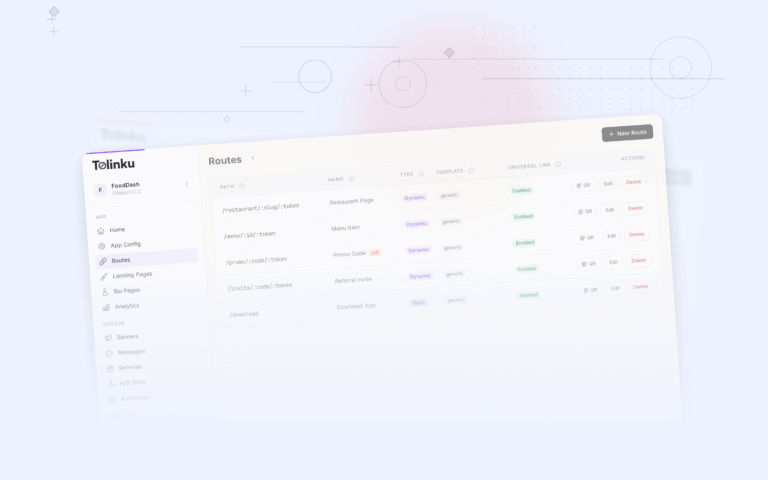
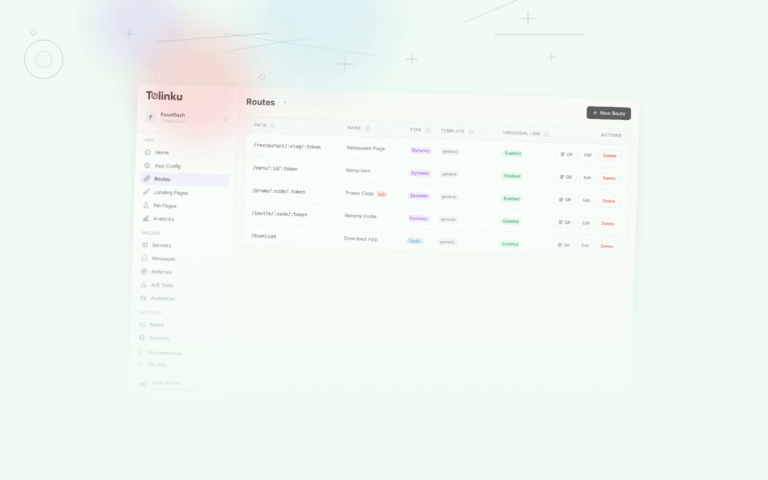
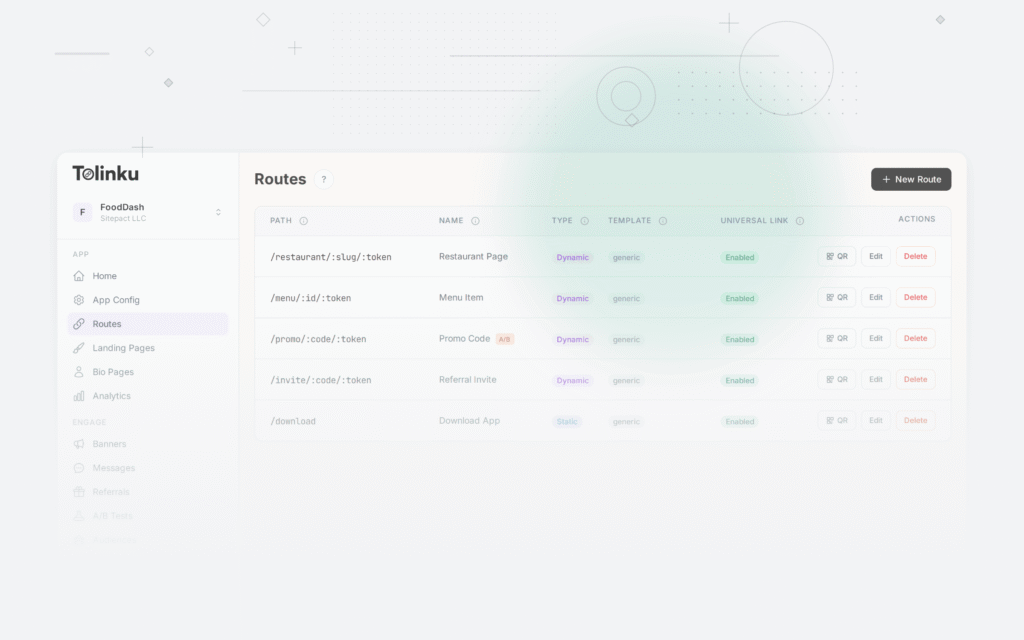
Configure your routes in the Tolinku dashboard with parameterized paths like /products/:slug and /search to support the URL templates that AI assistants generate.
Get deep linking tips in your inbox
One email per week. No spam.