Food delivery apps use deep links more frequently than most app categories. Every restaurant page, menu item, promotional offer, order confirmation, and delivery update is a potential deep link destination. Users receive push notifications ("Your order is on the way"), share restaurant recommendations with friends, and scan QR codes at restaurants. Each interaction needs a deep link that opens the right screen with the right context.
This guide covers deep linking patterns for food delivery and restaurant apps. For QR code strategies at restaurants, see QR codes for restaurants and food apps. For e-commerce deep linking patterns, see deep linking for e-commerce apps.
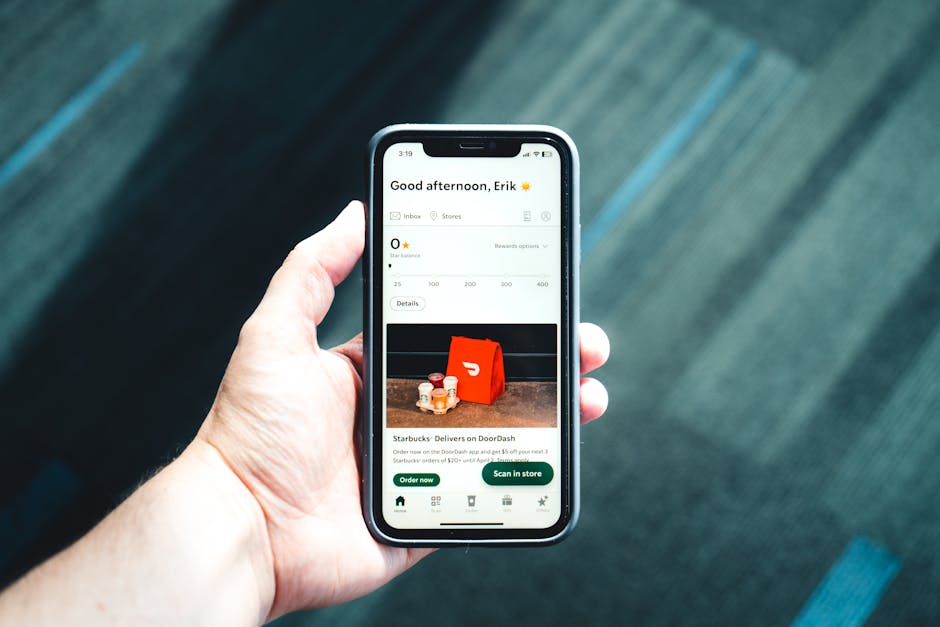 Photo by Erik Mclean on Pexels
URL Structure
Content Hierarchy
/restaurants/{slug}                          → restaurant page
/restaurants/{slug}/menu                     → full menu
/restaurants/{slug}/menu/{item-slug}         → specific menu item
/restaurants/{slug}/reviews                  → restaurant reviews
/orders/{order-id}                           → order details and tracking
/orders/{order-id}/track                     → live delivery tracking
/promo/{code}                                → promotional offer
/cuisine/{type}                              → cuisine category browse
/search?q={query}&near={location}            → search with location
/reorder/{order-id}                          → reorder previous order
Location-Aware Deep Links
Food delivery is inherently location-based. Deep links should carry location context:
https://yourapp.com/restaurants/pizza-palace?lat=40.7128&lng=-74.0060
https://yourapp.com/cuisine/thai?near=downtown-sf
https://yourapp.com/search?q=sushi&radius=5km
class RestaurantActivity : AppCompatActivity() {
    override fun onCreate(savedInstanceState: Bundle?) {
        super.onCreate(savedInstanceState)

        val uri = intent.data ?: return
        val restaurantSlug = uri.pathSegments.getOrNull(1) ?: return
        val lat = uri.getQueryParameter("lat")?.toDoubleOrNull()
        val lng = uri.getQueryParameter("lng")?.toDoubleOrNull()

        if (lat != null && lng != null) {
            // Use the provided location for delivery estimates
            viewModel.loadRestaurant(restaurantSlug, Location(lat, lng))
        } else {
            // Use the user's current location
            viewModel.loadRestaurant(restaurantSlug)
        }
    }
}
Promotional Deep Links
Offer Deep Links
Promotional campaigns drive significant traffic for food delivery apps:
Email: "Get 20% off your first order from Pizza Palace"
Deep link: https://yourapp.com/promo/PIZZA20?restaurant=pizza-palace

Social ad: "Free delivery on orders over $25"
Deep link: https://yourapp.com/promo/FREEDEL25
The deep link handler applies the promotion automatically:
func handlePromoDeepLink(_ url: URL) {
    let promoCode = url.pathComponents.last ?? ""
    let restaurantSlug = url.queryParameters["restaurant"]

    PromoService.shared.validate(promoCode) { result in
        switch result {
        case .valid(let promo):
            CartManager.shared.applyPromo(promo)

            if let restaurant = restaurantSlug {
                navigateToRestaurant(restaurant)
            } else {
                navigateToHome(withBanner: "Promo \(promoCode) applied: \(promo.description)")
            }
        case .expired:
            showAlert("This promo has expired")
        case .invalid:
            showAlert("Invalid promo code")
        }
    }
}
Referral Deep Links
Food delivery apps often have referral programs. The referral deep link carries the referrer's identity:
"Use my link and we both get $10 off: https://yourapp.com/invite/USER123"
fun handleReferralDeepLink(uri: Uri) {
    val referrerCode = uri.lastPathSegment ?: return

    // Store referral for post-install attribution
    sharedPrefs.edit().putString("referrer_code", referrerCode).apply()

    // If new user, show special onboarding with referral credit
    if (isNewUser()) {
        showReferralOnboarding(referrerCode)
    } else {
        showAlert("Referral codes are for new users only")
    }
}
Order Lifecycle Deep Links
Order Tracking
The most common push notification deep link in food delivery:
// Push notification: "Your order from Pizza Palace is being prepared"
{
  title: "Order Update",
  body: "Your order from Pizza Palace is being prepared",
  data: {
    deepLink: "https://yourapp.com/orders/ORD-12345/track",
    orderId: "ORD-12345",
    status: "preparing"
  }
}
Reorder Deep Links
One of the highest-converting deep links in food delivery: the reorder link.
Push: "Craving Pizza Palace again? Reorder your last meal in one tap."
Deep link: https://yourapp.com/reorder/ORD-12345
func handleReorderDeepLink(_ url: URL) {
    guard let orderId = url.pathComponents.last else { return }

    OrderService.shared.getOrder(orderId) { order in
        // Pre-fill the cart with the previous order items
        CartManager.shared.clear()
        for item in order.items {
            CartManager.shared.add(item)
        }

        // Check if the restaurant is currently open
        RestaurantService.shared.isOpen(order.restaurantId) { isOpen in
            if isOpen {
                navigateToCart(restaurant: order.restaurantSlug)
            } else {
                showAlert("\(order.restaurantName) is currently closed. We saved your cart for later.")
            }
        }
    }
}
Restaurant Sharing
Share Restaurant Links
When a user shares a restaurant, the deep link includes context:
func shareRestaurant(_ restaurant: Restaurant) {
    var components = URLComponents(string: "https://yourapp.com/restaurants/\(restaurant.slug)")!
    components.queryItems = [
        URLQueryItem(name: "ref", value: "share"),
        URLQueryItem(name: "utm_source", value: "app_share")
    ]

    let message = "Check out \(restaurant.name) on [YourApp]. \(restaurant.rating) stars, \(restaurant.cuisine) cuisine."
    let activityVC = UIActivityViewController(
        activityItems: [message, components.url!],
        applicationActivities: nil
    )
    present(activityVC, animated: true)
}
Share Menu Items
Individual dish sharing is a strong growth channel:
"Try the Truffle Mushroom Pizza from Pizza Palace: https://yourapp.com/restaurants/pizza-palace/menu/truffle-mushroom-pizza"
The web fallback shows the dish with photos, description, price, and an "Order in App" CTA.
QR Code Integration
In-Restaurant QR Codes
QR codes at restaurant tables link directly to the menu in the app:
QR at table → https://yourapp.com/restaurants/pizza-palace/menu?table=5&dine_in=true
The deep link handler detects dine-in mode and adjusts the experience:
fun handleMenuDeepLink(uri: Uri) {
    val restaurantSlug = uri.pathSegments.getOrNull(1) ?: return
    val table = uri.getQueryParameter("table")
    val isDineIn = uri.getQueryParameter("dine_in") == "true"

    if (isDineIn && table != null) {
        // Dine-in mode: order to table, no delivery needed
        sessionManager.setDineInMode(restaurantSlug, table)
        navigateToMenu(restaurantSlug, mode = DineInMode(table))
    } else {
        // Regular delivery/takeout mode
        navigateToMenu(restaurantSlug, mode = DeliveryMode())
    }
}
Structured Data for Food Content
<script type="application/ld+json">
{
  "@context": "https://schema.org",
  "@type": "Restaurant",
  "name": "Pizza Palace",
  "servesCuisine": "Italian",
  "address": {
    "@type": "PostalAddress",
    "streetAddress": "123 Main St",
    "addressLocality": "San Francisco",
    "addressRegion": "CA"
  },
  "aggregateRating": {
    "@type": "AggregateRating",
    "ratingValue": "4.5",
    "reviewCount": "234"
  },
  "menu": "https://yourapp.com/restaurants/pizza-palace/menu",
  "potentialAction": {
    "@type": "OrderAction",
    "target": "https://yourapp.com/restaurants/pizza-palace"
  }
}
</script>
Tolinku for Food Delivery
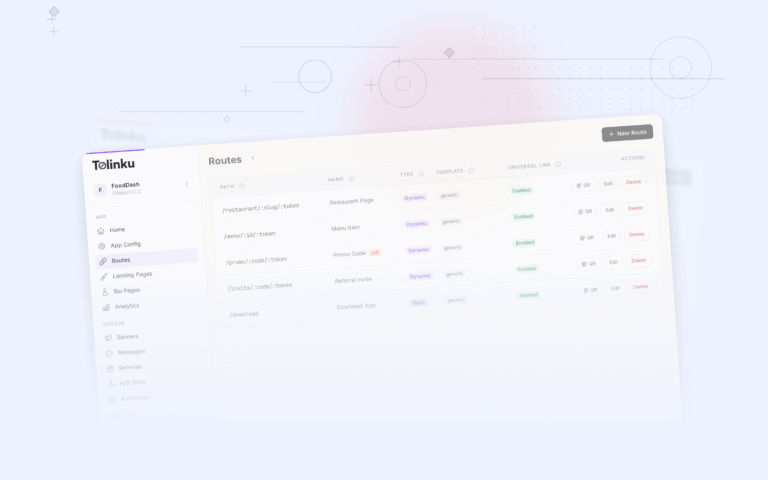
Tolinku handles deep link routing for food delivery apps. Configure routes like /restaurants/:slug/menu/:item in the Tolinku dashboard, and Tolinku routes users to the app or web fallback with promotional and location context preserved through the install flow via deferred deep linking.
For QR code strategies at restaurants, see QR codes for restaurants and food apps.
Get deep linking tips in your inbox
One email per week. No spam.