Deep linking should be simple: a user clicks a link, the app opens to the right screen. In practice, it is one of the most fragile parts of mobile development. In-app browsers block Universal Links. Android manufacturers override App Links behavior. Deferred deep links lose context across app store redirects. This guide covers the most common challenges and practical solutions.
For a comprehensive overview of deep linking, see the complete guide to deep linking in 2026. For the standards that govern these challenges, see deep linking standards in 2026: what has changed.
1. In-App Browsers Block Universal Links
The Problem
When a user clicks a link in Facebook, Instagram, Twitter/X, LinkedIn, or other social apps, the link opens in an in-app browser (a WebView) instead of the system browser. Apple's Universal Links require the system to intercept the navigation, which does not happen inside a WebView.
Result: the user sees your website instead of your app.
The Solution
Use a bounce page strategy. Instead of linking directly to your Universal Link domain, link to a page that:
- Detects whether the user is in an in-app browser.
- If yes, displays a "Open in App" button that triggers the Universal Link in the system browser.
- If no, redirects to the Universal Link directly.
function handleBounce(req: Request, res: Response) {
  const ua = req.headers['user-agent'] || '';
  const isInAppBrowser = /FBAN|FBAV|Instagram|Twitter|LinkedIn/i.test(ua);

  if (isInAppBrowser) {
    // Render a page with a button that opens the system browser
    res.render('bounce', {
      appLink: `https://app.example.com${req.path}`,
      message: 'Tap to open in the app'
    });
  } else {
    // Redirect to the Universal Link
    res.redirect(`https://app.example.com${req.path}`);
  }
}
On iOS, the bounce page can use window.open() or a user-initiated tap to break out of the in-app browser. On Android, the page can use an Intent URL as a fallback.
2. AASA and assetlinks.json Misconfiguration
The Problem
Universal Links require an apple-app-site-association (AASA) file at /.well-known/apple-app-site-association. App Links require an assetlinks.json file at /.well-known/assetlinks.json. If these files have errors, deep links silently fail and the user sees the website.
Common errors:
- Wrong
content-typeheader (must beapplication/json). - File cached behind a CDN with stale content.
- Redirect on the
/.well-known/path (Apple and Google do not follow redirects for verification). - Wrong bundle ID, package name, Team ID, or SHA-256 fingerprint.
The Solution
Validate both files regularly:
# Check AASA
curl -sI https://yourdomain.com/.well-known/apple-app-site-association | grep -i content-type
# Should return: content-type: application/json

# Check assetlinks.json
curl -s https://yourdomain.com/.well-known/assetlinks.json | python3 -m json.tool
# Should be valid JSON with correct package name and fingerprints

# Use Apple's validator
# https://search.developer.apple.com/appsearch-validation-tool/

# Use Google's validator
# https://developers.google.com/digital-asset-links/tools/generator
Set up automated monitoring to catch regressions:
async function checkVerificationFiles() {
  // Check AASA
  const aasa = await fetch('https://yourdomain.com/.well-known/apple-app-site-association');
  if (aasa.status !== 200) {
    alert('AASA file returned non-200 status');
  }
  const contentType = aasa.headers.get('content-type');
  if (!contentType?.includes('application/json')) {
    alert(`AASA wrong content-type: ${contentType}`);
  }

  // Check assetlinks.json
  const assets = await fetch('https://yourdomain.com/.well-known/assetlinks.json');
  if (assets.status !== 200) {
    alert('assetlinks.json returned non-200 status');
  }
}
3. Custom URL Schemes Are Unreliable
The Problem
Custom URL schemes (e.g., myapp://products/123) were the original deep linking mechanism. They have fundamental flaws:
- No ownership verification. Any app can register any scheme. If two apps register
myapp://, the behavior is undefined. - No fallback. If the app is not installed, the link fails silently or shows an error.
- Blocked by some browsers. Chrome and Safari may block custom scheme redirects from web pages.
The Solution
Use Universal Links (iOS) and App Links (Android) instead. These use standard HTTPS URLs with domain verification, provide automatic web fallback, and cannot be hijacked by other apps.
Keep custom URL schemes only for:
- App-to-app communication on the same device.
- Deep links from native push notifications (where Universal Links may not be needed).
- Legacy support where migration is not yet complete.
For a detailed comparison, see the custom URL schemes guide.
4. Deferred Deep Links Lose Context
The Problem
A deferred deep link needs to survive the user journey: click link, go to app store, install app, open app. The original link context (which product, which campaign, which referrer) must be available after install. This requires matching the click to the install, which is inherently imprecise.
Common failures:
- Fingerprint matching fails. IP address or device attributes change between click and install.
- Clipboard-based matching is blocked. iOS 16+ requires user permission to read the clipboard (UIPasteboard documentation).
- Too much time passes. If the user installs the app days after clicking the link, the matching window may have expired.
The Solution
Use multiple matching strategies in order of reliability:
- Unique token in the URL. Pass a token through the app store URL that survives installation. This works on Android via the referrer parameter.
- Server-side fingerprinting. Match IP + user agent + screen size from the click to the first app open. Works in ~70-80% of cases.
- Clipboard (with consent). Store a token on the clipboard at click time, read it on first app open. Limited by iOS privacy restrictions.
- SKAdNetwork / Privacy Sandbox. Use platform-provided attribution frameworks as a supplement, though they provide limited granularity.
The key is combining methods and accepting that deferred deep links will not match 100% of the time.
5. Android Manufacturer Fragmentation
The Problem
Android's open ecosystem means manufacturers can modify deep link behavior. Samsung, Xiaomi, Huawei, Oppo, and others each have their own browser, link handler, and battery optimization that can interfere with App Links.
| Manufacturer | Common Issue |
|---|---|
| Samsung | Samsung Internet browser handles links differently than Chrome |
| Xiaomi | MIUI battery optimization may kill the app before it processes the deep link |
| Huawei | No Google Play (some models), alternative store needed |
| Oppo/Vivo | ColorOS/Funtouch OS may show a disambiguation dialog instead of auto-opening the app |
The Solution
- Test on real devices from the top 5 manufacturers in your target market.
- Use
autoVerify="true"in your Intent filters (required for verified App Links). - Handle the disambiguation dialog gracefully. If Android shows "Open with: Browser or Your App," your app needs to be listed and recognizable.
- Provide a web fallback that detects the device and shows manual "Open in App" instructions.
6. Link Wrapping Breaks Deep Links
The Problem
Email service providers (Mailchimp, SendGrid, HubSpot), marketing platforms, and URL shorteners wrap your links for click tracking. The wrapped URL (e.g., https://track.mailchimp.com/click?url=...) is not your domain, so Universal Links and App Links do not activate.
The Solution
Several approaches:
- Use your own tracking domain. Configure your email provider to use a subdomain you control (e.g.,
links.yourdomain.com) and set up AASA/assetlinks.json on that subdomain. - Disable click tracking for deep links. Some providers let you disable wrapping for specific links.
- Use a redirect chain. The tracked URL redirects to your Universal Link domain. This works on Android but not reliably on iOS (Apple does not always follow redirects for Universal Links).
For more detail, see link wrapping and redirects.
7. Attribution Across Platforms
The Problem
A user clicks a deep link on their desktop browser, then later installs and opens the app on their phone. How do you attribute the install to the original click? Cross-device attribution requires linking identities across devices, which privacy regulations increasingly restrict.
The Solution
- Authenticated users. If the user logs in on both devices, you can link the click to the install via user ID.
- Probabilistic matching. Match based on IP address, time window, and campaign context. Less accurate but works without login.
- QR codes. For desktop-to-mobile handoff, display a QR code that contains the deep link. The user scans it on their phone, creating a direct, same-device attribution path.
- Email/SMS bridge. "Continue on your phone" button sends an email or SMS with the deep link.
8. Deep Links on Desktop
The Problem
Mobile deep links do not work on desktop. Universal Links and App Links are mobile-only technologies. Desktop users clicking a mobile deep link should see something useful, not a broken page.
The Solution
Detect the user's device and respond appropriately:
function handleDesktopUser(req: Request, res: Response) {
  const isMobile = /iPhone|iPad|Android/i.test(req.headers['user-agent'] || '');

  if (isMobile) {
    // Normal deep link flow
    res.redirect(buildDeepLink(req.path));
  } else {
    // Desktop: show the web version with a mobile handoff option
    res.render('desktop-fallback', {
      content: getWebContent(req.path),
      qrCode: generateQR(buildDeepLink(req.path)),
      smsLink: buildSMSHandoff(req.path)
    });
  }
}
The desktop fallback page should:
- Show the same content the user would see in the app (product page, article, etc.).
- Include a QR code for scanning with a phone.
- Offer a "Send to my phone" option (email or SMS).
9. Keeping Deep Links Working Over Time
The Problem
Deep links break when:
- App routes change during a refactor.
- AASA/assetlinks.json files are accidentally deleted or overwritten during deployment.
- CDN caching serves stale verification files.
- App store listing is updated with new bundle ID or signing certificate.
The Solution
Treat deep links as a contract with your users:
- Version your routes. Use
/v1/products/:idinstead of/products/:idso you can introduce/v2/without breaking existing links. - Monitor verification files. Set up automated checks (see challenge #2).
- Test deep links in CI/CD. Before every deployment, verify that verification files are accessible and correct.
- Keep a redirect map. When routes change, redirect old routes to new ones instead of breaking them.
Tolinku for Deep Link Challenges
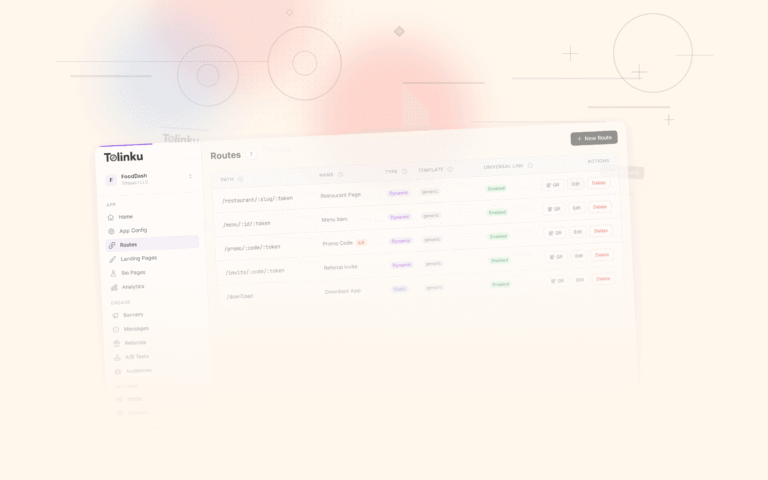
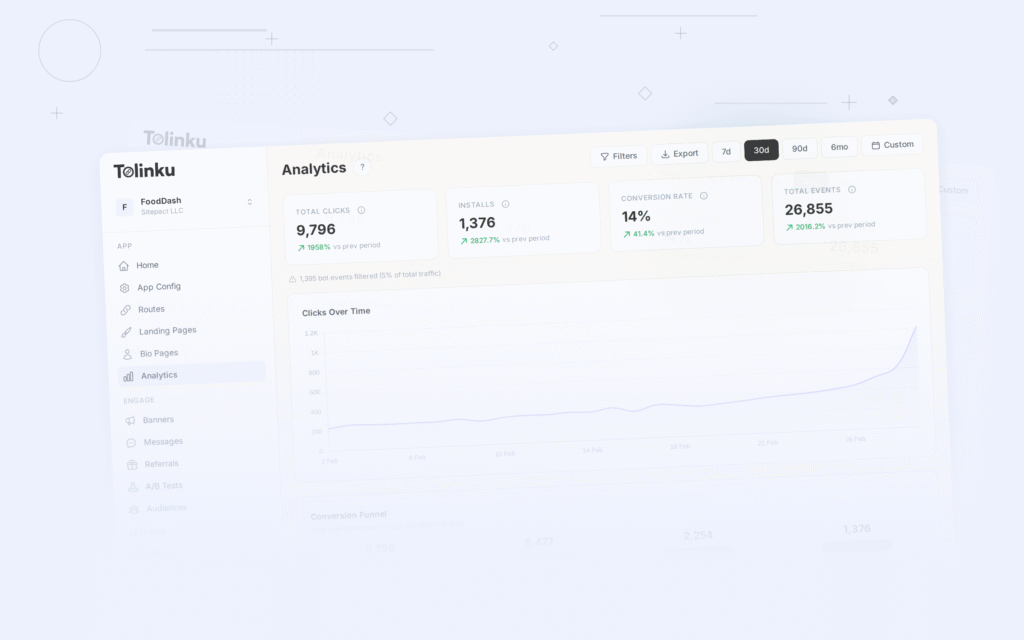
Tolinku handles many of these challenges out of the box: in-app browser detection, AASA and assetlinks.json hosting, deferred deep link matching, and platform-specific routing. See the troubleshooting documentation for solutions to specific issues.
For deep linking benefits, see 10 benefits of deep linking for mobile apps. For the complete deep linking overview, see the complete guide to deep linking in 2026.
Get deep linking tips in your inbox
One email per week. No spam.