Product packaging is the most underused marketing surface. Every product shipped is a direct touchpoint with a customer who already bought something. A QR code on the package turns that physical product into a gateway to your app, loyalty program, support content, or next purchase.
For retail in-store QR codes, see QR codes for retail: in-store to app strategies. For design guidance, see QR code design best practices for higher scan rates.
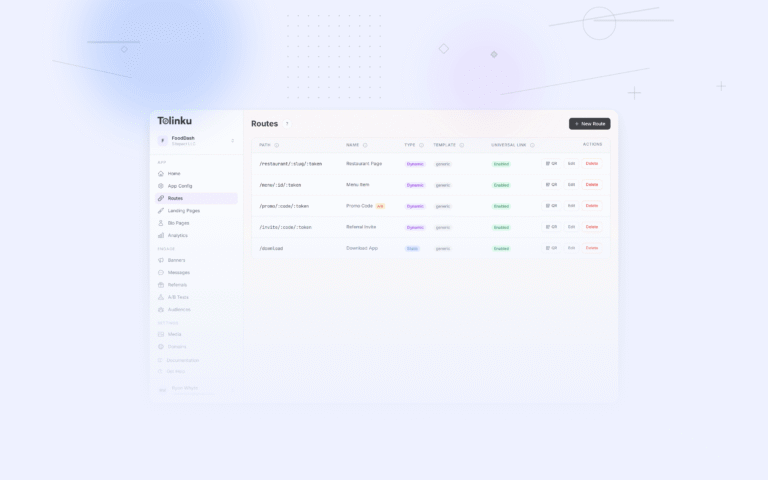
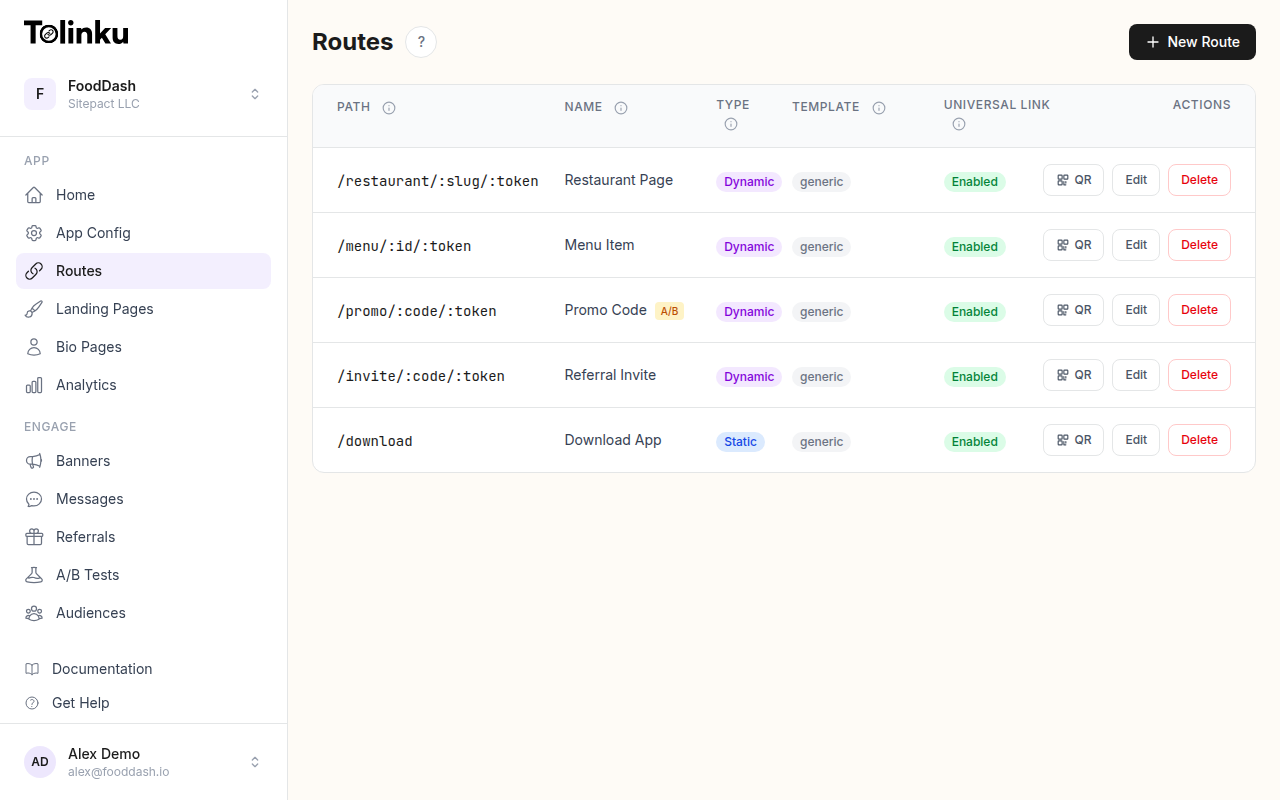 Tolinku route configuration with QR code generation for each deep link.
Why Packaging QR Codes Work
The customer has already paid. They are holding your product. Their attention is on your brand. This is the highest-intent moment for engagement:
- App downloads: The customer is motivated because they own the product.
- Product registration: They want warranty coverage or software updates.
- Tutorials: They need to learn how to use what they bought.
- Reviews: You can capture reviews while satisfaction is highest (right after unboxing).
- Reorders: For consumable products, make reordering effortless.
Use Cases by Product Type
Consumer Electronics
| Placement | Destination | Purpose |
|---|---|---|
| Box exterior | App download | Setup companion app |
| Quick start guide | Video tutorial | First-time setup |
| Warranty card | Product registration | Warranty activation |
| Inside the box lid | AR experience | Product exploration |
https://yourapp.com/setup?product=MODEL-X&sku=12345
The deep link opens the app to the setup flow for the specific model the customer purchased.
Food and Beverage
| Placement | Destination | Purpose |
|---|---|---|
| Label | Recipe ideas | Engagement |
| Cap/lid | Loyalty check-in | Repeat purchases |
| Multi-pack | Contest entry | Promotion |
| Back panel | Nutritional details | Transparency |
https://yourapp.com/recipes?ingredient=product-name
https://yourapp.com/loyalty/scan?batch=ABC123
Beauty and Personal Care
| Placement | Destination | Purpose |
|---|---|---|
| Box | Tutorial video | How to use |
| Product label | Ingredient details | Transparency |
| Insert card | Skin quiz | Personalization |
| Inner box | Refer a friend | Growth |
Apparel
| Placement | Destination | Purpose |
|---|---|---|
| Hang tag | Styling guide | Content engagement |
| Care label | Care instructions | Product support |
| Box insert | Review request | Social proof |
| Bag | Loyalty signup | Retention |
Subscription Boxes
| Placement | Destination | Purpose |
|---|---|---|
| Box interior | This month's theme | Content |
| Each product | Product details | Discovery |
| Insert card | Refer a friend | Growth |
| Packing slip | Manage subscription | Self-service |
Deep Linking from Packaging
Product-Specific Links
Each product SKU should have its own QR code destination:
https://yourapp.com/products/SKU-12345?source=packaging
Benefits:
- The app opens to the correct product page.
- Support content is specific to the purchased model.
- Analytics show which products drive the most scans.
Batch-Specific Links
For products where batches matter (food, supplements, cosmetics):
https://yourapp.com/batch/LOT-ABC123?product=SKU-12345
This enables:
- Traceability (source, production date, certifications).
- Targeted recalls (if needed).
- Freshness verification.
Deferred Deep Links for App Installs
Most customers scanning a packaging QR code do not have the app installed. The link should:
- Detect the platform (iOS/Android).
- Redirect to the appropriate app store.
- After installation, open the app to the correct product page.
This is standard deferred deep linking. The QR code URL is a deep link that handles the install-then-navigate flow.
Placement Guidelines
Where to Print
| Location | Visibility | Scan Likelihood | Notes |
|---|---|---|---|
| Box front | High | Medium | Competes with branding/design |
| Box back | Medium | High | More space, less design pressure |
| Box interior (lid) | Low until opened | High | Unboxing moment |
| Insert card | Medium | High | Can include context and CTA |
| Product label | High | Medium | Limited space |
| Hang tag | High | Medium | Common for apparel |
Size Requirements
Packaging QR codes are scanned at close range (15-30 cm). Minimum size: 2 x 2 cm. For packages viewed at shelf level in stores (60-90 cm), increase to 3 x 3 cm.
Design Integration
The QR code should feel like part of the package design, not an afterthought:
- Match the brand colors (ensure sufficient contrast).
- Include a clear call to action: "Scan for setup" or "Scan to register."
- Add your app icon or logo to the center (use error correction level H).
- Place the QR code near related content (e.g., next to the setup instructions).
Driving App Downloads from Packaging
The Value Exchange
Customers scan packaging QR codes when they get value:
| Weak CTA | Strong CTA |
|---|---|
| "Download our app" | "Set up your device in 2 minutes" |
| "Scan me" | "Scan to activate your 2-year warranty" |
| "Visit our website" | "Scan for $10 off your next order" |
| "Learn more" | "Scan to see how-to videos for your model" |
Registration Incentives
Product registration is the highest-converting packaging QR code use case:
- Extended warranty: "Register for an extra year of warranty coverage."
- Software updates: "Register to receive firmware updates."
- Exclusive content: "Register for access to premium features."
https://yourapp.com/register?product=SKU-12345&source=packaging
Analytics
Track packaging QR code performance:
| Metric | What It Tells You |
|---|---|
| Scans per unit sold | What percentage of customers engage |
| Scan-to-install rate | How effective the CTA is |
| Time from purchase to scan | When customers engage (unboxing vs later) |
| Scans by product | Which products drive the most engagement |
| Scans by region | Geographic engagement patterns |
Typical scan rates for packaging QR codes: 2-8% of units sold. Higher rates for products that require setup (electronics, smart home devices) and lower for consumables (food, beverages).
Common Mistakes
| Mistake | Impact | Fix |
|---|---|---|
| QR code too small | Won't scan reliably | Minimum 2 x 2 cm |
| No call to action | Low scan rate | Tell the customer what they get |
| Links to homepage | Missed context | Deep link to product-specific content |
| Non-dynamic QR codes | Can't update after printing | Use dynamic links (server-side redirect) |
| No mobile-optimized landing | Bad experience on phone | Test on mobile before printing |
| Same QR for all products | No product-level analytics | Unique URLs per SKU |
Printing Considerations
Minimum Quiet Zone
Leave white space around the QR code (at least 4 modules on each side). This prevents the scanner from confusing package art with QR code data.
Surface Material
| Material | Challenge | Solution |
|---|---|---|
| Glossy film | Glare | Matte finish on QR area |
| Textured paper | Scanner difficulty | High contrast, larger size |
| Metal/foil | Reflections | Debossed or printed label |
| Dark packaging | Low contrast | White background behind QR |
Print Quality
QR codes require sharp edges. Flexographic printing (common for packaging) can cause dot gain (ink spread) that degrades scannability. Solutions:
- Increase QR code size to compensate.
- Use higher error correction (level M or H).
- Test printed samples before production runs.
Tolinku for Packaging QR Codes
Tolinku generates QR codes with dynamic destinations, so you can update where the QR code leads without reprinting packaging. Each route includes analytics for scan tracking and supports deep linking to open the correct product page in your app.
For retail strategies, see QR codes for retail: in-store to app strategies. For the complete guide, see QR codes and short links for mobile apps.
Get deep linking tips in your inbox
One email per week. No spam.