Physical retail stores have one advantage over e-commerce: the customer is already there. QR codes convert that physical presence into digital engagement. A customer scanning a shelf tag, a receipt, or a fitting room mirror is demonstrating intent. The goal is to convert that scan into an app install, a loyalty enrollment, or an online purchase.
For QR code fundamentals, see QR codes and short links for mobile apps. For restaurant-specific strategies, see QR codes for restaurants and food apps.
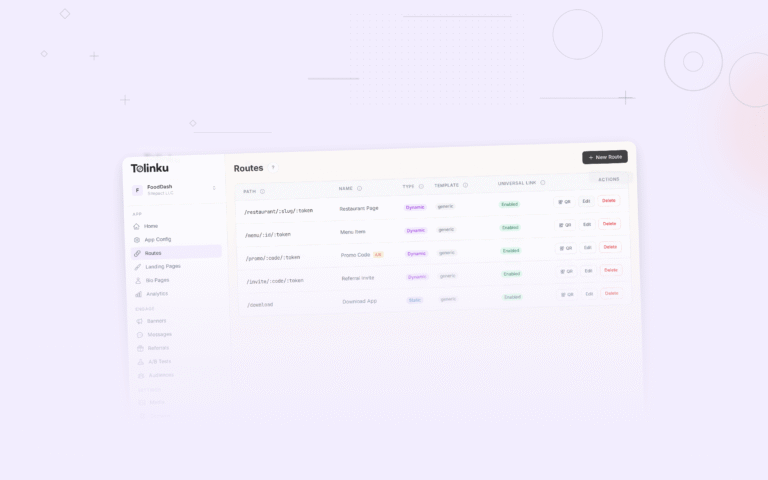
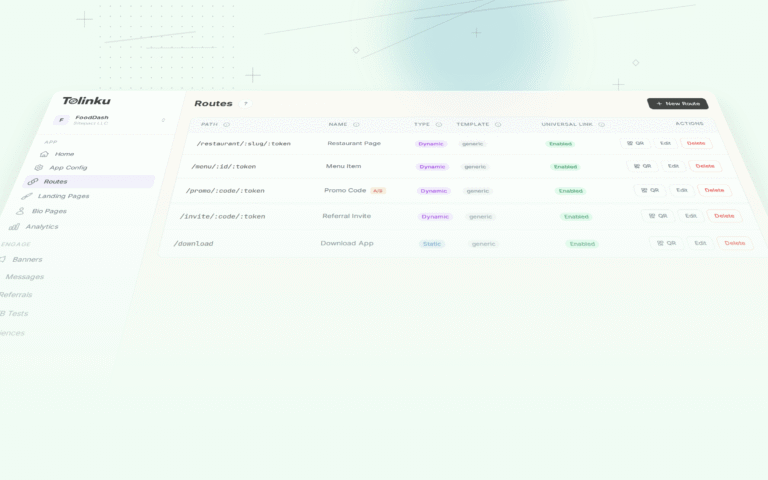
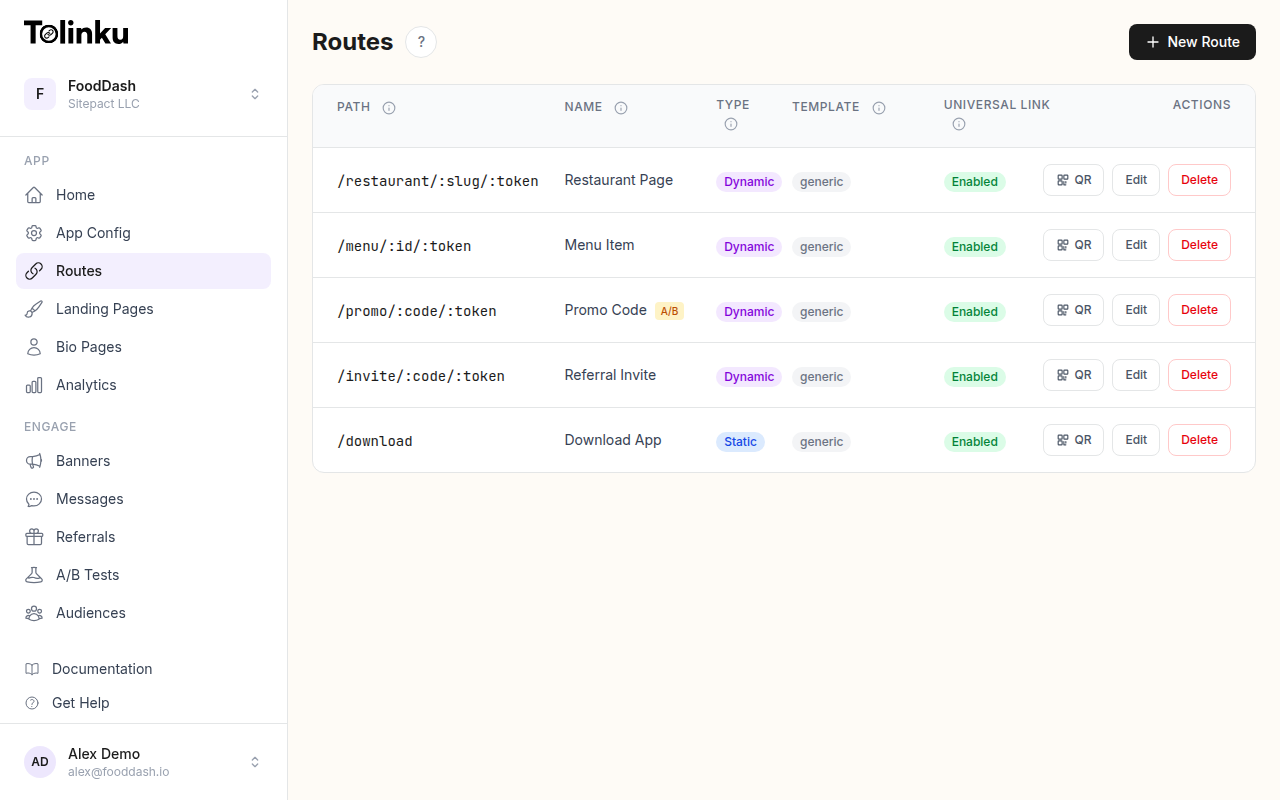 Tolinku route configuration with QR code generation for each deep link.
Where to Place QR Codes in Retail
Shelf Tags and Price Labels
Shelf tags are the most granular QR code placement. Each product can have its own code linking to:
- Product details in the app (reviews, specifications, comparison tools).
- "Add to wishlist" for products the customer wants to buy later.
- "Check availability at other locations" for out-of-stock items.
- "See it in AR" for furniture, decor, or fashion items.
The deep link URL carries product context:
https://yourapp.com/products/SKU-12345?store=downtown&aisle=3
End-Cap Displays
End-cap displays have high foot traffic. Use QR codes for:
- App-exclusive discounts: "Scan for 20% off this product, app only."
- Bundle deals: "Scan to see what pairs with this item."
- Video content: "Scan to see this product in action" linking to a demo video in the app.
Fitting Rooms
Fitting rooms are high-intent zones. The customer is actively evaluating a purchase:
- "Need a different size?": Scan to check sizes in stock or request from the floor.
- "Save this look": Scan to add the item to a wishlist in the app.
- "Complete the outfit": Scan to see recommended pairings in the app.
Checkout and Receipts
The point of sale is the last physical touchpoint:
- Receipt QR codes: "Download the app and earn points on today's purchase" with a deferred deep link that applies loyalty credit retroactively.
- "Leave a review": Link to the product review section in the app.
- "Reorder online": Deep link to the same items in the online cart.
Window Displays
Street-facing windows reach people who may not enter the store:
- "Shop this window": QR code linking to a curated collection in the app.
- "See our full collection": QR code linking to new arrivals.
- After-hours shopping: "Store closed? Scan to shop online" with a deep link to the app or mobile site.
Packaging and Shopping Bags
The customer takes packaging home:
- Inside the product box: "Register your product for warranty" linking to the app.
- Shopping bag sticker: "Get exclusive offers" linking to app download.
- Hang tags on clothing: "See styling tips" linking to content in the app.
Deep Link Strategies
Product-Level Deep Links
Each product QR code should deep link to that specific product in the app:
https://yourapp.com/products/{productId}?store={storeId}&placement={placement}
Parameters:
productId: Opens the correct product page.store: Pre-selects the store for availability and pickup.placement: Tracks which physical placement drove the scan (shelf, endcap, fitting-room).
Category-Level Deep Links
For displays featuring multiple products:
https://yourapp.com/categories/summer-collection?store=downtown&source=endcap
Cart Deep Links
For promotions that include specific products at a specific price:
https://yourapp.com/cart/add?sku=12345&promo=INSTORE20&store=downtown
This adds the product to the cart with the promotion applied, reducing friction.
Driving App Downloads
The BOPIS Incentive
Buy Online, Pick Up In Store (BOPIS) is a strong motivator for app downloads:
"Download our app and buy online, skip the checkout line."
The QR code deep links to the app download with a deferred deep link. After installation, the app shows the BOPIS flow for the customer's current store.
Loyalty Programs
"Join our loyalty program and earn points on every purchase."
Physical stores can display QR codes at registers, on receipts, and on shelf talkers. The deep link opens the loyalty enrollment screen:
https://yourapp.com/loyalty/join?store=downtown&source=register-display
Exclusive Pricing
"App members get 10% off all clearance items."
This creates a reason to download the app beyond convenience. The QR code links to the app with a deep link showing the clearance section with member pricing.
Analytics and Measurement
Per-Placement Tracking
Use unique URLs per placement type to measure effectiveness:
| Placement | Example URL Suffix | Tracked Metric |
|---|---|---|
| Shelf tag | ?source=shelf&product=SKU123 |
Product page views, add-to-cart |
| End-cap display | ?source=endcap&campaign=summer |
App installs, purchases |
| Fitting room | ?source=fitting-room |
Wishlist additions |
| Receipt | ?source=receipt |
Post-purchase app installs |
| Window | ?source=window |
After-hours purchases |
Conversion Funnel
Track the complete funnel:
- Scan: QR code scanned (link click recorded).
- Landing: User arrives at destination (web page or app).
- Install: App installed (if not already installed).
- Action: User completes the desired action (add to cart, join loyalty, make purchase).
The drop-off between each step identifies where to optimize.
Store-Level Comparison
Compare QR code performance across locations:
Store A: 1,200 scans/month → 180 installs → 45 purchases
Store B: 800 scans/month → 150 installs → 60 purchases
Store B has a higher scan-to-purchase conversion. Investigate what Store B is doing differently (placement, staff engagement, demographics) and replicate.
Design for Retail Environments
Size Guidelines
| Scan Distance | Minimum QR Size |
|---|---|
| 15-30 cm (shelf tag) | 2 x 2 cm |
| 30-60 cm (end-cap) | 3 x 3 cm |
| 1-2 m (window display) | 10 x 10 cm |
| 3+ m (large signage) | 15+ x 15+ cm |
Branding
- Use your brand colors for the QR code, but maintain sufficient contrast (dark modules on light background).
- Add your app icon or logo to the center. Use error correction level H to compensate for the covered area.
- Keep the design consistent across all store locations.
Durability
- Shelf tags: Laminated or plastic card stock (resistant to handling).
- Floor stickers: Anti-slip, waterproof vinyl.
- Window clings: UV-resistant to prevent fading.
- Receipt printing: Thermal printers vary in quality; test QR code scannability from your actual printers.
Staff Training
QR codes work better when staff can answer questions:
- "What happens when I scan this?" (Staff should know: "It opens the product in our app with exclusive features.")
- "Do I need the app?" (Staff should know: "The QR code works in the browser too, but the app gives you loyalty points and faster checkout.")
- Train staff to mention QR codes during checkout: "If you download our app, you can scan items for reviews and exclusive deals next time you visit."
Tolinku for Retail QR Codes
Tolinku generates branded QR codes with built-in deep linking and analytics. Each QR code is backed by a Tolinku route that handles platform detection (iOS vs Android), deferred deep linking (for users who need to install the app first), and tracks scans and conversions.
For e-commerce smart banners, see smart banners for e-commerce websites. For the complete QR code guide, see QR codes and short links for mobile apps.
Get deep linking tips in your inbox
One email per week. No spam.