Buy Online, Pick Up In-Store (BOPIS) requires coordination between online ordering and physical fulfillment. Deep links connect each step of the BOPIS journey: from product browsing to order confirmation, store selection, pickup scheduling, and in-store check-in. Without deep links, customers navigate through multiple app screens to manage their pickup order. With deep links, each notification and email takes them directly to the relevant step.
For QR codes in retail, see QR codes for retail: in-store to app strategies. For the complete e-commerce guide, see deep linking for e-commerce apps.

The BOPIS Journey with Deep Links
End-to-End Flow
| Step | Trigger | Deep Link | App Screen |
|---|---|---|---|
| 1. Browse and order | User places BOPIS order | N/A (in-app action) | Checkout |
| 2. Order confirmation | Confirmation email/push | /order/ORD-123/confirmation |
Order details with store info |
| 3. Order ready | "Ready for pickup" push notification | /order/ORD-123/pickup |
Pickup instructions, store map |
| 4. On the way | User taps "I'm on my way" | N/A (in-app action) | ETA shared with store |
| 5. Check-in | User arrives at store | /order/ORD-123/checkin?location=store-456 |
Check-in confirmation, parking spot |
| 6. Picked up | Post-pickup email | /order/ORD-123/receipt |
Receipt, review prompt |
Each deep link takes the user directly to the step they need, eliminating the need to navigate through order history and find the right order.
Deep Link Patterns for BOPIS
Store Selection
When a user wants to check in-store availability:
/store-locator?product=SKU-123&lat=40.7128&lng=-74.0060
The deep link opens the store locator with the product pre-selected and sorted by distance from the user's location.
Pickup Scheduling
Some retailers let customers choose a pickup window:
/order/ORD-123/schedule?store=store-456
The app shows available pickup windows for the selected store. After scheduling, a calendar event can be added to the user's device.
Check-In
The most critical deep link in the BOPIS flow. When the customer arrives:
/order/ORD-123/checkin?location=store-456&spot=curbside-3
The deep link:
- Opens the check-in screen.
- Notifies store staff that the customer has arrived.
- Shows the parking spot or pickup zone.
- Displays an order summary for verification.
Curbside Pickup Variation
Curbside adds location-specific parameters:
/order/ORD-123/curbside?store=store-456&vehicle=red-honda-civic&spot=B4
The store staff sees the vehicle description and parking spot number.
Notification Deep Links
Each BOPIS notification should include a deep link:
Push Notifications
| Notification | Message | Deep Link |
|---|---|---|
| Order confirmed | "Your order is confirmed. Pickup at Downtown Store." | /order/ORD-123/confirmation |
| Being prepared | "Your order is being prepared." | /order/ORD-123/status |
| Ready for pickup | "Your order is ready! Come pick it up." | /order/ORD-123/pickup |
| Pickup reminder | "Your order has been ready for 24 hours." | /order/ORD-123/pickup |
| Picked up | "Thanks for picking up your order!" | /order/ORD-123/receipt |
Email Deep Links
Transactional emails for BOPIS orders should include deep links to the relevant app screen:
Email: "Your order #ORD-123 is ready for pickup"

Button: "View Pickup Instructions"
Deep link: /order/ORD-123/pickup

Button: "Check In When You Arrive"
Deep link: /order/ORD-123/checkin?location=store-456
For users who do not have the app, these links should fall back to a mobile web experience or prompt app installation with deferred deep linking.
SMS Deep Links
SMS is effective for time-sensitive BOPIS notifications:
"Your order is ready at Downtown Store. Check in when you arrive: https://yourstore.com/order/ORD-123/checkin"
Keep SMS messages short. The deep link handles the context.
In-Store QR Codes for BOPIS
Place QR codes at pickup locations:
| Location | QR Code Destination | Purpose |
|---|---|---|
| Designated parking spots | /order/check-in?spot=B4 |
Customer checks in from their car |
| Pickup counter | /order/check-in?location=counter |
Customer confirms arrival |
| Returns desk | /order/:id/return |
Initiate return for pickup order |
The QR code at the parking spot auto-fills the spot number, so staff knows exactly where the customer is waiting.
Handling Edge Cases
Order Modifications
If a customer needs to modify a BOPIS order (change pickup time, substitute items):
Push: "An item in your order is out of stock. Choose a substitute."
Deep link: /order/ORD-123/substitute?item=SKU-789
The deep link opens a substitution picker for the unavailable item.
Store Transfers
If the selected store runs out of stock, offer an alternative:
Push: "Your item is available at Midtown Store (1.2 miles away). Would you like to switch?"
Deep link: /order/ORD-123/transfer?new-store=store-789
Order Cancellation
Email: "Your BOPIS order has been cancelled."
Deep link: /order/ORD-123/cancelled
The deep link shows the cancellation details and offers to re-order with alternative fulfillment options.
Measuring BOPIS Deep Link Performance
| Metric | What It Measures |
|---|---|
| Check-in rate | Percentage of ready orders where customers used the check-in deep link |
| Time from "ready" to pickup | How quickly customers pick up after notification |
| Curbside vs in-store | Which pickup method customers prefer |
| Notification-to-checkin conversion | How many "ready" notifications lead to same-day pickup |
| Return rate on BOPIS orders | Whether BOPIS orders have different return behavior |
Track notification engagement specifically for BOPIS deep links to understand which messages drive the fastest pickups.
Common Mistakes
| Mistake | Impact | Fix |
|---|---|---|
| "Ready for pickup" notification links to order history | Customer searches for their order | Deep link directly to the pickup screen |
| No check-in deep link | Customer wanders the store looking for the pickup area | Provide a check-in link with store map and instructions |
| No fallback for non-app users | Email recipients without the app cannot check in | Provide mobile web fallback for check-in |
| Generic store page, not specific pickup instructions | Customer does not know where to go | Include store-specific pickup location details |
| No notification for delayed orders | Customer arrives and waits without information | Send proactive delay notifications with updated deep links |
Tolinku for BOPIS
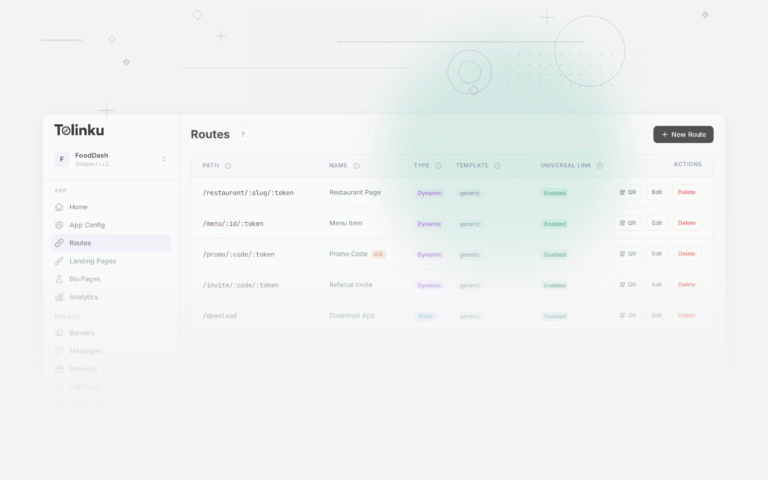
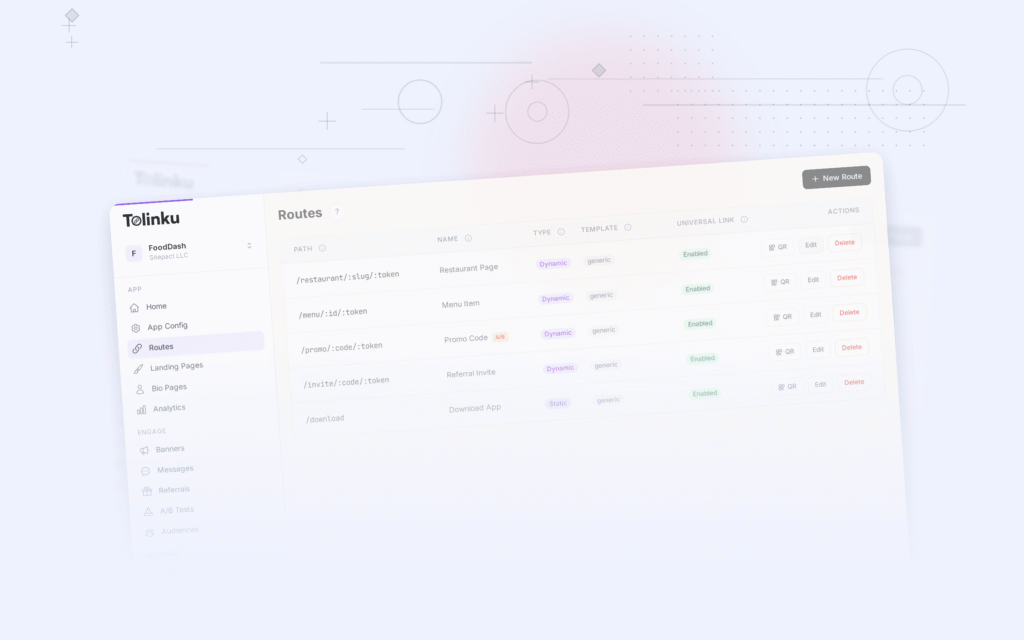
Tolinku handles the deep link routing for BOPIS flows: /order/:id/pickup, /order/:id/checkin, and store-specific routes. Deferred deep linking ensures that customers who receive a BOPIS email but do not have the app can install it and land on their order details. Analytics track which BOPIS notifications drive the highest check-in rates.
For QR codes in retail, see QR codes for retail: in-store to app strategies. For the complete e-commerce guide, see deep linking for e-commerce apps.
Get deep linking tips in your inbox
One email per week. No spam.