Most short link workflows start in a dashboard: you fill in a form, pick a destination, and get a URL. That works for one-off campaigns, but it doesn't scale. When you need to generate hundreds or thousands of links, integrate link creation into your app's workflow, or automate campaign setup, you need an API.
This guide covers how to create and manage short links programmatically, including dynamic route patterns that let you generate unlimited unique links without individual API calls.
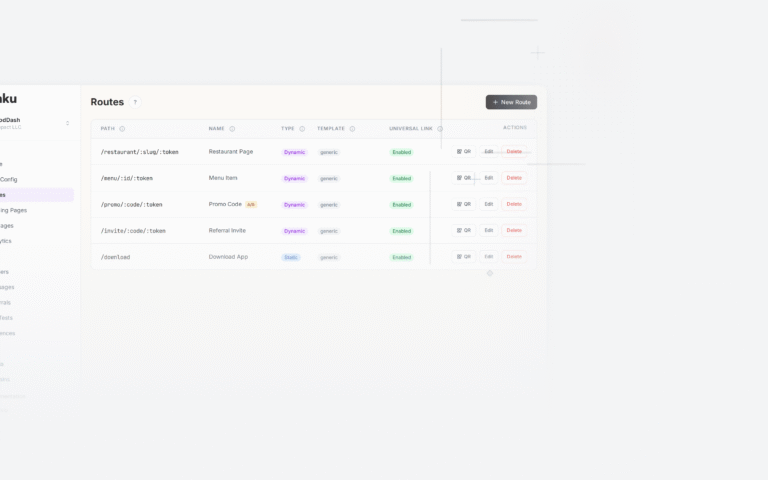
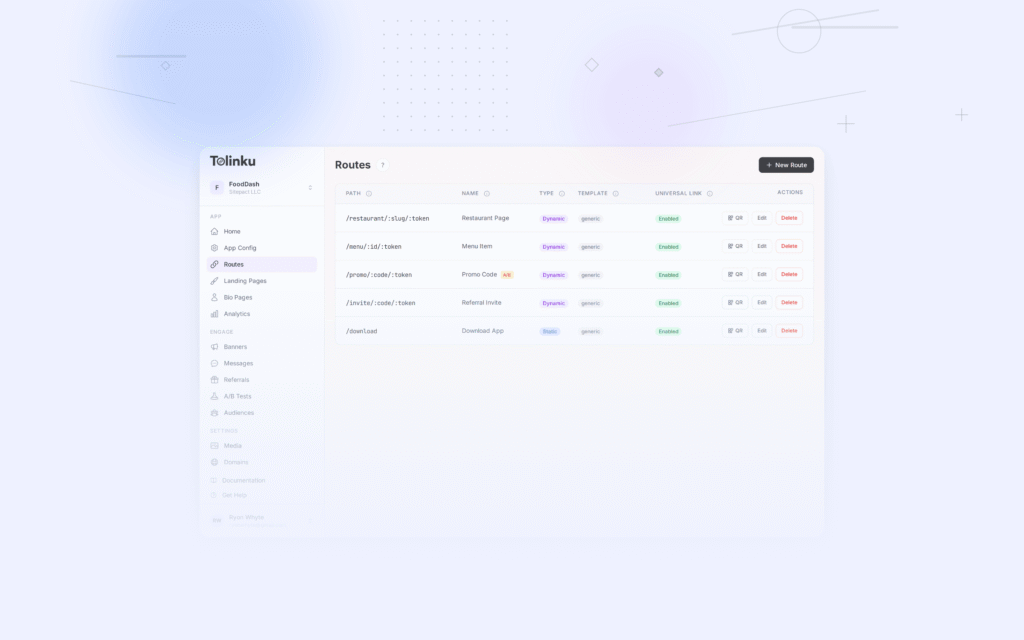
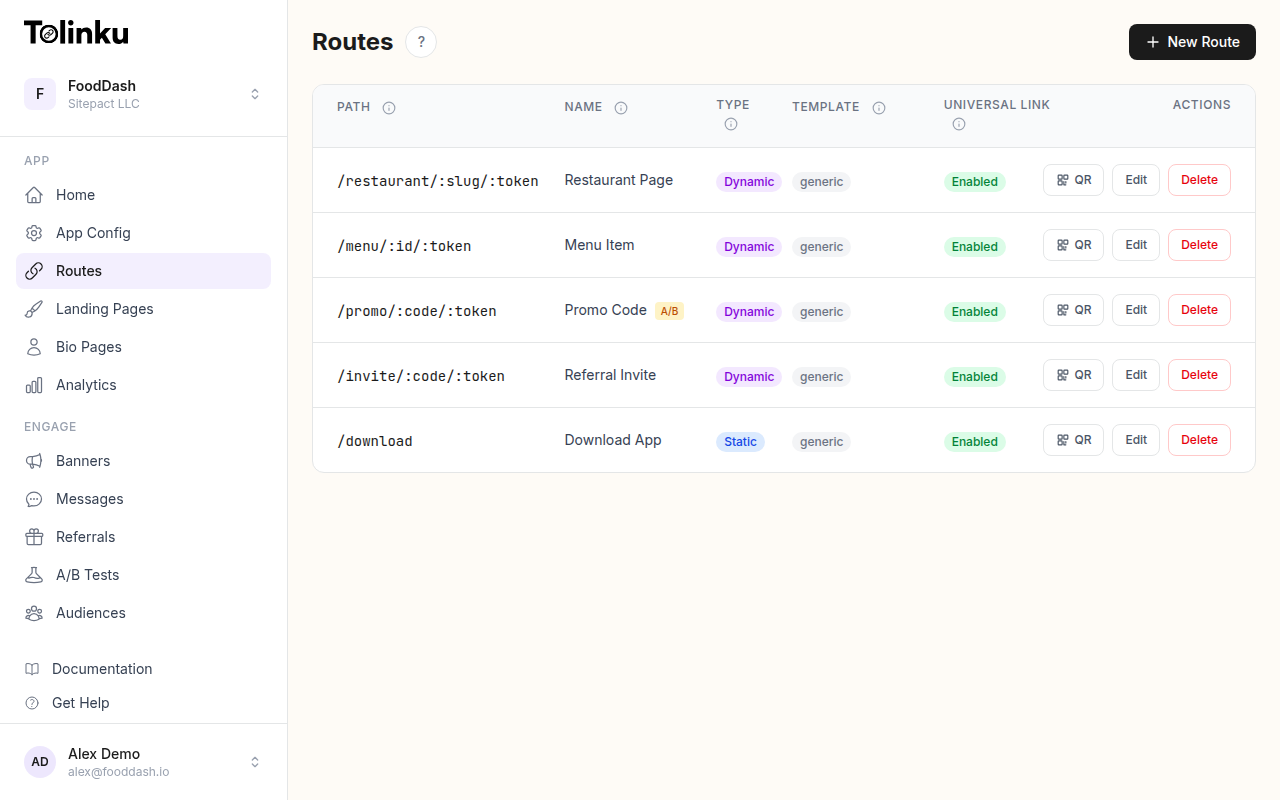
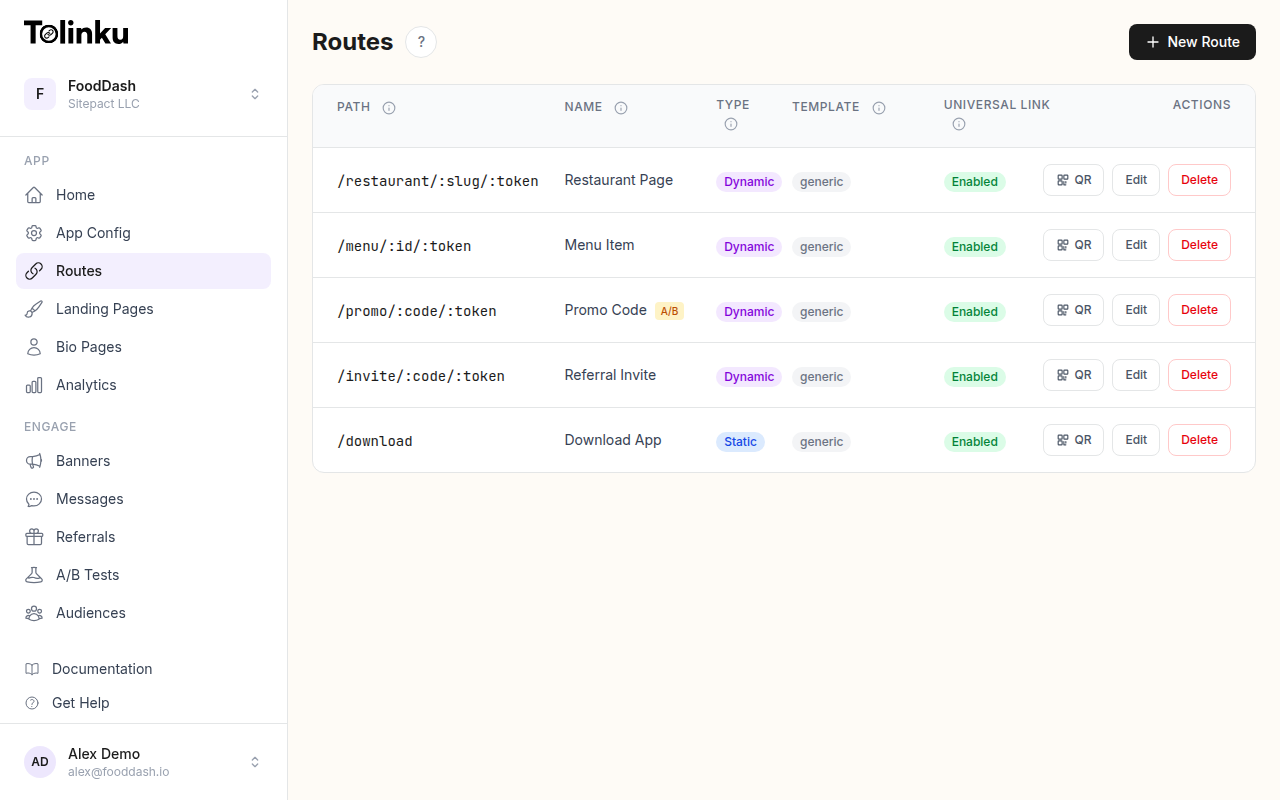 Tolinku route configuration with QR code generation for each deep link.
Two Approaches to Programmatic Links
There are two fundamentally different ways to create links at scale:
1. Dynamic Routes (Pattern-Based)
Instead of creating individual links via API calls, you define a route pattern with parameters. Any URL matching the pattern automatically works as a valid deep link.
For example, configure a route with the path /product/:id in your Tolinku dashboard. Now every URL matching that pattern is a valid short link:
go.yourapp.com/product/wireless-earbuds
go.yourapp.com/product/running-shoes
go.yourapp.com/product/laptop-stand
No API call needed. Your backend constructs the URL by inserting the product identifier, and it works immediately. The :id parameter is passed through to your app as deep link data, so your app knows which product to display.
This approach is ideal for:
- E-commerce: Every product gets a shareable link automatically
- Content platforms: Each article, video, or listing has a deep link
- User-generated content: Users can share links to their profiles, posts, or creations
- Marketplace listings: Each listing gets a scannable, shareable URL
Learn more about configuring dynamic routes with parameters and wildcards.
2. API-Generated Links (Per-Request)
For use cases where each link needs unique tracking or custom behavior, API-generated links provide full control. The most common example is referral links, where each user gets a unique code.
In Tolinku, referral links are created through the API:
curl -X POST https://your-domain.tolinku.com/v1/api/referral/create \
  -H "X-API-Key: tolk_sec_your_secret_key" \
  -H "Content-Type: application/json" \
  -d '{
    "user_id": "user_123",
    "user_name": "Jane Doe",
    "metadata": { "source": "share_screen" }
  }'
Response:
{
  "referral_code": "ABC1234567",
  "referral_url": "https://go.yourapp.com/ref/ABC1234567",
  "referral_id": "doc_abc123"
}
Each call generates a unique code and a corresponding short link. The link is immediately active and trackable. See Referral Link Generation for a deeper look at this workflow.
Authentication
API requests require authentication via API keys. Tolinku uses two key types:
Publishable keys (tolk_pub_ prefix): Safe for client-side use. Limited to read-only operations and event tracking. Use these in your mobile SDK or web frontend.
Secret keys (tolk_sec_ prefix): Server-side only. Required for creating referral links, querying analytics, and other write operations. Never expose these in client-side code.
Pass the key via the X-API-Key header:
curl -H "X-API-Key: tolk_sec_your_secret_key" \
  https://your-domain.tolinku.com/v1/api/endpoint
Alternatively, use the Authorization: Bearer header. See the API Keys documentation for setup instructions.
Building Links in Your Application Code
Here's how to construct short links programmatically in common languages, using the dynamic route approach.
JavaScript/TypeScript
function buildShortLink(routePrefix, token, domain = 'go.yourapp.com') {
  return `https://${domain}/${routePrefix}/${encodeURIComponent(token)}`;
}

// Product link
const productLink = buildShortLink('product', 'wireless-earbuds');
// => https://go.yourapp.com/product/wireless-earbuds

// User profile link
const profileLink = buildShortLink('user', 'jane-doe');
// => https://go.yourapp.com/user/jane-doe
Python
from urllib.parse import quote

def build_short_link(route_prefix, token, domain='go.yourapp.com'):
    return f'https://{domain}/{route_prefix}/{quote(token)}'

product_link = build_short_link('product', 'wireless-earbuds')
Swift (iOS)
func buildShortLink(routePrefix: String, token: String, domain: String = "go.yourapp.com") -> URL? {
    let encoded = token.addingPercentEncoding(withAllowedCharacters: .urlPathAllowed) ?? token
    return URL(string: "https://\(domain)/\(routePrefix)/\(encoded)")
}

let productLink = buildShortLink(routePrefix: "product", token: "wireless-earbuds")
Kotlin (Android)
fun buildShortLink(routePrefix: String, token: String, domain: String = "go.yourapp.com"): String {
    val encoded = URLEncoder.encode(token, "UTF-8")
    return "https://$domain/$routePrefix/$encoded"
}

val productLink = buildShortLink("product", "wireless-earbuds")
Rate Limits and Usage Quotas
When generating links via API, be aware of rate limits:
| Limit Type | Threshold |
|---|---|
| API requests | 1,000/minute per IP |
| Deep link clicks | 60/minute per IP |
Every API response includes rate limit headers:
RateLimit-Limit: Maximum requests per windowRateLimit-Remaining: Requests remainingRateLimit-Reset: Seconds until the window resets
Monthly usage quotas vary by plan. A usage warning header (X-Usage-Warning) appears when you reach 80% of your monthly quota. See Billing & Plans for quota details per tier.
Webhook Integration
When links are clicked, you can receive real-time notifications via webhooks. This enables programmatic responses to link activity:
{
  "event": "link.clicked",
  "data": {
    "prefix": "product",
    "token": "wireless-earbuds",
    "platform": "ios",
    "device_type": "mobile",
    "hostname": "go.yourapp.com"
  }
}
Use webhooks to trigger workflows: update inventory displays, send follow-up notifications, log attribution data, or feed click events into your data warehouse.
Batch Link Generation Patterns
For generating large numbers of links at once, the dynamic route approach scales infinitely since no API calls are needed. But if you need unique referral or campaign links, here are efficient patterns:
CSV-Based Campaigns
Generate a CSV with one link per row for email or direct mail campaigns:
const users = await fetchCampaignRecipients();
const links = [];

for (const user of users) {
  // Dynamic route approach: no API call needed
  const link = `https://go.yourapp.com/offer/${user.id}`;
  links.push({ email: user.email, link });
}

// Export as CSV for your email platform
writeCsv('campaign-links.csv', links);
Referral Link Pre-Generation
For apps that want referral links ready before users request them:
for (const user of newUsers) {
  const response = await fetch('https://go.yourapp.com/v1/api/referral/create', {
    method: 'POST',
    headers: {
      'X-API-Key': process.env.TOLINKU_SECRET_KEY,
      'Content-Type': 'application/json',
    },
    body: JSON.stringify({
      user_id: user.id,
      user_name: user.name,
    }),
  });

  const { referral_url } = await response.json();
  await saveReferralLink(user.id, referral_url);
}
Route Resolution API
For cases where your app needs to resolve a link's destination programmatically (rather than following the redirect in a browser), use the route resolution endpoint:
curl -X POST https://your-domain.tolinku.com/api/path \
  -H "Content-Type: application/json" \
  -d '{ "prefix": "product", "token": "wireless-earbuds" }'
This returns the route configuration without triggering a redirect, useful for server-side link validation or building custom redirect logic.
Choosing the Right Approach
| Scenario | Approach | Why |
|---|---|---|
| Product/content links | Dynamic routes | Infinite links, no API calls |
| Referral links | API generation | Each user needs a unique code |
| Campaign links with tracking | Dynamic routes + UTM params | Route handles the redirect, UTMs track the campaign |
| Personalized links | Dynamic routes with user ID | /offer/user-123 is unique per user |
| Time-limited links | Static routes with expiration | Set expiration in the dashboard |
For most use cases, dynamic routes provide the best combination of simplicity and scalability. Reserve API-generated links for scenarios that genuinely require server-side uniqueness, like referral codes.
For a broader overview of short links in mobile marketing, see QR Codes and Short Links for Mobile Apps. For branded domain setup, see Branded Short Links: Setup and Best Practices.
Get deep linking tips in your inbox
One email per week. No spam.