You're running deep link campaigns across email, social media, paid ads, push notifications, and partnerships. Some are working. Some aren't. Channel attribution tells you which ones deserve more investment and which ones are wasting budget.
Without proper attribution, you're guessing. This guide covers how to set up channel attribution for deep links so every conversion is traceable to its source.
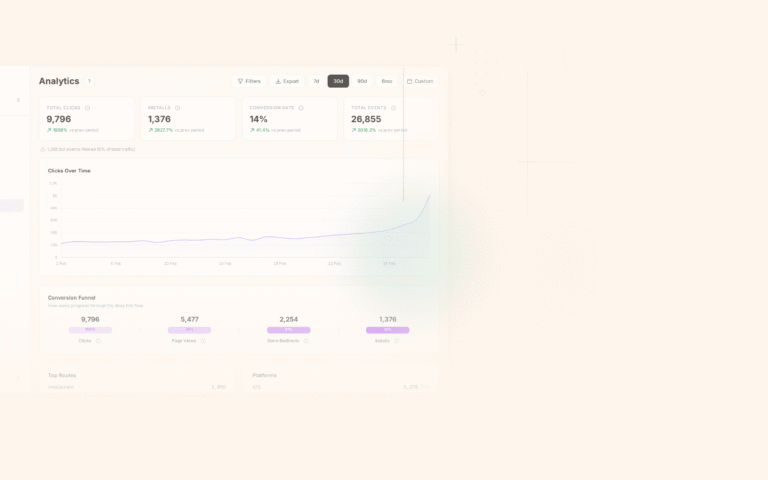
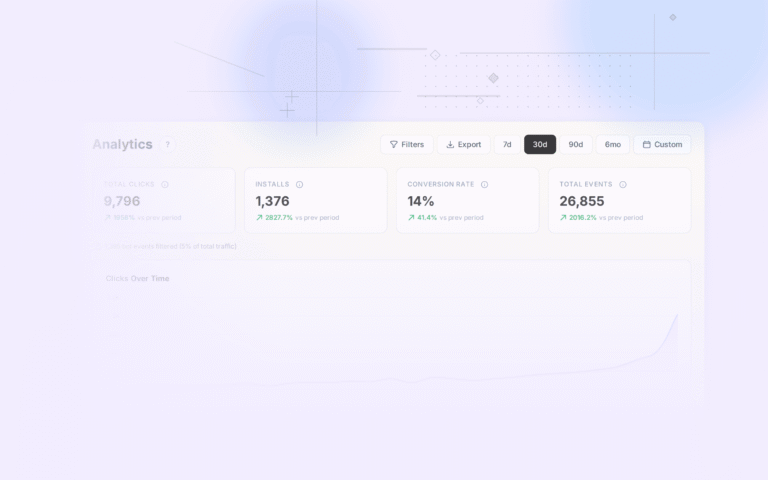
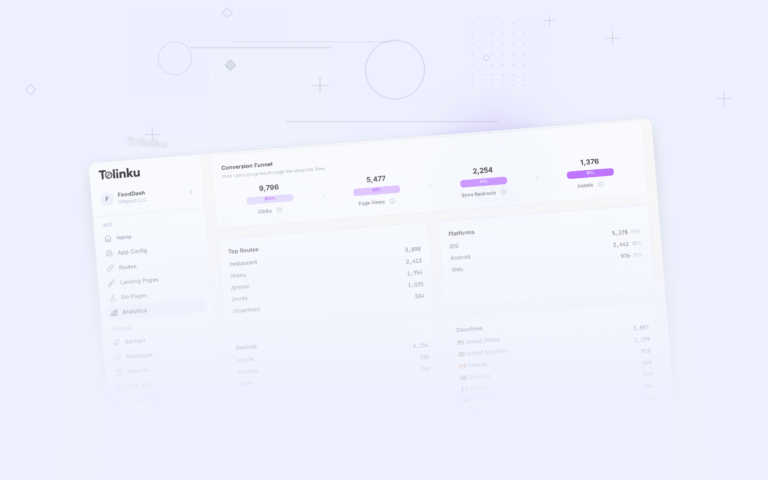
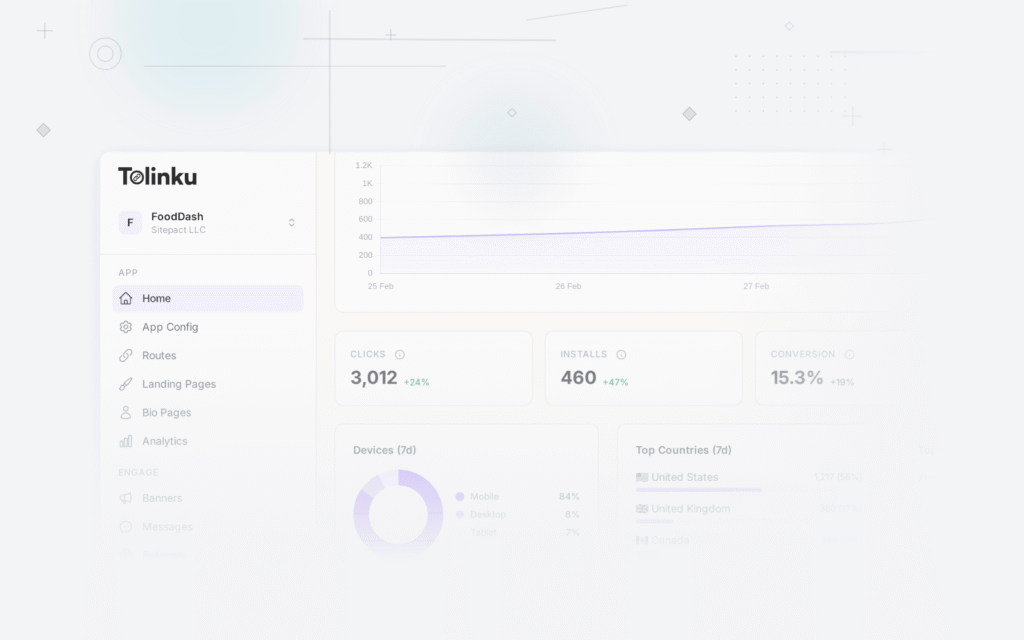
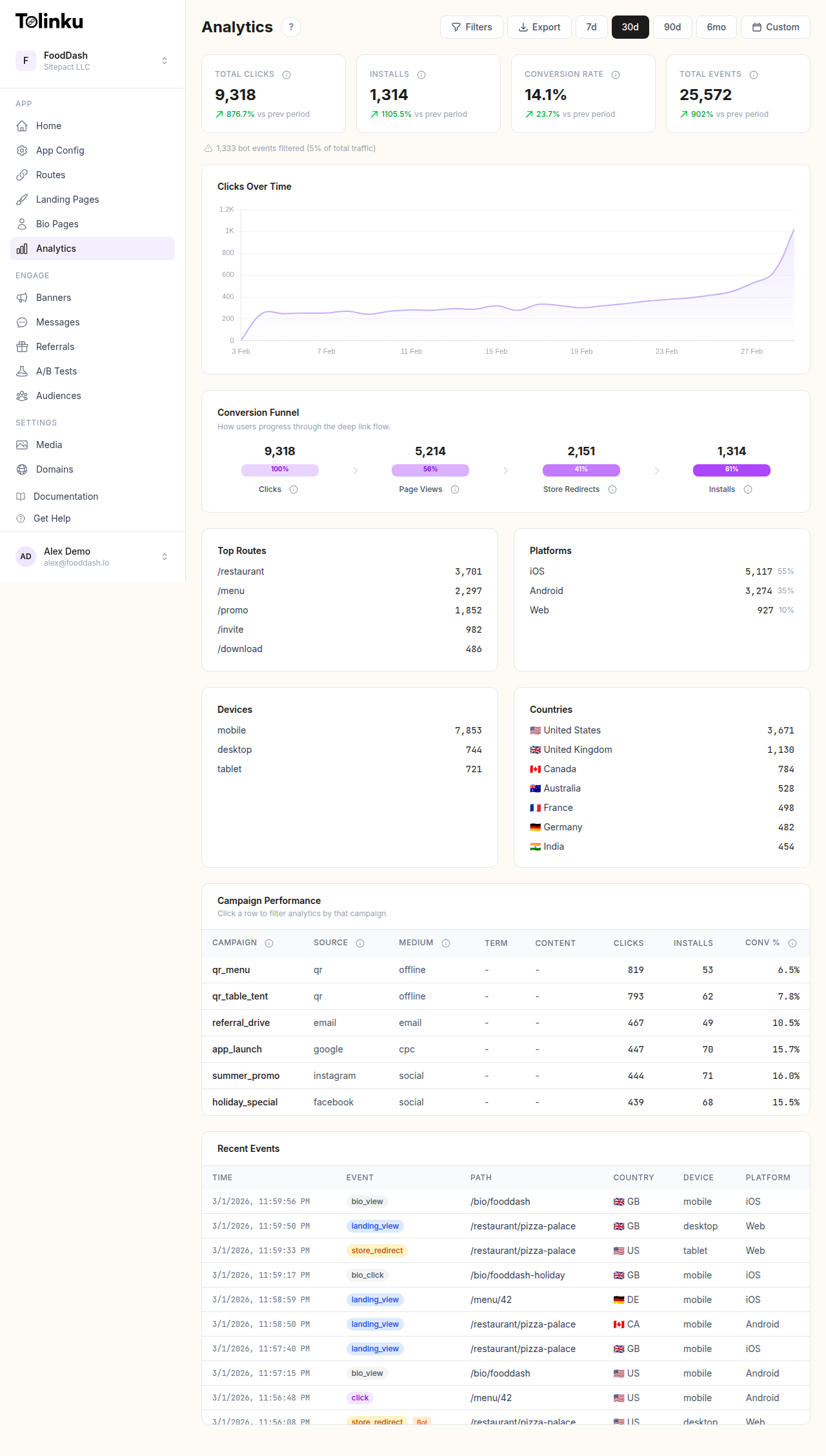 The analytics dashboard with date range selector, filters, charts, and breakdowns.
What Channel Attribution Answers
Channel attribution answers specific operational questions:
- Which channels drive the most installs?
- Which channels drive the most revenue (not just clicks)?
- What's the cost per acquisition by channel?
- Which channels bring users who retain longest?
- Where should we increase spend? Where should we cut?
These questions can't be answered with aggregate metrics. You need per-channel data tied to downstream outcomes.
Attribution Models
Last-Click Attribution
The most common model. The last link a user clicked before converting gets full credit.
Pros: Simple to implement, easy to understand, directly actionable. Cons: Ignores earlier touchpoints that may have influenced the conversion.
When to use: For most apps, last-click is a good default. It credits the channel that directly triggered the conversion, which is the most immediately actionable signal.
First-Click Attribution
The first touchpoint gets full credit. Useful for understanding which channels create initial awareness.
Pros: Values discovery channels that introduce users to your app. Cons: Ignores the channel that actually closed the conversion.
When to use: When you want to understand which channels are best at introducing new audiences to your product.
Linear Attribution
Every touchpoint in the path gets equal credit. If a user clicked three different links before converting, each gets 33% credit.
Pros: Acknowledges the full journey. Cons: Treats all touchpoints equally even when some were clearly more influential.
Time-Decay Attribution
More recent touchpoints get more credit. A click 1 day before conversion gets more credit than a click 14 days before.
Pros: Acknowledges both the full journey and recency. Cons: More complex to implement and explain.
Choosing a Model
Start with last-click. It's the industry default and gives you actionable data immediately. Layer in first-click analysis separately to understand discovery channels. Multi-touch models (linear, time-decay) add value at scale when you have clear multi-step user journeys, but they add complexity that's not worth it for most early-stage apps.
For a deeper dive into attribution mechanics, see Mobile Attribution: A Developer's Guide.
Setting Up Channel Attribution
Step 1: Tag Every Link
Every deep link you distribute should carry channel identification. Use UTM parameters consistently:
| Channel | utm_source | utm_medium |
|---|---|---|
| Email newsletter | ||
| Facebook organic | social | |
| Facebook ads | facebook_ads | cpc |
| Instagram organic | social | |
| Google Ads | google_ads | cpc |
| Apple Search Ads | apple_search | cpc |
| Push notification | push | push |
| SMS | sms | sms |
| QR code (print) | qr | qr |
| Referral program | referral | referral |
| Partner blog | partner_{name} | referral |
If a link doesn't have UTM parameters, it can't be attributed to a channel. Make tagging non-negotiable for every link that leaves your organization.
Step 2: Capture Parameters on Click
Your deep linking platform should capture UTM parameters (and any custom parameters) when a user clicks the link. These are stored alongside the click event and associated with the user's session.
With Tolinku, click events automatically capture all URL parameters. You can view channel breakdowns in your analytics dashboard.
Step 3: Preserve Through Install
For new users who need to install the app, UTM parameters must be preserved through the app store redirect. This is handled by deferred deep linking: the parameters are stored server-side on click and retrieved by the SDK after first app open.
Test this regularly. A broken deferred deep linking flow means all new user installs lose their channel attribution.
Step 4: Connect to Downstream Events
Attribution is only useful if it connects to outcomes. Tie the channel information to:
- Registration events
- First purchase events
- Subscription events
- Retention metrics (D7, D30 by channel)
- LTV calculations by channel
This requires passing the attribution context from the initial link click through to all subsequent analytics events. See Custom Event Tracking for Deep Link Campaigns for implementation details.
Channel Comparison Framework
Once attribution is set up, compare channels across multiple dimensions:
Volume Metrics
| Channel | Clicks | Installs | Install Rate |
|---|---|---|---|
| 8,000 | 2,400 | 30% | |
| Facebook Ads | 25,000 | 3,750 | 15% |
| Instagram Organic | 12,000 | 960 | 8% |
| Push Notifications | 15,000 | N/A (existing users) | N/A |
| Referral | 3,000 | 1,800 | 60% |
Install rate tells you about user intent. Referral links have high install rates because the recommendation carries trust. Social media has lower install rates because users are browsing casually.
Quality Metrics
| Channel | D7 Retention | D30 Retention | Avg Revenue (30d) |
|---|---|---|---|
| 28% | 14% | $4.20 | |
| Facebook Ads | 18% | 8% | $2.10 |
| Instagram Organic | 22% | 11% | $3.00 |
| Push Notifications | 35% | 20% | $5.50 |
| Referral | 38% | 22% | $6.80 |
Quality metrics reveal which channels bring users who stick around and generate revenue. Referral users almost always retain best because they come with a personal endorsement.
Efficiency Metrics
| Channel | Spend | Installs | CPI | Revenue (30d) | ROAS |
|---|---|---|---|---|---|
| $500 (tooling) | 2,400 | $0.21 | $10,080 | 20.2x | |
| Facebook Ads | $11,250 | 3,750 | $3.00 | $7,875 | 0.7x |
| Google Ads | $8,000 | 2,000 | $4.00 | $6,000 | 0.75x |
| Referral | $1,800 (rewards) | 1,800 | $1.00 | $12,240 | 6.8x |
ROAS (return on ad spend) is the ultimate efficiency metric. In this example, email and referral dramatically outperform paid ads on efficiency, though paid ads deliver more volume.
Common Attribution Challenges
Cross-Device Attribution
A user might click a link on desktop and install the app on mobile. Without cross-device matching, this install appears organic (no attribution).
Solutions:
- User-level matching: If the user logs in on both devices, you can connect the journeys
- Probabilistic matching: Match based on IP address, device fingerprint, and timing (less accurate)
- Accept the gap: For most apps, cross-device installs are a small percentage
Organic Cannibalization
Some users who click a paid ad or email link would have found your app organically anyway. This means your paid CPI is effectively higher than reported because some of those "attributed" installs weren't truly incremental.
Measuring incrementality properly requires controlled experiments (holdout groups where a subset of users don't see the ad), which is complex. For practical purposes, be aware that paid channels may overstate their contribution.
Dark Social
Links shared privately (WhatsApp, DMs, SMS forwards) often lose their UTM parameters. The recipient sees a bare URL without tracking. This traffic appears as "direct" or "organic" in your analytics.
Mitigation:
- Use short branded links that have tracking built into the redirect, not just URL parameters
- Encourage sharing through your app's built-in share mechanism (which can generate tracked links)
- Accept that some word-of-mouth will always be unmeasurable
Last-Click Bias
Last-click attribution systematically undervalues channels that create awareness (social media, content marketing, PR) and overvalues channels that capture intent (search, email, retargeting).
Mitigation:
- Run separate first-click reports to see which channels start the journey
- Use assisted conversion analysis to credit channels that appear in the path but aren't the last touch
- Consider incrementality testing for large-spend channels
Making Decisions from Attribution Data
Attribution data is only useful if it drives action. Here's how to use it:
Budget Allocation
Shift budget toward channels with the best LTV:CPI ratio. If referral users have 3x the LTV of Facebook ads users at half the CPI, investing more in your referral program is a better use of budget.
Channel Optimization
Within each channel, use attribution to optimize:
- Which creatives drive the highest-quality users (not just the most clicks)?
- Which audience segments convert best?
- What time of day or day of week produces the best results?
Kill Underperformers
If a channel consistently delivers users with poor retention and negative unit economics (LTV < CPI) after reasonable optimization, stop spending there. Not every channel works for every app.
Double Down on Winners
When a channel shows strong efficiency, test scaling it. Increase budget by 20-30% and monitor whether efficiency holds. Some channels scale linearly; others hit diminishing returns quickly.
For a comprehensive view of analytics for deep links, see Deep Link Analytics: Measuring What Matters.
Get deep linking tips in your inbox
One email per week. No spam.