Google deprecated Firebase Dynamic Links in August 2023 and shut down the service in August 2025. If you're still relying on Firebase Dynamic Links (FDL) or its compatibility shims, your links are either already broken or operating on borrowed time.
This guide walks you through migrating from Firebase Dynamic Links to Tolinku, covering link mapping, SDK replacement, and handling existing links that are still circulating.
For the general migration guide covering multiple providers, see Migrating to Tolinku from Branch, Firebase, and AppsFlyer.
Understanding What You're Migrating
Firebase Dynamic Links had a relatively simple feature set:
- Short links:
yourapp.page.link/xyzor a custom domain - Deep link routing: Open a specific screen in the app based on the link URL
- Deferred deep linking: Preserve link data through the app store install process
- Social meta tags: OG tags for link previews
- Analytics: Basic click and conversion tracking in the Firebase console
All of these have direct equivalents in Tolinku. The migration is mostly about remapping your link patterns and replacing the SDK.
Step 1: Audit Your Firebase Dynamic Links
Export Your Links
Firebase Dynamic Links had two types:
Manually created links (in the Firebase console): These have short URLs like yourapp.page.link/promo. List all of them and their deep link parameters.
Programmatically created links (via the API or SDK): These are created in your app or server code using the Firebase Dynamic Links API. Search your codebase for:
DynamicLinks(iOS)FirebaseDynamicLinks(Android)https://firebasedynamiclinks.googleapis.com/v1/shortLinks(REST API)
Document Link Parameters
For each link, record:
| Parameter | FDL Field | Example |
|---|---|---|
| Deep link URL | link |
https://yourapp.com/product/123 |
| iOS bundle ID | isi / ibi |
com.yourcompany.yourapp |
| Android package | apn |
com.yourcompany.yourapp |
| iOS fallback | ifl |
https://yourapp.com/product/123 |
| Android fallback | afl |
https://yourapp.com/product/123 |
| OG title | st |
Check out this product |
| OG description | sd |
Amazing product at 50% off |
| OG image | si |
https://yourapp.com/img/product.jpg |
Identify Where Links Are Used
- Email campaigns (ESPs, transactional emails)
- Push notifications
- Social media posts
- QR codes (printed materials)
- Referral/invite systems
- In-app sharing features
- Partner integrations
Step 2: Set Up Tolinku
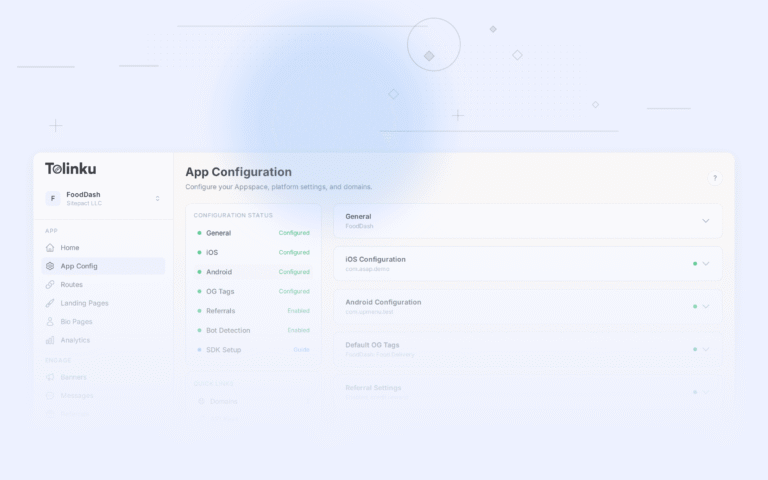
Create Your Appspace
- Sign up at tolinku.com
- Create an Appspace for your app
- Enter your iOS Bundle ID and Team ID
- Enter your Android Package Name and SHA-256 fingerprint
- Set your default web fallback URL
Set Up Your Domain
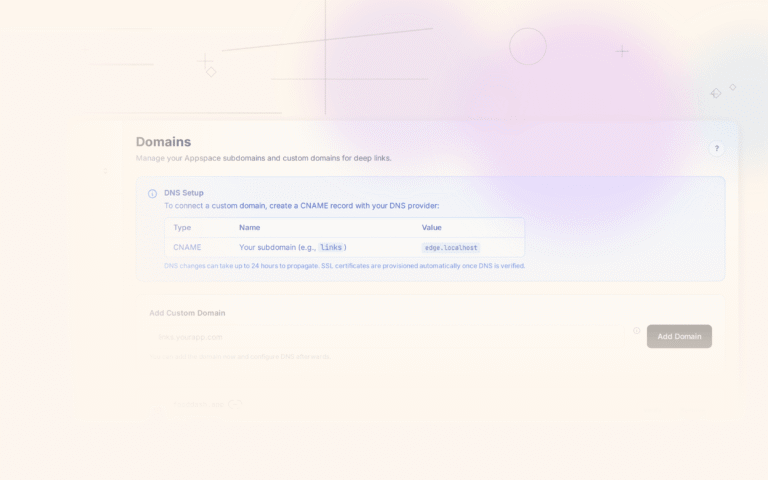
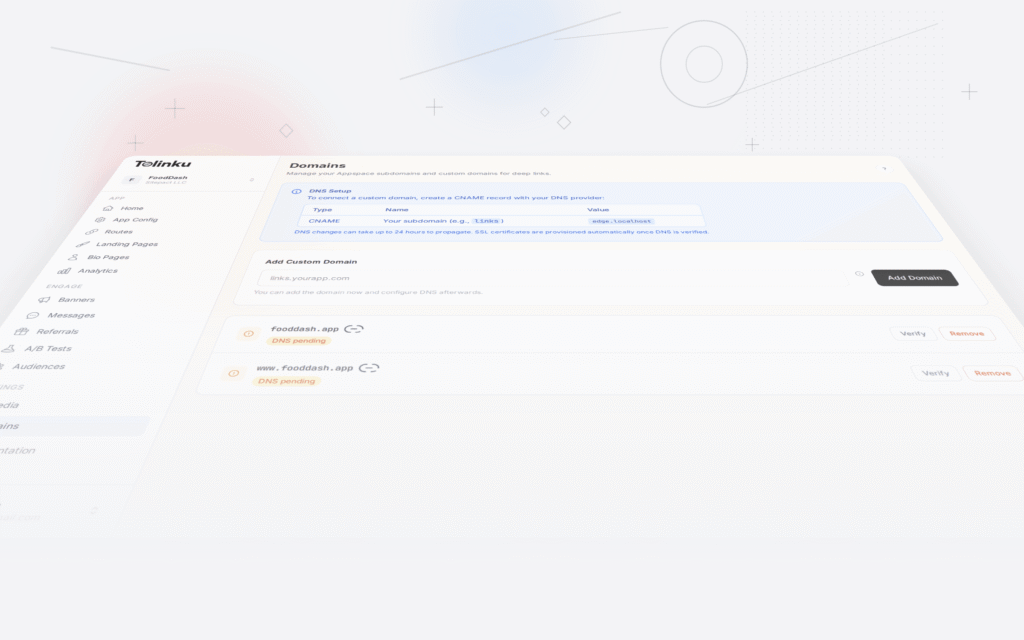
If you used yourapp.page.link (Firebase's default domain): You can't migrate this domain because Google owns it. You'll need a new domain. Set up a branded subdomain like go.yourapp.com:
- Add the domain in Tolinku's Domains settings
- Create a CNAME record pointing
goto Tolinku's link server - Wait for DNS propagation and SSL provisioning
If you used a custom domain with FDL: You can reuse that domain. Update the DNS to point to Tolinku instead of Firebase.
Create Routes
Map your Firebase Dynamic Link patterns to Tolinku routes:
| FDL Pattern | Tolinku Route |
|---|---|
link=https://yourapp.com/product/123 |
Route path: /product/:id |
link=https://yourapp.com/invite?code=ABC |
Route path: /invite/:code |
link=https://yourapp.com/promo/summer |
Route path: /promo/summer |
In Tolinku, the route path IS the deep link path. There's no separate "link" parameter; the URL structure itself defines the routing.
Step 3: Replace the SDK
Remove Firebase Dynamic Links SDK
iOS:
- Remove
FirebaseDynamicLinksfrom your Podfile, Package.swift, or SPM dependencies - Remove the
FirebaseDynamicLinksCustomDomainsentry from Info.plist - Remove the Associated Domains entitlement for
yourapp.page.link - Remove
DynamicLinks.dynamicLinks().handleUniversalLink()from your link handling code - Remove any
DynamicLinkComponentslink creation code
Android:
- Remove
com.google.firebase:firebase-dynamic-linksfrom build.gradle - Remove
FirebaseDynamicLinks.getInstance()calls - Remove intent filters for Firebase Dynamic Links domains
- Remove any
DynamicLink.Builderlink creation code
Add Tolinku SDK
iOS: Add TolinkuSDK and configure Universal Links:
Add to your Associated Domains entitlement:
applinks:go.yourapp.com
Handle incoming links:
func scene(_ scene: UIScene, continue userActivity: NSUserActivity) {
    guard let url = userActivity.webpageURL else { return }
    // Route based on URL path
    let path = url.path
    if path.hasPrefix("/product/") {
        let productId = String(path.dropFirst("/product/".count))
        navigateToProduct(id: productId)
    } else if path.hasPrefix("/invite/") {
        let code = String(path.dropFirst("/invite/".count))
        handleInvite(code: code)
    }
}
Android: Add the Tolinku SDK and configure App Links:
<intent-filter android:autoVerify="true">
    <action android:name="android.intent.action.VIEW" />
    <category android:name="android.intent.category.DEFAULT" />
    <category android:name="android.intent.category.BROWSABLE" />
    <data
        android:scheme="https"
        android:host="go.yourapp.com" />
</intent-filter>
Handle incoming intents:
private fun handleDeepLink(intent: Intent) {
    val uri = intent.data ?: return
    when {
        uri.path?.startsWith("/product/") == true -> {
            val productId = uri.lastPathSegment
            navigateToProduct(productId)
        }
        uri.path?.startsWith("/invite/") == true -> {
            val code = uri.lastPathSegment
            handleInvite(code)
        }
    }
}
Key Difference: Data Handling
Firebase Dynamic Links passed data through a special link parameter and additional metadata accessible via the SDK's DynamicLink object. Tolinku uses standard URL paths and query parameters.
Firebase approach:
// Firebase: data comes from SDK callback
DynamicLinks.dynamicLinks().handleUniversalLink(url) { dynamicLink, error in
    guard let link = dynamicLink?.url else { return }
    // link = "https://yourapp.com/product/123?ref=abc"
}
Tolinku approach:
// Tolinku: data comes from the URL directly
func handleDeepLink(url: URL) {
    // url = "https://go.yourapp.com/product/123?ref=abc"
    let path = url.path  // "/product/123"
    let ref = URLComponents(url: url, resolvingAgainstBaseURL: false)?
        .queryItems?.first(where: { $0.name == "ref" })?.value  // "abc"
}
The Tolinku approach is simpler because it uses standard URL parsing rather than a proprietary SDK data format.
For more on the differences between App Links and Firebase Dynamic Links, see Android App Links vs Firebase Dynamic Links.
Step 4: Handle Existing Firebase Links
This is the trickiest part. Firebase Dynamic Links that are already in the wild (in sent emails, printed QR codes, social media posts) will stop working after Firebase shuts them down.
Links on Firebase's Domain
Links on yourapp.page.link will stop resolving once Firebase fully decommissions the service. You can't redirect them because you don't control the domain.
Mitigation:
- Send updated links in email campaigns to your active users
- Update social media profiles and bios
- For QR codes on print materials, you'll need to reprint (this is why custom domains are important)
- Accept that some old links will break; focus on high-traffic links first
Links on Your Custom Domain
If you used a custom domain with Firebase Dynamic Links, you CAN redirect by updating DNS:
- Lower DNS TTL to 60 seconds
- Create matching routes in Tolinku for all existing link paths
- Update the DNS CNAME to point to Tolinku
- Verify all routes work
- Raise TTL back to normal
This is seamless if you've recreated all the active link paths.
Programmatically Created Links
Links created via the Firebase Dynamic Links API or SDK had a specific URL format. If your app creates sharing links, update the link creation code to use Tolinku's API instead.
Step 5: Verify and Monitor
Testing Checklist
- Universal Links open the app on iOS (from Messages, Notes, Safari long-press)
- App Links open the app on Android (from Chrome, messaging apps)
- Deferred deep linking works for new installs
- Web fallback works for users without the app
- OG previews render correctly on social media
- Analytics show clicks and conversions in Tolinku dashboard
- All existing link paths resolve to the correct screens
Post-Migration Monitoring
For the first 2 weeks after migration:
- Monitor analytics for any drop in deep link clicks or conversions
- Check for user reports of broken links
- Watch app reviews for deep-link-related complaints
- Compare pre and post-migration conversion rates
Timeline
Firebase Dynamic Links migrations are typically faster than Branch migrations because FDL's feature set is smaller:
Day 1: Audit links, set up Tolinku Appspace, create routes Day 2-3: Replace SDK, update deep link handling code Day 4: Testing across devices and scenarios Day 5: DNS cutover (if using custom domain), begin using Tolinku links for new campaigns Day 5-14: Monitor and fix any issues
For the general migration guide, see Migrating to Tolinku from Branch, Firebase, and AppsFlyer.
Get deep linking tips in your inbox
One email per week. No spam.