The Apple App Site Association (AASA) file controls which URLs on your domain open your app via Universal Links. For simple apps, a single path pattern is enough. For complex apps with hundreds of routes, multiple subdomains, or paths that should explicitly not open the app, you need advanced path matching.
This article covers the full path matching syntax available in AASA files, including wildcards, exclusions, query parameter matching, and the differences between the legacy and modern AASA formats.
For AASA basics, see AASA file setup guide. For Universal Links fundamentals, see universal links: everything you need to know.
AASA Format Versions
Apple introduced two AASA formats. Understanding which you are using matters because they handle path matching differently.
Legacy Format (iOS 9-12)
{
  "applinks": {
    "apps": [],
    "details": [
      {
        "appID": "TEAMID.com.example.app",
        "paths": ["/product/*", "/category/*", "NOT /admin/*"]
      }
    ]
  }
}
Key characteristics:
- Uses
appID(singular) andpathsarray. - Wildcards use
*(matches any characters). - Exclusions use
NOTprefix. - Paths are evaluated in order (first match wins).
Modern Format (iOS 13+)
{
  "applinks": {
    "details": [
      {
        "appIDs": ["TEAMID.com.example.app"],
        "components": [
          { "/": "/product/*", "comment": "Product pages" },
          { "/": "/category/*", "comment": "Category pages" },
          { "/": "/admin/*", "exclude": true, "comment": "Exclude admin" }
        ]
      }
    ]
  }
}
Key characteristics:
- Uses
appIDs(plural) andcomponentsarray. - Each component is an object with a
/key for the path. - Exclusions use
"exclude": true. - Supports query parameter and fragment matching.
- Components are evaluated in order (first match wins).
Apple recommends the modern format for new implementations. The legacy format is still supported for backward compatibility. Apple's documentation: Supporting Associated Domains.
Wildcard Syntax
Both formats support two wildcard characters:
| Character | Meaning | Example |
|---|---|---|
* |
Matches zero or more characters within a path component | /product/* matches /product/123 and /product/abc |
? |
Matches exactly one character | /product/?? matches /product/ab but not /product/abc |
The * Wildcard
The * wildcard matches any sequence of characters, but its behavior depends on context:
{
  "components": [
    { "/": "/product/*" },
    { "/": "/blog/*/comments" },
    { "/": "/*" }
  ]
}
/product/*matches/product/123,/product/shoes,/product/shoes/red./blog/*/commentsmatches/blog/my-post/comments./*matches every path on the domain.
Important: * matches across path separators (/). So /product/* will match /product/shoes/red/size/10. If you only want to match a single path segment, you need a different approach (the ? wildcard or more specific patterns).
The ? Wildcard
The ? wildcard matches exactly one character:
{
  "components": [
    { "/": "/item/??" },
    { "/": "/v?/api/*" }
  ]
}
/item/??matches/item/abbut not/item/abcor/item/a./v?/api/*matches/v1/api/usersand/v2/api/users.
Exclusion Patterns
Exclusions tell iOS that certain paths should NOT open the app, even if they match a broader wildcard.
Modern Format Exclusions
{
  "components": [
    { "/": "/admin/*", "exclude": true, "comment": "Never open admin pages in app" },
    { "/": "/api/*", "exclude": true, "comment": "API endpoints stay in browser" },
    { "/": "/*", "comment": "Everything else opens the app" }
  ]
}
Legacy Format Exclusions
{
  "paths": [
    "NOT /admin/*",
    "NOT /api/*",
    "/*"
  ]
}
Evaluation Order Matters
Components and paths are evaluated in order. The first match wins. This means exclusions must come before the broader patterns they override:
{
  "components": [
    { "/": "/blog/draft/*", "exclude": true },
    { "/": "/blog/*" }
  ]
}
This excludes draft blog posts but includes all other blog paths. If you reversed the order, /blog/* would match first and the exclusion would never apply.
Query Parameter Matching (Modern Format Only)
The modern format supports matching on query parameters using the ? key:
{
  "components": [
    {
      "/": "/share",
      "?": { "id": "?*" },
      "comment": "Share links with an id parameter"
    }
  ]
}
This matches /share?id=abc123 but not /share without the id parameter. The ?* pattern means "one or more characters" for the parameter value.
You can match multiple parameters:
{
  "components": [
    {
      "/": "/product",
      "?": { "sku": "?*", "ref": "?*" },
      "comment": "Product links with both sku and ref"
    }
  ]
}
This requires both sku and ref parameters to be present.
Fragment Matching (Modern Format Only)
The modern format also supports matching URL fragments (the part after #):
{
  "components": [
    {
      "/": "/page",
      "#": "section-*",
      "comment": "Page links with section fragments"
    }
  ]
}
This matches /page#section-intro and /page#section-details.
Common Patterns
E-Commerce App
{
  "applinks": {
    "details": [
      {
        "appIDs": ["TEAMID.com.example.store"],
        "components": [
          { "/": "/checkout/*", "exclude": true, "comment": "Keep checkout in browser" },
          { "/": "/product/*", "comment": "Product pages" },
          { "/": "/category/*", "comment": "Category browsing" },
          { "/": "/cart", "comment": "Shopping cart" },
          { "/": "/order/*/track", "comment": "Order tracking" },
          { "/": "/sale", "comment": "Sale landing page" }
        ]
      }
    ]
  }
}
Content App
{
  "applinks": {
    "details": [
      {
        "appIDs": ["TEAMID.com.example.news"],
        "components": [
          { "/": "/admin/*", "exclude": true },
          { "/": "/api/*", "exclude": true },
          { "/": "/article/*", "comment": "Articles" },
          { "/": "/author/*", "comment": "Author profiles" },
          { "/": "/topic/*", "comment": "Topic pages" },
          { "/": "/search", "?": { "q": "?*" }, "comment": "Search with query" }
        ]
      }
    ]
  }
}
Multi-App Domain
If multiple apps share a domain, list them in the details array:
{
  "applinks": {
    "details": [
      {
        "appIDs": ["TEAMID.com.example.consumer"],
        "components": [
          { "/": "/shop/*" },
          { "/": "/product/*" }
        ]
      },
      {
        "appIDs": ["TEAMID.com.example.merchant"],
        "components": [
          { "/": "/merchant/*" },
          { "/": "/dashboard/*" }
        ]
      }
    ]
  }
}
iOS checks each entry in order. The first app with a matching path wins.
Debugging Path Matching
If your path patterns are not working as expected:
Test the AASA file directly. Fetch your AASA file and verify the JSON is valid:
curl -s https://yourdomain.com/.well-known/apple-app-site-association | jq .
Check evaluation order. Remember that components are evaluated top-to-bottom. An overly broad pattern early in the list can prevent more specific patterns from matching.
Verify wildcard behavior. The * wildcard matches across path separators. If you intended to match only one segment, your pattern may be matching more than expected.
Check Apple's CDN cache. Apple caches AASA files on its CDN. Changes may take time to propagate. See CDN and AASA caching for details.
Use the AASA validator. Apple provides validation through Xcode's Associated Domains diagnostics. See debugging AASA files for step-by-step instructions.
For testing Universal Links in general, see testing Universal Links.
Tolinku and AASA Path Configuration
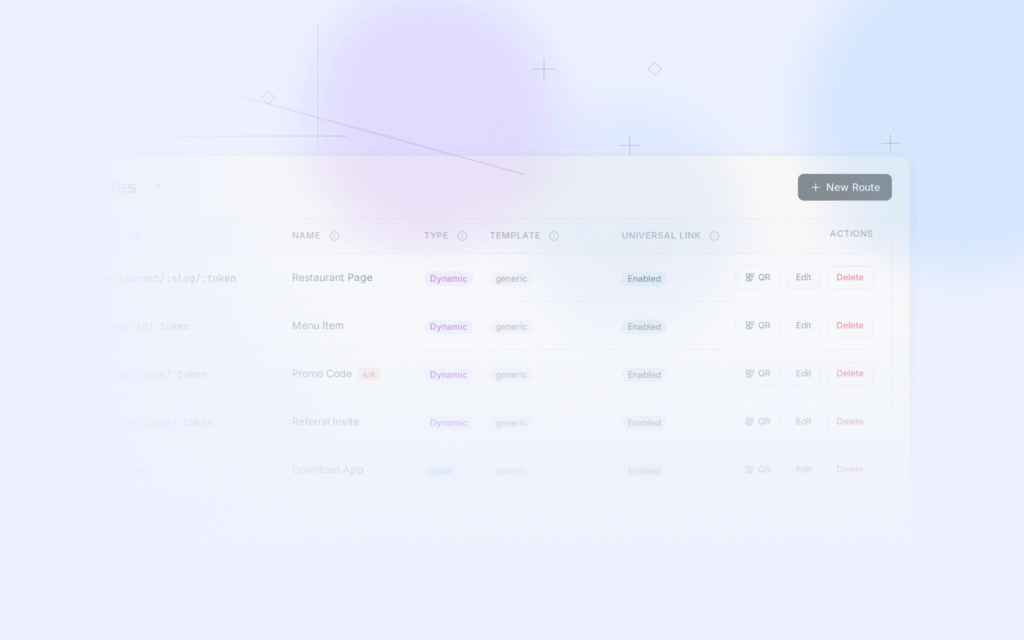
Tolinku manages your AASA file automatically based on the routes you configure in the dashboard. When you create a route in Tolinku, the AASA file is updated to include the corresponding path pattern. This eliminates manual AASA editing and reduces the risk of syntax errors or evaluation-order mistakes. See the Universal Links developer guide for configuration details.
For the complete Universal Links guide, see universal links: everything you need to know. For deep link parameter handling, see deep link parameters.
Get deep linking tips in your inbox
One email per week. No spam.