A static smart banner is easy to ignore. A well-animated banner draws the eye without disrupting the user's reading flow. The line between "attention-grabbing" and "annoying" is thin, and crossing it costs you both conversions and user trust. Bouncing, flashing, or auto-playing video banners belong in the early 2000s, not in a modern web experience.
This guide covers which animations work for smart banners, how to implement them performantly, and how to respect accessibility preferences. For the complete smart banners setup, see the smart banners guide. For positioning, see banner position and UX.
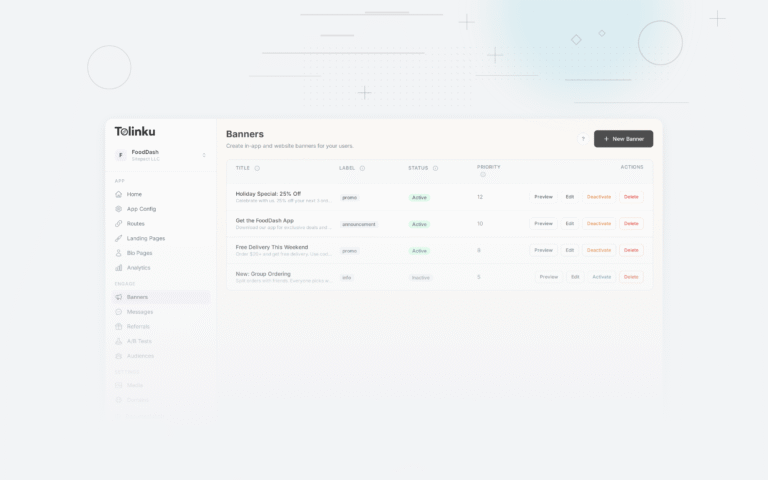
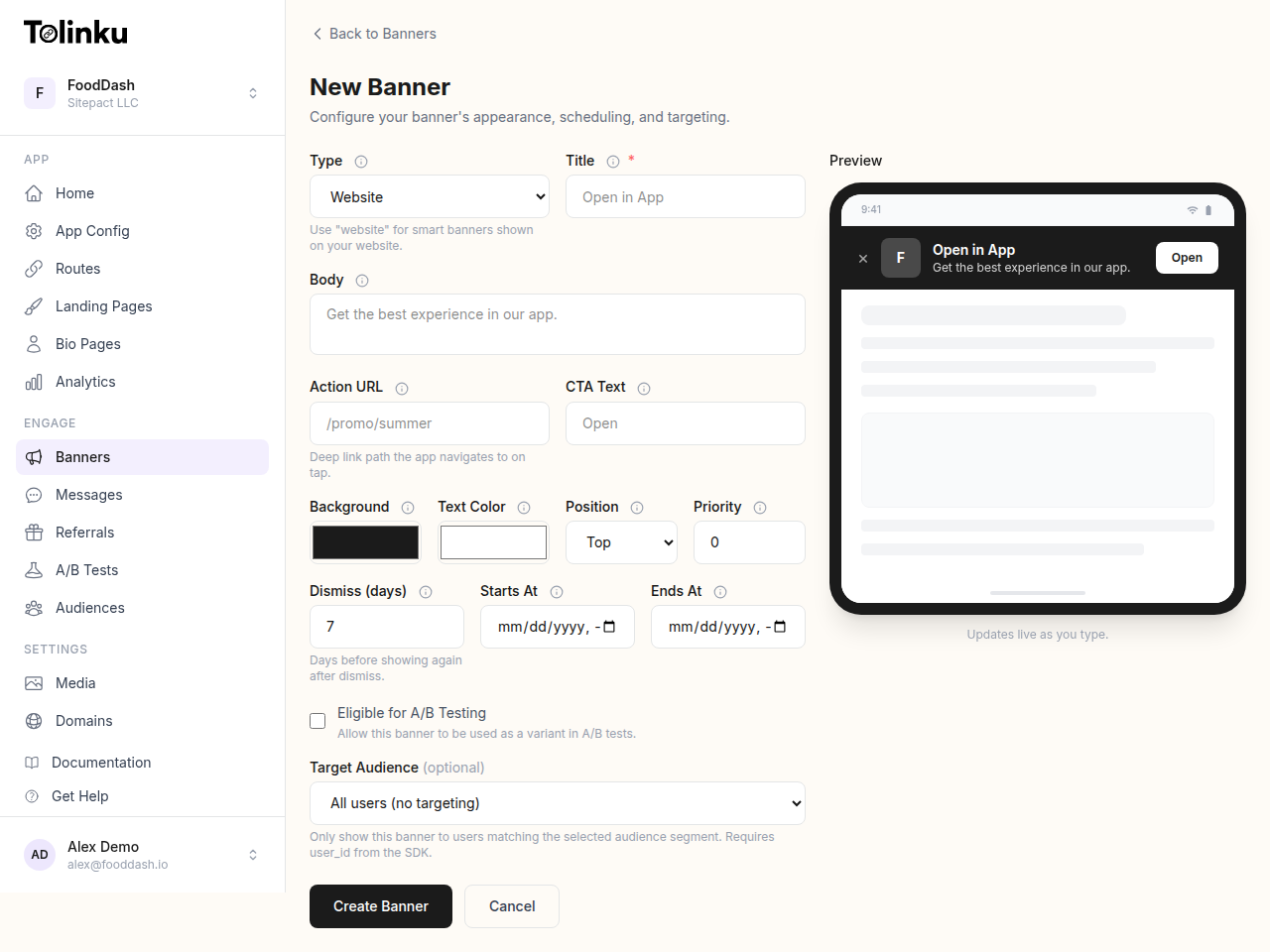 The banner creation form with title, body, colors, CTA, scheduling, and live preview.
Animations That Work
Entrance Animations
The most effective banner animations are entrance animations: the banner slides, fades, or scales into view when it first appears. These work because they signal "something new appeared" without being distracting during ongoing use.
Slide-in from top:
@keyframes slideDown {
  from {
    transform: translateY(-100%);
    opacity: 0;
  }
  to {
    transform: translateY(0);
    opacity: 1;
  }
}

.smart-banner {
  animation: slideDown 0.3s ease-out;
}
Slide-in from bottom (for bottom-positioned banners):
@keyframes slideUp {
  from {
    transform: translateY(100%);
    opacity: 0;
  }
  to {
    transform: translateY(0);
    opacity: 1;
  }
}

.smart-banner--bottom {
  animation: slideUp 0.3s ease-out;
}
Fade in:
@keyframes fadeIn {
  from { opacity: 0; }
  to { opacity: 1; }
}

.smart-banner {
  animation: fadeIn 0.4s ease-in;
}
Exit Animations
When the user dismisses the banner, animate it out rather than removing it instantly. This feels more polished:
function dismissBanner(bannerEl) {
  bannerEl.classList.add('smart-banner--dismissing');
  bannerEl.addEventListener('animationend', () => {
    bannerEl.remove();
    persistDismiss();
  }, { once: true });
}
.smart-banner--dismissing {
  animation: slideUp 0.2s ease-in forwards;
}

/* For top banners, slide up to exit */
.smart-banner--top.smart-banner--dismissing {
  animation: slideUpExit 0.2s ease-in forwards;
}

@keyframes slideUpExit {
  to {
    transform: translateY(-100%);
    opacity: 0;
  }
}
Subtle Attention Cues
After the entrance animation, a subtle cue can draw attention to the CTA button without being intrusive:
Gentle pulse on the CTA button:
@keyframes subtlePulse {
  0%, 100% { transform: scale(1); }
  50% { transform: scale(1.03); }
}

.smart-banner__cta {
  animation: subtlePulse 2s ease-in-out 3; /* Play 3 times, then stop */
  animation-delay: 2s; /* Wait 2 seconds after banner appears */
}
Icon bounce (e.g., the app icon):
@keyframes iconBounce {
  0%, 100% { transform: translateY(0); }
  50% { transform: translateY(-4px); }
}

.smart-banner__icon {
  animation: iconBounce 0.6s ease-in-out 2;
  animation-delay: 1.5s;
}
Keep these subtle: small movements (2-4px), short durations (0.5-2s), and limited repetitions (2-3 times, then stop).
Animations to Avoid
Continuous Animations
Never use animations that loop indefinitely:
- Blinking text
- Rotating icons
- Pulsing backgrounds
- Scrolling marquee text
These are distracting and trigger "banner blindness" in the worst way: users learn to ignore the entire area of the screen.
Large-Scale Movements
Avoid animations that move the banner significantly or affect the page layout:
- Expanding/collapsing that pushes content around
- Banners that grow to full screen
- Shake or vibrate effects
Auto-Playing Video or Audio
Never auto-play video or audio in a smart banner. It is intrusive, consumes bandwidth, and violates user expectations.
Performance
Use CSS Animations, Not JavaScript
CSS animations run on the compositor thread and do not block the main thread. JavaScript animations (requestAnimationFrame loops, jQuery .animate()) run on the main thread and can cause jank.
/* Good: GPU-accelerated CSS animation */
.smart-banner {
  will-change: transform, opacity;
  animation: slideDown 0.3s ease-out;
}
The will-change property tells the browser to prepare for the animation, enabling GPU acceleration. Only use it on elements that will actually animate, and remove it after the animation completes.
Stick to Transform and Opacity
The only CSS properties that can be animated without triggering layout recalculation are transform and opacity. Animating height, width, top, left, margin, or padding forces the browser to recalculate layout on every frame, causing jank:
/* Bad: animates height, triggers layout */
@keyframes expandBad {
  from { height: 0; }
  to { height: 60px; }
}

/* Good: animates transform, no layout */
@keyframes expandGood {
  from { transform: scaleY(0); transform-origin: top; }
  to { transform: scaleY(1); }
}
Lazy Animation
Do not start the animation until the banner is in the viewport. For banners at the top of the page, this is immediate. For banners at the bottom (floating or sticky), use the Intersection Observer API:
const observer = new IntersectionObserver((entries) => {
  entries.forEach(entry => {
    if (entry.isIntersecting) {
      entry.target.classList.add('smart-banner--animate');
      observer.unobserve(entry.target);
    }
  });
}, { threshold: 0.5 });

observer.observe(document.querySelector('.smart-banner'));
Accessibility
Respecting prefers-reduced-motion
Users who are sensitive to motion can enable the "reduce motion" setting in their operating system. Your banner should respect this preference:
@media (prefers-reduced-motion: reduce) {
  .smart-banner,
  .smart-banner__cta,
  .smart-banner__icon {
    animation: none;
    transition: none;
  }
}
This is not optional. WCAG 2.1 Success Criterion 2.3.3 requires that motion can be disabled. The prefers-reduced-motion media query is the standard way to honor this.
Focus Management
When the banner appears, do not steal keyboard focus from the user's current position. Screen reader users navigating a page should not be interrupted by a banner animation.
If the banner contains a dismissible element, make sure it is keyboard accessible:
<div class="smart-banner" role="complementary" aria-label="App promotion">
<p>Get the app for a better experience</p>
<a href="https://apps.apple.com/..." class="smart-banner__cta">Install</a>
<button class="smart-banner__close" aria-label="Dismiss banner">×</button>
</div>
Color Contrast
Animated elements should maintain sufficient color contrast at all animation states. If you use a fade-in, the text must be readable even at partial opacity during the transition. Keep fade durations short (0.2-0.4s) so the low-contrast state is brief.
Delayed Entrance
Do not show the banner immediately on page load. Let the user orient themselves first:
function initBanner() {
  // Wait for the user to scroll or spend time on the page
  const showAfterMs = 2000; // 2 seconds
  const showAfterScroll = 200; // 200px of scroll

  let shown = false;

  function showBanner() {
    if (shown) return;
    shown = true;
    document.querySelector('.smart-banner').classList.add('smart-banner--visible');
  }

  setTimeout(showBanner, showAfterMs);

  window.addEventListener('scroll', () => {
    if (window.scrollY > showAfterScroll) showBanner();
  }, { passive: true });
}
This pattern avoids the immediate visual clutter of a banner appearing alongside the page content, and the entrance animation is more noticeable when it happens after the user has started reading.
Tolinku Smart Banner Animations
Tolinku's smart banners include built-in entrance and exit animations that respect prefers-reduced-motion. The banner SDK handles the animation lifecycle (entrance, attention cue, dismiss) automatically, with configurable timing and animation style through the dashboard.
For dismiss behavior after animation, see banner dismiss behavior. For the complete smart banners setup, see the smart banners guide.
Get deep linking tips in your inbox
One email per week. No spam.