Flutter Android apps receive App Links through the same Android mechanisms as native apps: Intent filters in AndroidManifest.xml, Digital Asset Links verification via assetlinks.json, and Activity lifecycle methods. Flutter adds its own layer: the FlutterActivity receives the Intent, and your Dart code handles routing. This article covers the Android-specific configuration.
For the full Flutter App Links guide (iOS and Android), see App Links in Flutter: Android configuration guide. For Android Manifest details, see Android Manifest configuration for deep links.
Prerequisites
- Flutter 3.19+ (latest stable recommended)
- A domain you control with HTTPS
- assetlinks.json hosted at
https://yourdomain.com/.well-known/assetlinks.json - Your app's signing key SHA-256 fingerprint
Step 1: AndroidManifest Configuration
Edit android/app/src/main/AndroidManifest.xml. Add Intent filters to the <activity> element that contains android:name=".MainActivity":
<activity
    android:name=".MainActivity"
    android:exported="true"
    android:launchMode="singleTop"
    android:theme="@style/LaunchTheme">

    <!-- Default Flutter intent filters -->
    <meta-data
        android:name="io.flutter.embedding.android.NormalTheme"
        android:resource="@style/NormalTheme" />

    <intent-filter>
        <action android:name="android.intent.action.MAIN"/>
        <category android:name="android.intent.category.LAUNCHER"/>
    </intent-filter>

    <!-- App Links -->
    <intent-filter android:autoVerify="true">
        <action android:name="android.intent.action.VIEW" />
        <category android:name="android.intent.category.DEFAULT" />
        <category android:name="android.intent.category.BROWSABLE" />
        <data android:scheme="https"
              android:host="yourdomain.com"
              android:pathPrefix="/products" />
        <data android:scheme="https"
              android:host="yourdomain.com"
              android:pathPrefix="/offers" />
        <data android:scheme="https"
              android:host="yourdomain.com"
              android:pathPrefix="/referral" />
    </intent-filter>
</activity>
Key attributes:
android:autoVerify="true": Tells Android to verify ownership via Digital Asset Links. Without this, Android shows a disambiguation dialog instead of opening the app directly.android:launchMode="singleTop": Prevents creating a new Activity when the app is already running. The existing Activity receives the new Intent viaonNewIntent.android:exported="true": Required for the Activity to receive Intents from external apps.
Step 2: Digital Asset Links (assetlinks.json)
Host at https://yourdomain.com/.well-known/assetlinks.json:
[
  {
    "relation": ["delegate_permission/common.handle_all_urls"],
    "target": {
      "namespace": "android_app",
      "package_name": "com.yourcompany.yourapp",
      "sha256_cert_fingerprints": [
        "YOUR_DEBUG_KEY_FINGERPRINT",
        "YOUR_RELEASE_KEY_FINGERPRINT"
      ]
    }
  }
]
Getting Your Fingerprints
Debug key (local development):
keytool -list -v -keystore ~/.android/debug.keystore \
  -alias androiddebugkey -storepass android 2>/dev/null | grep SHA256
Release key (if using Play App Signing):
Find it in Google Play Console under Setup > App signing > App signing key certificate > SHA-256 fingerprint.
Release key (if signing locally):
keytool -list -v -keystore /path/to/your-release-key.jks \
  -alias your-key-alias
Include both debug and release fingerprints during development. For production, you can remove the debug fingerprint.
Verify the File
Use Google's verification tool:
# Check if your assetlinks.json is valid
curl -s "https://digitalassetlinks.googleapis.com/v1/statements:list?source.web.site=https://yourdomain.com&relation=delegate_permission/common.handle_all_urls" | python3 -m json.tool
Or use the Statement List Generator.
Step 3: Dart-Side Handling
Using app_links Package
The app_links package is the recommended way to handle App Links in Flutter:
# pubspec.yaml
dependencies:
  app_links: ^6.3.0
import 'package:app_links/app_links.dart';
import 'package:flutter/material.dart';

class MyApp extends StatefulWidget {
  @override
  State<MyApp> createState() => _MyAppState();
}

class _MyAppState extends State<MyApp> {
  late final AppLinks _appLinks;

  @override
  void initState() {
    super.initState();
    _appLinks = AppLinks();
    _initDeepLinks();
  }

  Future<void> _initDeepLinks() async {
    // Cold start: check if the app was launched from a deep link
    final initialUri = await _appLinks.getInitialLink();
    if (initialUri != null) {
      _handleDeepLink(initialUri);
    }

    // Warm start: listen for new deep links
    _appLinks.uriLinkStream.listen((uri) {
      _handleDeepLink(uri);
    });
  }

  void _handleDeepLink(Uri uri) {
    final path = uri.path;

    final productMatch = RegExp(r'^/products/([^/]+)$').firstMatch(path);
    if (productMatch != null) {
      final productId = productMatch.group(1)!;
      Navigator.of(context).pushNamed(
        '/products/detail',
        arguments: {'productId': productId},
      );
      return;
    }

    final offerMatch = RegExp(r'^/offers/([^/]+)$').firstMatch(path);
    if (offerMatch != null) {
      final offerId = offerMatch.group(1)!;
      Navigator.of(context).pushNamed(
        '/offers/detail',
        arguments: {'offerId': offerId},
      );
      return;
    }

    final referralMatch = RegExp(r'^/referral/([^/]+)$').firstMatch(path);
    if (referralMatch != null) {
      final referrerId = referralMatch.group(1)!;
      _handleReferral(referrerId);
      return;
    }
  }

  void _handleReferral(String referrerId) {
    // Store the referral for attribution
    // Navigate to welcome screen
    Navigator.of(context).pushNamed(
      '/referral',
      arguments: {'referrerId': referrerId},
    );
  }

  @override
  Widget build(BuildContext context) {
    return MaterialApp(/* ... */);
  }
}
Using GoRouter
GoRouter supports deep linking natively:
import 'package:go_router/go_router.dart';

final router = GoRouter(
  routes: [
    GoRoute(
      path: '/',
      builder: (context, state) => const HomePage(),
    ),
    GoRoute(
      path: '/products/:productId',
      builder: (context, state) {
        final productId = state.pathParameters['productId']!;
        final ref = state.uri.queryParameters['ref'];
        return ProductDetailPage(
          productId: productId,
          referralSource: ref,
        );
      },
    ),
    GoRoute(
      path: '/offers/:offerId',
      builder: (context, state) {
        final offerId = state.pathParameters['offerId']!;
        return OfferDetailPage(offerId: offerId);
      },
    ),
    GoRoute(
      path: '/referral/:referrerId',
      builder: (context, state) {
        final referrerId = state.pathParameters['referrerId']!;
        return ReferralPage(referrerId: referrerId);
      },
    ),
  ],
);

class MyApp extends StatelessWidget {
  @override
  Widget build(BuildContext context) {
    return MaterialApp.router(
      routerConfig: router,
    );
  }
}
GoRouter automatically handles both cold start and warm start deep links when used with MaterialApp.router.
Step 4: Verify App Links Work
On Emulator
# Test a product deep link
adb shell am start -a android.intent.action.VIEW \
  -d "https://yourdomain.com/products/abc123" \
  -c android.intent.category.BROWSABLE

# Test an offer deep link
adb shell am start -a android.intent.action.VIEW \
  -d "https://yourdomain.com/offers/deal456" \
  -c android.intent.category.BROWSABLE
If the app opens directly, App Links verification succeeded. If a disambiguation dialog appears ("Open with…"), verification failed.
Check Verification Status
# List all verified domains for your app
adb shell pm get-app-links com.yourcompany.yourapp
Output shows verification status:
com.yourcompany.yourapp:
    ID: abc12345
    Signatures: [...]
    Domains:
      yourdomain.com: verified
If the domain shows none or legacy_failure, the assetlinks.json is not valid or not accessible.
Force Re-Verification
# Clear existing verification state
adb shell pm set-app-links --package com.yourcompany.yourapp 0 all

# Trigger re-verification
adb shell pm verify-app-links --re-verify com.yourcompany.yourapp
Common Issues
| Issue | Cause | Fix |
|---|---|---|
| Disambiguation dialog instead of direct open | autoVerify failed |
Check assetlinks.json, verify fingerprint matches |
| App opens but blank screen | Route not matched | Add logging to deep link handler, check path matching |
| Cold start deep link missed | Not checking getInitialLink() |
Call _appLinks.getInitialLink() in initState |
| Works on debug but not release | Wrong fingerprint in assetlinks.json | Add release key fingerprint (or Play App Signing fingerprint) |
| Deep link works once, then stops | Activity recreated instead of reused | Set android:launchMode="singleTop" |
| Query parameters lost | Parser strips query string | Use uri.queryParameters to access them |
Debug Logging
Add logging to trace the deep link flow:
void _handleDeepLink(Uri uri) {
  debugPrint('Deep link received: $uri');
  debugPrint('Path: ${uri.path}');
  debugPrint('Query: ${uri.queryParameters}');

  // ... routing logic
}
Multiple Path Prefixes
If your app has many deep link paths, group them logically in the Intent filters:
<!-- Product-related links -->
<intent-filter android:autoVerify="true">
    <action android:name="android.intent.action.VIEW" />
    <category android:name="android.intent.category.DEFAULT" />
    <category android:name="android.intent.category.BROWSABLE" />
    <data android:scheme="https"
          android:host="yourdomain.com"
          android:pathPrefix="/products" />
    <data android:scheme="https"
          android:host="yourdomain.com"
          android:pathPrefix="/categories" />
</intent-filter>

<!-- User-related links -->
<intent-filter android:autoVerify="true">
    <action android:name="android.intent.action.VIEW" />
    <category android:name="android.intent.category.DEFAULT" />
    <category android:name="android.intent.category.BROWSABLE" />
    <data android:scheme="https"
          android:host="yourdomain.com"
          android:pathPrefix="/referral" />
    <data android:scheme="https"
          android:host="yourdomain.com"
          android:pathPrefix="/offers" />
</intent-filter>
Note: you can use multiple <data> elements in a single <intent-filter>. Android combines the scheme, host, and pathPrefix from all <data> elements.
Tolinku for Flutter Android
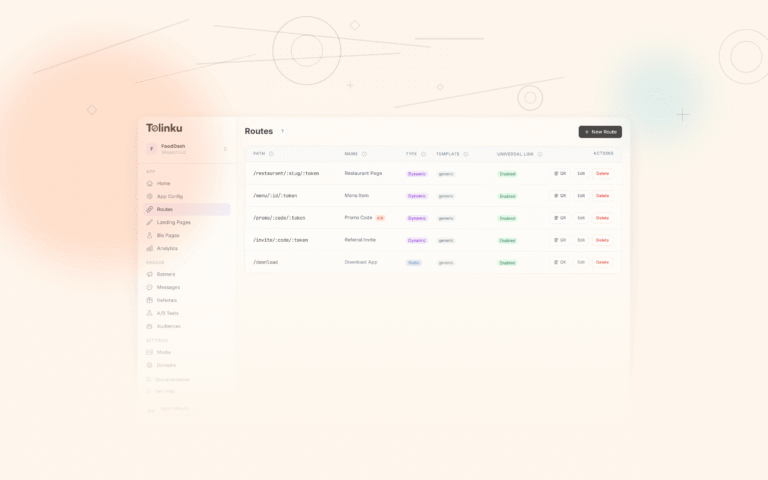
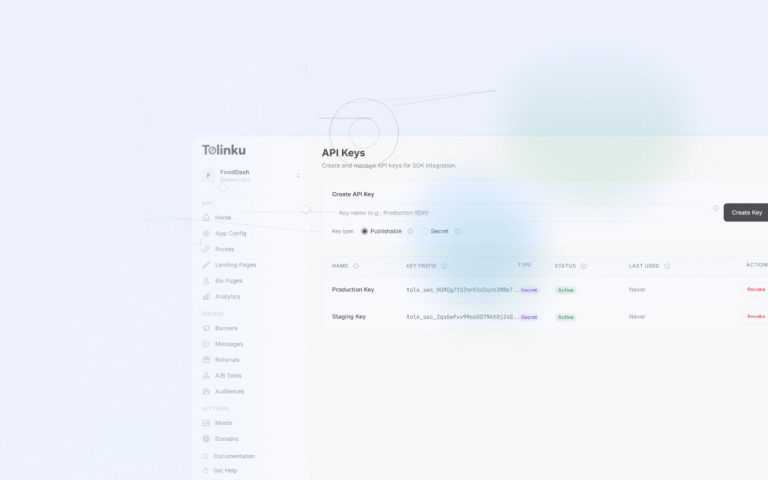
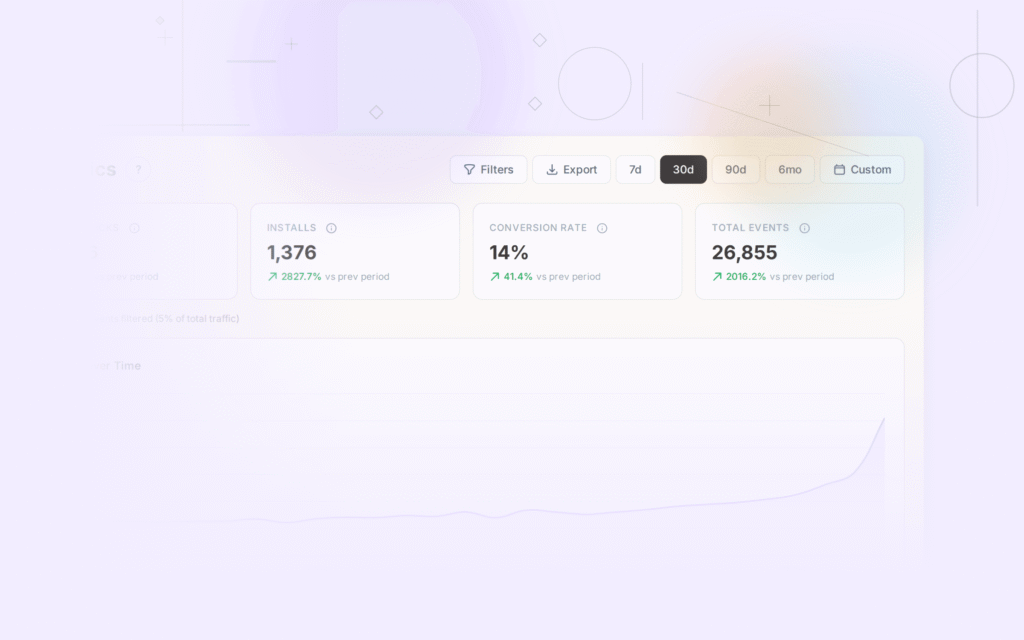
Tolinku hosts your assetlinks.json file automatically. Configure your Android package name and signing key fingerprints in the Appspace settings, and the assetlinks.json is generated and served from your domain. The Flutter SDK provides deferred deep linking and analytics.
For the full Flutter setup, see App Links in Flutter: Android configuration guide. For the cross-platform overview, see cross-platform deep linking guide for 2026.
Get deep linking tips in your inbox
One email per week. No spam.