QR codes bridge the gap between physical retail and your shopping app. A customer scanning a code on a product tag, shelf display, or receipt moves from the physical store into a digital experience where you can engage them further, capture their data, and drive repeat purchases through the app.
For general retail QR strategies, see QR codes for retail: in-store to app strategies. For QR code generation, see QR codes and short links for mobile apps.
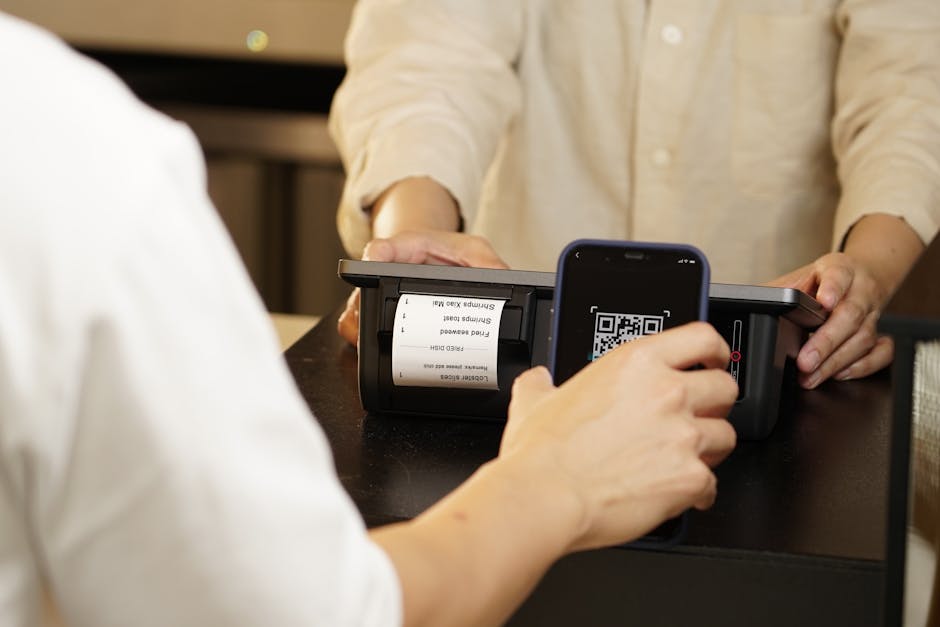 Photo by iMin Technology on Pexels
Where to Place QR Codes
Product Tags and Packaging
| Placement | Deep Link Destination | Purpose |
|---|---|---|
| Product hang tag | Product page in app | Full details, reviews, size guide |
| Packaging insert | "Thank you" page with app download prompt | Drive app adoption post-purchase |
| Nutrition/ingredient label | Ingredient detail page | Transparency and detail |
| Care instructions | Tutorial video or care guide in app | Value-add content |
Example: A clothing brand places a QR code on each hang tag. Scanning it opens the product page in the app with sizing recommendations, styling suggestions, and customer reviews.
In-Store Displays
| Placement | Deep Link Destination | Purpose |
|---|---|---|
| Shelf label | Product page or comparison tool | Extended product information |
| Endcap display | Sale/collection page | Promote featured items |
| Window display | Seasonal collection in app | Drive foot traffic to app |
| Fitting room mirror | "Save your items" in app | Capture browsing intent |
The fitting room use case is particularly effective: a customer trying on clothes can scan a QR code to save items to their app wishlist, enabling follow-up marketing if they do not purchase in store.
Receipts and Checkout
| Placement | Deep Link Destination | Purpose |
|---|---|---|
| Printed receipt | Order details in app | App download conversion |
| Email receipt | Order tracking in app | Drive app engagement |
| Checkout counter sign | Loyalty program sign-up | Capture customer data |
| Bag insert | First-time app user discount | Incentivize app download |
Post-purchase QR codes are high-converting because the customer has already demonstrated purchase intent and trust.
Implementation
Dynamic vs Static QR Codes
| Type | Use Case | Advantage |
|---|---|---|
| Static | Permanent product tags | No tracking, simple |
| Dynamic | Campaign displays, receipts | Trackable, editable, can expire |
Use dynamic QR codes (linked to a short link route) for any placement where you want to track scans or change the destination later. Use static QR codes only for permanent, unchanging destinations.
Deep Link Routing
Each QR code should link to a route that handles the full flow:
https://yourstore.com/qr/product/SKU-12345
The route:
- Detects the user's platform (iOS/Android).
- If the app is installed, opens the product page directly.
- If not installed, shows a product preview and redirects to the app store.
- After installation, the app opens to the product page via deferred deep linking.
QR Code Design for Retail
- Size: Minimum 2cm x 2cm for close-range scanning (product tags). 10cm+ for shelf displays.
- Contrast: Dark foreground on light background. Maintain at least 4:1 contrast ratio.
- Error correction: Use Level M or Level H for product tags that may get creased or damaged. See QR code error correction for details.
- Logo: Add your app icon to the center of the QR code for brand recognition.
- Call to action: Always include text near the code: "Scan for details," "Get 10% off in the app," or "Save to wishlist."
Use Cases
Size and Fit Finder
Scan a QR code on a clothing item to access an in-app size guide:
QR → /product/SKU-12345/size-guide
The app shows the sizing chart, customer fit reviews ("runs small," "true to size"), and an AR try-on feature if available. This reduces returns and increases purchase confidence.
In-Store Pickup (BOPIS)
Place QR codes at pickup counters:
QR → /order/pickup-check-in?location=store-456
The customer scans the code, the app shows their order and notifies staff. No need to wait in a queue or find an employee.
Loyalty Program Enrollment
Checkout counter QR codes:
QR → /loyalty/join?store=downtown-location
The code opens the loyalty program sign-up screen in the app, pre-filled with the store location. The cashier can mention "Scan to join our rewards program" during checkout.
Product Authentication
Luxury and premium brands use QR codes for authentication:
QR → /verify/product/SERIAL-789
The app confirms the product is genuine and shows provenance information, warranty details, and care instructions.
Measuring QR Code Performance
Track per-code metrics through your analytics:
| Metric | What It Tells You |
|---|---|
| Scan count | How many people engaged with the code |
| Scan-to-install rate | How effectively codes drive app downloads |
| Scan-to-purchase rate | How many scanners completed a purchase |
| Revenue per scan | Average revenue attributed to QR code scans |
| Scan time patterns | When customers scan (peak hours, days) |
| Location performance | Which store locations drive the most scans |
Compare QR code acquisition costs (printing, placement) against other channels to calculate ROI.
Common Mistakes
| Mistake | Impact | Fix |
|---|---|---|
| QR code too small | Customers cannot scan from a comfortable distance | Follow minimum size guidelines per placement |
| No call to action | Customers do not know what scanning will do | Always add text: "Scan to see reviews" |
| Generic home screen link | User has no context after scanning | Deep link to the specific product or page |
| No tracking | Cannot measure ROI of QR placements | Use dynamic QR codes with analytics |
| QR codes that expire without fallback | Customer scans an expired promotion code | Show a relevant fallback page, not an error |
| Poor print quality | Low contrast or blurry codes do not scan | Use vector formats, test at target print size |
Tolinku for E-Commerce QR Codes
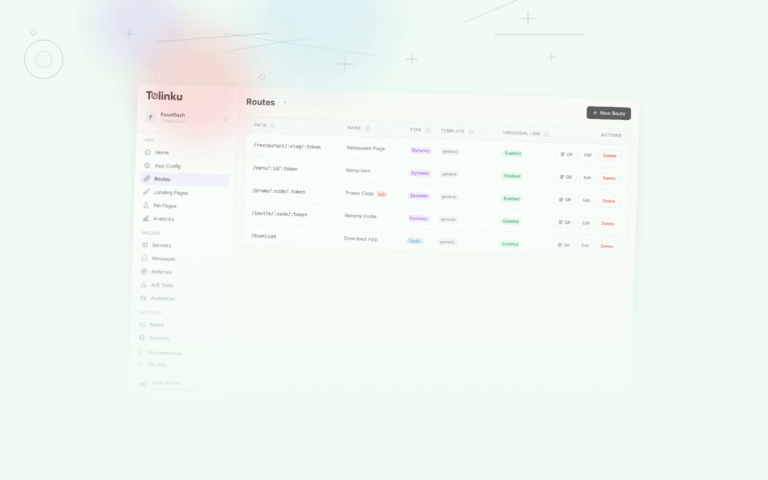
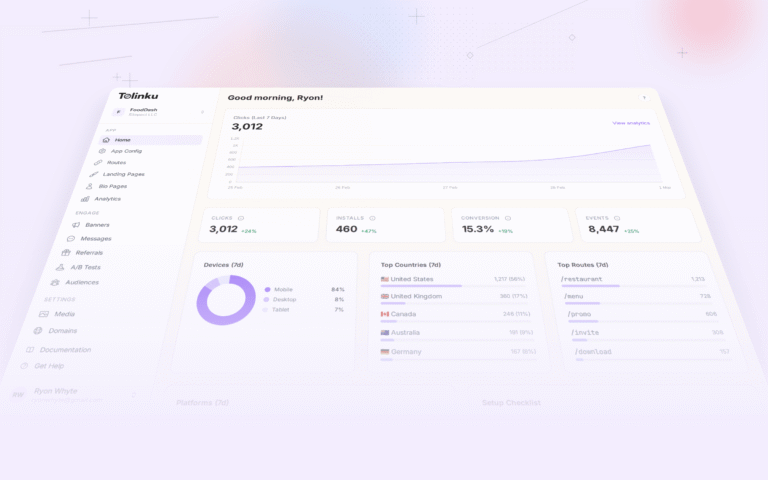
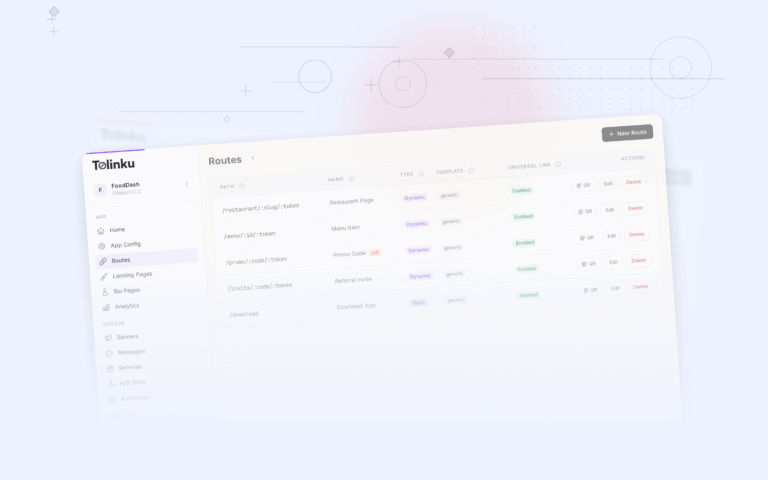
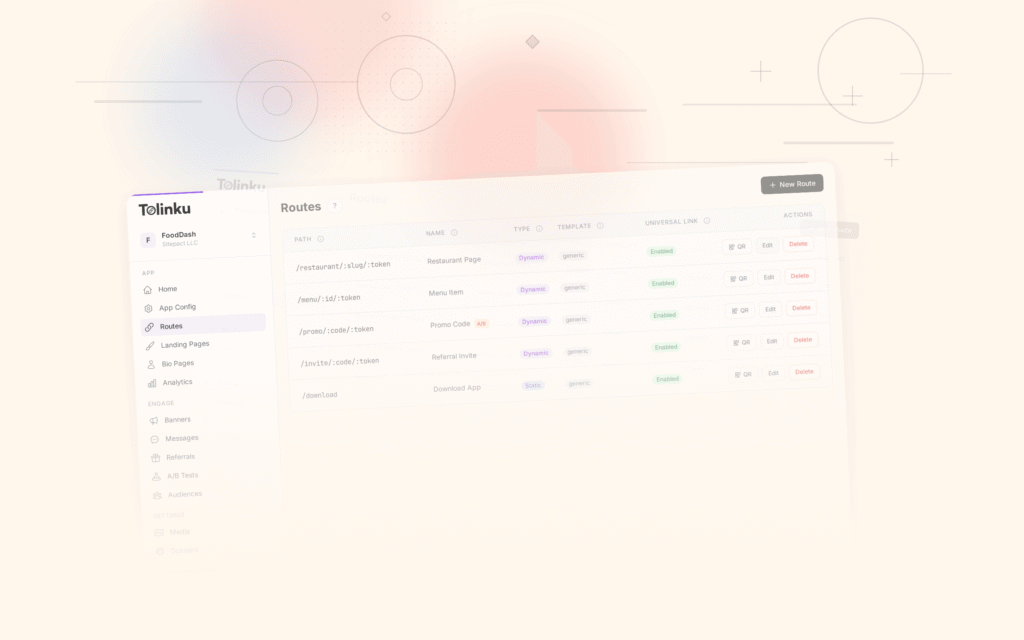
Tolinku generates QR codes for any route, with built-in platform detection and deferred deep linking. Create a route like /qr/product/:sku and generate a QR code for each product SKU. Analytics track scans, installs, and conversions per code, so you know which in-store placements drive the most app engagement. For e-commerce use cases, see the e-commerce deep linking guide.
For general QR code strategies, see QR codes for retail: in-store to app strategies. For QR code sizing and placement, see QR code size and placement guide.
Get deep linking tips in your inbox
One email per week. No spam.