A QR code that is too small, placed in the wrong spot, or printed at the wrong resolution will not get scanned. This guide provides practical sizing rules and placement recommendations for every common medium, from business cards to billboards.
For design tips, see QR code design best practices for higher scan rates. For print marketing strategies, see QR codes for print marketing: bridging offline to app.
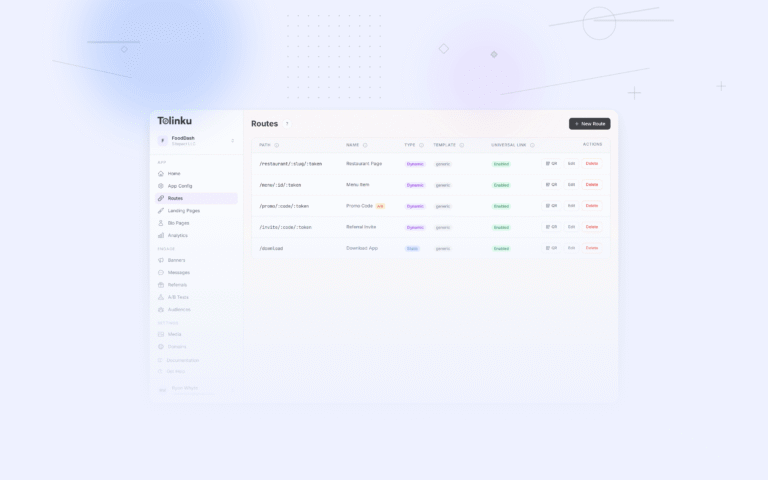
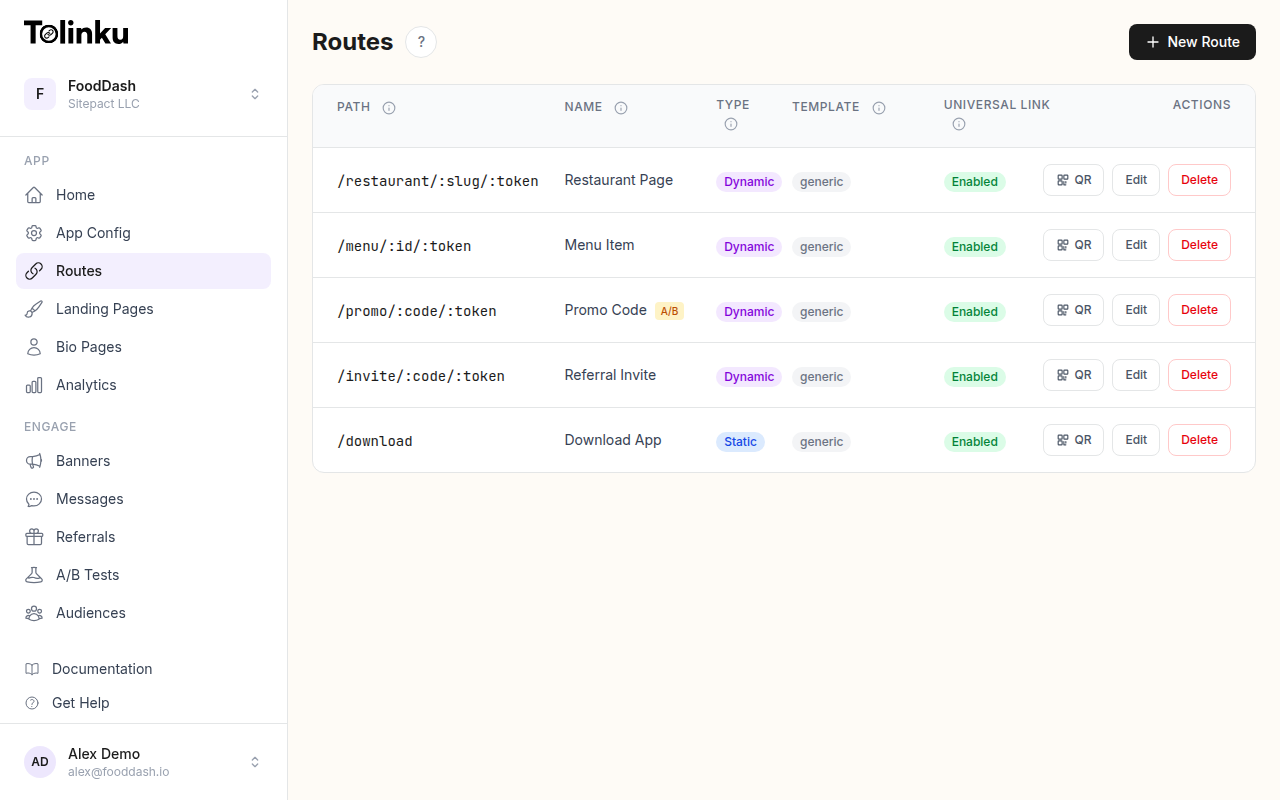 Tolinku route configuration with QR code generation for each deep link.
The 10:1 Rule
The standard rule for QR code sizing: the scanning distance should be no more than 10 times the QR code width.
Minimum QR size = Scan distance / 10
| Scan Distance | Minimum QR Size |
|---|---|
| 15 cm (6 in) | 1.5 cm (0.6 in) |
| 30 cm (12 in) | 3 cm (1.2 in) |
| 60 cm (24 in) | 6 cm (2.4 in) |
| 1 m (3.3 ft) | 10 cm (4 in) |
| 2 m (6.6 ft) | 20 cm (8 in) |
| 5 m (16 ft) | 50 cm (20 in) |
| 10 m (33 ft) | 100 cm (40 in) |
This is a minimum. In practice, add a 50% margin for factors like angle, lighting, and phone camera quality.
Size by Medium
Business Cards (Standard 3.5 x 2 in)
- Recommended size: 2 x 2 cm (0.8 x 0.8 in)
- Placement: Back of the card, lower right or center
- Scan distance: 15-30 cm (arm's length)
- Tips: Use a short URL to keep the QR code simple. Level M error correction is sufficient.
Flyers and Brochures (A4/Letter)
- Recommended size: 3 x 3 cm (1.2 x 1.2 in) minimum
- Placement: Lower half of the page, near the call to action
- Scan distance: 30-60 cm
- Tips: Do not place the QR code in a fold. Paper creases can prevent scanning.
Posters (A3 and larger)
- Recommended size: 5-8 cm (2-3 in)
- Placement: Lower third, centered or on the right
- Scan distance: 60 cm to 1.5 m
- Tips: Posters on walls are viewed at an angle. Increase size by 20% compared to flat viewing.
Table Tents and Counter Displays
- Recommended size: 3 x 3 cm (1.2 x 1.2 in)
- Placement: Center of the visible face
- Scan distance: 20-40 cm
- Tips: Laminated surfaces may cause glare. Test with a phone flash.
Product Packaging
- Small packages (cosmetics, supplements): 2 x 2 cm minimum
- Medium packages (food boxes, electronics): 2.5-3 cm
- Large packages (appliance boxes): 3-5 cm
- Placement: Near the product name or on the back panel
- Tips: Curved surfaces reduce effective scan area. Increase size by 30% for cylindrical packaging.
Window Displays
- Recommended size: 10-15 cm (4-6 in)
- Placement: At eye level (120-160 cm from ground), not in direct sunlight
- Scan distance: 1-2 m
- Tips: Window glass reduces contrast. Use extra-dark QR codes. Avoid placing behind tinted glass.
Outdoor Banners and Signage
- Banner (1-2 m viewing): 15 cm (6 in)
- Large sign (3-5 m viewing): 30-50 cm (12-20 in)
- Billboard (10+ m viewing): 60-100 cm (24-40 in)
- Tips: Outdoor QR codes need high contrast and weather-resistant materials. UV exposure fades ink over time.
Presentation Slides
- Recommended size: At least 15% of screen width
- Scan distance: 2-10 m (depending on room size)
- Display time: At least 15 seconds
- Tips: Projectors reduce contrast. Use pure black on pure white. Avoid animation or transitions while the QR code is displayed.
Receipts
- Recommended size: 2.5 x 2.5 cm (1 x 1 in)
- Placement: Bottom of the receipt
- Tips: Thermal printing quality varies. Test scannability from your actual receipt printers. Thermal paper fades over time.
Quiet Zone
The quiet zone is the blank space surrounding the QR code. It separates the QR code from surrounding graphics and text, allowing the scanner to identify the code boundaries.
Minimum Quiet Zone
The QR code specification requires a quiet zone of at least 4 modules wide on all sides. A "module" is one square unit in the QR code grid.
In practice:
- For a QR code with 33×33 modules at 3 cm physical size, each module is about 0.9 mm. The quiet zone should be at least 3.6 mm.
- For a QR code at 10 cm, each module is about 3 mm. The quiet zone should be at least 12 mm.
Common Mistakes
- Cropping the quiet zone: Reducing or eliminating the white border to fit a smaller space. This makes the code harder to scan.
- Colored background: Placing the QR code on a patterned or colored background without a white border. The scanner cannot distinguish the code from the background.
- Adjacent graphics: Placing text, icons, or other graphics within the quiet zone.
Placement Principles
Eye Level
QR codes should be placed at eye level for the expected audience. Standing adults: 120-170 cm from the ground. Seated (restaurants, airports): 80-120 cm.
Scan Angle
Most people scan QR codes straight-on or at a slight angle (up to about 30 degrees). Codes placed at extreme angles (floor-level, high on a wall, on a ceiling) scan less reliably.
Near the Call to Action
Place the QR code immediately adjacent to its call to action text. The user should see the instruction and the QR code in a single glance:
[Scan to order from your table] [QR CODE]
Not:
[Scan to order from your table]

... (other content) ...

                                 [QR CODE]
Accessibility
Consider users with mobility limitations:
- Do not place QR codes below 50 cm (knee level).
- Do not place QR codes above 200 cm (unreachable without standing on something).
- Ensure the QR code area is accessible by wheelchair.
Resolution for Print
QR codes must be rasterized at sufficient resolution for the print method:
| Print Method | Minimum Resolution |
|---|---|
| Laser print | 300 DPI |
| Inkjet print | 300 DPI |
| Offset print | 300 DPI |
| Flexography (packaging) | 150-200 DPI |
| Screen printing | 150 DPI |
| Large format (banners) | 72-150 DPI |
For best results, generate QR codes as vector graphics (SVG) and let the print process handle rasterization. This ensures sharp edges at any size.
Testing Checklist
Before finalizing QR code placement:
- Scan with at least 3 different phone models (iOS and Android).
- Scan at the minimum and maximum expected distances.
- Scan at an angle (30 degrees off-center).
- Scan in the expected lighting conditions (dim, bright, outdoor).
- Verify the quiet zone is intact.
- Verify the call to action is clear and adjacent.
- Verify the destination URL is correct and loads on mobile.
Tolinku for QR Codes
Tolinku generates QR codes as downloadable images. Short link URLs from Tolinku produce simpler QR codes (fewer modules), which scan more reliably at smaller sizes and at greater distances.
For design best practices, see QR code design best practices for higher scan rates. For the complete guide, see QR codes and short links for mobile apps.
Get deep linking tips in your inbox
One email per week. No spam.