Deep linking platform migration carries real risk. Links that millions of users rely on can break. Attribution data that drives marketing spend decisions can be lost. App verification that took weeks to set up can fail silently. The stakes are high because deep links touch every part of the user acquisition and engagement funnel.
This guide identifies the most common migration pitfalls and provides concrete mitigation strategies. For the overall timeline, see migration timeline planning. For analytics continuity, see analytics data migration.
Risk 1: Broken Existing Links
The Problem
Your existing links (in emails, QR codes, social posts, ad campaigns, partner websites, print materials) point to the old platform's domain. When you switch platforms, those links stop working unless you set up redirects.
Mitigation
Set up redirects before migration:
If the old platform supports redirect rules, configure a catch-all redirect to the new platform:
Old link: https://old-platform.link/abc123
  → Redirect to: https://new-platform.link/equivalent-route
Use your own domain:
If your deep links use a custom domain (e.g., links.yourapp.com), you control the DNS. Point the domain to the new platform's servers. The links continue to work with no changes needed:
Before: links.yourapp.com → old platform servers
After:  links.yourapp.com → new platform servers (Tolinku)
This is the strongest mitigation. If you are not already using a custom domain for your deep links, set one up on the new platform. It makes future migrations trivial.
Audit high-traffic links:
Not all links are equal. Identify the links with the most traffic and ensure they work on the new platform first:
// Export top links by click volume from old platform
const topLinks = await oldPlatform.getLinks({ orderBy: 'clicks', limit: 100 });
for (const link of topLinks) {
  await verifyRedirect(link.url, expectedDestination);
}
Rollback Plan
If links break during migration:
- Revert DNS for your custom domain to the old platform.
- This restores all existing links immediately (DNS propagation aside).
- Investigate and fix the issue on the new platform before trying again.
Risk 2: Broken App Verification
The Problem
App Links (Android) and Universal Links (iOS) require verification files hosted on your domain:
/.well-known/assetlinks.json(Android)/.well-known/apple-app-site-association(iOS)
If these files are not served correctly during or after migration, deep links stop opening the app and fall back to the browser.
Mitigation
Verify before switching:
Before pointing your domain to the new platform, verify that the new platform serves the correct verification files:
# Test the new platform's verification files (before DNS switch)
curl -I https://new-platform-staging.com/.well-known/assetlinks.json
curl -I https://new-platform-staging.com/.well-known/apple-app-site-association
Verify:
- HTTP 200 status code
- Correct
Content-Typeheader (application/json) - File contains your app's package name / bundle ID
- File contains your signing certificates
Keep the old files accessible during transition:
If the new platform serves the verification files, ensure they include all the same app identifiers as the old files. Missing a single SHA-256 fingerprint or Team ID will break verification.
Monitor after switching:
Set up monitoring that checks the verification files hourly for the first week after migration:
# Simple monitoring script
curl -s https://links.yourapp.com/.well-known/assetlinks.json | \
  jq '.[].target.package_name' | \
  grep -q 'com.yourapp.android' || alert "assetlinks.json missing package name"
Rollback Plan
If verification breaks:
- Manually serve the correct verification files from your web server (override the platform).
- Apple caches
apple-app-site-associationfor up to 24 hours. Android re-verifies periodically. - On Android, you can force re-verification:
adb shell pm verify-app-links --re-verify com.yourapp.android
Risk 3: Lost Attribution During Transition
The Problem
During migration, some users are on the old SDK and some are on the new SDK. Install attributions may be:
- Counted by both platforms (double-counting).
- Counted by neither platform (undercounting).
- Attributed to the wrong campaign (misattribution).
Mitigation
Run both SDKs in parallel during rollout:
class AnalyticsManager {
    private val oldSDK = OldPlatformSDK()
    private val newSDK = NewPlatformSDK()

    fun trackInstall(attributes: Map<String, String>) {
        oldSDK.trackInstall(attributes)
        newSDK.trackInstall(attributes)
    }

    fun trackEvent(name: String, properties: Map<String, Any>) {
        oldSDK.trackEvent(name, properties)
        newSDK.trackEvent(name, properties)
    }
}
Establish baselines:
Record key metrics from the old platform for the 30 days before migration. Compare with the new platform's numbers during and after migration. A 5-10% variance is normal; larger variances indicate a configuration issue.
Use a single source of truth:
If you track conversions in a third-party analytics platform (Google Analytics, Amplitude), use that as the source of truth during migration. Both deep linking platforms feed into it, and the third-party platform de-duplicates.
Risk 4: SDK Conflicts
The Problem
Running two deep linking SDKs simultaneously can cause conflicts:
- Both SDKs try to handle incoming deep links.
- Both SDKs intercept the same system callbacks (AppDelegate methods, intent handlers).
- Both SDKs try to register for the same URL schemes.
Mitigation
Configure SDK initialization order:
Initialize the new SDK first, then the old SDK in a read-only/passive mode:
// iOS: initialize new SDK first
func application(_ application: UIApplication, didFinishLaunchingWithOptions launchOptions: [UIApplication.LaunchOptionsKey: Any]?) -> Bool {
    // New SDK handles all deep link routing
    TolinkuSDK.initialize(config: tolinkuConfig)

    // Old SDK: disable deep link handling, enable attribution only
    OldSDK.configure(handleDeepLinks: false, trackAttribution: true)

    return true
}
Isolate URL handling:
On iOS, use the new SDK's callback for Universal Links and the old SDK's callback for attribution only:
func application(_ application: UIApplication, continue userActivity: NSUserActivity, restorationHandler: @escaping ([UIUserActivityRestoring]?) -> Void) -> Bool {
    // New SDK handles the deep link
    if TolinkuSDK.handleUniversalLink(userActivity) {
        return true
    }

    // Fallback: old SDK for backward compatibility
    return OldSDK.handleUniversalLink(userActivity)
}
Risk 5: Performance Regression
The Problem
The new SDK might affect app startup time, memory usage, or network performance differently than the old one.
Mitigation
Benchmark before and after:
// Measure SDK initialization time
val startTime = System.currentTimeMillis()
NewSDK.initialize(this)
val initTime = System.currentTimeMillis() - startTime
Log.d("Migration", "New SDK init time: ${initTime}ms")
Compare with the old SDK's initialization time. A difference of 50-100ms is acceptable. More than 200ms warrants investigation.
Monitor crash rates:
After the staged rollout begins, compare crash rates between users on the old SDK and users on the new SDK. Use your crash reporting tool (Firebase Crashlytics, Sentry) to segment by app version.
Risk 6: Domain and DNS Issues
The Problem
Changing DNS records for your custom link domain can cause:
- Downtime during DNS propagation (up to 48 hours).
- SSL certificate issues if the new platform does not have certificates ready.
- CDN cache serving old content.
Mitigation
Lower TTL before migration:
Reduce your DNS TTL to 60-300 seconds at least 48 hours before the migration. This ensures DNS caches expire quickly when you make the switch.
Pre-provision SSL certificates:
Ensure the new platform has valid SSL certificates for your custom domain before switching DNS. If using Let's Encrypt, the platform needs to verify domain ownership first.
Test with a subdomain first:
Before migrating links.yourapp.com, test the new platform with a temporary subdomain like links-new.yourapp.com. Verify everything works, then switch the main domain.
Migration Checklist
Before going live:
- Verification files (
assetlinks.json,apple-app-site-association) serve correctly from the new platform - All high-traffic links redirect or resolve correctly
- Deep links open the app on both iOS and Android (test on physical devices)
- Deferred deep linking works (click, install, verify routing)
- Smart banners display and link correctly
- Analytics events appear in the new platform's dashboard
- Crash rates are stable after SDK update
- Rollback plan is documented and tested
- Marketing team is briefed on timeline and changes
- Customer support is briefed on potential issues
Tolinku Migration Support
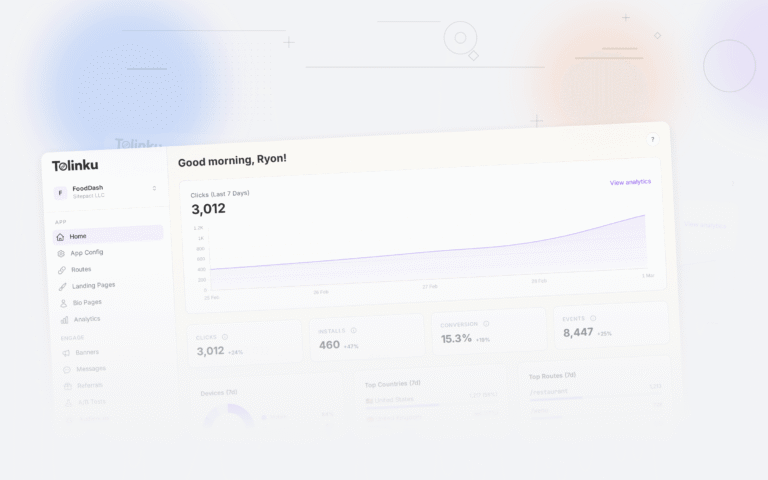
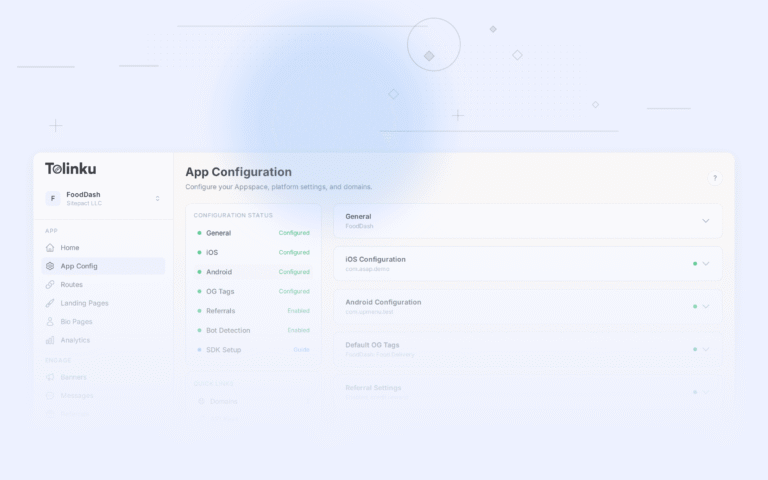
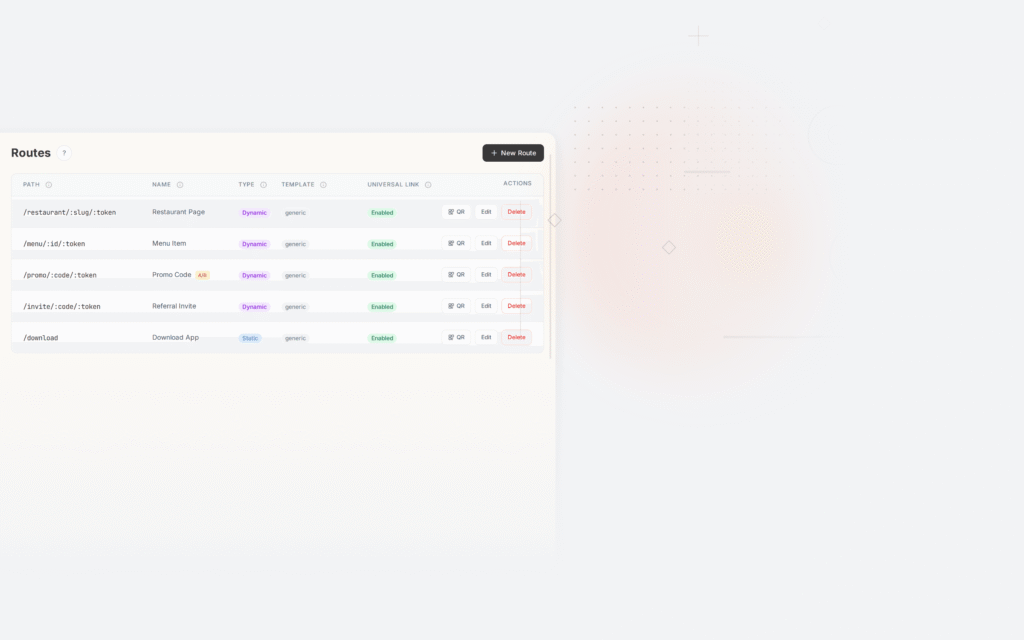
Tolinku supports custom domains with automatic SSL provisioning and verification file hosting. The Tolinku dashboard provides route configuration, domain management, and real-time analytics to validate your migration.
For the migration timeline, see migration timeline planning. For parallel running, see parallel running during migration. For domain-specific migration, see domain migration for deep links.
Get deep linking tips in your inbox
One email per week. No spam.