QR codes point to URLs. Those URLs can be landing pages that rank in search. Most teams treat QR code destinations as throwaway redirect pages, missing an opportunity to get organic traffic from the same URL that printed materials and physical signage already point to.
This guide covers how to build QR code landing pages that serve both purposes: handling scans from physical media and ranking in organic search. For QR code and short link strategies, see QR codes and short links for mobile apps. For app landing page SEO, see SEO for app landing pages.
Why QR Code Pages Should Be SEO-Optimized
The Dual Traffic Source
A QR code landing page receives traffic from two sources:
- QR code scans: Users who scan the code on packaging, posters, menus, business cards, or event materials.
- Organic search: Users who find the page through Google for related keywords.
Most QR code pages only serve the first source. They are simple redirects to an app store or a minimal page with a download button. These pages have no SEO value.
By adding real content to your QR code destination, you get both: the scan traffic you are already paying for (through print materials) plus free organic traffic from search.
URL Longevity
QR codes printed on physical materials cannot be changed. The URL encoded in the QR code lives as long as the physical material exists, which could be years. If that URL has SEO value, it continues to drive traffic long after the campaign ends.
Architecture: The Scannable, Rankable Page
URL Structure
Use a clean, descriptive URL:
Good:  https://yourapp.com/menu/summer-2026
Good:  https://links.yourapp.com/events/music-festival
Bad:   https://yourapp.com/qr/abc123
Bad:   https://qr.example.com/redirect?id=xyz
The URL should describe the content, not the medium (QR code) or the tracking ID.
Page Structure
A dual-purpose QR code landing page has three sections:
<html>
<head>
  <title>Summer Menu 2026 - Restaurant Name</title>
  <meta name="description" content="View our summer menu with seasonal dishes, craft cocktails, and desserts. Order for dine-in or takeout.">
  <link rel="canonical" href="https://yourapp.com/menu/summer-2026" />
  <meta name="apple-itunes-app" content="app-id=YOUR_ID, app-argument=https://yourapp.com/menu/summer-2026">
</head>
<body>
  <!-- Section 1: Immediate value for QR scanners -->
  <header>
    <h1>Summer Menu 2026</h1>
    <a href="https://links.yourapp.com/menu/summer-2026" class="cta-button">
      Open in App
    </a>
  </header>

  <!-- Section 2: Full content for SEO -->
  <main>
    <h2>Starters</h2>
    <div class="menu-item">
      <h3>Grilled Peach Salad</h3>
      <p>Grilled peaches, burrata, arugula, balsamic reduction</p>
      <span class="price">$14</span>
    </div>
    <!-- More menu items... -->

    <h2>Main Courses</h2>
    <!-- ... -->

    <h2>Desserts</h2>
    <!-- ... -->
  </main>

  <!-- Section 3: App promotion for conversion -->
  <section class="app-promo">
    <h2>Order Through Our App</h2>
    <p>Skip the wait. Order ahead, earn rewards, and get exclusive deals.</p>
    <div class="app-links">
      <a href="https://links.yourapp.com/menu/summer-2026">Open in App</a>
    </div>
  </section>
</body>
</html>
Mobile-First Design
QR code scans happen on mobile devices exclusively. The page must be fully mobile-optimized:
- Fast loading: Under 2 seconds LCP. QR code scanners expect instant results.
- Responsive layout: Full-width on mobile, readable without zooming.
- Large touch targets: Buttons and links at least 48×48 CSS pixels.
- No interstitials: Do not block the content with an app install popup (Google penalty, and bad UX for QR scanners).
SEO Optimization
Keyword Research
Target keywords that match the QR code content:
| QR Code Context | Target Keywords |
|---|---|
| Restaurant menu | "[restaurant name] menu," "[cuisine] restaurant near me" |
| Product packaging | "[product name] details," "[product name] ingredients" |
| Event poster | "[event name] 2026," "[event name] schedule" |
| Real estate sign | "[address] listing," "[neighborhood] homes for sale" |
| Business card | "[person name] [company]," "[service] in [city]" |
Content Depth
The page needs enough content to rank. For a restaurant menu:
- Full menu with descriptions (not just names and prices).
- Dietary information (vegan, gluten-free markers).
- Chef's recommendations or seasonal highlights.
- Restaurant information (hours, location, phone number).
- FAQ ("Do you offer takeout?" "Is there parking?").
Local SEO
Many QR code pages are location-specific. Add LocalBusiness structured data:
<script type="application/ld+json">
{
  "@context": "https://schema.org",
  "@type": "Restaurant",
  "name": "Restaurant Name",
  "address": {
    "@type": "PostalAddress",
    "streetAddress": "123 Main St",
    "addressLocality": "San Francisco",
    "addressRegion": "CA",
    "postalCode": "94102"
  },
  "telephone": "+1-555-123-4567",
  "openingHoursSpecification": [
    {
      "@type": "OpeningHoursSpecification",
      "dayOfWeek": ["Monday", "Tuesday", "Wednesday", "Thursday", "Friday"],
      "opens": "11:00",
      "closes": "22:00"
    }
  ],
  "menu": "https://yourapp.com/menu/summer-2026",
  "potentialAction": {
    "@type": "ViewAction",
    "target": "https://yourapp.com/menu/summer-2026"
  }
}
</script>
Deep Link Integration
The QR Code URL as a Deep Link
The URL encoded in the QR code should work as a deep link:
- App installed: The URL opens the app directly via Universal Links / App Links.
- App not installed: The URL shows the web page with content and app promotion.
- Search crawler: The URL shows indexable content with structured data.
This requires your QR code URL to be on a domain with App Links / Universal Links configured. If you use links.yourapp.com for deep links, QR codes should use the same domain.
Deferred Deep Links from QR Codes
When a user scans a QR code but does not have the app:
- They land on the web page.
- They tap "Open in App" (a deep link).
- They are redirected to the app store.
- They install and open the app.
- The deferred deep link routes them to the specific content (menu, product, event).
Without deferred deep linking, the user installs the app and sees the homepage. They have to manually find the content they scanned the QR code for.
Dynamic QR Codes and SEO
Static vs. Dynamic QR Codes
- Static QR codes encode a fixed URL. You cannot change where the code points after printing.
- Dynamic QR codes encode a redirect URL that you can update. The QR code always points to the same URL, but you can change where that URL redirects.
SEO Implications
Dynamic QR codes typically use a short redirect URL (qr.yourapp.com/abc123) that redirects to the actual page. This redirect URL has no SEO value because it has no content.
For SEO, you want the QR code to point to the actual content URL, not a redirect. If you need to change the destination later, use server-side redirects at the original URL instead of an intermediate redirect service.
Measuring Performance
QR Code Analytics
Track scans separately from organic search traffic:
- Use UTM parameters in the QR code URL:
?utm_source=qr&utm_medium=poster&utm_campaign=summer-menu - Track app installs from QR scans vs. organic search.
- Measure conversion rates by source.
SEO Analytics
Track organic search performance:
- Search Console: impressions, clicks, and position for QR code landing pages.
- Compare organic traffic to scan traffic (from UTM parameters).
- Monitor keyword rankings for target terms.
Over time, organic search traffic should grow while QR scan traffic stays proportional to your print distribution.
Tolinku QR Codes and SEO
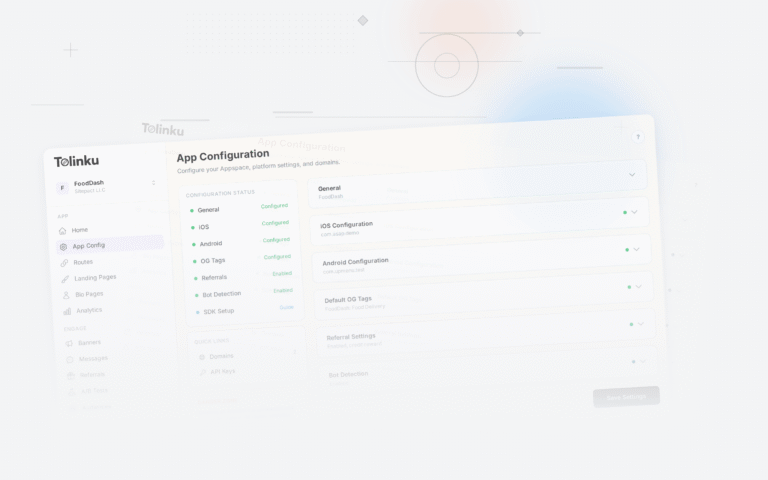
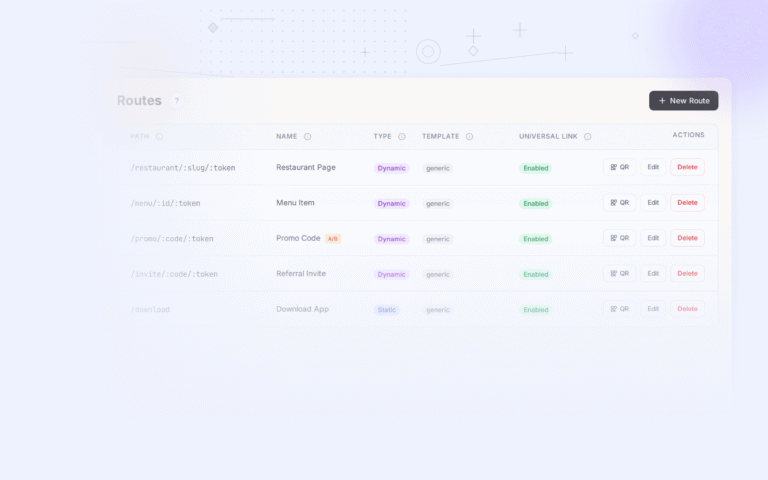
Tolinku supports QR code generation with deep link routing. Configure your routes in the Tolinku dashboard and generate QR codes that point to your deep link-enabled URLs. The routes handle app detection, fallback to web content, and deferred deep linking for users who install the app after scanning.
For QR code strategies, see QR codes and short links for mobile apps. For the broader app indexing strategy, see app indexing and SEO for mobile apps.
Get deep linking tips in your inbox
One email per week. No spam.