Server-to-server (S2S) attribution moves attribution logic from the client (app SDK) to the server. Instead of the attribution SDK on the device making decisions, your server receives events from the app, queries ad networks' APIs, performs the attribution match, and sends postbacks. This approach gives you more control, better privacy, and independence from third-party SDKs.
This guide covers S2S attribution architecture. For server-side deferred matching, see server-side deferred matching: architecture guide. For postback URLs, see postback URLs for mobile attribution.
Why Server-to-Server
Benefits
| Benefit | Explanation |
|---|---|
| Privacy control | User data stays on your server. No third-party SDK phoning home. |
| SDK independence | No attribution SDK in your app. Reduces app size, avoids SDK conflicts. |
| Data ownership | You own the raw attribution data, not a third-party provider. |
| Flexibility | Custom attribution logic, custom windows, custom fraud rules. |
| Security | Server-to-server communication uses API keys, not client-side tokens. |
Trade-Offs
| Trade-Off | Explanation |
|---|---|
| Engineering cost | You build and maintain the attribution system. |
| SAN integration | Self-attributing networks (Meta, Google) have complex S2S APIs. |
| Maintenance | SDK updates for platform changes (ATT, Privacy Sandbox) are your responsibility. |
| No managed dashboard | You build your own reporting (or use a BI tool). |
Architecture
┌─────────────┐     ┌──────────────┐     ┌──────────────┐
│  Mobile App │────→│  Your Server │────→│  Ad Networks  │
│  (minimal)  │     │  (attribution│     │  (postbacks)  │
│             │     │   logic)     │     │              │
└─────────────┘     └──────────────┘     └──────────────┘
                           │
                           ↓
                    ┌──────────────┐
                    │  Click Store │
                    │  (Redis/DB)  │
                    └──────────────┘
Components
Mobile app. Sends minimal events to your server: first open, registration, purchase, etc. No attribution SDK needed.
Click tracking endpoint. Receives clicks from ad campaigns. Records click data (device ID, campaign, timestamp) in the click store.
Attribution engine. When a first-open event arrives, queries the click store for matching clicks and runs the attribution logic.
Postback sender. Sends attribution results to ad networks via their postback URLs.
Click store. Fast key-value store (Redis) for click lookup. Indexed by device ID.
Implementation
Click Tracking
When a user clicks an ad, the ad network redirects through your click tracking endpoint:
// GET /track/click?network=facebook&campaign=CAMP-123&device_id=...&click_id=...
app.get('/track/click', async (req, res) => {
  const click: Click = {
    id: generateId(),
    networkId: req.query.network as string,
    campaignId: req.query.campaign as string,
    adGroupId: req.query.ad_group as string,
    creativeId: req.query.creative as string,
    deviceId: req.query.device_id as string,
    clickId: req.query.click_id as string,
    ip: req.ip,
    userAgent: req.headers['user-agent'] || '',
    timestamp: Date.now(),
    referrer: req.query.referrer as string
  };

  // Store click
  await clickStore.record(click);

  // Redirect to app store or Universal Link
  const redirectUrl = req.query.redirect_url as string;
  res.redirect(302, redirectUrl);
});
First Open Event
When the app opens for the first time, it sends a lightweight event to your server:
// iOS: Send first open event
func sendFirstOpenEvent() {
    let event: [String: Any] = [
        "event": "first_open",
        "device_id": getDeviceId(),
        "idfa": getIDFA(), // nil if ATT not consented
        "idfv": UIDevice.current.identifierForVendor?.uuidString ?? "",
        "os": "ios",
        "os_version": UIDevice.current.systemVersion,
        "app_version": Bundle.main.infoDictionary?["CFBundleShortVersionString"] as? String ?? "",
        "timestamp": Date().timeIntervalSince1970,
        "locale": Locale.current.identifier,
        "timezone": TimeZone.current.identifier
    ]

    URLSession.shared.dataTask(with: buildRequest("/v1/events", body: event)).resume()
}
Attribution Engine
interface AttributionResult {
  attributed: boolean;
  source: 'paid' | 'organic';
  networkId?: string;
  campaignId?: string;
  clickId?: string;
  matchType: 'deterministic' | 'probabilistic' | 'organic';
}

async function attributeInstall(event: InstallEvent): Promise<AttributionResult> {
  // Step 1: Deterministic match (device ID)
  if (event.deviceId) {
    const clicks = await clickStore.getByDeviceId(event.deviceId, { within: '7d' });

    if (clicks.length > 0) {
      const bestClick = selectBestClick(clicks); // Last-click model
      const fraudCheck = await checkFraud(event, bestClick);

      if (!fraudCheck.isFraud) {
        return {
          attributed: true,
          source: 'paid',
          networkId: bestClick.networkId,
          campaignId: bestClick.campaignId,
          clickId: bestClick.clickId,
          matchType: 'deterministic'
        };
      }
    }
  }

  // Step 2: Probabilistic match (IP + User Agent)
  const probClicks = await clickStore.getByIPAndUA(
    event.ip,
    event.userAgent,
    { within: '24h' }
  );

  if (probClicks.length > 0) {
    const bestClick = selectBestClick(probClicks);
    return {
      attributed: true,
      source: 'paid',
      networkId: bestClick.networkId,
      campaignId: bestClick.campaignId,
      clickId: bestClick.clickId,
      matchType: 'probabilistic'
    };
  }

  // Step 3: Organic
  return {
    attributed: false,
    source: 'organic',
    matchType: 'organic'
  };
}
Postback Sending
After attribution, send results to the ad network:
async function sendPostback(result: AttributionResult, event: InstallEvent): Promise<void> {
  if (!result.attributed || !result.networkId) return;

  const network = await getNetworkConfig(result.networkId);
  if (!network.postbackUrl) return;

  const url = network.postbackUrl
    .replace('{click_id}', result.clickId || '')
    .replace('{event}', 'install')
    .replace('{timestamp}', String(event.timestamp))
    .replace('{device_id}', event.deviceId || '');

  try {
    const response = await fetch(url, { method: 'GET' });
    await logPostback(result, response.status);
  } catch (error) {
    await logPostbackError(result, error);
    // Queue for retry
    await retryQueue.add({ url, result, attempt: 1 });
  }
}
Self-Attributing Network Integration
SANs (Meta, Google, TikTok) require special S2S integration because they do not use standard click tracking:
Meta Conversions API
async function sendMetaConversion(event: InstallEvent): Promise<void> {
  const payload = {
    data: [{
      event_name: 'app_install',
      event_time: Math.floor(event.timestamp / 1000),
      user_data: {
        client_ip_address: event.ip,
        client_user_agent: event.userAgent,
        madid: event.deviceId // Mobile Advertiser ID
      },
      app_data: {
        application_tracking_enabled: event.attConsented ? 1 : 0,
        advertiser_tracking_enabled: event.attConsented ? 1 : 0
      }
    }]
  };

  await fetch(
    `https://graph.facebook.com/v18.0/${PIXEL_ID}/events?access_token=${ACCESS_TOKEN}`,
    {
      method: 'POST',
      headers: { 'Content-Type': 'application/json' },
      body: JSON.stringify(payload)
    }
  );
}
Google Measurement Protocol
async function sendGoogleConversion(event: InstallEvent): Promise<void> {
  const payload = {
    client_id: event.deviceId,
    events: [{
      name: 'first_open',
      params: {
        campaign: event.attributedCampaign,
        source: 'google',
        medium: 'cpc'
      }
    }]
  };

  await fetch(
    `https://www.google-analytics.com/mp/collect?measurement_id=${GA_ID}&api_secret=${API_SECRET}`,
    {
      method: 'POST',
      body: JSON.stringify(payload)
    }
  );
}
Data Storage
Click Store Schema
CREATE TABLE clicks (
  id TEXT PRIMARY KEY,
  network_id TEXT NOT NULL,
  campaign_id TEXT,
  ad_group_id TEXT,
  creative_id TEXT,
  device_id TEXT,
  click_id TEXT,
  ip_address TEXT,
  user_agent TEXT,
  timestamp BIGINT NOT NULL,
  INDEX idx_device_id (device_id),
  INDEX idx_ip_ua (ip_address, user_agent),
  INDEX idx_timestamp (timestamp)
);

-- TTL: Delete clicks older than 30 days
Attribution Log Schema
CREATE TABLE attributions (
  id TEXT PRIMARY KEY,
  device_id TEXT,
  event_type TEXT NOT NULL,
  attributed BOOLEAN NOT NULL,
  source TEXT NOT NULL, -- 'paid' or 'organic'
  network_id TEXT,
  campaign_id TEXT,
  click_id TEXT,
  match_type TEXT, -- 'deterministic', 'probabilistic', 'organic'
  event_timestamp BIGINT NOT NULL,
  attribution_timestamp BIGINT NOT NULL,
  postback_sent BOOLEAN DEFAULT FALSE,
  INDEX idx_device (device_id),
  INDEX idx_campaign (campaign_id)
);
Tolinku for S2S Attribution
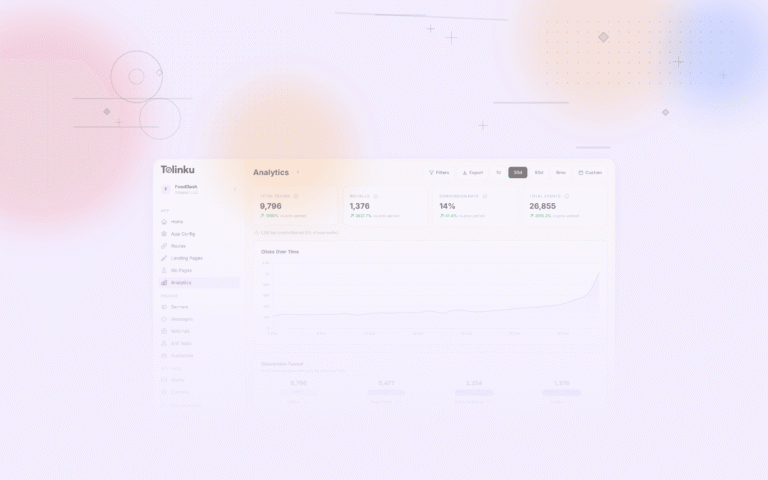
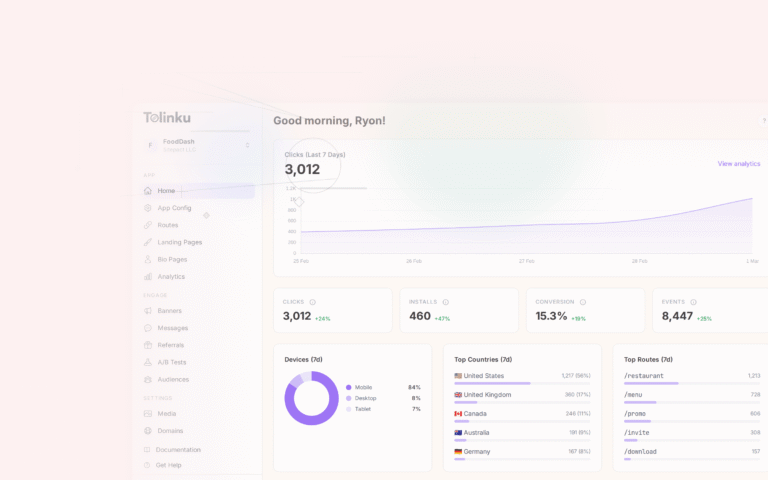
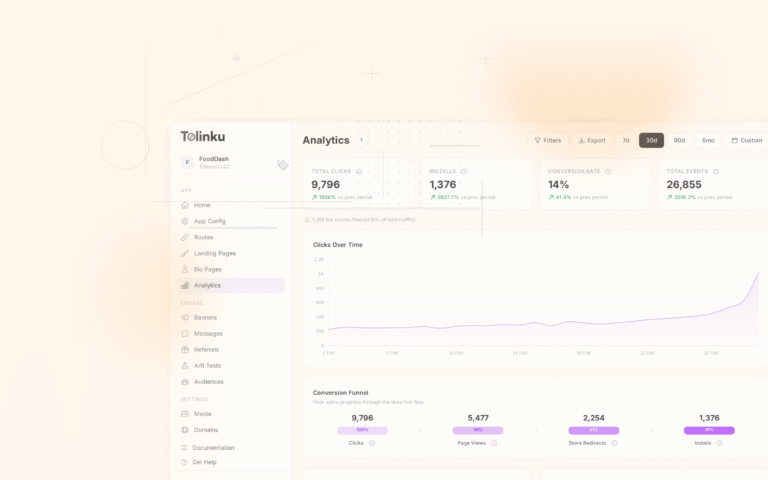
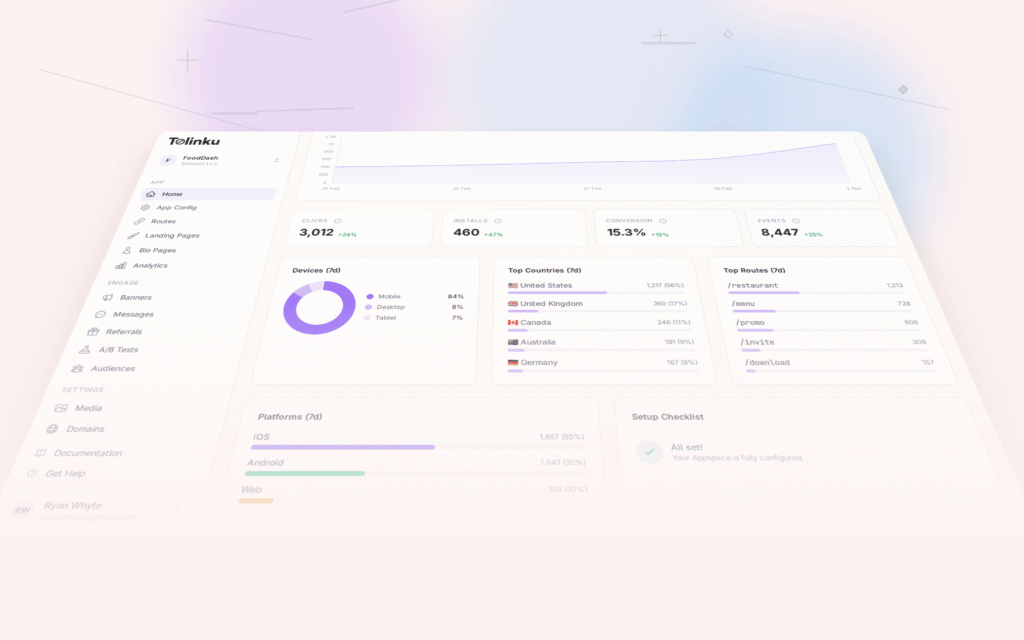
Tolinku provides server-side click tracking and attribution via its API. Deep link clicks are tracked server-side, and attribution data is available through the dashboard and API. This gives you S2S attribution for deep link campaigns without building the full infrastructure.
For mobile attribution, see mobile attribution: a developer's guide. For server-side deferred matching, see server-side deferred matching: architecture guide.
Get deep linking tips in your inbox
One email per week. No spam.