Enterprise deep linking platforms are overkill for a two-person team shipping their first app. You do not need 50 ad network integrations, fraud prevention, or a sales call to get started. You need links that open your app to the right content, a web page for users who do not have the app, and maybe a smart banner on your website.
This guide covers what small teams and indie developers actually need from deep linking, and how to get it without enterprise complexity or cost. For free options, see free deep linking tools. For platform comparisons, see deep linking platform comparison.

What You Actually Need
The Essentials
Every app with deep linking needs these:
Universal Links (iOS) and App Links (Android). The standard way to open your app from a link. No error dialogs, no "Open with?" prompts. The link just works.
Web fallback. When a user taps your link and does not have your app, they see a web page (not an error). The page shows the content or offers to download the app.
Basic deferred deep linking. When a user installs your app after tapping a link, route them to the content they originally wanted. This is the difference between a new user seeing your home screen and seeing the product their friend shared.
Nice to Have (but Not Day One)
- Smart banners. A banner on your website that says "Open in App" and links to the correct content.
- QR codes. Useful for physical marketing (business cards, flyers, packaging).
- Analytics. How many people click your links, how many open the app.
Do Not Need (Yet)
- Mobile attribution across ad networks
- Fraud prevention
- Audience segmentation
- Data warehouse integrations
- Cross-device identity graphs
Option 1: Use a Platform (Fastest)
A deep linking platform handles the infrastructure so you can focus on your app.
Setup (Under 1 Hour)
- Create an account on the platform.
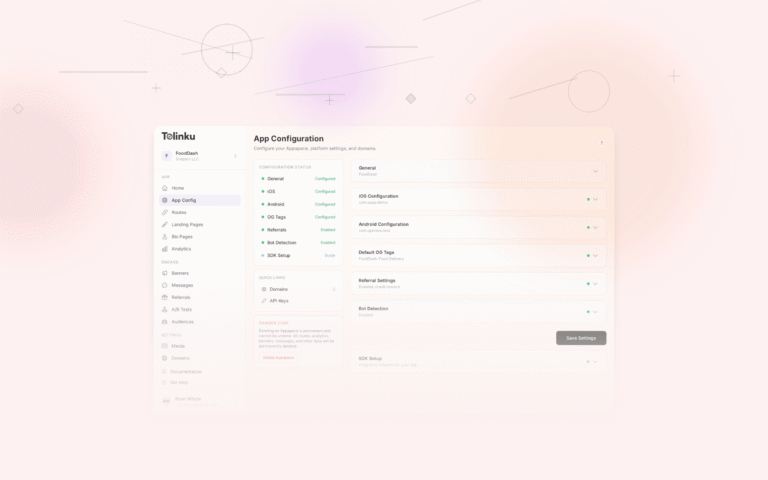
- Add your app (bundle ID, package name, Team ID, SHA-256 fingerprint).
- Configure your domain (the platform generates AASA and assetlinks.json).
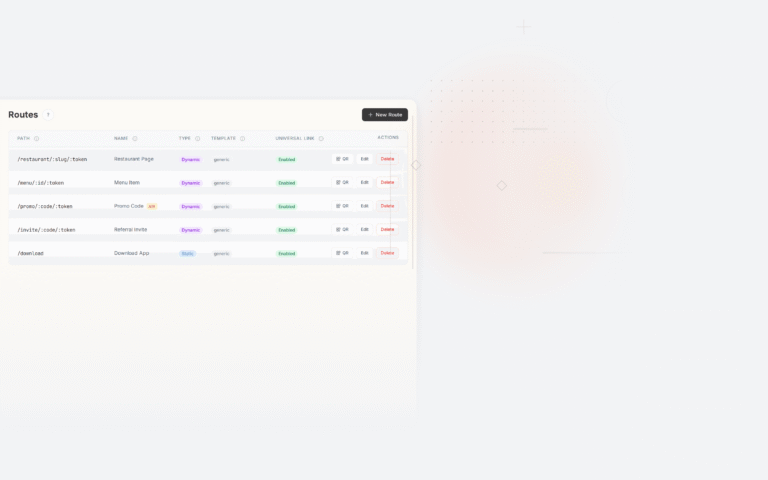
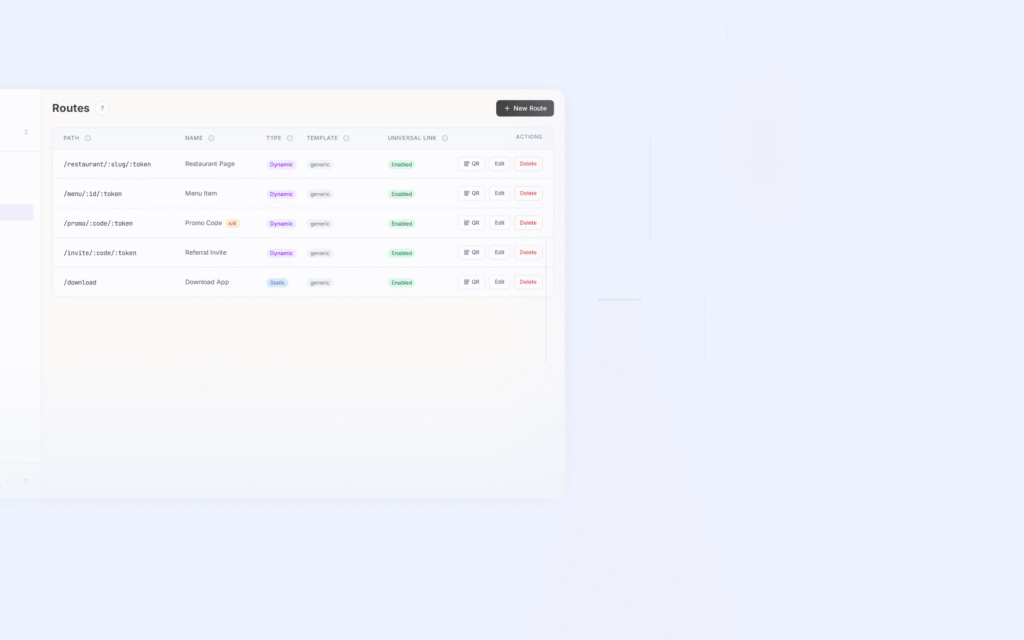
- Define routes (e.g.,
/products/:idopens the product screen). - Add the SDK to your iOS or Android project.
- Handle deep links in your app code.
That is it. Universal Links and App Links work. Web fallback pages are generated. Deferred deep linking is handled by the SDK.
Cost
Tolinku's free tier includes:
- 1 Appspace
- 5 route patterns
- 1,200 clicks/month
- Deferred deep linking
- 1 smart banner
- QR codes
For a new app, 1,200 clicks/month is likely more than enough. When you outgrow it, the Standard tier is $39/month.
Option 2: Build It Yourself (Most Control)
If you want zero dependencies, you can implement deep linking natively.
What You Need to Do
1. Host verification files.
For iOS, serve
apple-app-site-associationathttps://yourdomain.com/.well-known/apple-app-site-association:{ "applinks": { "apps": [], "details": [{ "appIDs": ["TEAM_ID.com.yourapp"], "components": [{ "/": "/products/*" }] }] } }For Android, serve
assetlinks.jsonathttps://yourdomain.com/.well-known/assetlinks.json:[{ "relation": ["delegate_permission/common.handle_all_urls"], "target": { "namespace": "android_app", "package_name": "com.yourapp", "sha256_cert_fingerprints": ["YOUR_SHA256"] } }]2. Handle deep links in your app.
iOS (SwiftUI):
@main
struct YourApp: App {
    var body: some Scene {
        WindowGroup {
            ContentView()
                .onOpenURL { url in
                    handleDeepLink(url)
                }
        }
    }
}
Android (Kotlin):
override fun onCreate(savedInstanceState: Bundle?) {
    super.onCreate(savedInstanceState)
    intent.data?.let { uri ->
        handleDeepLink(uri)
    }
}
3. Build a web fallback page.
When a user without your app visits your link, they need to see something useful. At minimum, a page that shows the content and links to the app stores.
4. Implement deferred deep linking (optional).
This is where DIY gets complex. You need to:
- Store link data before redirecting to the app store.
- Retrieve that data after the user installs and opens the app.
- On Android, use the Play Install Referrer API.
- On iOS, use clipboard tokens (with paste permission) or server-side matching.
Honest Assessment
For a solo developer, the DIY approach takes 1-2 weeks to get working and requires ongoing maintenance. Every iOS or Android update can change Universal Link / App Link behavior. If you are shipping fast and want to focus on your product, a platform saves time.
Option 3: Hybrid Approach
Use a platform for the deep linking infrastructure, but keep your app logic minimal:
- Platform handles: AASA hosting, assetlinks.json, web fallback pages, deferred deep link storage.
- Your app handles: routing the user to the correct screen based on the URL path.
This gives you the reliability of a managed platform with the simplicity of basic URL handling in your app code.
Common Mistakes Small Teams Make
1. Using Custom URI Schemes
yourapp://products/123Custom schemes show an error dialog when the app is not installed. There is no web fallback. They are not verified (any app can register any scheme). Use Universal Links and App Links instead.
2. Not Having a Web Fallback
If someone taps your deep link on a device without your app, they need to land somewhere useful. A broken link loses that user permanently.
3. Ignoring Deferred Deep Linking
A user taps a shared link for a specific product. They do not have your app, so they install it. The app opens to the home screen instead of the product. That user had intent, and you lost it. Deferred deep linking preserves the intent through the install process.
4. Over-Engineering
You do not need a custom link shortening service, a real-time analytics pipeline, or an A/B testing framework for deep links on day one. Get links working, ship your app, and add sophistication later.
Getting Started with Tolinku
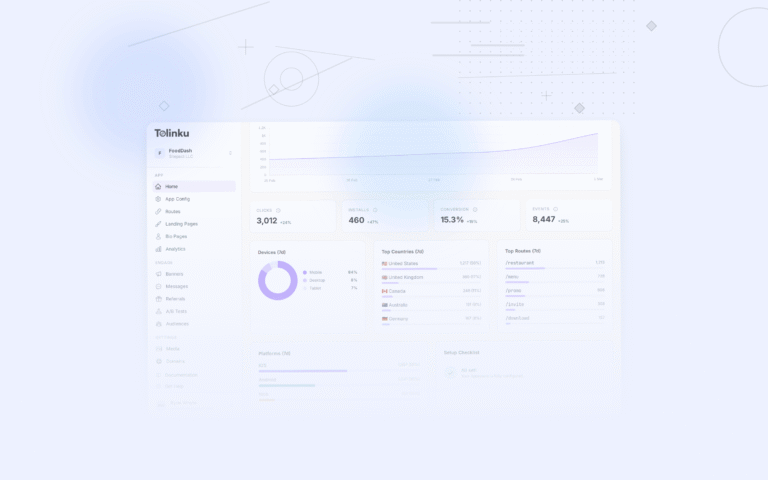
Tolinku is built for small teams. The free tier covers early-stage apps, the dashboard is straightforward, and the SDKs are lightweight (< 500 KB). Set up your Appspace, define your routes, add the SDK, and your deep links work.
For startup-specific growth strategies, see app growth for startups. For free tier details across platforms, see free deep linking tools.
Get deep linking tips in your inbox
One email per week. No spam.