Adjust is a mobile measurement and attribution platform that includes deep linking capabilities. Like AppsFlyer, many teams using Adjust for deep linking are paying for a full attribution stack when they only need reliable link routing and basic analytics.
This guide covers how to migrate your deep linking from Adjust to Tolinku while handling existing links and SDK dependencies.
For the general migration guide, see Migrating to Tolinku from Branch, Firebase, and AppsFlyer.
What You're Migrating
Adjust's deep linking features include:
- Direct deep linking: Route users to specific app screens via URL schemes or Universal Links/App Links
- Deferred deep linking: Pass link data through the install process
- Short links: Branded URLs for marketing campaigns
- Link management: Dashboard for creating and managing links
- Reattribution: Re-engage lapsed users through deep links
The core deep linking functionality maps directly to Tolinku. Attribution-specific features (install tracking, event attribution, fraud prevention) are separate and not part of this migration.
Step 1: Audit Your Adjust Setup
Link Configuration
Document your Adjust link setup:
- App Token: Your Adjust app identifier
- Tracker tokens: Unique IDs for each campaign tracker
- Deep link paths: URL paths configured for deep linking
- Universal Link domain: Your Associated Domains configuration (e.g.,
adj.stor a custom domain) - Custom link parameters: Any custom parameters you pass through links
Deep Link Handling
Search your codebase for Adjust deep link integrations:
iOS: Look for AdjustDelegate methods, specifically adjustDeeplinkResponse and adjustDeferredDeeplinkReceived.
Android: Look for OnDeeplinkResponseListener and OnDeferredDeeplinkResponseListener implementations.
Link Inventory
Collect all active Adjust links:
- Campaign links from the Adjust dashboard
- Links generated via the Adjust Link API
- In-app generated links (if any)
Step 2: Set Up Tolinku
Appspace Configuration
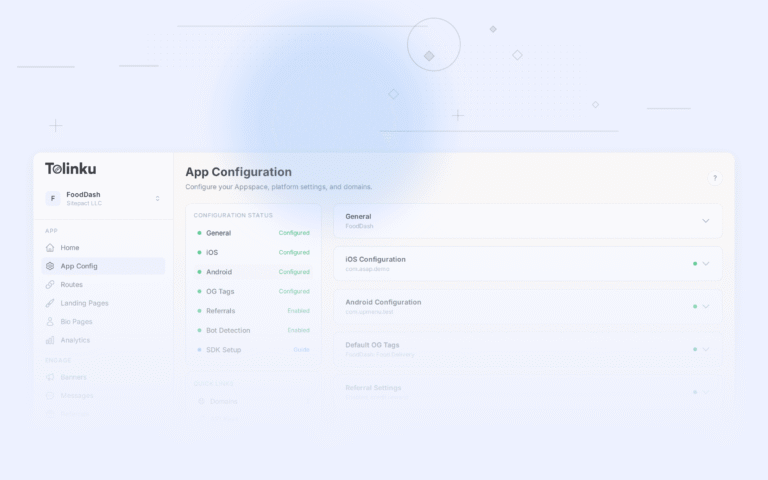
- Create an Appspace at tolinku.com
- Configure your iOS Bundle ID, Team ID, and App Store ID
- Configure your Android Package Name and SHA-256 fingerprint
- Set default fallback URLs
Domain Setup
Set up a branded domain (e.g., go.yourapp.com):
- Add the domain in Domains settings
- Create a DNS CNAME record
- Wait for SSL provisioning
If you used a custom domain with Adjust, you can reuse it after updating DNS.
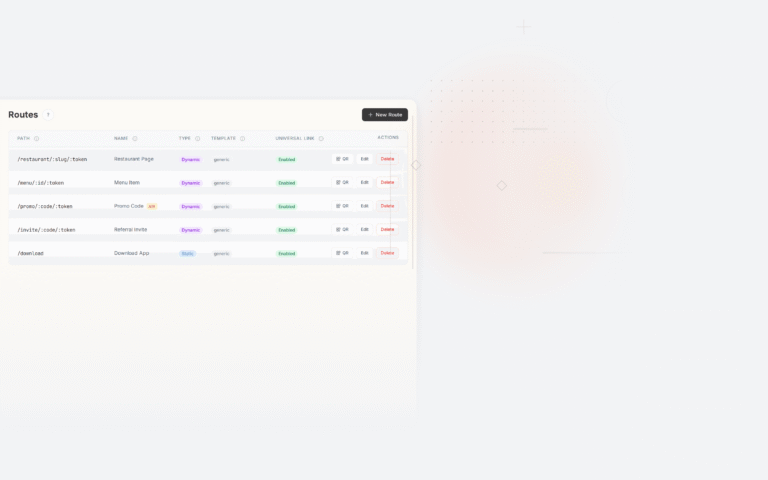
Route Creation
Map your Adjust deep link paths to Tolinku routes:
| Adjust Configuration | Tolinku Route |
|---|---|
Deep link path /product/:id |
Route: /product/:id |
| Campaign tracker with custom params | Route with corresponding path + query parameters |
| Reattribution link | Route linked to re-engagement campaign |
Step 3: Replace the SDK
Remove Adjust SDK
iOS:
- Remove
Adjustdependency (CocoaPods, SPM, or manual) - Remove
Adjust.appDidLaunch()from AppDelegate - Remove
AdjustDelegateimplementations - Remove deep link callback handling (
adjustDeeplinkResponse) - Remove event tracking calls (
Adjust.trackEvent())
Android:
- Remove
com.adjust.sdk:adjust-androidfrom build.gradle - Remove
Adjust.onCreate()from Application class - Remove deep link listener registrations
- Remove
Adjust.appWillOpenUrl()calls - Remove event tracking calls
Add Tolinku SDK
Standard Universal Links (iOS) and App Links (Android) setup. The deep link handling code is simpler because Tolinku uses standard URL parameters:
// iOS: Handle incoming Universal Link
func scene(_ scene: UIScene, continue userActivity: NSUserActivity) {
    guard let url = userActivity.webpageURL else { return }
    let path = url.path
    let params = URLComponents(url: url, resolvingAgainstBaseURL: false)?.queryItems

    // Route based on path
    routeDeepLink(path: path, params: params)
}
// Android: Handle incoming App Link
private fun handleDeepLink(intent: Intent) {
    val uri = intent.data ?: return
    val path = uri.path ?: return
    routeDeepLink(path, uri)
}
Key Differences
Adjust's callback pattern: Adjust uses delegate/listener callbacks to deliver deep link data. You register a callback, and the SDK calls it with link parameters after resolving.
Tolinku's URL pattern: Tolinku delivers deep link data through the URL itself. Universal Links and App Links pass the URL directly to your app. You parse it using standard URL utilities.
The Tolinku approach is more transparent: the URL is the data. No SDK-specific data format to learn.
Step 4: Handle Existing Links
Links on Adjust's Domain
Links on adj.st or Adjust's subdomain structure will continue to work as long as your Adjust account is active. You can maintain both platforms in parallel.
Custom Domain Transfer
If you used a custom domain with Adjust, transfer it by:
- Creating all existing link paths as Tolinku routes
- Lowering DNS TTL to 60 seconds
- Updating the CNAME to point to Tolinku
- Verifying all routes work
- Raising TTL back to 3600+
Parallel Running Period
Run both platforms for 2-4 weeks:
- All new links use Tolinku
- Existing Adjust links continue through Adjust
- Monitor both dashboards during the transition
- Cut over the custom domain once new traffic patterns are established
Step 5: Attribution Continuity
If you're keeping Adjust for attribution:
- The Adjust SDK can coexist with Tolinku for deep link routing
- Configure Adjust to track installs and events without handling deep links
- Deep links are handled by Tolinku; attribution is handled by Adjust
If you're replacing Adjust entirely:
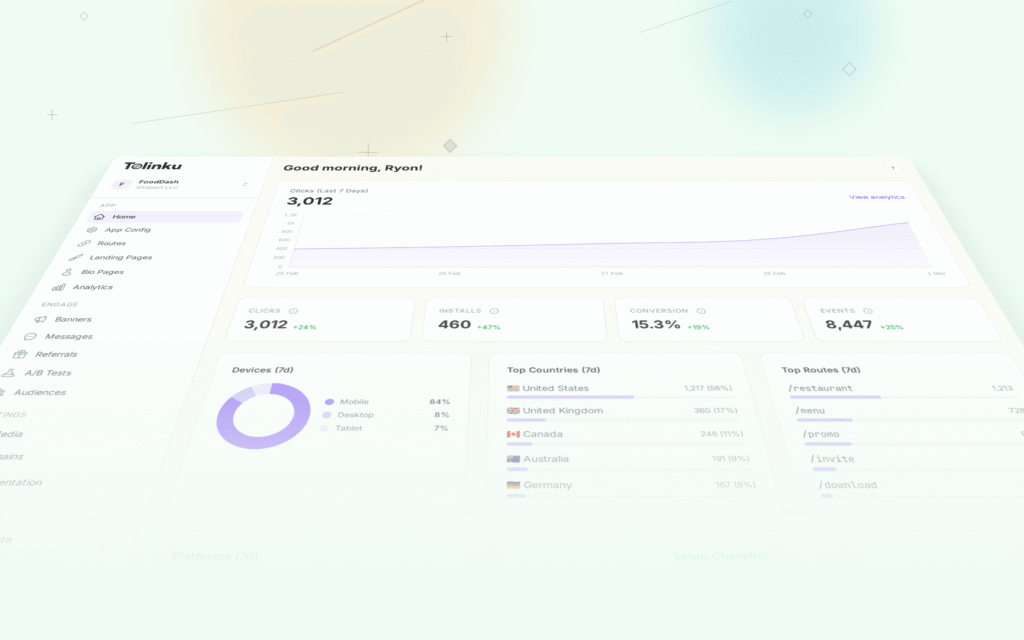
- Set up Tolinku's analytics for click and conversion tracking
- Export historical attribution data from Adjust before deactivating
- Use UTM parameters on Tolinku links for campaign attribution
Timeline
Day 1-2: Audit Adjust configuration, set up Tolinku Day 3-4: SDK replacement and deep link handler updates Day 5: Testing all flows Day 6: Begin parallel running Day 6-21: Transition period Day 21+: DNS cutover (if applicable), evaluate Adjust account status
For the general migration approach, see Migrating to Tolinku from Branch, Firebase, and AppsFlyer.
Get deep linking tips in your inbox
One email per week. No spam.