Retargeting ads remind users about products they viewed but did not purchase. Adding deep links to retargeting campaigns makes the ad click-to-purchase path as short as possible: the user taps the ad and lands directly on the product they were considering, with their cart or preferences intact.
For link retargeting strategies, see link retargeting: add pixels to every shared link. For re-engagement campaigns, see re-engagement campaigns: winning back lapsed users.
Why Retargeting Needs Deep Links
Standard retargeting flow without deep links:
- User views a product in your app.
- User leaves without purchasing.
- Retargeting ad shows the product on Instagram/Facebook.
- User taps the ad.
- App opens to the home screen (user must find the product again).
- User gives up.
Retargeting flow with deep links:
- User views a product in your app.
- User leaves without purchasing.
- Retargeting ad shows the product on Instagram/Facebook.
- User taps the ad.
- App opens directly to the product page they were viewing.
- User adds to cart and purchases.
| Flow | Steps to Purchase | Conversion Rate |
|---|---|---|
| Without deep link | 5-8 taps after ad click | Baseline |
| With deep link | 1-2 taps after ad click | 2-4x higher |
Retargeting Deep Link Structure
Product-Level Retargeting
Link directly to the specific product the user viewed:
https://yourstore.com/product/SKU-12345?ref=retarget&campaign=abandoned-browse
Cart-Level Retargeting
For users who added items to cart but did not checkout:
https://yourstore.com/cart?restore=session-abc&ref=retarget-cart
The deep link restores the user's cart state, so they land on a populated cart ready for checkout.
Category-Level Retargeting
For users who browsed a category without viewing specific products:
https://yourstore.com/browse/mens-shoes?sort=popular&ref=retarget-browse
Dynamic Product Ads
Dynamic retargeting ads automatically show products from your catalog based on the user's browsing history. Each ad unit links to a specific product:
| User Behavior | Ad Content | Deep Link |
|---|---|---|
| Viewed product X | Shows product X with price | /product/X?ref=dynamic-retarget |
| Viewed X, Y, Z | Carousel of X, Y, Z | Each links to /product/:id |
| Added X to cart | Shows X with "Complete your purchase" | /cart?restore=session&ref=cart-retarget |
| Purchased X | Shows complementary products | /collection/goes-with-X |
Implementation
Setting Up Retargeting Audiences
To retarget users with product-specific deep links, you need to pass event data to your ad platforms:
- Track in-app events: Product views, add-to-cart, purchase.
- Send events to ad platforms: Via SDK integrations (Meta Pixel/SDK, Google Ads SDK).
- Configure dynamic product catalog: Upload your product feed to the ad platform.
- Set up dynamic ad templates: The ad platform automatically selects products based on user behavior.
- Attach deep links: Each dynamically generated ad links to the specific product.
Platform-Specific Configuration
Meta (Facebook/Instagram):
- Use the Meta SDK for app event tracking.
- Configure deep link URLs in your product catalog feed.
- Each product in the feed includes a
deep_linkfield pointing to the in-app destination.
Google Ads:
- Use Google App Campaigns with deep linking.
- Configure app links in your Merchant Center product feed.
- Dynamic remarketing ads automatically use the deep link from the feed.
Deferred Deep Linking for Reinstalls
Some retargeted users may have uninstalled your app. When they tap the retargeting ad:
- The deep link detects the app is not installed.
- Redirects to the app store.
- After reinstallation, deferred deep linking opens the app to the product they were being retargeted on.
Without deferred deep linking, reinstalled users land on the home screen with no context, and the retargeting effort is wasted.
Retargeting Strategies
Timing Windows
| Window | Strategy | Deep Link Destination |
|---|---|---|
| 0-1 hours | Abandoned browse reminder | Product viewed |
| 1-24 hours | Abandoned cart recovery | Cart restoration |
| 1-7 days | Browse retargeting | Products viewed + similar items |
| 7-30 days | Win-back with incentive | Product viewed + discount |
| 30+ days | General re-engagement | Personalized recommendations |
Frequency Capping
Retargeting without frequency caps annoys users:
| Timeframe | Maximum Impressions | Purpose |
|---|---|---|
| Per day | 2-3 | Avoid ad fatigue |
| Per week | 7-10 | Maintain presence without annoyance |
| Per product | 5-7 total | Move on if user is not interested |
Measuring Retargeting Deep Link Performance
| Metric | Formula | Benchmark |
|---|---|---|
| Click-through rate (CTR) | Ad clicks / Impressions | 1-3% (retargeting typically higher than prospecting) |
| Deep link activation rate | App opens at target page / Ad clicks | 70-85% |
| Cart recovery rate | Recovered carts / Abandoned carts retargeted | 5-15% |
| ROAS | Revenue from retargeted users / Ad spend | 5-15x (retargeting usually highest ROAS) |
| Incrementality | Retarget conversion rate – Organic recovery rate | Varies |
Testing Incrementality
The key question with retargeting: would the user have purchased anyway? Run a holdout test:
- Split your retargeting audience 90/10.
- Show ads to 90% (test group).
- Show no ads to 10% (holdout group).
- Compare conversion rates.
The difference is the incremental value of retargeting. If both groups convert at similar rates, your retargeting may not be adding value.
Common Mistakes
| Mistake | Impact | Fix |
|---|---|---|
| Retargeting ads link to home screen | Users cannot find the product, conversion drops | Deep link to the exact product or cart |
| No frequency cap | Users feel stalked, negative brand perception | Cap at 2-3 impressions per day |
| Retargeting purchasers with the product they bought | Annoying and wasteful | Exclude recent purchasers from product-specific retargeting |
| No cart restoration in deep links | Abandoned cart users must re-add items | Restore cart state via deep link parameters |
| No deferred deep linking | Reinstalled users land on home screen | Implement deferred deep linking for app reinstalls |
| Same retargeting for all time windows | Missing urgency signals | Adjust messaging and offers by recency |
Tolinku for Retargeting
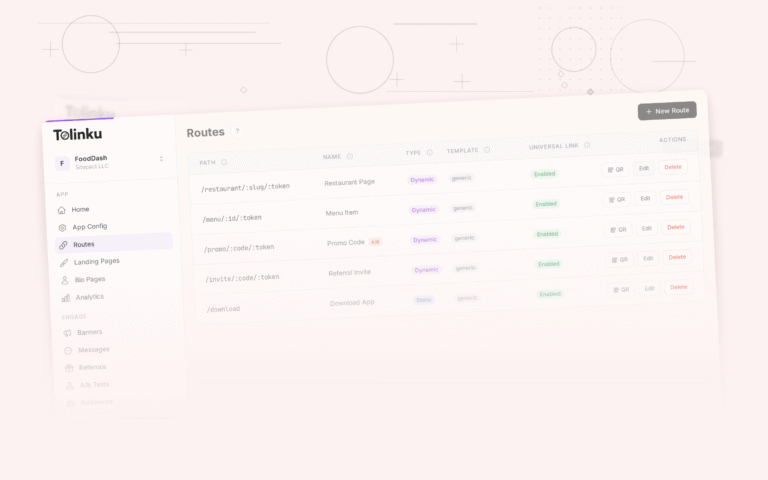
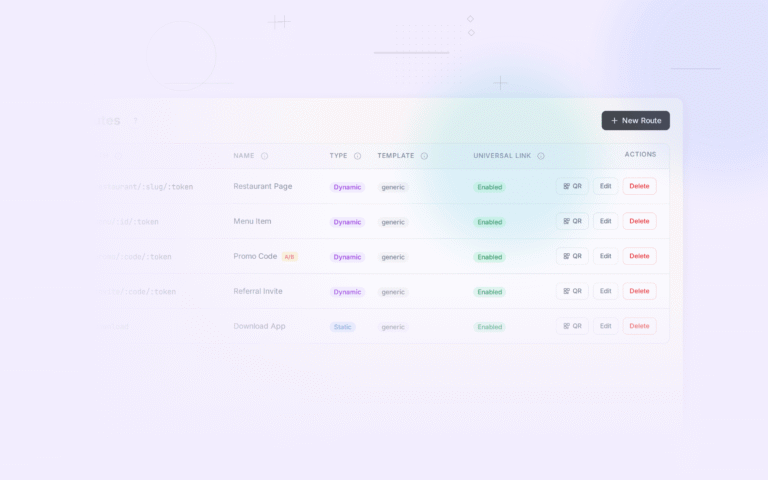
Tolinku provides deep link routes for retargeting campaigns. Set up routes like /product/:sku or /cart that your retargeting ads link to. The platform handles platform detection (iOS/Android) and deferred deep linking for users who need to reinstall. Analytics track click-through and conversion per campaign, so you can measure the impact of adding deep links to your retargeting flow.
For the complete e-commerce guide, see deep linking for e-commerce apps. For link retargeting pixels, see link retargeting: add pixels to every shared link.
Get deep linking tips in your inbox
One email per week. No spam.