Every deep link creates a funnel. A user sees the link, clicks it, lands somewhere, and either takes an action or doesn't. Understanding where users drop off in this funnel tells you exactly where to focus optimization efforts.
This guide covers how to build, measure, and optimize conversion funnels specifically for deep links.
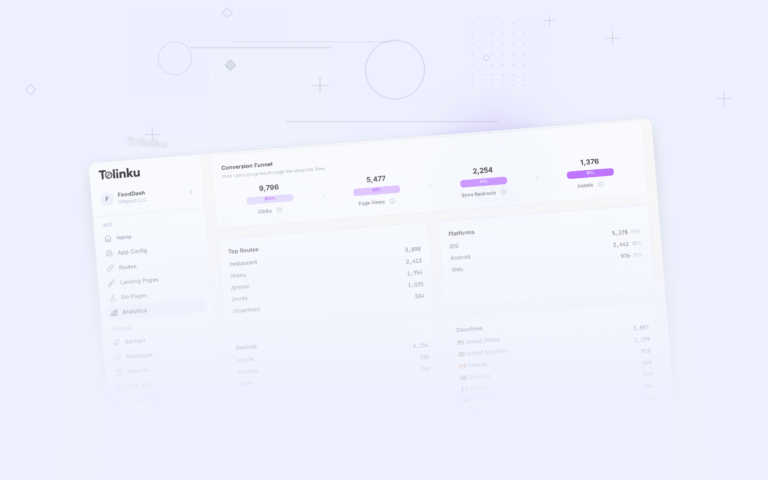
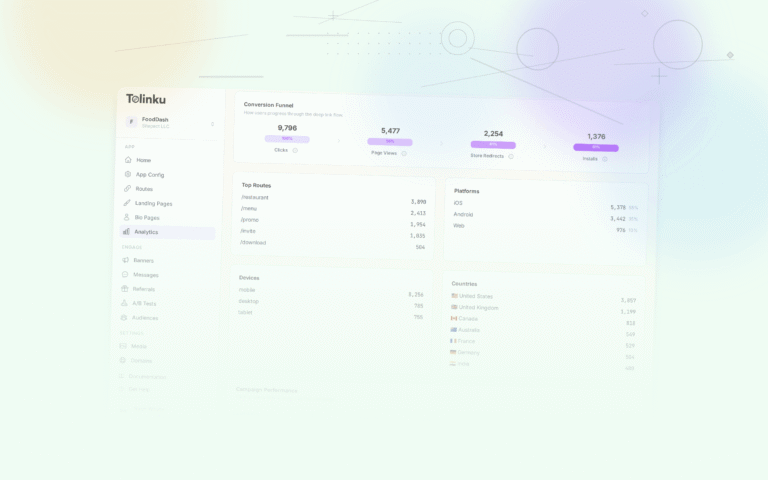
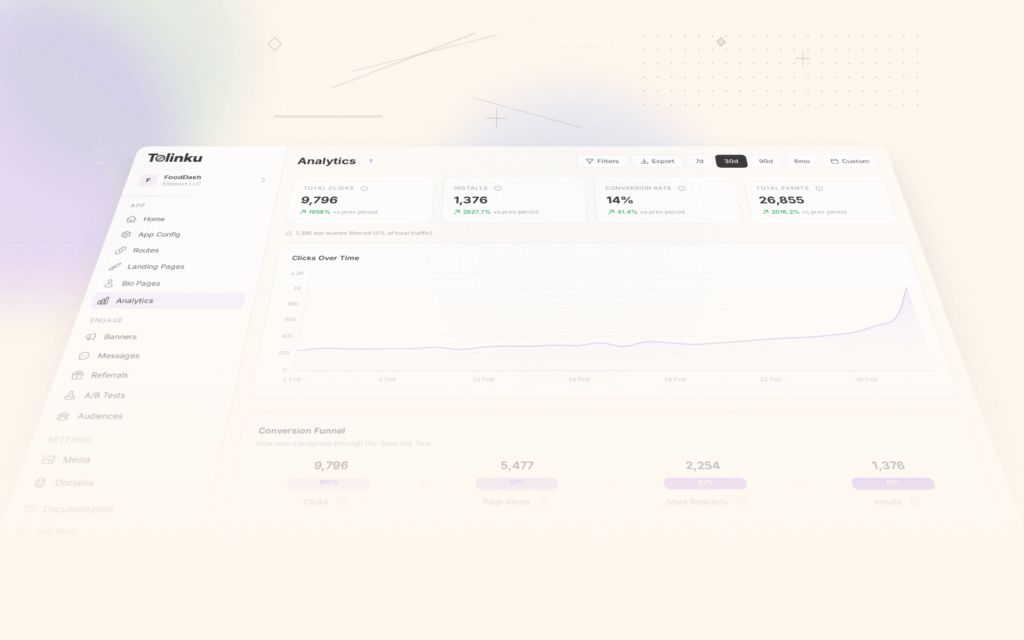
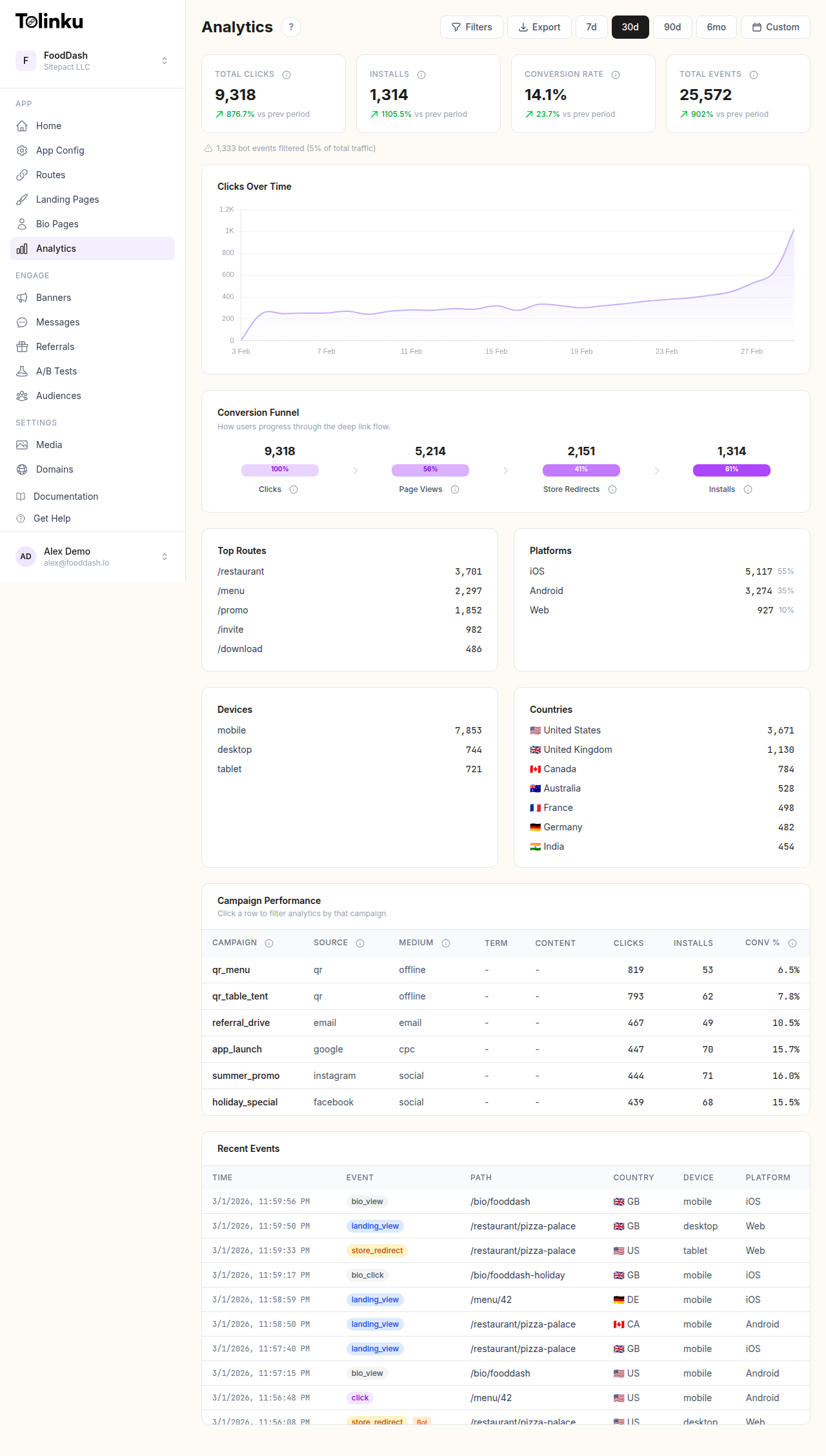 The analytics dashboard with date range selector, filters, charts, and breakdowns.
The Deep Link Funnel
A typical deep link conversion funnel has these stages:
1. Impression → The link is visible (in an email, social post, SMS, or webpage) 2. Click → The user taps or clicks the link 3. Routing → The link resolves to the correct destination (app, web fallback, or app store) 4. Arrival → The user lands on the intended screen 5. Action → The user completes the desired action (purchase, signup, engagement)
Each transition has a conversion rate. The overall funnel conversion rate is the product of all individual rates.
Example: 10,000 impressions → 500 clicks (5% CTR) → 400 successful routes (80%) → 350 arrivals (87.5%) → 70 actions (20%) = 0.7% overall conversion rate.
Measuring Each Stage
Impression to Click (CTR)
What it tells you: How compelling your link presentation is.
How to measure: Impressions are platform-specific (email open rate x recipients, social post reach, page views). Clicks are tracked by your deep linking platform.
Benchmarks by channel:
- Email: 2-5% CTR on links within the email
- Social media (organic): 1-3%
- Push notifications: 5-15%
- SMS: 10-20%
- QR codes (print): 1-5% scan rate
If this stage is weak: Optimize your link preview (OG tags), CTA copy, and link placement. See Click-Through Rate Optimization for Deep Links for detailed guidance.
Click to Routing Success
What it tells you: Whether your links are technically working.
How to measure: Compare total clicks to successful redirects/opens. Your analytics dashboard shows this breakdown.
What causes drop-off here:
- Broken links (wrong URL, expired route)
- App not installed and no web fallback configured
- Platform-specific issues (Universal Links failing on certain iOS versions, App Links not verified)
- Slow redirect chains adding latency
Target: 95%+ of clicks should result in a successful route. Below 90% indicates a technical problem.
Routing to Arrival
What it tells you: Whether users actually land on the intended screen.
How to measure: Track a "screen view" or "page load" event on the destination screen. Compare this to successful routing events.
What causes drop-off here:
- App crashes on launch or during deep link handling
- Slow loading (user closes the app before the screen loads)
- Incorrect deep link parsing (user lands on the wrong screen)
- App store redirect (user clicks through to the store but doesn't install)
Arrival to Action
What it tells you: Whether the destination content and UX convert visitors to actors.
How to measure: Track the specific action event (purchase, signup, share) and compare to arrival count.
What causes drop-off here:
- Destination doesn't match expectation (the link promised a discount, but the landing screen doesn't show it)
- Too many steps between arrival and action (e.g., requiring registration before viewing the content)
- Poor UX on the destination screen
- Missing context for new users who just installed (deferred deep link data not passed correctly)
Building Funnels in Practice
Define Your Key Funnels
Start with 2-3 funnels that map to your most important link use cases:
Marketing campaign funnel: Click → App Open → View Promoted Content → Purchase/Signup
Referral funnel: Click Referral Link → Install App → Complete Registration → First Action
Re-engagement funnel: Click Notification/Email → Open App → View Content → Engage (like, comment, purchase)
Set Up Event Tracking
For each funnel stage, define the event that marks completion:
| Funnel Stage | Event Name | Properties |
|---|---|---|
| Click | link_click |
route_id, campaign, channel |
| App Open | app_open |
source, is_deferred, route_id |
| View Content | screen_view |
screen_name, content_id |
| Action | purchase / signup / engage |
value, content_id |
Pass consistent identifiers (route ID, campaign name) through the entire funnel so you can tie events together.
Use Funnel Visualization
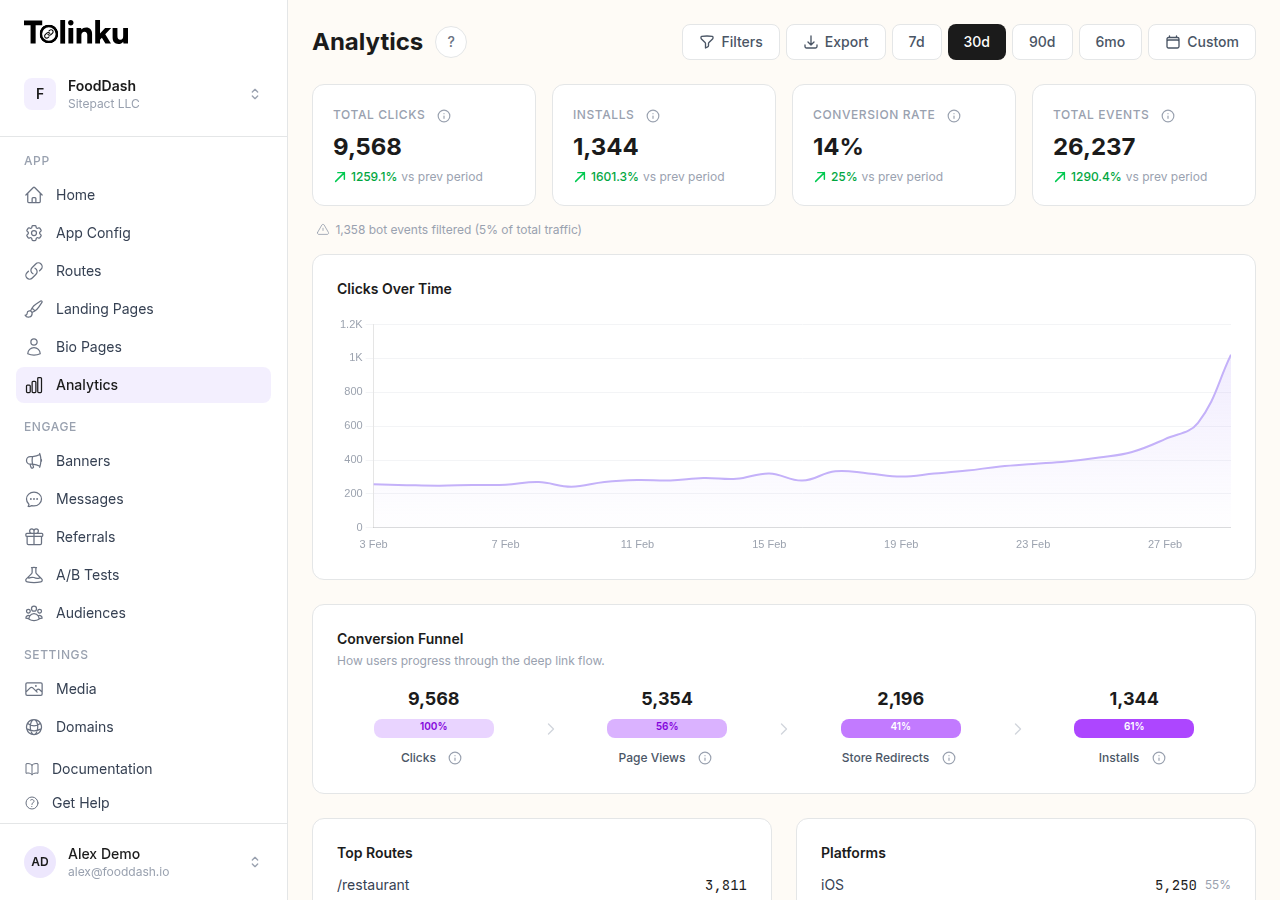
View your funnels in Tolinku's charts and funnels to see drop-off at each stage. The visualization shows:
- Absolute numbers at each stage
- Conversion rate between consecutive stages
- Comparison across time periods, campaigns, or segments
Segmenting Funnels
Aggregate funnels hide insights. Segment by:
By Channel
Compare funnel performance across channels:
- Email links vs social media links vs SMS links
- Each channel has different user intent and context
A deep link in a personalized email may convert at 5x the rate of the same link in a social media post because the email user has more context and intent.
By Platform
iOS and Android funnels often differ significantly:
- Universal Links (iOS) open the app directly; App Links (Android) may show a disambiguation dialog
- Different app store conversion rates
- Different user behavior patterns
By User Status
- Existing users (app already installed): The funnel is shorter (no install step) and typically converts better
- New users (app not installed): The funnel includes app store visit, install, first open, and deferred deep link resolution
- Lapsed users (app installed but inactive): Similar to existing users technically, but with different behavioral patterns
By Campaign
Each campaign has its own funnel characteristics. A flash sale campaign will have different CTR and conversion patterns than a content-sharing campaign. Track funnels per campaign to understand what's working.
Optimization Strategies
Fix the Biggest Drop-off First
Calculate the absolute loss at each funnel stage. A 50% drop-off at a stage with 10,000 users entering (losing 5,000) is a bigger opportunity than a 70% drop-off at a stage with 100 users entering (losing 70).
Prioritize fixing the stage where you lose the most users in absolute terms.
Reduce Funnel Steps
Every step in the funnel loses users. If you can eliminate a step entirely, you'll see a conversion lift.
Examples:
- Skip the landing page and deep link directly into the app (if the user has it installed)
- Skip registration and let users take action as guests
- Skip the app store by using web fallbacks for users without the app
Improve Deferred Deep Linking
For new users, the biggest funnel leak is often the install step. The user clicks a link, gets redirected to the app store, installs, opens the app, and… lands on the home screen because the deep link context was lost.
Deferred deep linking preserves the original link context through the install process. When properly implemented, the user opens the app for the first time and sees the exact content from the link, not a generic onboarding screen.
Match Destination to Promise
If your link preview or CTA promises something specific ("50% off running shoes"), the destination screen must deliver exactly that. Any mismatch between what the user expected and what they see causes immediate drop-off.
Audit your top links: click each one and verify the destination matches the preview and CTA exactly.
Speed Up Every Transition
Latency kills conversion. Each additional second of loading time increases drop-off:
- Redirect chains should resolve in under 500ms
- App deep link handling should display the target screen within 1 second of app launch
- Web fallback pages should load within 2 seconds
Common Funnel Problems
"Clicks are high but opens are low": Your link preview is compelling but the routing isn't working. Check for broken Universal Links, unverified App Links, or missing web fallbacks.
"Opens are high but actions are low": Users arrive but don't convert. The destination experience doesn't match expectations, requires too many steps, or isn't compelling enough.
"New user funnels are much worse than existing user funnels": This is expected (new users have more steps), but if the gap is extreme, check your deferred deep linking implementation and new-user onboarding flow.
"One channel converts 5x better than another": Different channels attract users with different intent levels. Instead of abandoning the lower-performing channel, optimize its funnel (better targeting, more compelling CTA, simpler destination).
Iterating on Funnels
Funnel optimization is ongoing, not a one-time project:
- Build and measure your baseline funnels
- Identify the biggest drop-off point
- Hypothesize why users are dropping off
- Implement a change targeting that drop-off
- Measure the impact over 1-2 weeks
- Move to the next biggest drop-off
- Repeat
For a broader view of deep link analytics, see Deep Link Analytics: Measuring What Matters. For the strategic context of how deep links drive growth, see 10 Benefits of Deep Linking for Mobile Apps.
Get deep linking tips in your inbox
One email per week. No spam.