When a user clicks a deep link and doesn't have the app installed, they hit a fallback page. This is one of the most important conversion points in your funnel: a well-optimized fallback page can convert 25-35% of visitors into app installs, while a poor one converts under 10%. A/B testing fallback pages lets you find the messaging, layout, and strategy that maximizes installs from this traffic.
For fallback behavior fundamentals, see Deep Link Fallback Behavior: What Happens When the App Isn't Installed. For landing page testing, see Landing Page A/B Testing for Deep Link Campaigns.
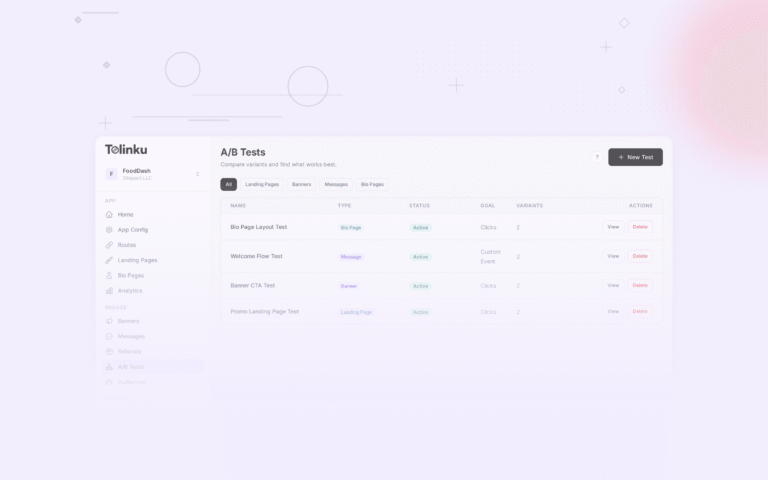
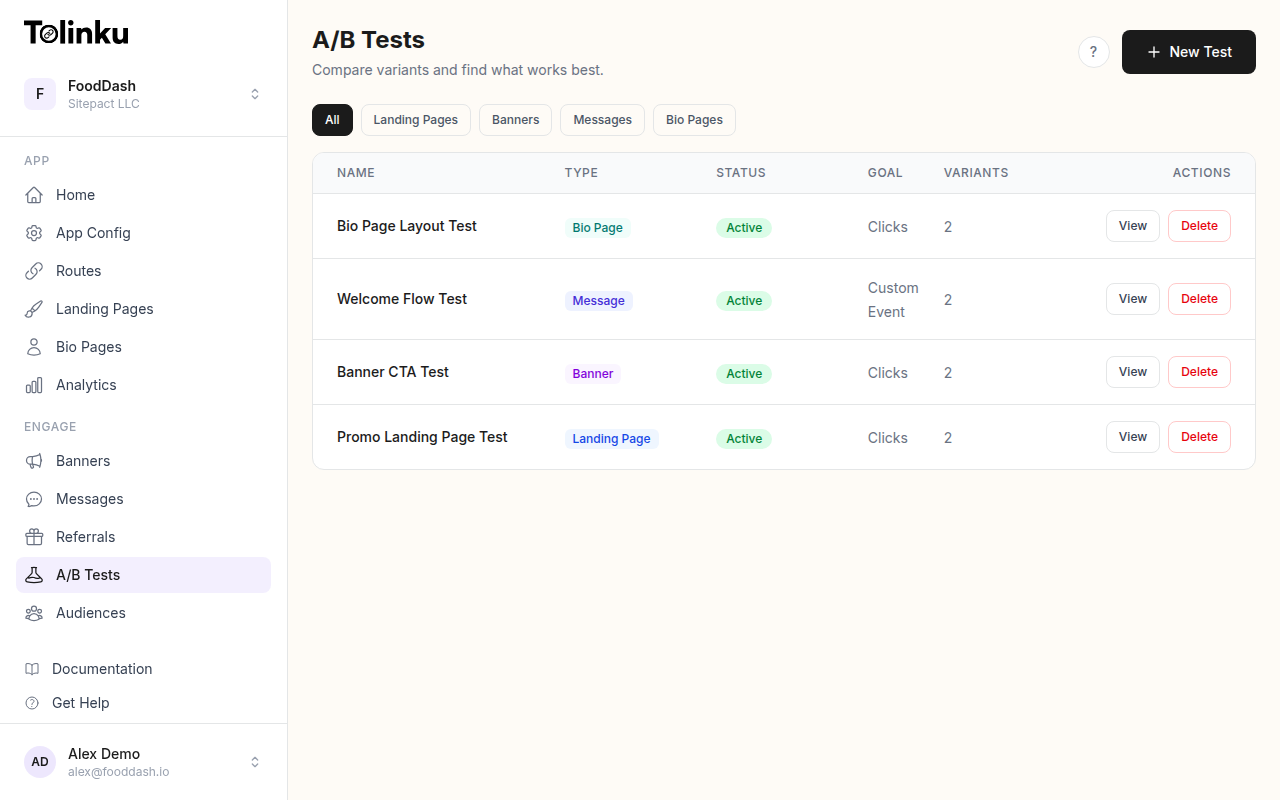 The A/B tests list page showing test names, status, types, and variant counts.
What to Test
Fallback Page Variables
| Variable | Impact | Notes |
|---|---|---|
| Page type (install prompt vs. web content) | High | Should you push the app or show content? |
| Headline | High | Match the intent of the original link |
| App store presentation | Medium | Badges, rating, screenshots |
| Web alternative | High | Give users another path if they refuse to install |
| Social proof | Medium | Ratings, user count, testimonials |
| Context preservation | High | Show what they were trying to access |
| Page length | Medium | Short (focused) vs. long (persuasive) |
Fallback Strategy Tests
| Strategy | Description | Best For |
|---|---|---|
| Direct to app store | Redirect immediately to the store | Known app users, reinstalls |
| Install interstitial | Full-screen install prompt | High-intent deep links |
| Content + banner | Show web content with install banner | Content-focused deep links |
| Smart choice | Show content with deferred install prompt | Users who need convincing |
Implementation
Fallback Strategy A/B Test
const fallbackStrategyTest = {
  id: 'fallback_strategy_v2',
  variants: [
    {
      id: 'app_store_redirect',
      weight: 25,
      config: {
        type: 'redirect',
        delay: 0,
        destination: 'app_store',
      },
    },
    {
      id: 'install_page',
      weight: 25,
      config: {
        type: 'install_page',
        showContent: false,
        showAppScreenshots: true,
        showRating: true,
      },
    },
    {
      id: 'content_with_banner',
      weight: 25,
      config: {
        type: 'web_content',
        showSmartBanner: true,
        bannerPosition: 'top',
        showWebContent: true,
      },
    },
    {
      id: 'content_then_prompt',
      weight: 25,
      config: {
        type: 'web_content',
        showSmartBanner: false,
        showWebContent: true,
        showInstallPromptAfterScroll: true,
        scrollThreshold: 50, // Show after 50% scroll
      },
    },
  ],
  primaryMetric: 'app_install',
  secondaryMetrics: ['web_content_engagement', 'bounce_rate', 'time_on_page'],
};
Typical results:
| Strategy | Install Rate | Bounce Rate | Best For |
|---|---|---|---|
| App store redirect | 15-25% | 50-70% | Users who already know the app |
| Install page | 20-30% | 40-55% | High-intent deep links (ads, email) |
| Content + banner | 10-20% | 20-35% | Content/product deep links |
| Content then prompt | 15-25% | 15-30% | Organic/social deep links |
Context-Aware Fallback
Different deep link types warrant different fallback strategies:
function selectFallbackStrategy(deepLinkPath, params) {
  const experiment = getActiveExperiment('fallback');

  // Always use context-specific strategy if available
  if (deepLinkPath.startsWith('/product/')) {
    return {
      type: 'product_fallback',
      showProductInfo: true,
      productId: params.productId,
      showWebAlternative: true,
    };
  }

  if (deepLinkPath.startsWith('/referral/')) {
    return {
      type: 'referral_fallback',
      showReferrerInfo: true,
      showReward: true,
      referrerId: params.ref,
    };
  }

  if (deepLinkPath.startsWith('/content/')) {
    return {
      type: 'content_fallback',
      showContentPreview: true,
      showFullContentOnWeb: true,
      contentId: params.contentId,
    };
  }

  // For generic links, use A/B test variant
  if (experiment) {
    return assignVariant(params.userId, experiment.id).config;
  }

  return { type: 'install_page' }; // Default
}
Headline Testing
const headlineTest = {
  id: 'fallback_headline_v1',
  variants: [
    {
      id: 'benefit',
      weight: 25,
      headline: 'Get the full experience in the app',
      subheadline: 'Faster loading, push notifications, and offline access.',
    },
    {
      id: 'context',
      weight: 25,
      headline: 'View this in the app',
      subheadline: 'The content you clicked on is available in the app.',
    },
    {
      id: 'social_proof',
      weight: 25,
      headline: 'Join 2M+ users on the app',
      subheadline: 'Rated 4.8 stars on the App Store.',
    },
    {
      id: 'urgency',
      weight: 25,
      headline: 'Don\'t miss out',
      subheadline: 'Install the app to see what was shared with you.',
    },
  ],
  primaryMetric: 'app_install',
};
Web Alternative Testing
Show Web Content vs. App-Only
const webAlternativeTest = {
  id: 'web_alternative_v1',
  variants: [
    {
      id: 'app_only',
      weight: 50,
      config: {
        showWebContent: false,
        message: 'This content is available in the app.',
        primaryCTA: 'Install App',
      },
    },
    {
      id: 'web_plus_banner',
      weight: 50,
      config: {
        showWebContent: true,
        showSmartBanner: true,
        primaryCTA: 'Get App for Better Experience',
      },
    },
  ],
  primaryMetric: 'app_install',
  secondaryMetrics: ['web_engagement', 'return_visit_rate'],
};
The "app only" approach converts more aggressively but loses users who won't install. The "web plus banner" approach retains more users and often produces more total installs over time because users who engage with web content are more likely to install later.
Progressive Install Prompts
function ProgressiveFallback({ content, deepLink }) {
  const [scrollDepth, setScrollDepth] = useState(0);
  const [hasSeenContent, setHasSeenContent] = useState(false);

  useEffect(() => {
    const handleScroll = () => {
      const depth = window.scrollY / (document.body.scrollHeight - window.innerHeight);
      setScrollDepth(depth);
      if (depth > 0.3) setHasSeenContent(true);
    };
    window.addEventListener('scroll', handleScroll);
    return () => window.removeEventListener('scroll', handleScroll);
  }, []);

  return (
    <Page>
      {/* Smart banner at top */}
      <SmartBanner
        ctaText="Open in App"
        position="top"
        onTap={() => trackAndRedirect(deepLink)}
      />

      {/* Web content */}
      <WebContent content={content} />

      {/* After user has scrolled 50%, show a more prominent prompt */}
      {scrollDepth > 0.5 && (
        <FloatingPrompt>
          <Text>Want the full experience?</Text>
          <Button onTap={() => trackAndRedirect(deepLink)}>
            Get the App
          </Button>
        </FloatingPrompt>
      )}

      {/* At bottom of content, final CTA */}
      <BottomCTA>
        <Heading>Enjoyed this? There's more in the app.</Heading>
        <Button onTap={() => trackAndRedirect(deepLink)}>
          Install Free
        </Button>
      </BottomCTA>
    </Page>
  );
}
Tracking
Fallback Events
// Fallback page shown
analytics.track('fallback_shown', {
  experimentId,
  variantId,
  deepLinkPath: originalPath,
  device: deviceType,
  source: utmSource,
  strategy: fallbackType,
});

// User interacted with fallback
analytics.track('fallback_interaction', {
  experimentId,
  variantId,
  action: 'scroll', // or 'cta_click', 'web_content_view', 'dismiss_banner'
  depth: scrollDepth,
});

// User clicked install CTA
analytics.track('fallback_install_click', {
  experimentId,
  variantId,
  ctaPosition: 'hero', // or 'banner', 'floating', 'bottom'
  timeOnPage: timeOnPageMs,
  scrollDepth: maxScrollDepth,
});

// App installed (tracked via deferred deep link)
analytics.track('fallback_install_completed', {
  experimentId,
  variantId,
  timeFromFallback: installDelayMs,
  deferredLinkMatched: true,
});
Funnel Analysis
async function fallbackFunnelAnalysis(experimentId) {
  for (const variant of getVariants(experimentId)) {
    const shown = await countEvents('fallback_shown', { variantId: variant.id });
    const interactions = await countEvents('fallback_interaction', { variantId: variant.id });
    const clicks = await countEvents('fallback_install_click', { variantId: variant.id });
    const installs = await countEvents('fallback_install_completed', { variantId: variant.id });

    console.log(variant.id, {
      engagement: (interactions / shown * 100).toFixed(1) + '%',
      clickRate: (clicks / shown * 100).toFixed(1) + '%',
      installRate: (installs / shown * 100).toFixed(1) + '%',
      clickToInstall: (installs / clicks * 100).toFixed(1) + '%',
    });
  }
}
Platform-Specific Optimization
iOS Fallback
On iOS, when a Universal Link fails (app not installed), the user lands in Safari:
const iosFallbackOptimizations = {
  safari_banner: 'Use apple-itunes-app meta tag for native smart banner',
  deferred_deep_link: 'Store deep link data for post-install matching',
  clipboard_api: 'Consider clipboard-based deferred matching as backup',
  app_clip: 'Consider an App Clip for instant experience without install',
};
Android Fallback
On Android, App Links can specify a fallback URL directly in the intent filter:
const androidFallbackOptimizations = {
  instant_app: 'Consider Google Play Instant for try-before-install',
  play_referrer: 'Use Play Install Referrer API for attribution',
  custom_tab: 'Fallback opens in Chrome Custom Tab (fast, native-feeling)',
  deep_link_params: 'Pass deep link data via Play referrer for deferred matching',
};
Best Practices
- Match the fallback to the deep link intent: A product link's fallback should show the product, not a generic install page.
- Always offer a web alternative: Some users will never install the app. Don't lose them entirely.
- Track through to install: Fallback page CTR is meaningless without install data.
- Test the strategy, not just the design: Whether to show content or push the install is a bigger decision than button color.
- Segment by source: Ad traffic needs different fallback treatment than organic/referral traffic.
- Preserve deep link data: Whatever the fallback strategy, store the deep link parameters so deferred deep linking can restore context after install.
For A/B testing features, see Tolinku A/B testing. For fallback setup, see the A/B testing docs and landing page docs.
Get deep linking tips in your inbox
One email per week. No spam.