When users click a deep link on a device where the app isn't installed, they hit a landing page. This page has one job: convince the user to install the app or take an alternative action. A/B testing these landing pages is one of the highest-leverage optimizations you can make because small conversion improvements multiply across all your campaigns.
For destination testing, see A/B Testing Deep Link Destinations. For CTA testing, see CTA A/B Testing for App Install and Deep Links.
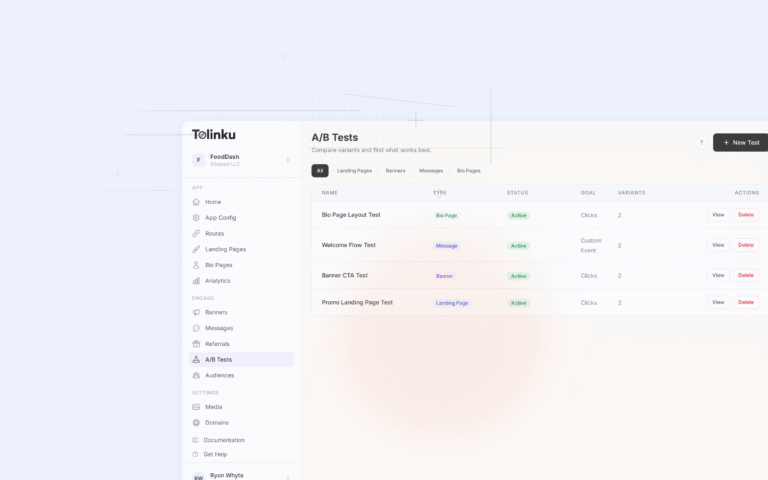
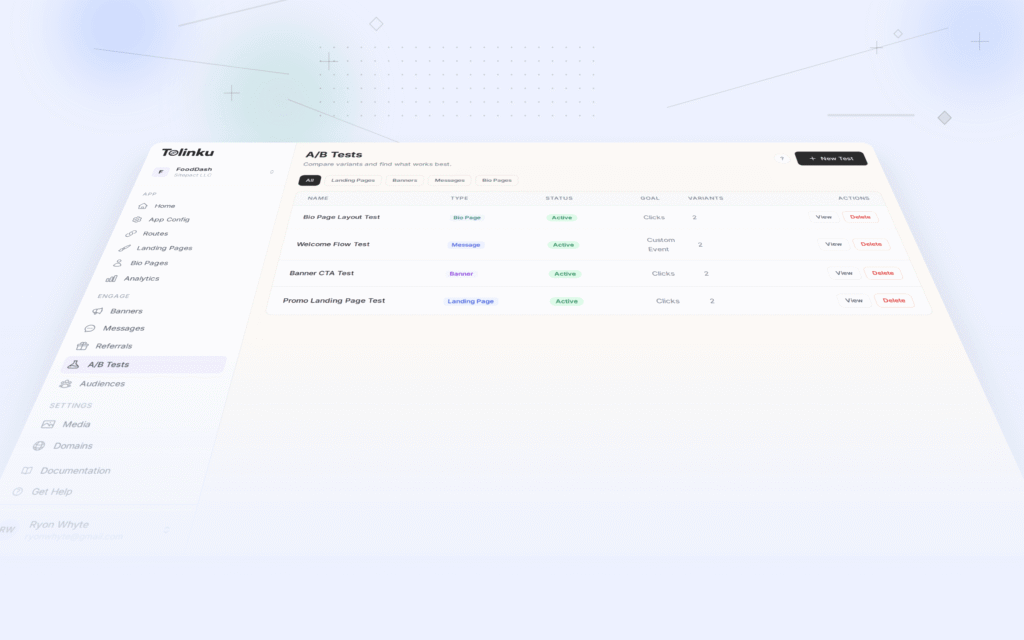
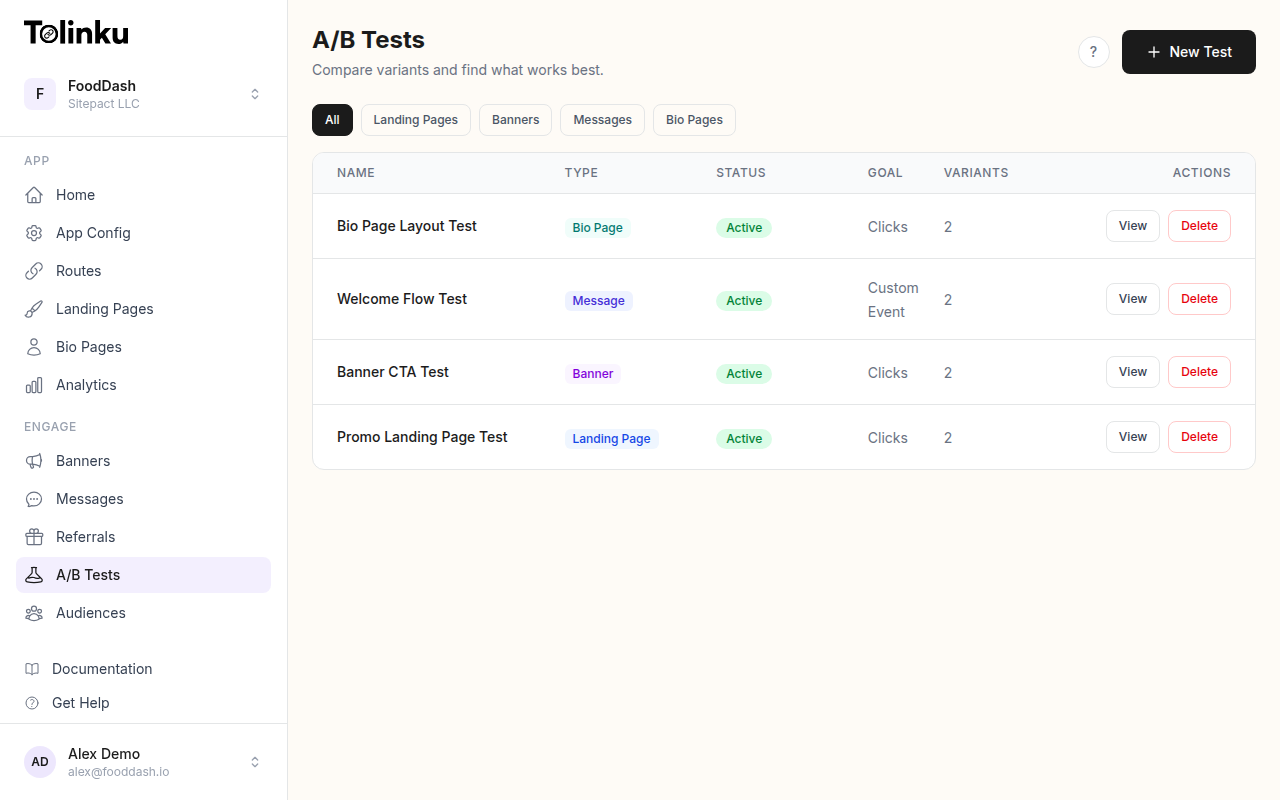 The A/B tests list page showing test names, status, types, and variant counts.
What to Test on Landing Pages
High-Impact Elements
| Element | Impact on Conversion | Testing Difficulty |
|---|---|---|
| Headline | High (20-40% lift possible) | Easy |
| CTA button text | High (10-30% lift) | Easy |
| CTA button color/size | Medium (5-15% lift) | Easy |
| Social proof | High (15-30% lift) | Medium |
| Page layout | Medium (10-20% lift) | Medium |
| Images/screenshots | Medium (10-25% lift) | Medium |
| Page length | Medium (5-15% lift) | Easy |
| App store badges | Low (2-5% lift) | Easy |
Test Priority
Start with the highest-impact, lowest-effort tests:
- Headline: Test benefit-focused vs. feature-focused
- CTA text: Test "Download Free" vs. "Get Started" vs. "Try It Now"
- Social proof: Test ratings/reviews vs. user count vs. testimonials
- Page structure: Test short (above-fold only) vs. long (scrollable)
Implementation
Server-Side Variant Assignment
Assign variants before the page renders:
// Landing page server
app.get('/campaign/:slug', (req, res) => {
  const userId = req.cookies.visitor_id || generateVisitorId();
  const experiment = getActiveExperiment('landing_page', req.params.slug);

  if (experiment) {
    const variant = assignVariant(userId, experiment.id);

    res.cookie('visitor_id', userId, { maxAge: 30 * 24 * 60 * 60 * 1000 });

    res.render('landing', {
      ...getBasePageData(req.params.slug),
      ...variant.pageConfig,
      experimentId: experiment.id,
      variantId: variant.id,
    });
  } else {
    res.render('landing', getBasePageData(req.params.slug));
  }
});
Page Configuration per Variant
const landingPageExperiments = {
  headline_test_v3: {
    id: 'headline_test_v3',
    variants: [
      {
        id: 'benefit_focused',
        weight: 50,
        pageConfig: {
          headline: 'Save 2 Hours Every Week',
          subheadline: 'The project management app that automates the tedious stuff.',
          ctaText: 'Start Saving Time',
        },
      },
      {
        id: 'feature_focused',
        weight: 50,
        pageConfig: {
          headline: 'Project Management Made Simple',
          subheadline: 'Tasks, timelines, team collaboration, and automation in one app.',
          ctaText: 'Try It Free',
        },
      },
    ],
    primaryMetric: 'app_install',
    minSampleSize: 3000,
  },

  social_proof_test_v1: {
    id: 'social_proof_test_v1',
    variants: [
      {
        id: 'user_count',
        weight: 33,
        pageConfig: {
          socialProof: { type: 'user_count', text: 'Used by 500,000+ teams worldwide' },
        },
      },
      {
        id: 'rating',
        weight: 33,
        pageConfig: {
          socialProof: { type: 'rating', stars: 4.8, reviewCount: 12000, store: 'App Store' },
        },
      },
      {
        id: 'testimonial',
        weight: 34,
        pageConfig: {
          socialProof: {
            type: 'testimonial',
            quote: 'Replaced 3 tools for our team.',
            author: 'Sarah K., Engineering Manager',
          },
        },
      },
    ],
    primaryMetric: 'app_install',
    minSampleSize: 2000,
  },
};
Landing Page Templates
Short Landing Page (Above the Fold Only)
<div class="landing-short">
  <header>
    <img src="app-icon.png" alt="App Icon" class="app-icon" />
    <h1>{{headline}}</h1>
    <p>{{subheadline}}</p>
  </header>

  <div class="cta-section">
    <a href="{{appStoreUrl}}" class="cta-button">{{ctaText}}</a>
    <div class="store-badges">
      <img src="app-store-badge.svg" alt="Download on the App Store" />
      <img src="play-store-badge.svg" alt="Get it on Google Play" />
    </div>
  </div>

  <div class="social-proof">
    {{socialProofComponent}}
  </div>
</div>
Long Landing Page (Scrollable with Features)
<div class="landing-long">
  <!-- Hero (same as short) -->
  <section class="hero">
    <h1>{{headline}}</h1>
    <p>{{subheadline}}</p>
    <a href="{{appStoreUrl}}" class="cta-button">{{ctaText}}</a>
  </section>

  <!-- App screenshots -->
  <section class="screenshots">
    <div class="screenshot-carousel">
      {{#each screenshots}}
        <img src="{{this.url}}" alt="{{this.alt}}" />
      {{/each}}
    </div>
  </section>

  <!-- Features -->
  <section class="features">
    {{#each features}}
      <div class="feature">
        <img src="{{this.icon}}" alt="" />
        <h3>{{this.title}}</h3>
        <p>{{this.description}}</p>
      </div>
    {{/each}}
  </section>

  <!-- Social proof -->
  <section class="testimonials">
    {{socialProofComponent}}
  </section>

  <!-- Final CTA -->
  <section class="final-cta">
    <h2>Ready to get started?</h2>
    <a href="{{appStoreUrl}}" class="cta-button">{{ctaText}}</a>
  </section>
</div>
Tracking
Landing Page Events
// Page load
analytics.track('landing_page_viewed', {
  experimentId: experimentId,
  variantId: variantId,
  campaign: campaignSlug,
  source: utmSource,
  device: deviceType, // mobile, tablet, desktop
});

// CTA click
analytics.track('landing_page_cta_clicked', {
  experimentId: experimentId,
  variantId: variantId,
  ctaPosition: 'hero', // or 'bottom', 'sticky'
  campaign: campaignSlug,
});

// App store redirect
analytics.track('app_store_redirect', {
  experimentId: experimentId,
  variantId: variantId,
  store: 'ios', // or 'android'
});

// Install (tracked via deferred deep link)
analytics.track('app_installed_from_landing', {
  experimentId: experimentId,
  variantId: variantId,
  timeFromPageView: timeDelta,
});
Attribution Chain
The full attribution chain for landing page tests:
Ad click → Landing page (variant assigned) → CTA click → App store → Install → First open (deferred deep link matches)
Each step has drop-off. Measure the full chain to understand the true impact of landing page changes.
Common Test Results
Headline Tests
| Variant | Example | Typical Result |
|---|---|---|
| Benefit-focused | "Save 2 hours every week" | Higher conversion for productivity apps |
| Feature-focused | "Task management + team chat" | Higher conversion for tool-comparison shoppers |
| Social proof | "Join 500K+ teams" | Higher conversion for social/community apps |
| Question | "Still managing projects in spreadsheets?" | Higher conversion when pain point is clear |
CTA Text Tests
| CTA Text | Typical Conversion | Best For |
|---|---|---|
| "Download Free" | High | Free apps |
| "Get Started" | Medium-high | SaaS, productivity |
| "Try It Free" | High | Apps with trials |
| "Start Your Free Trial" | Medium | Subscription apps |
| "Install Now" | Low | Feels pushy |
| "Learn More" | Very low | Doesn't commit the user to action |
Page Length Tests
| Page Type | Conversion Rate | Engagement |
|---|---|---|
| Short (above-fold) | Higher for brand-aware users | Low time on page |
| Long (features + social proof) | Higher for unaware users | High time on page |
Rule of thumb: If users come from search or organic (they chose to look), short pages win. If users come from ads (they were pushed), longer pages win because they need more convincing.
Mobile-Specific Considerations
Load Time
Mobile landing pages must load in under 2 seconds. Every additional second reduces conversions by 7-10%.
// Optimize for mobile
const mobileOptimizations = {
  images: 'Compress to WebP, lazy load below fold',
  fonts: 'System fonts only, no custom font downloads',
  scripts: 'Defer non-critical JS, inline critical CSS',
  layout: 'Single column, large tap targets (44x44px minimum)',
};
Smart Banners vs. Landing Pages
For users who arrive on your website via deep link (not a dedicated landing page), smart banners may outperform full landing pages:
| Approach | Pros | Cons |
|---|---|---|
| Dedicated landing page | Full control, optimized messaging | Requires build + maintenance |
| Smart banner on existing page | Low effort, contextual | Less prominent, lower conversion |
| Full-screen interstitial | High visibility | Google penalizes mobile interstitials |
Test smart banners vs. landing pages for your specific traffic sources.
Best Practices
- One test at a time: Don't test headline and CTA simultaneously unless you have enough traffic for a multivariate test.
- Minimum 2 weeks: Run every test for at least 14 days to account for day-of-week patterns.
- Pre-calculate sample size: Know how many visitors you need before starting.
- Track installs, not just clicks: CTA click rate is meaningless if users don't install.
- Segment by device: iOS and Android users may respond differently to the same page.
- Keep the winner running: After declaring a winner, don't stop. Run the next test against the new baseline.
For A/B testing features, see Tolinku A/B testing. For landing page setup, see the landing page A/B testing docs.
Get deep linking tips in your inbox
One email per week. No spam.