Deep linking touches every platform your app runs on. The AASA file is an iOS concern. The assetlinks.json is an Android concern. The Intent filters are in AndroidManifest.xml. The route handling might be in Swift, Kotlin, TypeScript, and Dart. When these pieces get out of sync, links break. This article covers how multi-platform teams coordinate deep link implementation.
For shared routing patterns, see cross-platform link handling patterns. For the cross-platform overview, see cross-platform deep linking guide for 2026.
The Coordination Problem
A single deep link route (e.g., /products/:productId) requires changes in up to six places:
- AASA file (hosted on your domain, for iOS)
- assetlinks.json (hosted on your domain, for Android)
- iOS entitlements (Associated Domains in Xcode)
- AndroidManifest.xml (Intent filter with path prefix)
- Client-side router (iOS, Android, and/or cross-platform framework)
- Server-side fallback (for users without the app)
If the iOS team adds a route to the AASA but the Android team forgets the Intent filter, the link works on iOS but not Android. If the backend team changes the server-side redirect but the mobile teams do not update the router, the app opens but shows the wrong screen.
Single Source of Truth
Define all deep link routes in one place. Every team reads from this source.
Route Configuration File
# deep-links.yaml
routes:
  - path: "/products/{productId}"
    screen: "ProductDetail"
    platforms: [ios, android, web]
    params:
      productId:
        type: string
        required: true
    queryParams:
      ref:
        type: string
        required: false
      campaign:
        type: string
        required: false

  - path: "/offers/{offerId}"
    screen: "OfferDetail"
    platforms: [ios, android, web]
    params:
      offerId:
        type: string
        required: true

  - path: "/referral/{referrerId}"
    screen: "Referral"
    platforms: [ios, android, web]
    params:
      referrerId:
        type: string
        required: true

  - path: "/ar-preview/{productId}"
    screen: "ARPreview"
    platforms: [ios]  # ARKit only
    params:
      productId:
        type: string
        required: true
    fallback:
      screen: "ProductDetail"
Code Generation
Generate platform-specific configuration from the shared definition:
// generate-deep-link-configs.ts
import { parse } from 'yaml';
import { readFileSync, writeFileSync } from 'fs';

const config = parse(readFileSync('deep-links.yaml', 'utf8'));

function generateAASA(routes: Route[]) {
  const iosRoutes = routes.filter(r => r.platforms.includes('ios'));
  return {
    applinks: {
      details: [{
        appIDs: [process.env.APPLE_APP_ID],
        components: iosRoutes.map(r => ({
          '/': r.path.replace(/\{[^}]+\}/g, '*')
        }))
      }]
    }
  };
}

function generateIntentFilters(routes: Route[]) {
  const androidRoutes = routes.filter(r => r.platforms.includes('android'));
  const prefixes = new Set(
    androidRoutes.map(r => '/' + r.path.split('/')[1])
  );
  return Array.from(prefixes);
}

function generateRouterTests(routes: Route[]) {
  return routes.map(route => ({
    testUrl: route.path.replace(/\{(\w+)\}/g, 'test-$1'),
    expectedScreen: route.screen,
    expectedParams: Object.keys(route.params).reduce((acc, key) => {
      acc[key] = `test-${key}`;
      return acc;
    }, {} as Record<string, string>)
  }));
}
Run this generator in CI to verify that platform configs match the source of truth.
Team Responsibilities
Who Owns What
| Component | Owner | Review Required From |
|---|---|---|
deep-links.yaml |
Product/Engineering lead | All platform teams |
| AASA file | Backend/DevOps | iOS team |
| assetlinks.json | Backend/DevOps | Android team |
| iOS entitlements | iOS team | – |
| AndroidManifest.xml | Android team | – |
| Client-side routing | Each platform team | – |
| Server-side fallback | Backend team | Product |
Change Process
When adding a new deep link route:
- Proposal: Add the route to
deep-links.yamlin a PR. Tag all platform teams for review. - Backend: Deploy AASA and assetlinks.json updates. These must go live before the app update.
- iOS: Add the route to the iOS router. Update entitlements if the domain changed.
- Android: Add the Intent filter. Update the Android router.
- Web: Add the server-side fallback route.
- QA: Test on all platforms before release.
The AASA and assetlinks.json updates must be deployed first because iOS and Android cache these files. If the app ships with a new route but the verification files have not been updated, the links will not work until the cache refreshes (up to 24 hours on iOS, variable on Android).
Shared Testing
Contract Tests
Write tests that verify each platform's router handles the same URLs consistently:
// shared-deep-link-tests.json
{
  "tests": [
    {
      "url": "https://yourdomain.com/products/abc123",
      "expectedScreen": "ProductDetail",
      "expectedParams": { "productId": "abc123" }
    },
    {
      "url": "https://yourdomain.com/products/abc123?ref=email&campaign=summer",
      "expectedScreen": "ProductDetail",
      "expectedParams": {
        "productId": "abc123",
        "ref": "email",
        "campaign": "summer"
      }
    },
    {
      "url": "https://yourdomain.com/offers/deal456",
      "expectedScreen": "OfferDetail",
      "expectedParams": { "offerId": "deal456" }
    },
    {
      "url": "https://yourdomain.com/nonexistent/path",
      "expectedScreen": null,
      "expectedParams": {}
    }
  ]
}
Each platform team writes a test runner that reads this file and verifies their router:
iOS (XCTest):
func testSharedDeepLinkContracts() {
    let tests = loadSharedTests()
    for test in tests {
        let result = DeepLinkRouter.match(url: test.url)
        XCTAssertEqual(result?.screen, test.expectedScreen)
        XCTAssertEqual(result?.params, test.expectedParams)
    }
}
Android (JUnit):
@Test
fun `shared deep link contracts`() {
    val tests = loadSharedTests()
    tests.forEach { test ->
        val result = DeepLinkRouter.match(test.url)
        assertEquals(test.expectedScreen, result?.screen)
        assertEquals(test.expectedParams, result?.params)
    }
}
End-to-End Testing
Run E2E tests on each platform in CI:
# iOS (Xcode Cloud or Bitrise)
xcrun simctl openurl booted "https://yourdomain.com/products/abc123"
# Assert the ProductDetail screen is visible

# Android (Firebase Test Lab)
adb shell am start -a android.intent.action.VIEW \
  -d "https://yourdomain.com/products/abc123" \
  -c android.intent.category.BROWSABLE
# Assert the ProductDetail screen is visible
Versioning Deep Links
When a deep link path changes, you need backward compatibility. Old links shared via email, social media, or QR codes may circulate indefinitely.
Server-Side Redirects
Handle deprecated paths with server-side redirects:
// Redirect old paths to new ones
const redirects: Record<string, string> = {
  '/item/': '/products/',     // Old path format
  '/deal/': '/offers/',       // Renamed route
  '/invite/': '/referral/'    // Renamed route
};

app.use((req, res, next) => {
  for (const [oldPrefix, newPrefix] of Object.entries(redirects)) {
    if (req.path.startsWith(oldPrefix)) {
      const newPath = req.path.replace(oldPrefix, newPrefix);
      res.redirect(301, newPath + (req.originalUrl.includes('?')
        ? '?' + req.originalUrl.split('?')[1]
        : ''));
      return;
    }
  }
  next();
});
Client-Side Compatibility
Keep old routes in the client router for at least two release cycles:
function matchRoute(url: string): RouteMatch | null {
  // Current routes
  const currentMatch = matchCurrentRoutes(url);
  if (currentMatch) return currentMatch;

  // Legacy routes (remove after v3.0)
  const legacyMatch = matchLegacyRoutes(url);
  if (legacyMatch) {
    analytics.track('legacy_deep_link', { url });
    return legacyMatch;
  }

  return null;
}
Monitoring
Track deep link health across platforms:
// Log every deep link attempt
function trackDeepLink(url: string, result: 'matched' | 'unmatched', platform: string) {
  analytics.track('deep_link_received', {
    url,
    result,
    platform,
    screen: result === 'matched' ? matchedScreen : null,
    timestamp: Date.now()
  });
}
Set up alerts for:
- Unmatched deep links spiking on one platform (missing route).
- AASA validation failures (check with
curl -v https://yourdomain.com/.well-known/apple-app-site-association). - assetlinks.json validation failures (check with Google's Statement List Generator).
Documentation
Maintain a living document that all teams reference:
Deep Link Registry
| Route | Screen | Platforms | Added | Owner |
|---|---|---|---|---|
/products/{productId} |
ProductDetail | iOS, Android, Web | v1.0 | Product |
/offers/{offerId} |
OfferDetail | iOS, Android, Web | v1.2 | Marketing |
/referral/{referrerId} |
Referral | iOS, Android, Web | v1.5 | Growth |
/ar-preview/{productId} |
ARPreview | iOS | v2.0 | Product |
Include:
- What query parameters are supported.
- What happens when the app is not installed.
- What the expected back navigation behavior is.
- Who to contact if the link breaks.
Tolinku for Multi-Platform Teams
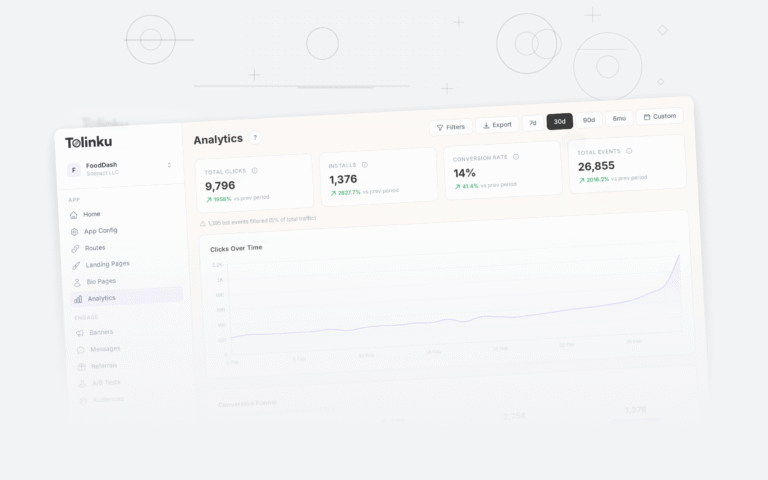
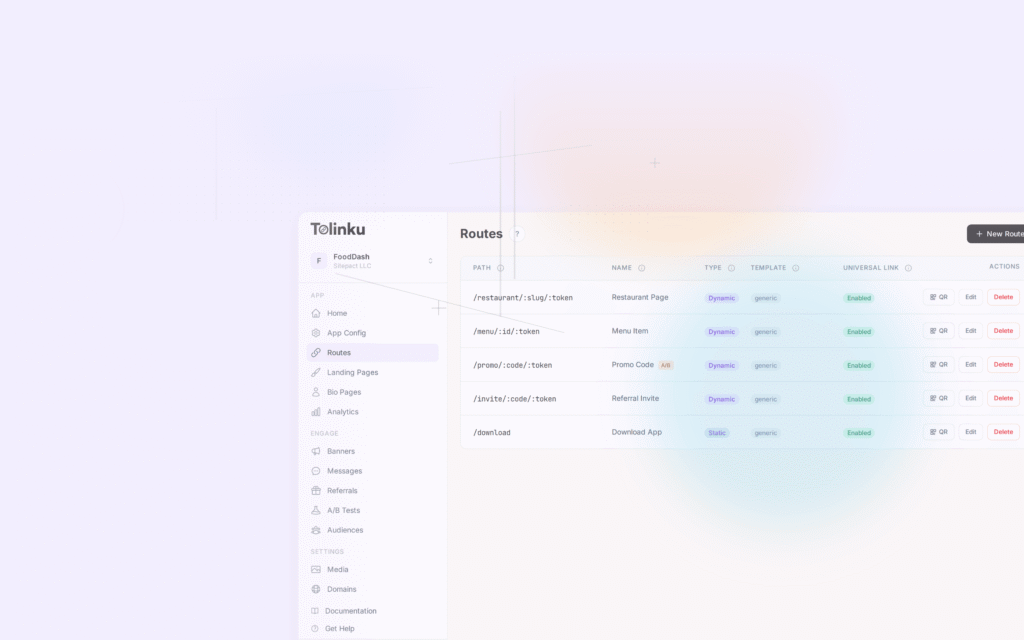
Tolinku centralizes deep link configuration. Routes are defined in the Tolinku dashboard, and the platform automatically generates and hosts AASA and assetlinks.json files. This eliminates the need for manual file management and reduces the chance of platform-specific files getting out of sync. Analytics provide visibility into which links are working across platforms.
For testing deep links, see testing deep links across platforms and devices. For the cross-platform overview, see cross-platform deep linking guide for 2026.
Get deep linking tips in your inbox
One email per week. No spam.