Time-sensitive campaigns (flash sales, event registration, limited offers) need links that stop working after the campaign ends. An expired link that shows a 404 page is a missed opportunity. An expired link that still shows the old offer creates confusion. This article covers strategies for managing link lifecycles.
For dynamic QR codes, see dynamic QR codes: change destinations without reprinting. For the complete guide, see QR codes and short links for mobile apps.
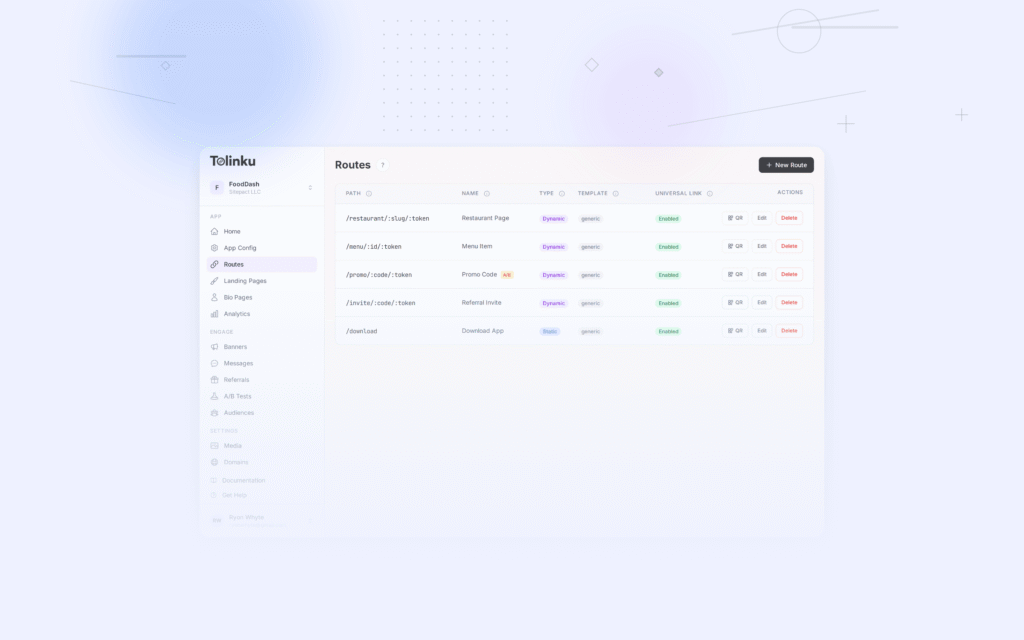
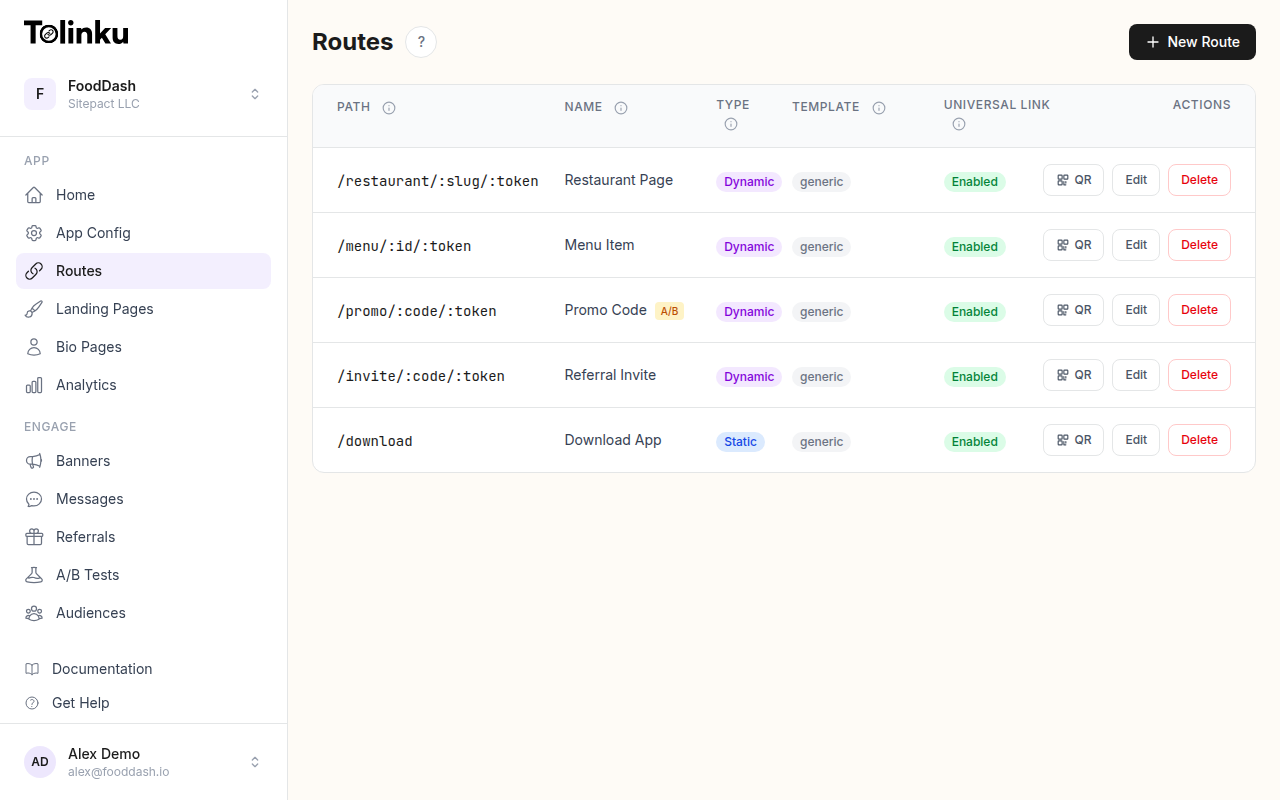 Tolinku route configuration with QR code generation for each deep link.
Why Links Expire
Time-Limited Offers
A "50% off for 48 hours" promotion should not be accessible after the window closes. If the link still works, customers expect the discount.
Event Registration
Event registration links should close when capacity is reached or the event starts. A working registration link after the event creates confusion.
Security
Shared access links (document sharing, temporary access tokens) should expire to limit exposure. A password reset link that works indefinitely is a security risk.
Content Freshness
Annual reports, seasonal catalogs, and versioned documentation become outdated. Expired links can redirect to the current version.
Expiration Types
Date-Based Expiration
The link expires at a specific date and time:
Expires: 2026-08-15T23:59:59Z
Use this for:
- Campaign end dates
- Event registration deadlines
- Seasonal promotions
Click-Count Expiration
The link expires after a certain number of clicks:
Max clicks: 1,000
Use this for:
- Limited-quantity offers ("first 1,000 customers")
- Exclusive access links
- Capacity-limited events
Combination Expiration
Expire on whichever condition is met first:
Expires: 2026-08-15T23:59:59Z OR after 500 clicks
This handles both time-based campaigns and capacity limits.
Expired Link Behavior
What happens when someone clicks an expired link matters. The options, from worst to best:
404 Page (Worst)
The default behavior if you just delete the link. The user sees a generic "page not found" error with no context and no next step.
Branded Error Page
A page that explains the link has expired, with your brand identity:
This offer has ended.

The promotion you are looking for is no longer available.
Visit our website for current deals.

[Visit Our Store]    [Download Our App]
Redirect to Current Campaign
Update the expired link's destination to point to the current equivalent:
/summer-2025-sale → (expired) → /summer-2026-sale
This works well for seasonal campaigns where there is always a current version.
Redirect to Category Page
Send expired product or offer links to the relevant category:
/offer/flash-sale-july → (expired) → /offers
The user sees current offers rather than a dead end.
Countdown or Waitlist
For upcoming campaigns, show a countdown or waitlist signup:
This sale starts in 3 days, 12 hours.

[Notify me when it starts]
Implementation Patterns
Server-Side Expiration
Check expiration at redirect time:
app.get('/r/:slug', async (req, res) => {
  const link = await getLink(req.params.slug);

  if (!link) {
    return res.status(404).render('not-found');
  }

  // Check date expiration
  if (link.expiresAt && new Date() > new Date(link.expiresAt)) {
    return handleExpired(res, link);
  }

  // Check click count expiration
  if (link.maxClicks && link.clickCount >= link.maxClicks) {
    return handleExpired(res, link);
  }

  // Track click and redirect
  await incrementClickCount(link.id);
  res.redirect(301, link.destination);
});

function handleExpired(res, link) {
  if (link.expiredRedirect) {
    return res.redirect(302, link.expiredRedirect);
  }
  return res.render('link-expired', {
    brandName: link.brandName,
    alternativeUrl: link.alternativeUrl
  });
}
Scheduled Destination Updates
For recurring campaigns, schedule destination changes:
// Campaign link lifecycle
const campaignLink = {
  slug: 'summer-sale',
  schedule: [
    { start: '2026-06-01', end: '2026-08-31', destination: '/sales/summer-2026' },
    { start: '2026-11-01', end: '2026-12-31', destination: '/sales/holiday-2026' },
    // Default (outside scheduled periods)
    { start: null, end: null, destination: '/sales' }
  ]
};
Graceful Degradation for Printed QR Codes
QR codes on printed materials cannot be updated. Plan for expiration at print time:
- Use dynamic links: The QR code URL never changes. The destination is updated server-side.
- Set a generous expiration: Printed materials circulate for months. Set expiration after the expected material lifetime.
- Plan the expired state: Before printing, decide what the link shows after the campaign.
Communicating Expiration
On the Link
Include expiration context in the campaign:
This offer expires August 15, 2026.
In Email/SMS
Add urgency without being misleading:
Your exclusive 30% discount is valid until midnight Friday.
[Shop Now] → go.yourcompany.com/flash30
On the Landing Page
Show a countdown timer for time-limited offers:
<div class="countdown">
  <span>This offer expires in:</span>
  <span id="timer">2d 14h 32m</span>
</div>
After Expiration
If users still have the link bookmarked or shared, the expired page should explain clearly:
This promotion ended on August 15.

Check out our current offers:
[Current Promotions] [Download Our App]
Analytics for Expired Links
Track what happens to expired links:
| Metric | Why It Matters |
|---|---|
| Clicks after expiration | Indicates ongoing distribution (shared links, bookmarks) |
| Clicks on expired redirect | Measures recovery (did users engage with the alternative?) |
| Bounce rate on expired page | Indicates page quality (is the expired page helpful?) |
| Time between expiration and last click | How long links circulate after campaigns end |
High click volume after expiration suggests the link is still being shared. Consider extending the campaign or creating an evergreen alternative.
Common Mistakes
| Mistake | Impact | Fix |
|---|---|---|
| Hard 404 on expiration | Lost traffic, bad user experience | Show branded expired page with alternatives |
| No expiration on promo links | Customers use expired discounts | Set expiration date at link creation |
| Expiring QR codes on permanent signage | Permanent dead link | Use dynamic links with updatable destinations |
| Same expiration for all links | Over/under-engineering | Match expiration to campaign type |
| No analytics on expired clicks | Missing data on link distribution | Track expired link clicks separately |
Tolinku for Link Expiration
Tolinku supports route expiration with configurable behavior when a link expires. You can set expiration dates, redirect expired links to alternative destinations, and track clicks on expired routes through analytics.
For campaign scheduling, see scheduling smart banners for campaign launches. For the complete guide, see QR codes and short links for mobile apps.
Get deep linking tips in your inbox
One email per week. No spam.