App downloads are not evenly distributed across the year. Every app category has seasonal peaks and valleys driven by holidays, cultural events, weather, and user behavior cycles. Understanding these patterns lets you time your marketing spend, content, and feature releases for maximum impact.
For budget allocation across seasons, see app growth budgeting: how to allocate your marketing spend. For the full growth playbook, see mobile app growth: 25 strategies that work in 2026.
Seasonal Download Patterns by Category
Universal Peaks
Two periods drive the largest download spikes across nearly all categories:
Holiday season (late November through January)
- Black Friday and Cyber Monday drive shopping app installs.
- Christmas gift cards and new devices trigger a massive install wave on December 25-26 (Apple and Google Play both report record downloads in this window).
- New Year's resolutions drive fitness, productivity, and finance app installs in early January.
Back to school (August through September)
- Education, productivity, and organizational apps see significant spikes.
- Parents download apps for children. Students download tools for the new term.
Category-Specific Patterns
| Category | Peak Season | Why |
|---|---|---|
| Fitness & Health | January, early spring | New Year's resolutions, pre-summer fitness goals |
| Shopping & E-commerce | Nov-Dec (Black Friday, holidays) | Gift buying, seasonal sales |
| Travel | January-March (booking), June-August (usage) | Vacation planning, then travel season |
| Finance & Budgeting | January, April (tax season) | New Year's financial goals, tax preparation |
| Education | August-September, January | New school terms |
| Gaming (casual) | December-January | Holiday downtime, new device owners |
| Food delivery | Rainy/cold months, major sporting events | Weather keeps people indoors |
| Dating | January, September | New Year's fresh starts, post-summer resets |
| Sports | Pre-season for each sport | Fantasy leagues, season tracking |
| Gardening & Outdoor | March-May | Spring planting season |
Planning Your Seasonal Strategy
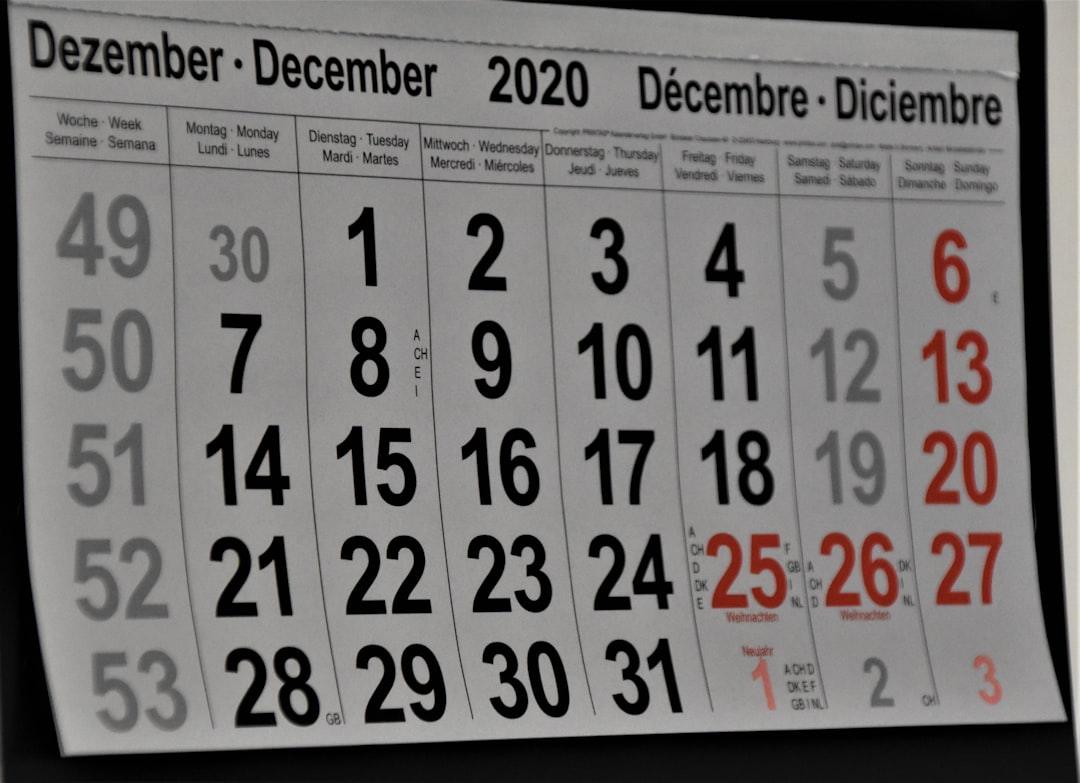 Photo by Waldemar Brandt on Unsplash
Build a Seasonal Calendar
Create a 12-month calendar specific to your app category:
- Identify your peaks: Check your historical analytics. When did downloads spike last year?
- Map external events: Holidays, cultural events, industry conferences, competitor launches.
- Plot content and campaigns: Work backward from each peak.
A practical timeline for a major seasonal push:
| Weeks Before Peak | Action |
|---|---|
| 8-12 weeks | Plan campaigns, brief creative teams |
| 6-8 weeks | Produce ad creative, write content |
| 4-6 weeks | Test creative with small budgets, refine |
| 2-4 weeks | Scale winning campaigns, update app store listing |
| Peak week | Full budget deployment, monitor daily |
| 1-2 weeks after | Analyze results, focus on retaining new users |
Pre-Season Preparation
Before a seasonal peak, prepare your app and marketing:
App Store Optimization (ASO)
- Update screenshots to reflect seasonal themes (holiday backgrounds, New Year's messaging).
- Adjust your app subtitle or short description with seasonal keywords (e.g., "New Year's Budget Planner").
- Seasonal keyword research: search volume for terms like "workout app" spikes 300-400% in January according to Google Trends.
Creative Assets
- Design seasonal ad creative ahead of time (holiday themes, resolution messaging).
- Prepare seasonal in-app content (challenges, promotions, themed features).
Infrastructure
- Ensure your app can handle traffic spikes (server capacity, CDN).
- Test your onboarding flow; new users during peaks should have a frictionless first experience.
- Set up campaign-specific deep links so you can track which seasonal campaigns drive installs.
Budget Allocation by Season
Shift Budget to Match Opportunity
Do not spread your annual budget evenly across 12 months. Concentrate spend during periods when users are actively looking for solutions:
| Quarter | Typical Budget Allocation (Fitness App) | Reason |
|---|---|---|
| Q1 (Jan-Mar) | 40% | New Year's resolution peak |
| Q2 (Apr-Jun) | 20% | Pre-summer, moderate demand |
| Q3 (Jul-Sep) | 15% | Off-season, maintain presence |
| Q4 (Oct-Dec) | 25% | Holiday prep, gift card installs |
CPI Varies by Season
Cost per install fluctuates with demand:
- Peak seasons: More advertisers compete for the same audience, driving CPIs up 20-50%.
- Off-season: Lower competition means lower CPIs but also fewer high-intent users.
The optimal strategy depends on your economics:
- If your LTV is high enough to absorb peak CPIs, spend aggressively during peaks when user intent is highest.
- If your LTV is tight, consider counter-cyclical spending: acquire users during off-peak periods at lower CPIs and retain them through the peak.
Holiday Ad Spend Competition
The advertising ecosystem becomes significantly more expensive during Q4 (October through December). Facebook, Google, and Apple Search Ads all see CPM and CPI increases as e-commerce brands flood the market with holiday ad spend. If your app is not in e-commerce, consider whether competing for attention during this window makes sense versus investing in organic channels.
Retention During and After Peaks
Acquiring users during a seasonal peak is only valuable if you retain them. The biggest risk: users who download your app due to a temporary motivation (New Year's resolution, holiday gift) and churn within weeks.
Day-1 Through Day-7 Strategy
For users acquired during a peak:
- Immediate value: Show the user something valuable within the first session. Do not gate core features behind long onboarding flows.
- Habit formation: Use push notifications and in-app prompts to bring users back on days 2, 3, and 7.
- Personalization: Ask a few questions during onboarding to tailor the experience (e.g., fitness goals, dietary preferences, budget targets).
Seasonal Churn Patterns
| Scenario | Typical Churn Pattern | Mitigation |
|---|---|---|
| New Year's fitness apps | 80% churn by February | Build streak mechanics, social accountability |
| Holiday shopping apps | 70% churn by mid-January | Transition messaging to "everyday deals" |
| Tax season finance apps | 60% churn by May | Expand value proposition beyond tax filing |
| Back-to-school education apps | 50% churn by November | Align content with ongoing curriculum |
Re-Engagement Campaigns
Plan re-engagement campaigns for 30, 60, and 90 days after a seasonal peak:
- 30 days: "Still working on your goals? Here's your progress so far."
- 60 days: "We added new features since you last visited."
- 90 days: Feature a new use case or reason to return.
Use deep links in re-engagement emails and push notifications so users land directly on relevant content, not the home screen. Deferred deep linking ensures the context is preserved even if the user needs to update the app.
Off-Season Strategy
Off-seasons are not dead time. Use them to:
Build Organic Assets
- Publish SEO content that will rank by the time your next peak arrives.
- Improve your app store listing and experiment with A/B tests.
- Grow your email list and community.
Optimize and Experiment
- Run A/B tests on onboarding flows with lower-volume traffic.
- Test new ad platforms or creative formats at lower CPIs.
- Analyze your peak season data to identify what worked and what did not.
Prepare for the Next Peak
- Brief creative teams early.
- Set up tracking and attribution for upcoming campaigns.
- Pre-build seasonal in-app features (they require development time).
Measuring Seasonal Performance
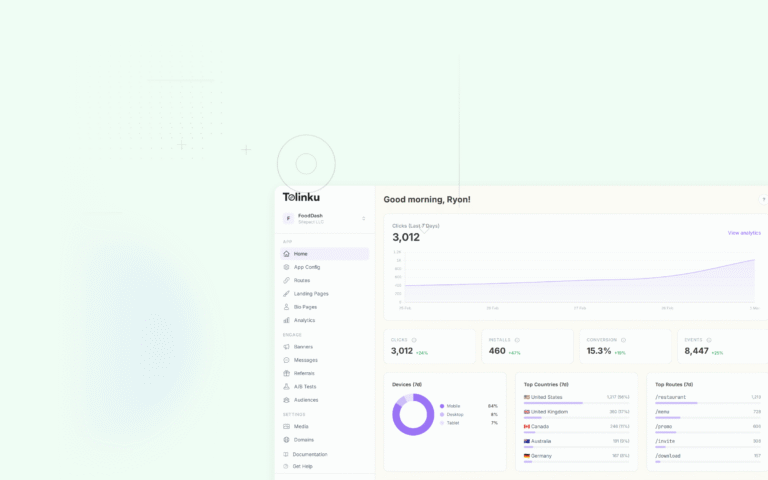
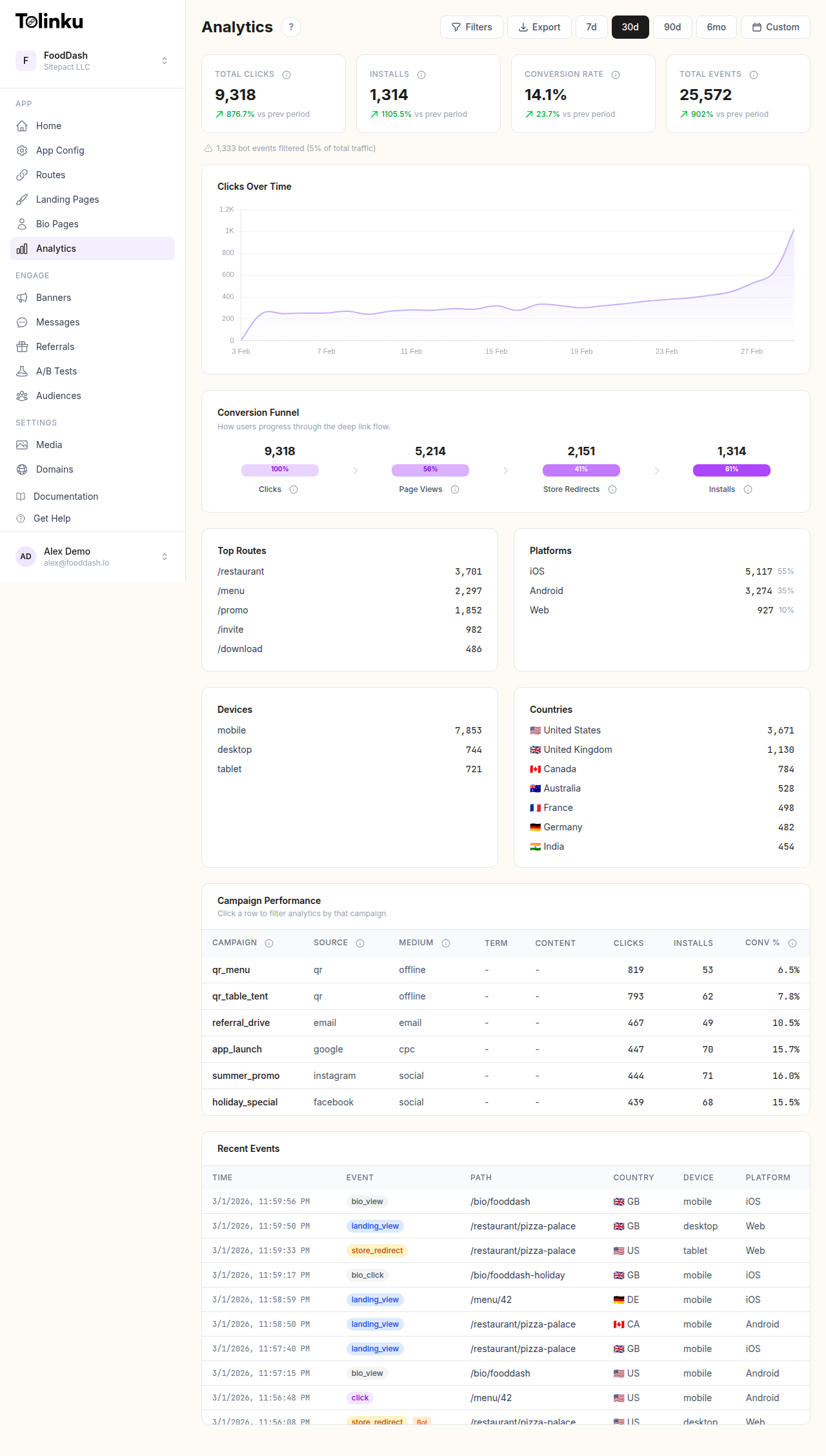 Tolinku analytics dashboard for tracking seasonal campaign performance.
Year-over-Year Comparison
Do not compare January downloads to December downloads and conclude growth. Compare January 2026 to January 2025 to see real progress.
| Metric | Jan 2025 | Jan 2026 | YoY Change |
|---|---|---|---|
| Installs | 5,000 | 8,200 | +64% |
| CPI | $3.20 | $2.80 | -12.5% |
| Day-7 retention | 28% | 35% | +25% |
| Revenue | $12,000 | $22,000 | +83% |
Seasonal Indexes
Calculate a seasonal index for your app to normalize performance:
Seasonal Index = Month's downloads / Average monthly downloads
A seasonal index of 1.5 for January means January typically sees 50% more downloads than the average month. Use these indexes to set realistic monthly targets and avoid overreacting to normal seasonal dips.
Attribution by Campaign
Track which seasonal campaigns drive the highest-quality users (not just the most installs). Use analytics to compare retention and revenue per user across campaigns.
Tolinku for Seasonal Campaigns
Tolinku lets you create campaign-specific deep links with tracking parameters. Set up routes for each seasonal campaign (e.g., /promo/new-year-2026) and track clicks, installs, and conversions through analytics. This data feeds directly into your seasonal planning for the following year.
For smart banner scheduling, see scheduling smart banners for campaign launches. For the full growth guide, see mobile app growth: 25 strategies that work in 2026.
Get deep linking tips in your inbox
One email per week. No spam.